Description
Pricing
Features
Specification
Review
Compare
FAQs
Alternatives
 Get Free Advice
Get Quote

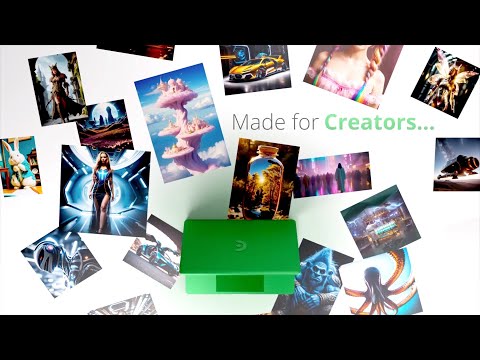
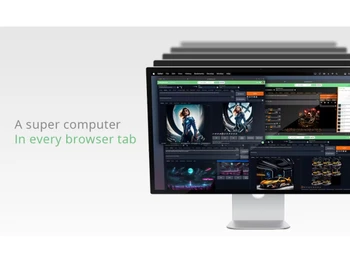
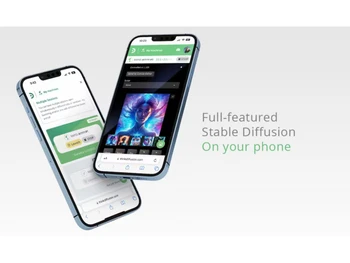
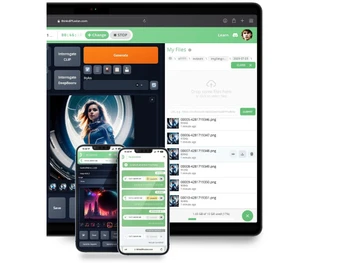


See
More
Brand : Think Diffusion Inc


Have Questions?
Starting at
$ 30
Save Extra with 2 Offers
 Save upto 18%, Get GST Invoice on your business purchase |
Users with registered businesses can purchase goods from merchants on the platform to satisfy their business needs. Users are not permitted to utilize any products acquired through the platform for resale, advertising, business, or further distribution.
For each purchase made, users will receive a Tax Invoice (or 'GST invoice') that includes specific details such as:
the GSTIN of the user associated with their registered business, and
the specified Entity Name for their business.
It should be noted that not all products are eligible for GST Invoice. Only the products displayed by participating sellers with the 'GST-based Invoice Available' callout on the product description page would qualify.
Certain goods and services are not eligible to get a GST Invoice, including items with VAS, i.e., Value Added Services (e.g., Total Mobile Protection/Assured Buyback) and those involving an exchange offer at the time of purchase.
Users must ensure the accuracy of the GSTIN, and business entity name provided for the GST Invoice. Requests for corrections into GST Invoice would not be accommodated by Techjockey.com or any Seller, and any issues arising from user-provided information are the sole responsibility of users.
Techjockey.com is not liable for the GST Invoice or any associated input tax credit. To efficiently claim an input tax credit, users should select the registered place of business address as per the GST authority's data and follow the provisions of the GST Act and rules.
To claim an input tax credit, the delivery and billing addresses must match. Furthermore, input tax credits will not be granted if the delivery address and GSTIN on the invoice are from different states. In case of incorrect GST details provided during the order placement, the order will be canceled automatically.
Buy Now & Pay Later, Check offer on payment page. A cloud-based AI image generation platform that provides dedicated GPU power for running Stable Diffusion models. ...Read more
 Get Instant Expert
  Safe & Secure
  Assured Best Price
 We make it happen! Get your hands on the best solution based on your needs.
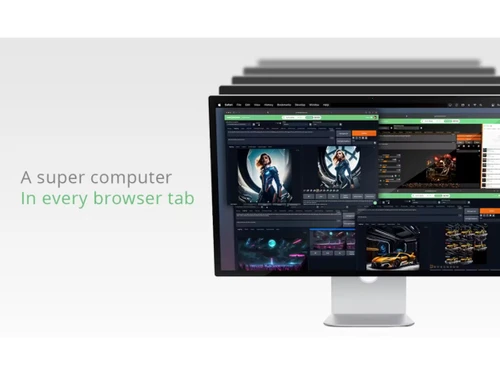
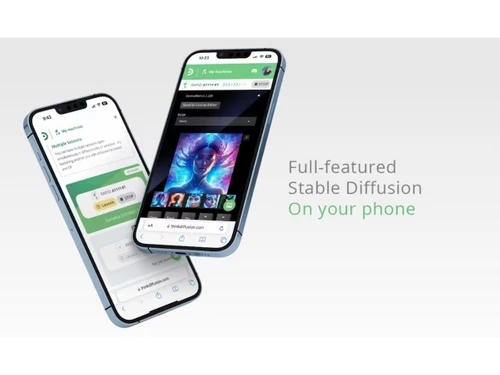
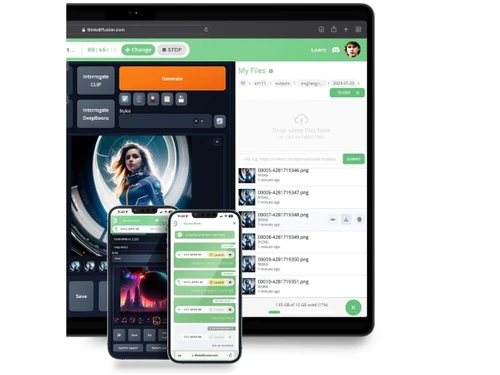
Image Generation and Processing
 Real-time Preview Interfaces like Automatic1111 and ComfyUI provide iterative previews during generation workflows. Text-to-Image Generation Core feature allowing prompt-based image generation using Stable Diffusion models. Image-to-Image Transformation Supports img2img workflows to transform existing images with prompts and adjustable strength. Multi-Layer Image Processing Tools like Automatic1111 support layered workflows via extensions and compositing techniques. High-Resolution Output Generates high-res images with upscaling and high-resolution fix options available. Batch Generation Enables batch image generation for multiple prompts or variations in one run. Preset Styles Users can apply saved prompts, LoRAs, and style presets for consistent outputs. Drag and Drop Supports drag-and-drop uploads for images in img2img and workflow-based interfaces. Real-Time Rendering Produces immediate results by creating the final image in real time while the user modifies the prompt or settings
 Editing and Customization Tools
Style Transfer Supports style transfer using prompts, LoRAs, and image-to-image workflows for artistic transformations. Background Removal Achievable via extensions and models that enable segmentation and background removal workflows. AI Editor Includes inpainting, outpainting, and editing tools for modifying generated or uploaded images. Adjustable Parameters Users can control steps, CFG scale, sampler types, seed, and other generation parameters. Layer Control Achieved via inpainting masks and node-based workflows like ComfyUI for granular control. Realistic Object Generation Advanced models generate highly realistic objects, faces, and scenes with proper prompting. Resolution Control Users can define output resolution and aspect ratios before and during generation. Image Upscaling Built-in upscalers enhance image resolution and detail using AI-based techniques. Object Removal Inpainting tools allow selective removal and replacement of unwanted objects in images. Image Tiling Supports seamless tiling generation for textures using tiling settings in Stable Diffusion. Denoising Denoising strength parameter controls how much of the original image is altered in img2img. Image Weights Weighted prompts and image conditioning allow fine control over generated outputs. Style Adaptation Adapts styles dynamically using LoRAs, embeddings, and prompt engineering. 3D Effects Make 3D design images from simple text descriptions Content Filters Users can add filters to photos, regulating content production, such as allowing or prohibiting NSFW content. Text Overlay Allows the user to add text over the generated images Prompt Control and Enhancements
Prompt Sensitivity Outputs strongly respond to prompt wording, weights, and structure for precise control. Prompt Flexibility Supports complex prompts with weights, syntax, embeddings, and modifiers. Prompt Editing Prompts can be edited and refined interactively during generation sessions. Prompt Matrix Automatic1111 supports prompt matrix to generate variations across combinations. Negative Prompt Allows exclusion of unwanted elements using negative prompts for cleaner results. Seed Seed values ensure reproducibility of generated images across sessions. Prompt Enhancer Reads your prompt, analyzes it and then make changes in it automatically so that you get an upgraded image. Real-Time Generation Generates images as users enter the prompts thereby reducing wait time Model and AI Capabilities
Multi-Model Support Supports multiple models, checkpoints, and LoRAs within the same environment. Fine Tuning Enables training of LoRAs and fine-tuned models using integrated tools like Kohya. Model Merging Users can merge multiple models to create hybrid styles and outputs. Collaboration and Sharing
Collaboration Tools Team plans allow shared workspaces, enabling collaboration on models, workflows, and generated assets. Prompt Libraries Users can save and reuse prompts as part of workflows or presets. Image Sharing Images can be downloaded and shared externally; some plans support workspace sharing. Custom Templates Workflow templates and saved configurations allow repeatable generation setups. Branding and Commercial Use
Data Privacy Dedicated private GPU sessions ensure user data and models are isolated from other users securely. Brand Kit Integration Enables users to brand created photos, guaranteeing uniformity across material Commercial Rights Defines the legal usage of generated images allowing the user if they can use it for commercial purposes Integration Supported
Cloud Storage and Collaboration Tools Integration Provides persistent cloud storage for files, models, and outputs in paid plans. Plugin & Extensions Supports a wide range of extensions and custom nodes for extended functionality. API Integration Provides the creator with an API of an image so that they can use it on other processes or apps Content Management Systems (CMS) Integration Allowing direct integration with CMS platforms allowing user to publish images on websites Design and Editing Software Integration Connectiing the design other editing tools for further image refinement E-Commerce Platforms Integration Provides the ability to generate product images directly for use on platforms 3D Modeling Software Integration Allow the user to create and modify 3D components inside the images using 3D applications Game Engines Integration Allows created pictures to be seamlessly integrated with gaming engines Video Editing Tools Integration Allows the user to connects with video editing software Animation Tools Integration Enables the mixing of AI-generated images with animation software NFT Marketplaces Supports direct export of AI-generated images as NFTs allowing users to mint and sell their creations on platforms 

 20,000+ Software Listed
 Best Price Guaranteed
 Free Expert Consultation
 2M+ Happy Customers
 USA
USA UAE
UAE
 Write a Review