USA
USA UAE
UAESmall Business
Designed for startups and growing businesses


See More
Brand: Desmos Studio
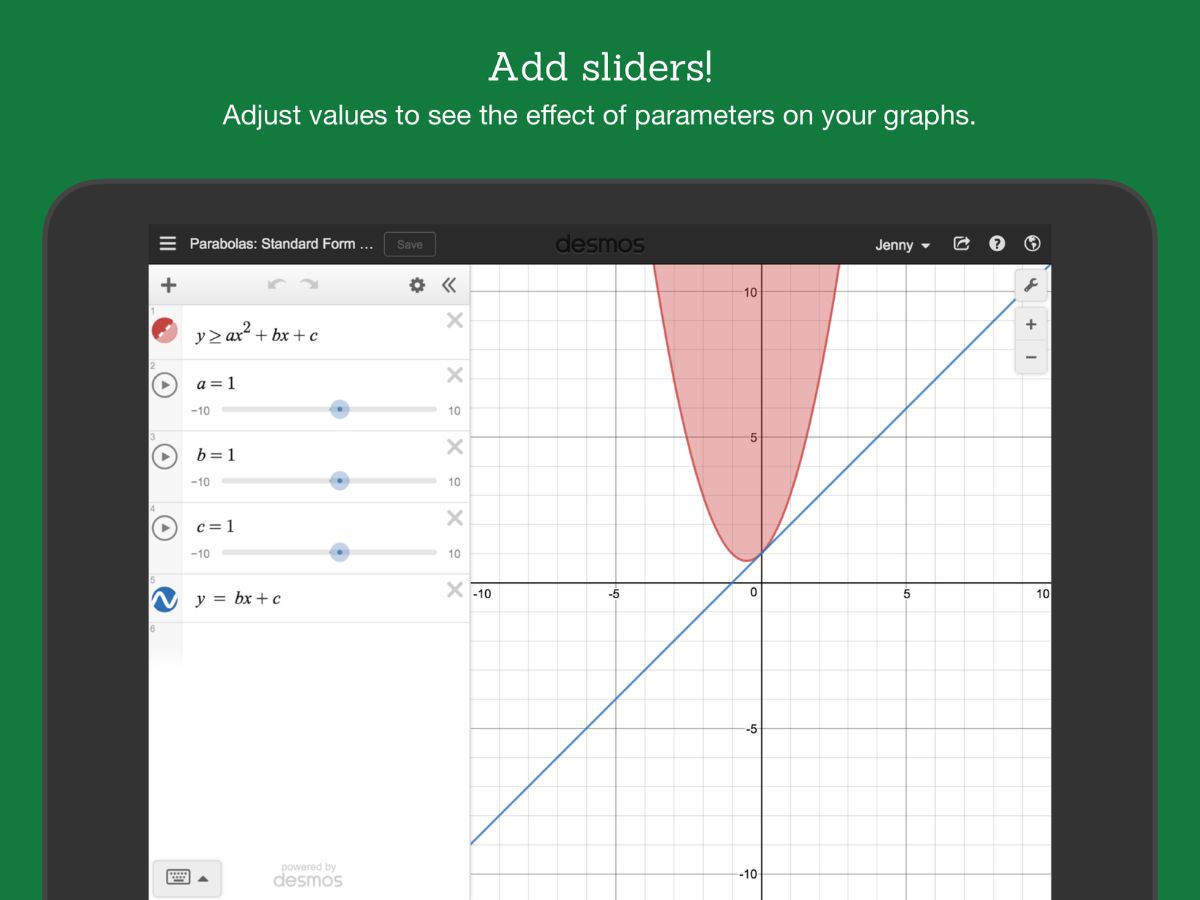
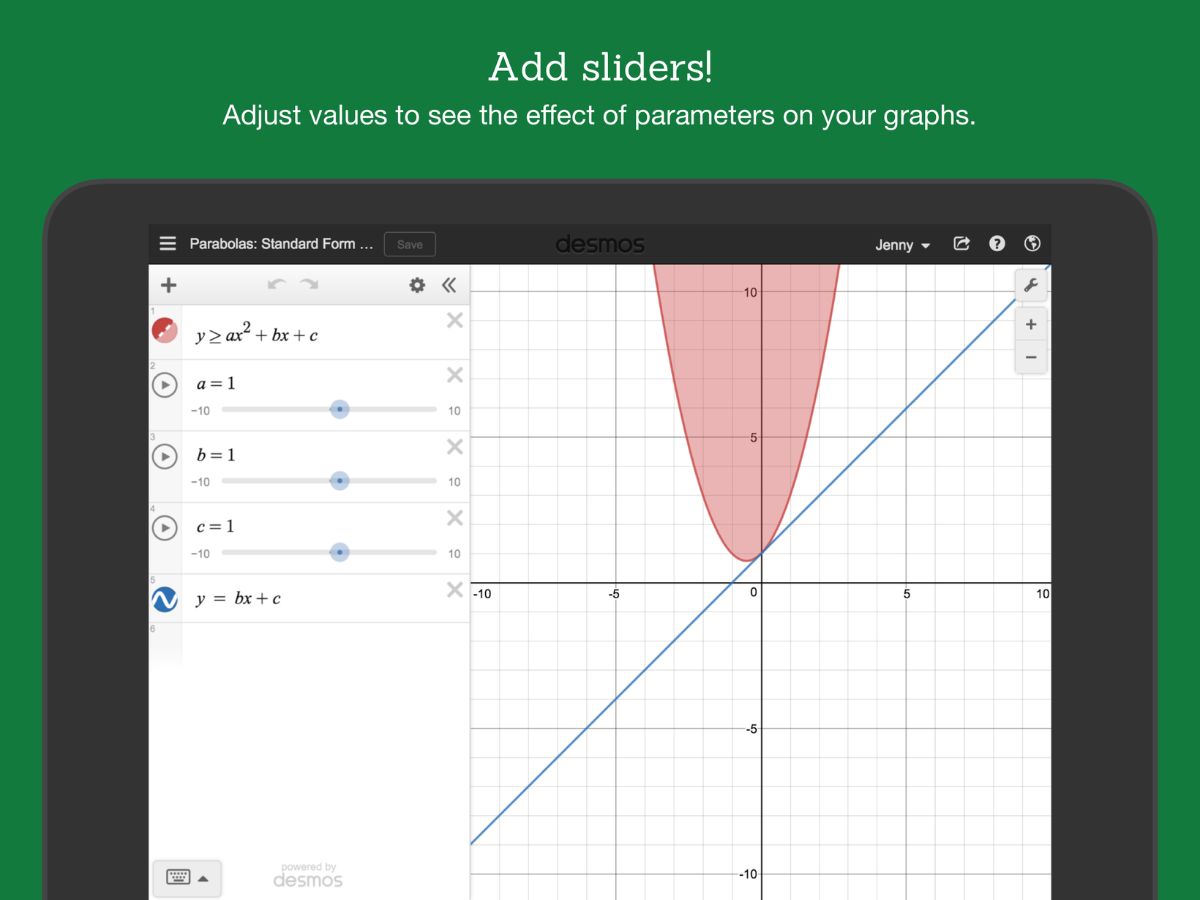
Desmos makes learning math accessible for everyone, transforming complex concepts into engaging, interactive experiences for students and educators alike.
See MoreHave you used Desmos before?
Share your insights for better experience
Brand: Desmos Studio
Founded Year: 2021
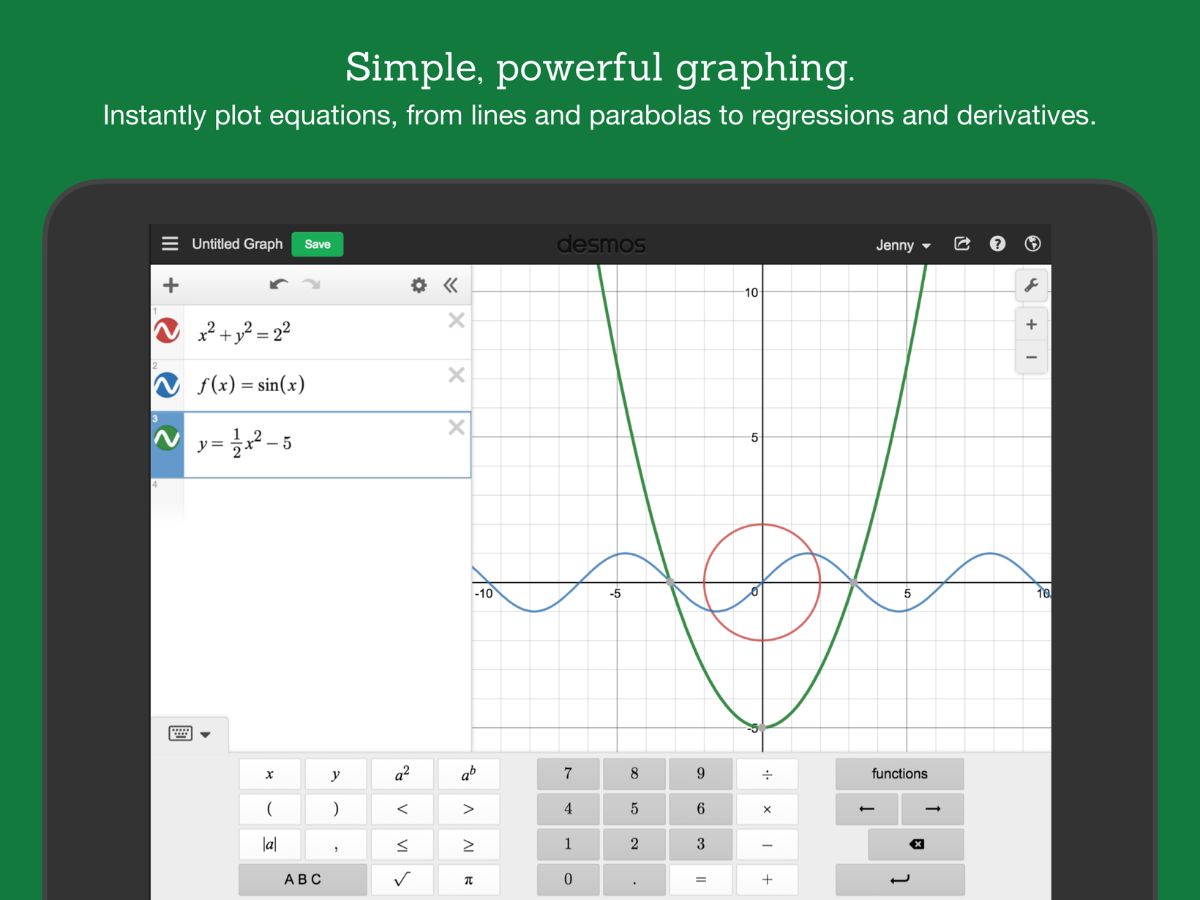
Desmos Studio PBC is a free online graphing calculator and other accessible tools to explore, grow, and create with math.
Looking for The Right Pricing?
Share your requirements and get a plan built around your business.
Price Available on Request
Get personalised Desmos pricing that fits your needs. Our team will connect with you.
 Graphing Calculator Interactive Visualizations Real-Time Updates Equation Solver Customizable Sliders Data Plotting Geometry Tools 3D Graphing Collaboration Tools Multi-device Compatibility Export & Sharing
  Ubuntu
  Windows
  iOS
iOS  Android MacOS
  Desktop
  Mobile
  Tablet
  iPad
iPad  Cloud-Based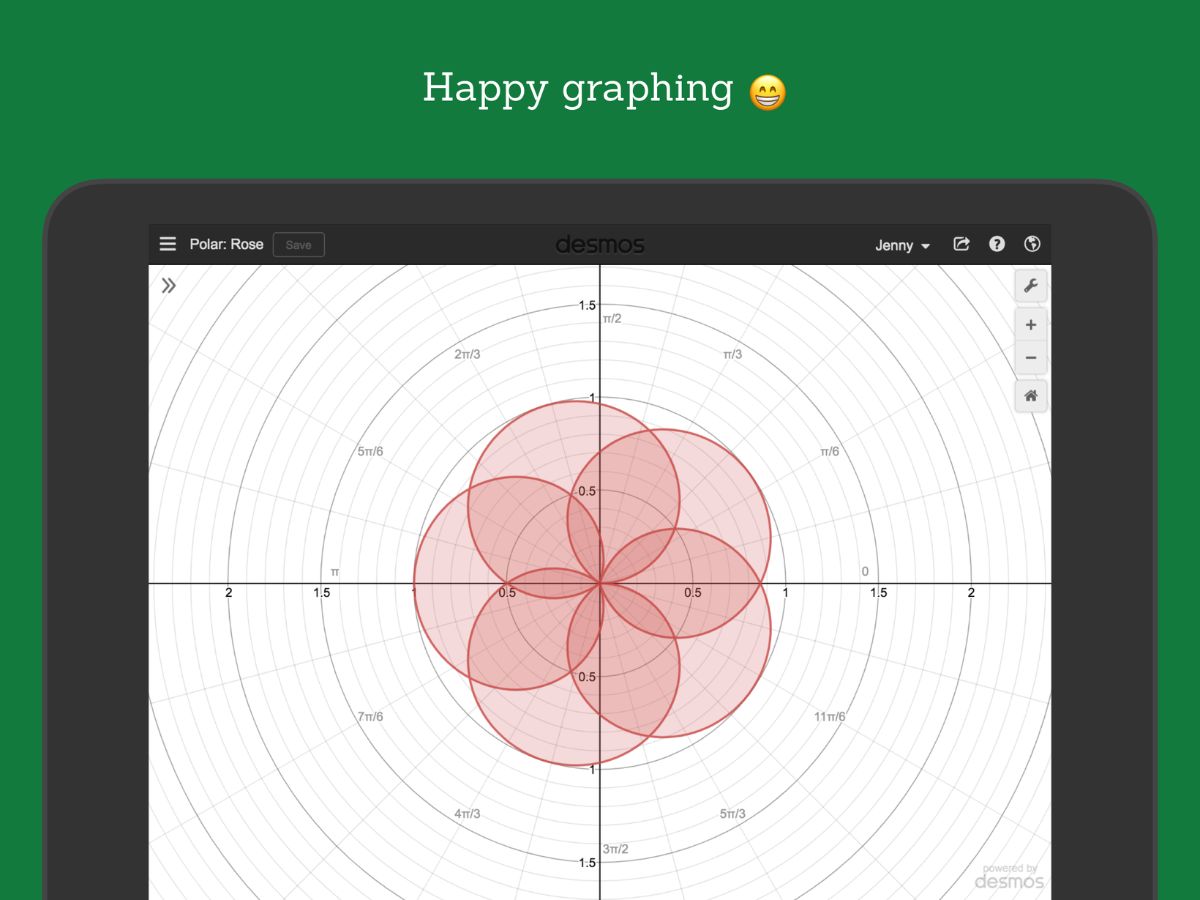
Small Business
Designed for startups and growing businesses
Medium Business
Built for business growth and flexibility
Enterprises
Designed for complex and large-scale business needs
Techjockey Trusted Reviews from Verified Users
No reviews are currently available for Desmos. Discover similar Educational Software reviews

Megam Education
Whats great - The user interface is simple and contemporary, and device checkout is simple and convenient. These are perhaps its best quali... read more

School Console
Whats great - The overall experience is great, and the team support is also excellent. read more

EDUPI
Whats great - I could contact with my kids' instructors and gather information about them, and it was simple to use. working well read more
Desmos
Price On Request
Desktop
Mobile
Web based
On Premises
Windows
Mac OS

iCloudEMS
Price On Request
Desktop
Mobile
Web based
On Premises
Windows
Mac OS

Chegg
Price On Request
Desktop
Mobile
Web based
On Premises
Windows
Mac OS

Kuta Software
Price On Request
Desktop
Mobile
Web based
On Premises
Windows
Mac OS
Megam Education
Price On Request
Desktop
Mobile
Web based
On Premises
Windows
Mac OS

Fliplearn
Price On Request
Desktop
Mobile
Web based
On Premises
Windows
Mac OS

Copilot
Price On Request
Desktop
Mobile
Web based
On Premises
Windows
Mac OS
Elicit
Price On Request
Desktop
Mobile
Web based
On Premises
Windows
Mac OS

Autonomous College Software
Price On Request
Desktop
Mobile
Web based
On Premises
Windows
Mac OS

Classbot
₹ 5000
Desktop
Mobile
Web based
On Premises
Windows
Mac OS

Canvas Studio
Price On Request
Desktop
Mobile
Web based
On Premises
Windows
Mac OS
(0) Product(s) selected
Available
Price on Request
Starting Price:
$20 /month
Starting Price:
$30
Available
Price on Request
Starting Price:
$12 /Month
Starting Price:
$75
Available
Price on Request

Starting Price:
$149 /Year

Available
Price on Request

Starting Price:
$5 /Month

Available
Price on Request
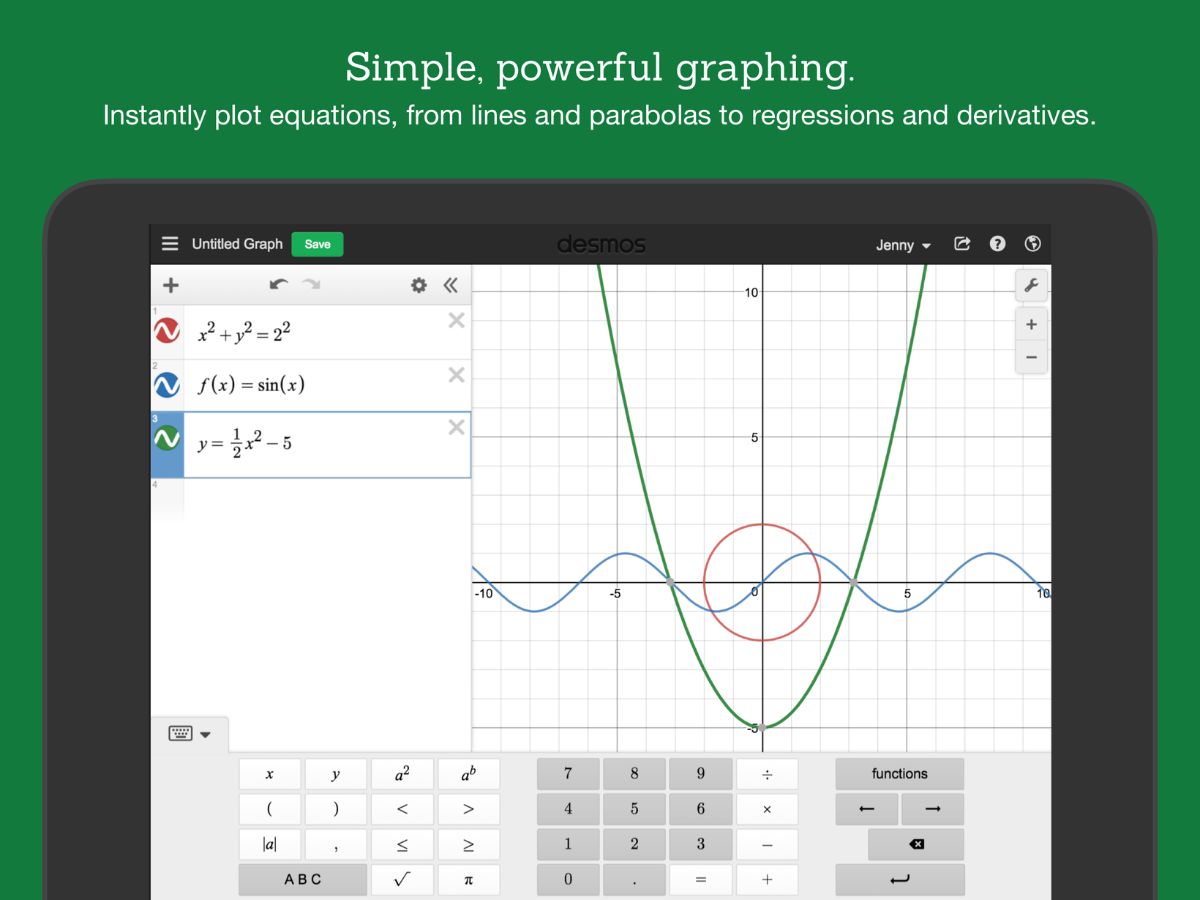
Desmos is primarily used as a powerful and intuitive online graphing calculator and a suite of math tools designed to make learning and exploring mathematics accessible and engaging for students and educators alike.
Yes, Desmos is completely free to use, offering its math tools and graphing calculator without any cost.
Desmos is itself a modern, web-based graphing calculator that often provides a more intuitive and interactive experience compared to traditional handheld graphing calculators, making complex mathematical concepts visually clear and easy to manipulate.
Yes, Desmos is widely regarded as an excellent calculator, particularly for graphing and exploring mathematical functions due to its user-friendly interface, powerful capabilities, and visual clarity.
Yes, Desmos can solve equations by graphically displaying their solutions, allowing users to find intersection points or roots visually and numerically through its interactive graphing features.
Desmos is designed for a wide range of users, including students from middle school through college, educators, and anyone interested in exploring mathematics, from basic algebra to advanced calculus.
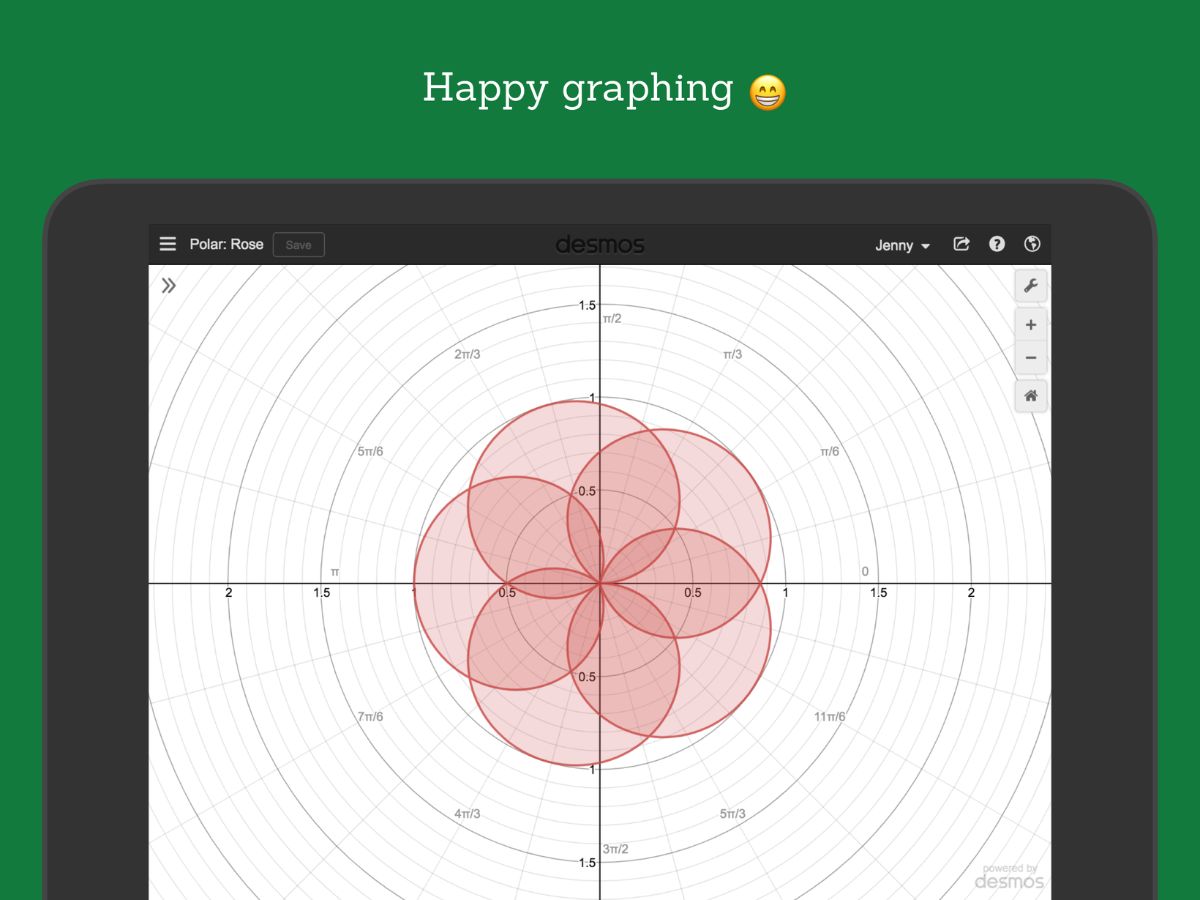
Desmos makes math beautiful by providing a visually appealing and interactive platform where complex equations and functions can be easily graphed and manipulated, transforming abstract concepts into clear, engaging visuals.
Desmos can graph a wide variety of mathematical functions, including linear, quadratic, trigonometric, exponential, logarithmic, and parametric equations, among many others, all with dynamic and interactive visualizations.
As a web-based platform, Desmos is accessible across various devices, including computers, tablets, and smartphones, allowing users to engage with math anywhere with an internet connection.
Desmos pricing details are available on request on techjockey.com.
20,000+ Software Listed
Best Price Guranteed
Free Expert Consultation
2M+ Happy Customers
Terms and Condtions

Users with registered businesses can purchase goods from merchants on the platform to satisfy their business needs. Users are not permitted to utilize any products acquired through the platform for resale, advertising, business, or further distribution.
For each purchase made, users will receive a Tax Invoice (or 'GST invoice') that includes specific details such as:
the GSTIN of the user associated with their registered business, and
the specified Entity Name for their business.
It should be noted that not all products are eligible for GST Invoice. Only the products displayed by participating sellers with the 'GST-based Invoice Available' callout on the product description page would qualify.
Certain goods and services are not eligible to get a GST Invoice, including items with VAS, i.e., Value Added Services (e.g., Total Mobile Protection/Assured Buyback) and those involving an exchange offer at the time of purchase.
Users must ensure the accuracy of the GSTIN, and business entity name provided for the GST Invoice. Requests for corrections into GST Invoice would not be accommodated by Techjockey.com or any Seller, and any issues arising from user-provided information are the sole responsibility of users.
Techjockey.com is not liable for the GST Invoice or any associated input tax credit. To efficiently claim an input tax credit, users should select the registered place of business address as per the GST authority's data and follow the provisions of the GST Act and rules.
To claim an input tax credit, the delivery and billing addresses must match. Furthermore, input tax credits will not be granted if the delivery address and GSTIN on the invoice are from different states. In case of incorrect GST details provided during the order placement, the order will be canceled automatically.