USA
USA UAE
UAESmall Business
Designed for startups and growing businesses


See More



Brand: KillBot
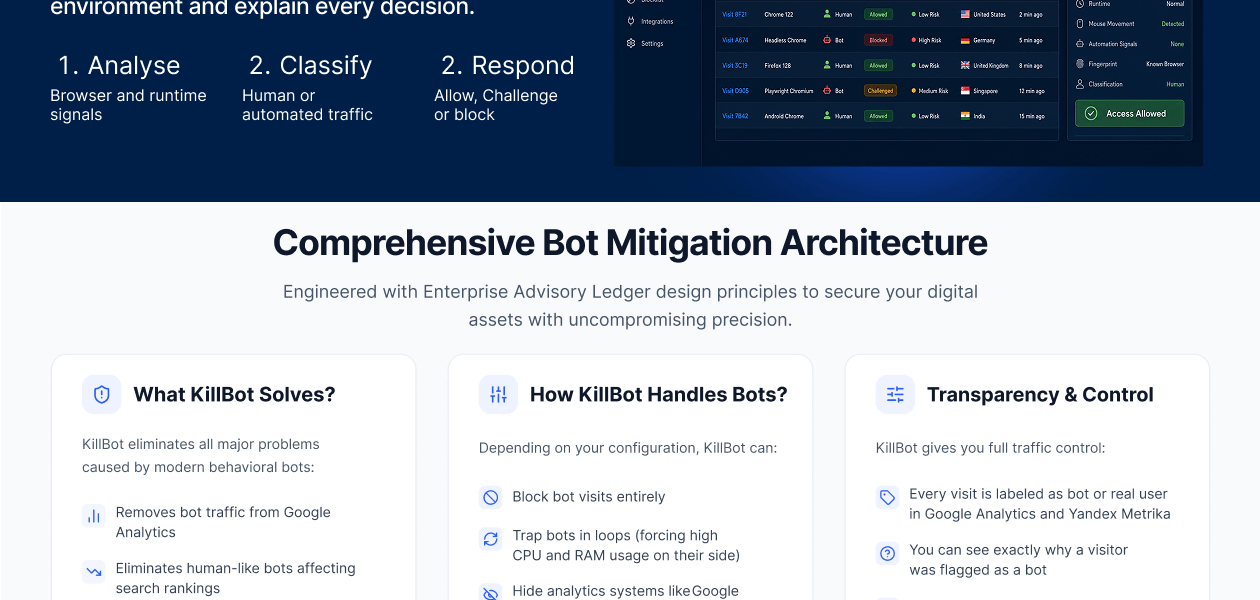
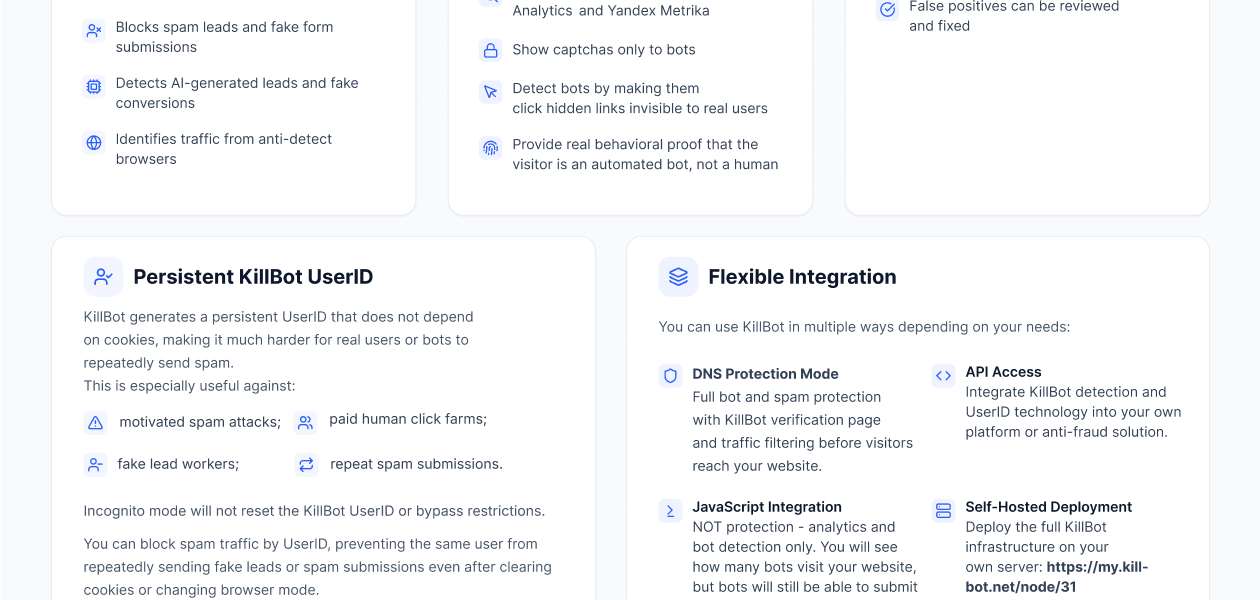
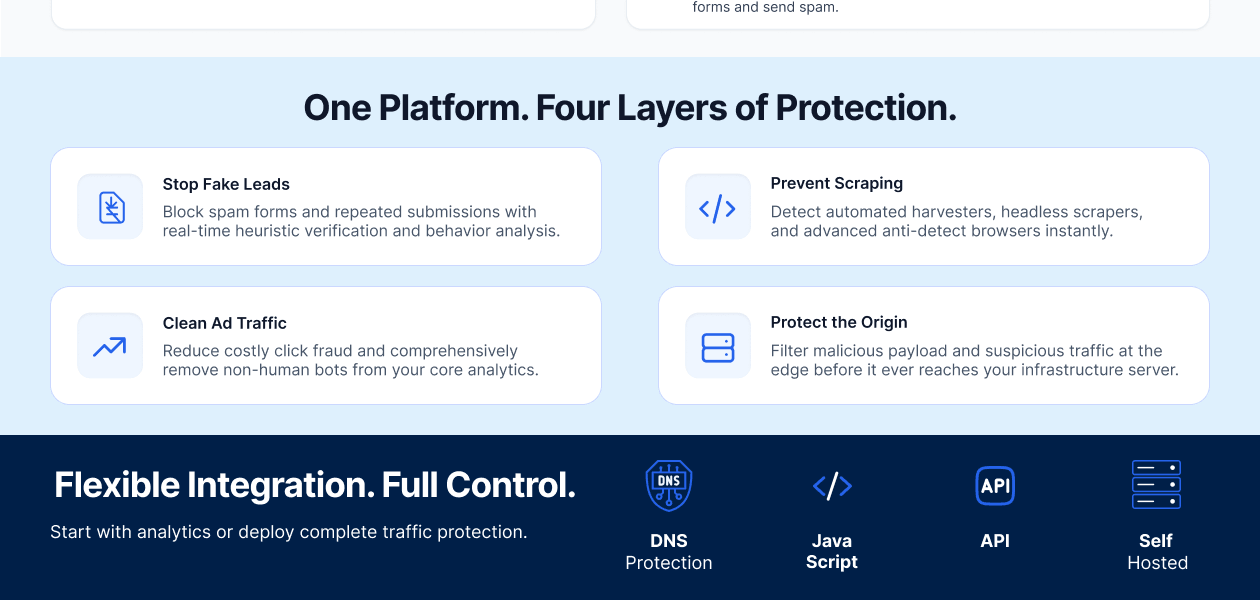
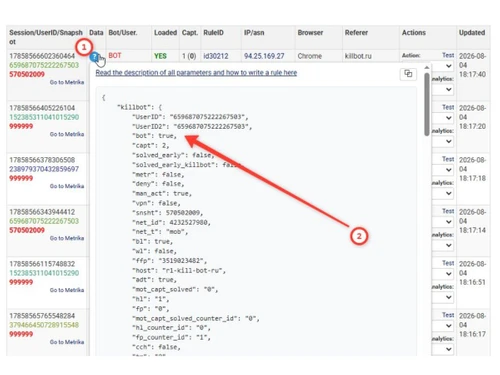
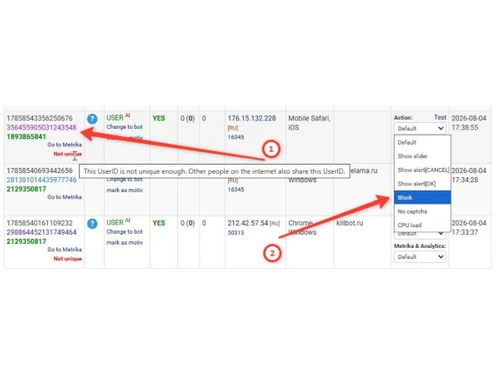
KillBot is an anti-bot tool that uses Software Snapshots technology to detect and block human-like bots, protecting analytics, ad campaigns, and forms from fake traffic. It offers flexible deployment through DNS Protection, JavaScript integration, or API.
See MoreHave you used KillBot before?
Share your insights for better experience
Brand: KillBot
Founded Year: 2024
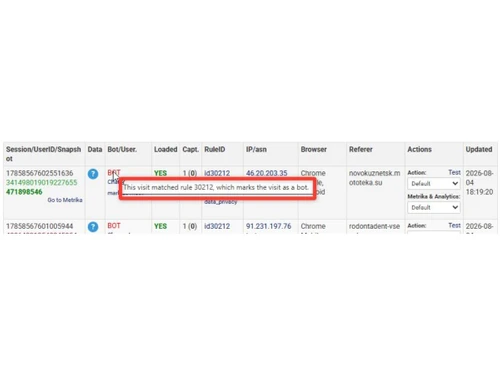
KillBot is an anti-bot and anti-fraud platform that protects websites from human-like bots, fake leads, spam, scraping, AI traffic, and anti-detect browsers. It uses modern browser snapshot technology to detect advanced bots that traditional browser finge
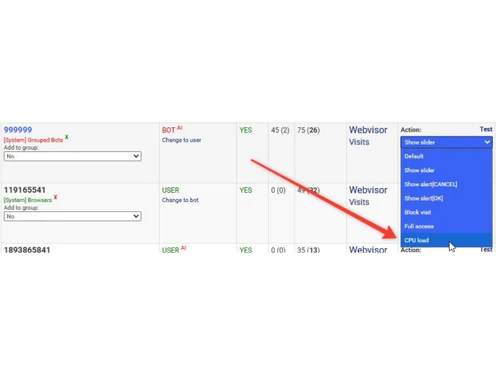
 Bot Detection Browser Snapshots CPU Load Protection Spam Protection Fake Lead Detection AI Traffic Detection Anti-Detect Browser Detection Proxy Bot Detection UserID Blocking DNS Protection Mode Analytics Integration DDoS protection Bot Group Management Anti-Fraud API Detection Reasoning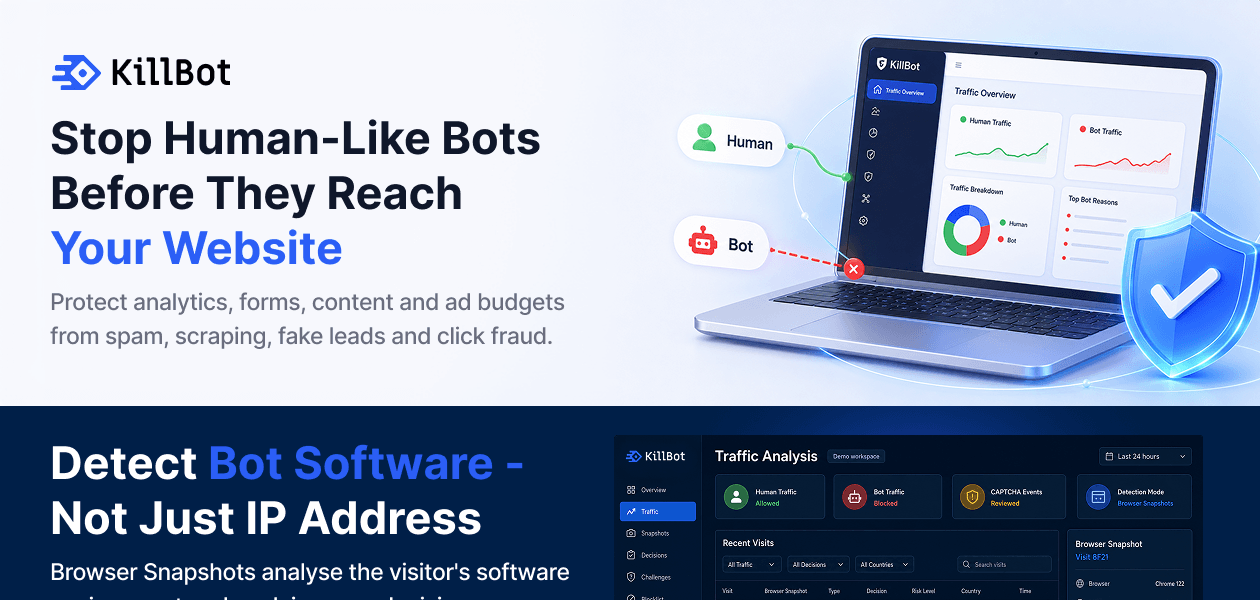
 Ubuntu
  Desktop
  Mobile
  Tablet
  iPad
iPad  Cloud-Based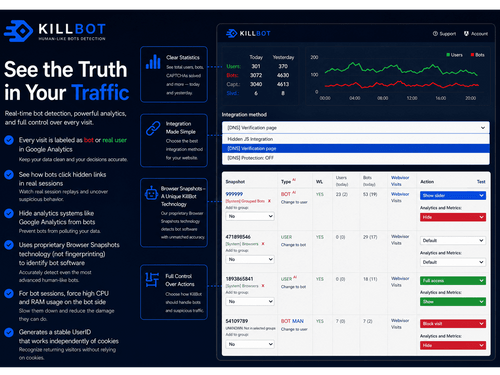
Small Business
Designed for startups and growing businesses
Medium Business
Built for business growth and flexibility
Enterprises
Designed for complex and large-scale business needs
Techjockey Trusted Reviews from Verified Users
No reviews are currently available for KillBot. Discover similar Network Security Solutions reviews

Nebtree
Whats great - I am thankful to Techjockey for suggesting this software. Not only does Nebtree provide insightful analytics of internet usag... read more

Net Protector Corporate Web Control
Whats great - It is useful in blocking entertainment websites, it works appropriately there is no issue in working. It is minimal complex, ... read more

TrackOFF
Whats great - Foils sites that track your online action utilizing fingerprinting. Effectively identifies following endeavors. Can clear tre... read more
KillBot
Price On Request
Desktop
Mobile
Web based
On Premises
Windows
Mac OS

Accops HySecure
Price On Request
Desktop
Mobile
Web based
On Premises
Windows
Mac OS

Aryaka
Price On Request
Desktop
Mobile
Web based
On Premises
Windows
Mac OS
Aircrack-ng
Price On Request
Desktop
Mobile
Web based
On Premises
Windows
Mac OS

Twingate
Price On Request
Desktop
Mobile
Web based
On Premises
Windows
Mac OS

Nexthink
Price On Request
Desktop
Mobile
Web based
On Premises
Windows
Mac OS

Smartguard
Price On Request
Desktop
Mobile
Web based
On Premises
Windows
Mac OS
CDN Pro
Price On Request
Desktop
Mobile
Web based
On Premises
Windows
Mac OS
Fortinet Secure SD-WAN
Price On Request
Desktop
Mobile
Web based
On Premises
Windows
Mac OS
Cisco Catalyst SD-WAN
Price On Request
Desktop
Mobile
Web based
On Premises
Windows
Mac OS
TrackOFF
Price On Request
Desktop
Mobile
Web based
On Premises
Windows
Mac OS
(0) Product(s) selected
Available
Price on Request
Starting Price:
$6 /Month
Available
Price on Request
Available
Price on Request
Available
Price on Request
Available
Price on Request
Available
Price on Request

Available
Price on Request

Available
Price on Request
Available
Price on Request

Available
Price on Request
KillBot price starts at USD 10 per month at techjockey.com.
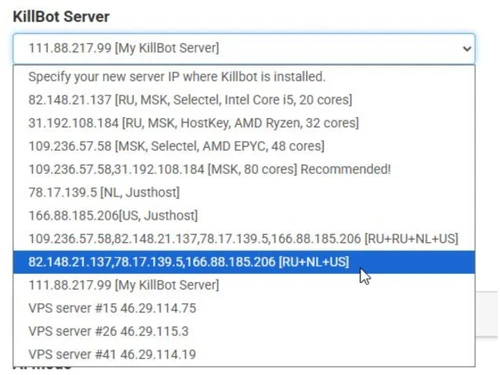
KillBot works through DNS Protection, JavaScript integration, or API, so it doesn't depend on any specific operating system. It functions at the website/traffic level, making it compatible with any server or hosting environment.
KillBot uses Software Snapshots technology to identify the software behind a visitor's browser, rather than relying only on IP addresses or browser parameters. It then separates bot traffic from real users, blocking or challenging bots while letting genuine visitors through with minimal CAPTCHAs.
KillBot is used by website owners, SaaS platforms, advertising systems, anti-fraud services, and marketplaces that need to detect and block bot traffic, fake leads, and click fraud.
No, KillBot does not negatively affect Google or other search systems.
No, default settings offer 90-95% accuracy in identifying real users. Reviewing snapshots is only needed for greater accuracy or persistent spam/bot issues.
20,000+ Software Listed
Best Price Guranteed
Free Expert Consultation
2M+ Happy Customers
Terms and Condtions

Users with registered businesses can purchase goods from merchants on the platform to satisfy their business needs. Users are not permitted to utilize any products acquired through the platform for resale, advertising, business, or further distribution.
For each purchase made, users will receive a Tax Invoice (or 'GST invoice') that includes specific details such as:
the GSTIN of the user associated with their registered business, and
the specified Entity Name for their business.
It should be noted that not all products are eligible for GST Invoice. Only the products displayed by participating sellers with the 'GST-based Invoice Available' callout on the product description page would qualify.
Certain goods and services are not eligible to get a GST Invoice, including items with VAS, i.e., Value Added Services (e.g., Total Mobile Protection/Assured Buyback) and those involving an exchange offer at the time of purchase.
Users must ensure the accuracy of the GSTIN, and business entity name provided for the GST Invoice. Requests for corrections into GST Invoice would not be accommodated by Techjockey.com or any Seller, and any issues arising from user-provided information are the sole responsibility of users.
Techjockey.com is not liable for the GST Invoice or any associated input tax credit. To efficiently claim an input tax credit, users should select the registered place of business address as per the GST authority's data and follow the provisions of the GST Act and rules.
To claim an input tax credit, the delivery and billing addresses must match. Furthermore, input tax credits will not be granted if the delivery address and GSTIN on the invoice are from different states. In case of incorrect GST details provided during the order placement, the order will be canceled automatically.