USA
USA UAE
UAE


Brand: OSSEC
An open-source host-based intrusion detection system for log analysis, file integrity monitoring, and real-time threat response.
See MoreHave you used OSSEC before?
Share your insights for better experience
Looking for The Right Pricing?
Share your requirements and get a plan built around your business.
Price Available on Request
Get personalised OSSEC pricing that fits your needs. Our team will connect with you.
 Log based Intrusion Detection File Integrity Monitoring Rootkit Detection Engine Malware Detection Active Response Automation Centralized Security Management Windows Registry Monitoring Security Event Correlation Engine Endpoint Monitoring Agentless Monitoring Capability Security Policy Enforcement Inventory Management Log Collection Framework Custom Security Rules Engine Security Incident Notification System
  Windows
  MacOS
MacOS  Linux
Linux  Desktop
  Cloud-Based
  Perpetual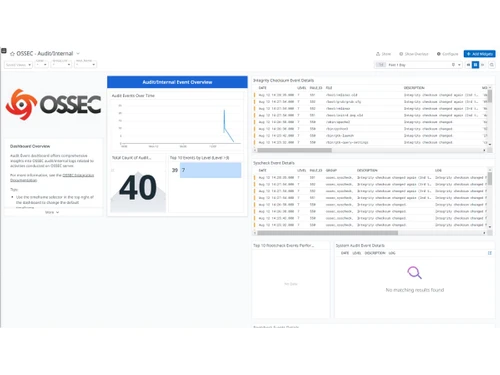
This product has no reviews yet. Be the first to leave your feedback.
Add ReviewOSSEC pricing is available on request at Techjockey.com, with an open-source version available free and commercial Atomic OSSEC offering advanced features.
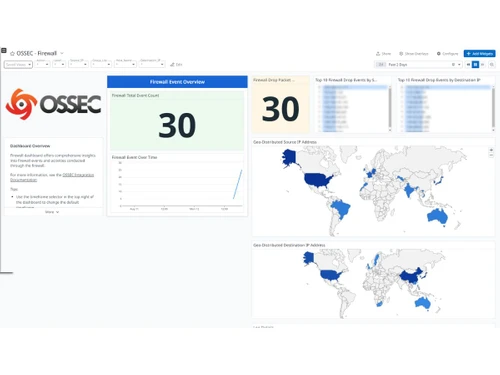
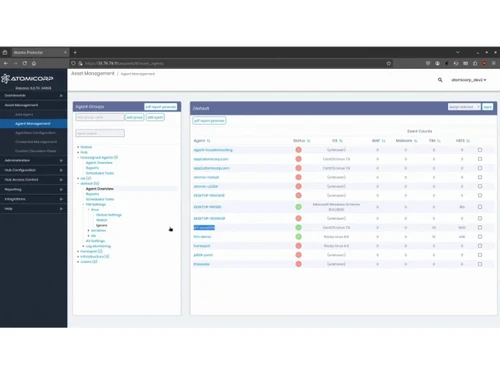
Lightweight agents installed on servers monitor logs, file changes, and system calls, sending encrypted data to a central manager that correlates events, triggers alerts, and can execute active responses.
It is used by security professionals, system administrators, and enterprises of all sizes needing host-based intrusion detection, file integrity monitoring, and compliance auditing.
It continuously checks critical system files for unauthorized changes, detecting altered configurations, malware installations, or hidden backdoors in real-time.
Yes, active response features can automatically update firewall rules to block IP addresses during detected brute-force or attack attempts.
Yes, OSSEC supports Windows, Linux, macOS, Solaris, AIX, and BSD with agent-based and agentless monitoring options.
20,000+ Software Listed
Best Price Guranteed
Free Expert Consultation
2M+ Happy Customers
Terms and Condtions

Users with registered businesses can purchase goods from merchants on the platform to satisfy their business needs. Users are not permitted to utilize any products acquired through the platform for resale, advertising, business, or further distribution.
For each purchase made, users will receive a Tax Invoice (or 'GST invoice') that includes specific details such as:
the GSTIN of the user associated with their registered business, and
the specified Entity Name for their business.
It should be noted that not all products are eligible for GST Invoice. Only the products displayed by participating sellers with the 'GST-based Invoice Available' callout on the product description page would qualify.
Certain goods and services are not eligible to get a GST Invoice, including items with VAS, i.e., Value Added Services (e.g., Total Mobile Protection/Assured Buyback) and those involving an exchange offer at the time of purchase.
Users must ensure the accuracy of the GSTIN, and business entity name provided for the GST Invoice. Requests for corrections into GST Invoice would not be accommodated by Techjockey.com or any Seller, and any issues arising from user-provided information are the sole responsibility of users.
Techjockey.com is not liable for the GST Invoice or any associated input tax credit. To efficiently claim an input tax credit, users should select the registered place of business address as per the GST authority's data and follow the provisions of the GST Act and rules.
To claim an input tax credit, the delivery and billing addresses must match. Furthermore, input tax credits will not be granted if the delivery address and GSTIN on the invoice are from different states. In case of incorrect GST details provided during the order placement, the order will be canceled automatically.