linkedin
Pocketful logo
play How to Complete KYC & Open Demat Account on Pocketful | Step-by-Step Guide
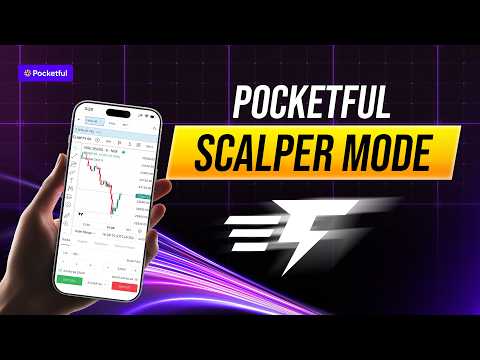
play How to Use Pocketful Scalper | Step-by-Step Guide (Intraday Trading)
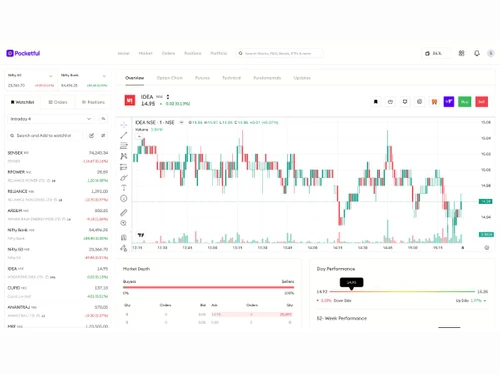
Pocketful Chart

Pocketful

Brand: Pocketful

  • 4.9

  • 8 Ratings & 7 Reviews

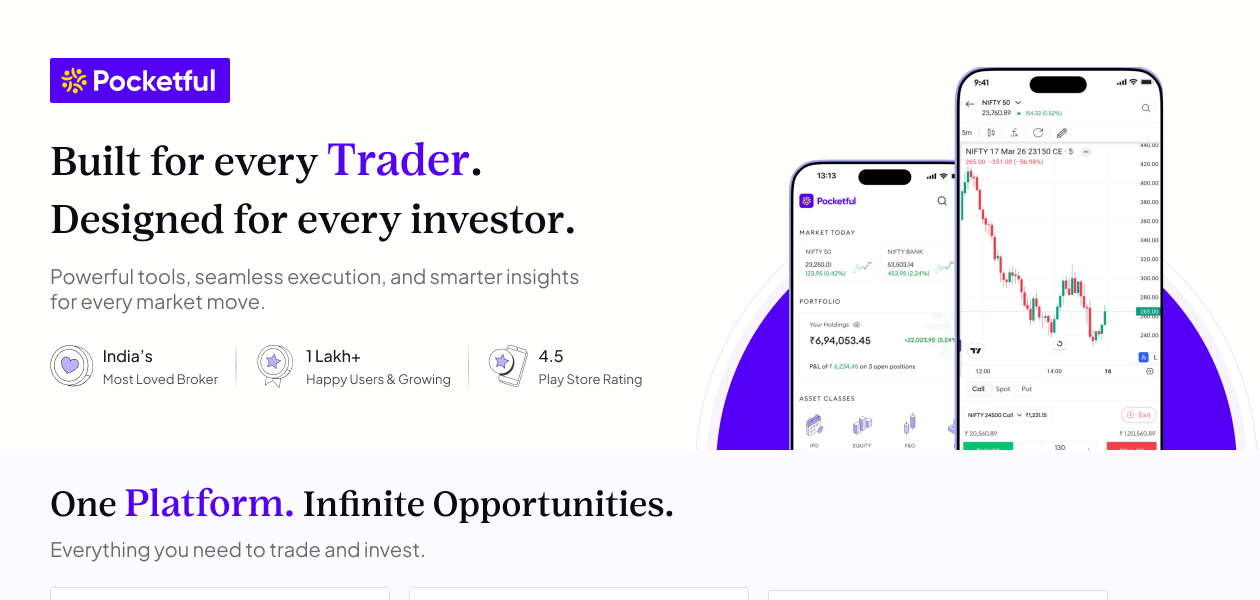
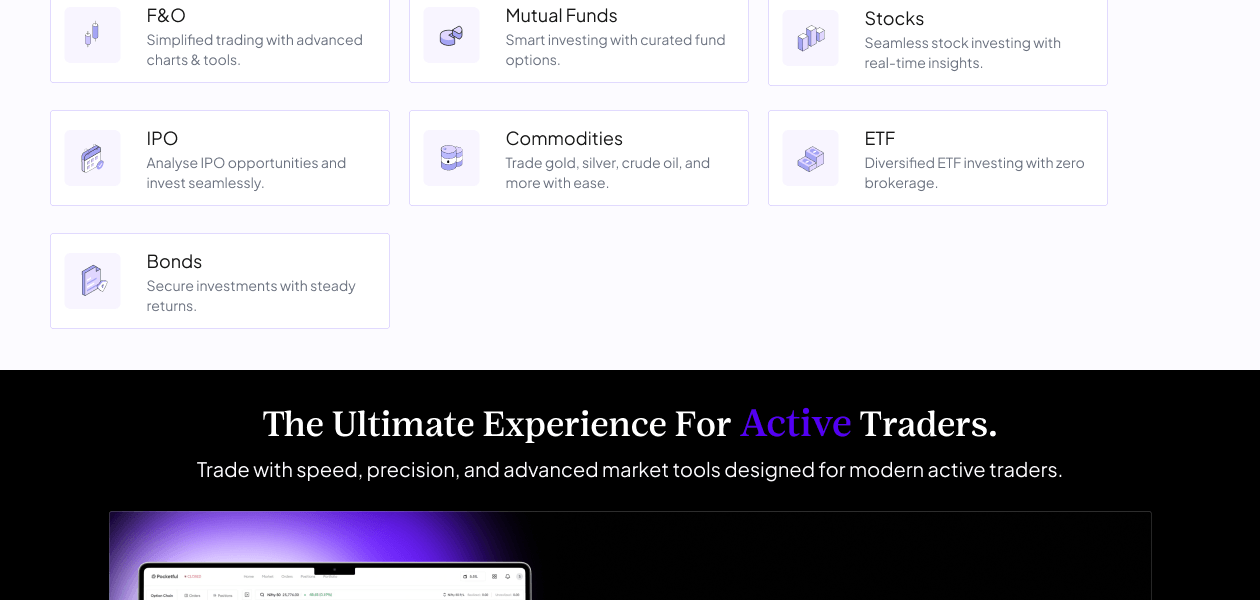
Pocketful is a digital trading and investment software that enables users to invest in stocks, ETFs, mutual funds, IPOs, bonds, commodities, and derivatives through a single, easy-to-use interface.

See More

Have you used Pocketful before?

Share your insights for better experience

Add a Review

Price Available on Request

Questions about pricing or customization? We’re here to help, just a click away.

100% Genuine
Products
Best Price
Guaranteed
Safe & Secure
Payment
  • Description

  • Pricing

  • Features

  • Specification

  • Review

  • FAQ

Pocketful Software Overview

What is Pocketful?

Pocketful is a next-generation stockbroking and investment platform built to simplify trading and investing for Indian market participants. The platform provides access to equities, futures & options, commodities, ETFs, bonds, IPOs, and mutual funds through a powerful web and mobile trading ecosystem. Pocketful combines advanced technology, intuitive design, and data-driven insights to help traders and investors make informed financial decisions.

Pocketful offers a transparent pricing structure with ₹0 account opening charges, ₹0 annual maintenance charges (AMC), and ₹0 brokerage on delivery investments. The platform is equipped with advanced charting capabilities, stock screeners, options analytics, portfolio tracking, real-time market data, and intelligent trading tools tailored for both new and experienced market participants.

One of Pocketful's key differentiators is its AI-powered ecosystem, including Pocketful GPT, which assists users with stock research, portfolio analysis, market insights, and strategy development. The platform also supports algorithmic trading through APIs, enabling traders and developers to build and execute automated trading strategies efficiently.

With memberships across NSE, BSE, and MCX, Pocketful provides secure access to multiple asset classes under a single account. Its mission is to empower Indian investors and traders through innovative technology, transparent pricing, advanced analytics, and a customer-first approach.

How Does Pocketful Work?

Pocketful is available as a web platform (Pocketful Web) and a mobile app for both Android and iOS. After opening a free Demat account online through a fully paperless KYC process using PAN and Aadhaar, users can immediately begin trading across all supported asset classes.

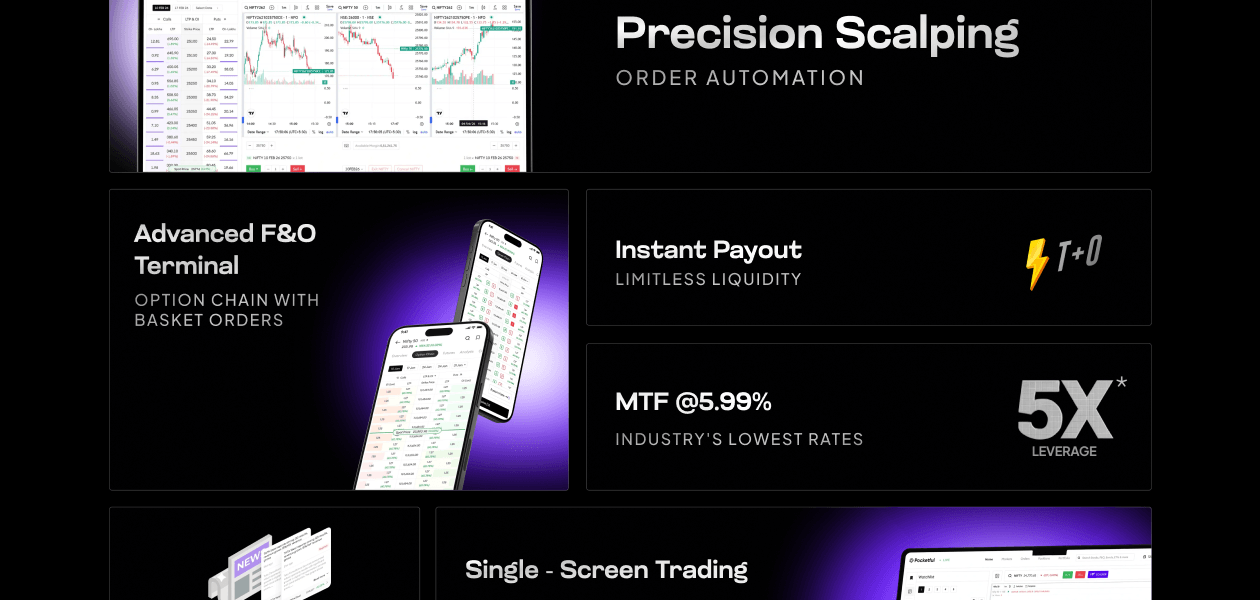
The platform provides advanced TradingView-powered charting, an options chain with payoff graphs and Greeks, a Scalper Mode for rapid intraday trading, basket orders, smart order types like trailing stop loss and iceberg orders, and curated 'Pockets', thematic investment baskets inspired by top investor holdings. For margin trading, Pocketful offers up to 5x leverage with MTF interest rates starting at 5.99% per annum.

Compatible Platforms for Pocketful

Pocketful is available on:

  • Web: Pocketful Web (browser-based trading terminal for desktop)
  • Android: Available on Google Play Store
  • iOS: Available on the Apple App Store

The platform supports NSE, BSE, and MCX across all devices, ensuring users can track and execute trades from anywhere.

How to Use Pocketful Trading Platform

  • Visit pocketful or download the Pocketful app on Android or iOS.
  • Open a free Demat & Trading account using PAN and Aadhaar (paperless, takes a few minutes).
  • Log in and add funds to your trading account.
  • Set up a personalised watchlist to monitor your preferred stocks.
  • Choose between equity delivery (₹0 brokerage) or intraday/F&O (₹20 flat).
  • Select from order types including limit, market, stop loss, trailing stop loss, or iceberg orders.
  • Track your portfolio, P&L statements, and holdings from the dashboard.
  • Access the Options Chain for derivatives trading with payoff graphs and Greeks.
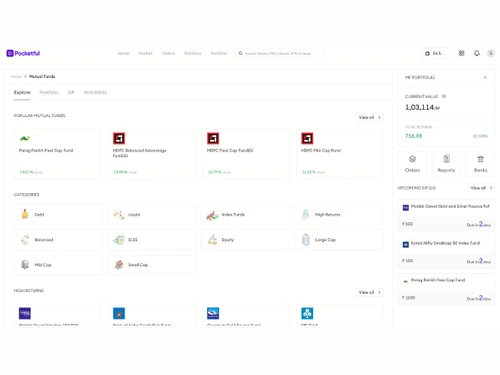
  • Invest in mutual funds, ETFs, and IPOs directly from the app.
  • Use the Pockets feature to invest in thematic baskets curated from top investor portfolios.

How to Open a Pocketful Account

Opening a Pocketful Demat and Trading account is completely free. There are no account opening charges and no annual maintenance charges. To get started:

  • Go to pocketful.in and click on 'Open Account'.
  • Enter your mobile number and complete OTP verification.
  • Provide your PAN card and Aadhaar details for KYC verification.
  • Complete e-sign via Aadhaar OTP.
  • Your account will be activated and ready to trade.

Why Choose Pocketful?

  • Zero Account Opening Charges: Open a Demat and Trading account for free with no AMC for the lifetime of the account.
  • Lowest Brokerage: ₹0 brokerage on equity delivery and a flat ₹20 per executed order for intraday and F&O trades.
  • Lowest MTF Interest Rates: Margin Trading Facility available at interest rates starting from 5.99% per annum with up to 5x leverage.
  • Advanced Trading Tools: Access TradingView charts, an advanced options chain, Scalper Mode, basket orders, and smart order types tailored for active traders.
  • Free API for Algo Trading: Build and automate your own trading strategies with Pocketful's free trading API.
  • Curated Pockets: Invest in ready-made thematic baskets based on top investor holdings for theme-based portfolio building.
  • Same Day Withdrawal: Withdraw your funds on the same day, offering better liquidity and flexibility.

Benefits of Pocketful

  • Comprehensive Asset Coverage: Trade and invest across stocks, F&O, ETFs, mutual funds, IPOs, bonds, commodities, and SGBs from a single account.
  • AI-Powered Insights: Get smart, data-driven market insights and recommendations to make informed trading and investment decisions.
  • Instant Pledge Benefit: Pledge over 1,200 stocks for instant margin, enabling faster capital deployment without liquidating your holdings.
  • Transparent Pricing: No hidden charges - account opening, AMC, and equity delivery brokerage are all free, with clear flat fees for other trades.
  • 24/7 Customer Support: Dedicated support available via chat, call, and email, along with an active community platform for stock market enthusiasts.
  • SEBI-Regulated & Secure: Fully regulated by SEBI and a member of NSE, BSE, and MCX, ensuring safety, compliance, and investor protection.

Pocketful Pricing

Pocketful price is available upon request at techjockey.com.

The pricing model is based on different parameters, including extra features, deployment type, and the total number of users. For further queries related to the product, you can contact our product team and learn more about the pricing and offers.

Read more

Pocketful Company Details

Founded Year:  2022

Pocketful is a new-age stockbroking platform that seeks to transform your trading experience by offering cutting-edge products that are backed by Nobel-winning financial research and best-in-class tech.

Director/Founders Sarvam Goel
Company Size 1-100 Employees

Pocketful Pricing & Plans

Looking for The Right Pricing?

Share your requirements and get a plan built around your business.

  • Define your business needs
  • Get customised pricing
  • Choose features that fit your workflow

Price Available on Request

Get personalised Pocketful pricing that fits your needs. Our team will connect with you.

Pocketful Features

Core Features

  • icon_check Portfolio Management
    Consolidates and tracks stock, ETF, bond, commodity, and mutual fund holdings in one place.
  • icon_check Market Data
    Delivers real-time quotes, multi-exchange tickers, and indices to support execution.
  • icon_check Watchlist
    Tracks real-time price movements across custom-curated baskets of favorite stocks.
  • icon_check Charting Tools
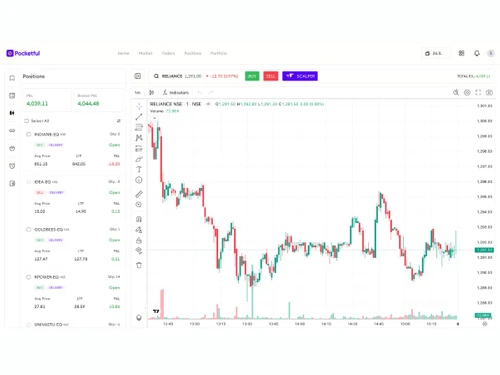
    Embeds premium TradingView chart interfaces with responsive layouts.
  • icon_check Order Control
    Provides a unified layout to adjust quantity, leverage, validity, and margins prior to submission.
  • icon_check Order Execution
    Routes trading transactions to target exchange servers in less than 99 milliseconds.

Order Execution

  • icon_check Limit Order
    Instructs the broker terminal to buy or sell a security strictly at a specified price or better.
  • icon_check Market Order
    Executes transactions instantly at the prevailing bid or ask price on the live exchange order book.
  • icon_check Stop (Loss) Order
    Triggers a market order automatically once a target asset price hits a protective threshold.
  • icon_check Stop Limit Orders
    Activates a strict price-bound limit order the moment a specified trigger barrier is breached.
  • icon_check Trailing Stop Order
    Adjusts your protective exit boundary automatically as a profitable trade advances.

Research and Analysis

  • icon_check Technical Analysis
    Integrates advanced indicators, volume tools, and analytical models via TradingView.
  • icon_check Fundamental Analysis
    Displays business overviews, evaluation ratios, and earnings metrics under 'Stocks-in-a-minute'.
  • icon_check Pattern Recognition
    Employs advanced TradingView chart studies to flag key geometric market candle breakouts.
  • icon_check Scanning Tools
    Integrates efficient ETF and stock screening filters to scan equities using specific criteria.
  • icon_check Smart drawing tools
    Includes multi-frame trend lines, Fibonacci arcs, and measurement tools on graphs.
  • icon_check Backtesting and Optimization
    Test strategies against historical data to assess effectiveness.

Trading Options

  • icon_check Mutual Funds
    Enables users to search, evaluate, and invest in commission-free direct mutual fund schemes.
  • icon_check Intraday Trading
    Allows buying and squaring off equity script positions within a single market session.
  • icon_check Algorithm Trading
    Supports programmatic trading strategies at zero code cost through external API terminals.
  • icon_check Options Trading
    Supports buying and selling standard option call/put contracts alongside integrated option chains.
  • icon_check Futures Trading
    Enables leveraged hedging or speculation on standardized commodity and stock futures.
  • icon_check Automatic Trading
    Executes market orders through automated webhooks or code rule triggers via the API portal.
  • icon_check Margin Trading (MTF)
    Provides up to 5x funding leverage for equity holdings with competitive interest terms.
  • icon_check Stock SIP
    Automates periodic systematic stock investments via thematic and curated Pockets.
  • icon_check Forex Trading
    Trade currency pairs to profit from exchange rate fluctuations.
  • icon_check Crypto Trading
    Trade cryptocurrencies to benefit from market volatility.
  • icon_check Paper Trading
    Simulate trading without real money to test strategies.

Account Management

  • icon_check Multi-Factor Authentication (MFA)
    Safeguards your trading desk with secure biometric locks and mandatory mobile/email OTPs.
  • icon_check Demat Account Creation
    Delivers paperless digital onboarding to register your securities repository at zero cost.
  • icon_check Customizable User Interface
    Allows tailoring themes and layout visibility parameters to fit a trader's workflow preference.
  • icon_check Platform Migration
    Assist in transferring accounts or data from one platform to another.

Integrations

  • icon_check API Integration
    Provides a free, low-latency API infrastructure explicitly designed for automated trading.
  • icon_check Financial Tools Integration
    Provides functional tools like SIP and Mutual Fund calculators within the core platform.

Reporting & Analytics

  • icon_check Dashboards
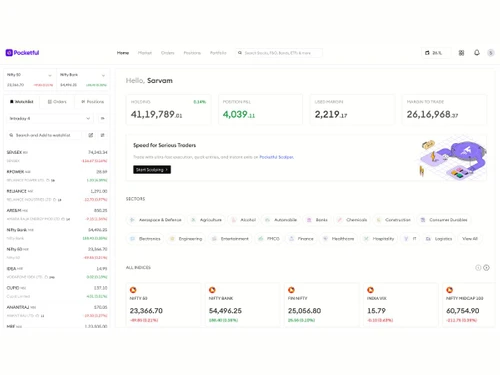
    Offers a clean tracking console to monitor profit/loss, open positions, and account balances.
  • icon_check Automated Reports
    Systematically compiles ledger details, transaction logs, and P&L statements for users.
  • icon_check Report Customization
    Filters operational financial ledgers by specified date ranges, asset segments, or symbols.
  • icon_check P&L Report
    Breaks down structural gains and losses across Tax, Stock, F&O, and Commodity segments.
  • icon_check Contract Note
    Standard legal receipt sent at end of day itemizing transactions and regulatory charges.
  • icon_check Financial Transaction Report (CashLedger)
    Tracks account deposits, trade payouts, margins, and operational ledger settlements.

Alerts & Notification

  • icon_check Price Alert
    Sends real-time triggers to notify users the moment a stock breaches custom target thresholds.
  • icon_check Real Time Market Updates
    Displays constant, sub-second price feeds from active stock and commodity exchanges.
  • icon_check News Alerts
    Surfaces financial headlines, corporate reports, and news updates inside individual scripts.
  • icon_check Volume Alerts
    Highlights unusual spikes in volume activity directly on integrated live price charts.
Pocketful Demo Video play icon

Get Pocketful Demo

Watch the demo video to explore key features, real workflows, and how the software fits your business needs.

Understand
Key Features
Personal
Demo Insights
Interactive
Demo Support
Product Enrichment Section Image

Pocketful Specifications

Supported Platforms
Windows Windows iOS iOS Android Android MacOS MacOS
Devices
Desktop Desktop Mobile Mobile Tablet Tablet iPad iPad
Deployment
Cloud-Based Cloud-Based
Suitable For
Stock Market
Business Specific
Stock Market Trading
Business Size
Small Business Startups Medium Business Enterprises SMBs SMEs MSMBs MSMEs
Customer Support
Email Live Chat
Language
English
Integration
API Integration
Training Resources
Live Online Webinars Documentation Videos
AI Features
AI Integrated

Pocketful Reviews

4.9

Out of 5

img

Overall Rating

Based on
7 Verified Reviews

Rating Breakdown

  • Features 5
  • Value for Money 4.8
  • Ease of Use 5
  • Customer Support 4.7

98% Recommend this Product

Add Review
AI Generated Summary Based on Real Reviews

Customers generally express high satisfaction with Pocketful, praising its user-friendly interface, quick account setup, and competitive pricing, including zero account maintenance charges and brokerage fees. Many users find it particularly beneficial for beginners and appreciate the responsive customer support. However, some reviews highlight limitations such as hidden features, occasional data delays, and a desire for more advanced tools and educational content, indicating areas for potential improvement. Overall, the app is regarded as a solid choice for hassle-free trading.

Pros

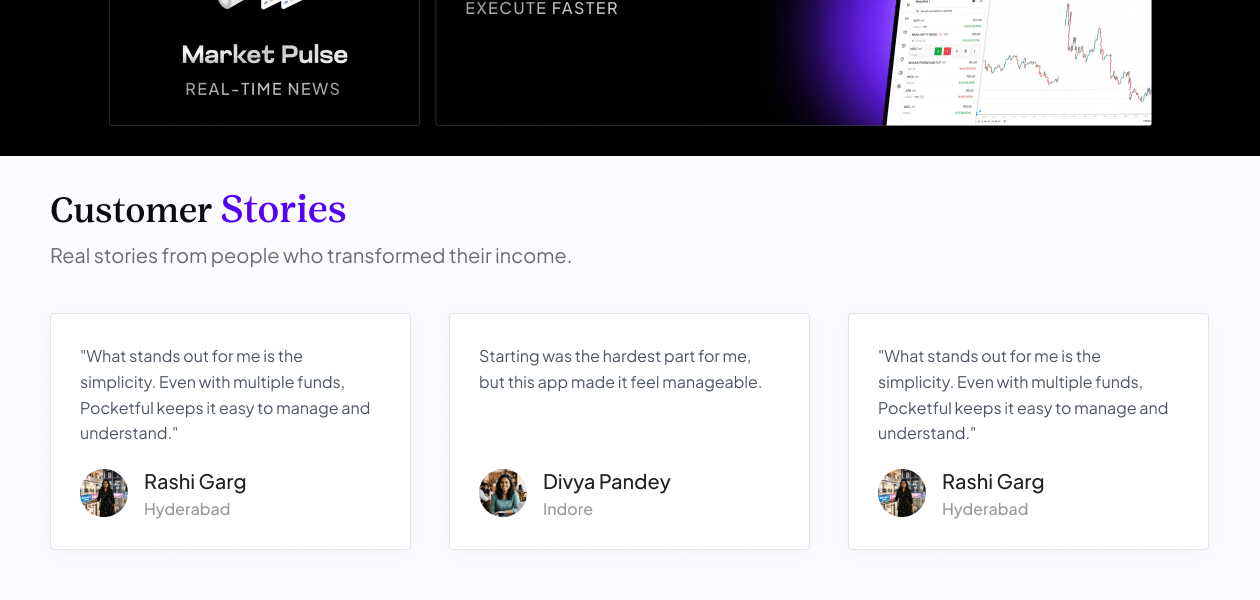
  • "Clean and user-friendly trading app with quick account opening, smooth order execution, and competitive brokerage charges."

    AnkitJun 18, 2026

  • "Zero brokerage on delivery trades, zero AMC, competitive MTF charges, and useful AI-powered assistance through Pocketful GPT."

    ManishaJun 12, 2026

  • "Easy-to-use trading app with useful features like Pocketful Scalper, low-cost MTF, and Pocketful AI tools that enhance the overall trading experience."

    Himanshu PandeyJun 11, 2026

Cons

  • "While the overall experience has been good, there is still room for improvement. Some advanced tools and analytics could be enhanced for active traders."

    AnkitJun 18, 2026

  • "some feature are a little difficult to find like commodities and ETFs"

    ManishaJun 12, 2026

  • "Sometimes I feel features are hidden not proper tabs for that like commodity Sometimes data is delay"

    Himanshu PandeyJun 11, 2026

Ankit

Head

Industry: Banking

5

Reviewed on: Jun 18, 2026

Techjockey Verified

“Smooth Trading Experience with Helpful Support”

I have been using Pocketful for several months and found it reliable for investing and trading. The app is easy to navigate, account opening is straightforward, and brokerage charges are competitive. Customer support is responsive, and regular updates continue to improve the overall experience for both beginners and active investors.

Pros

Clean and user-friendly trading app with quick account opening, smooth order execution, and competitive brokerage charges.

Cons

While the overall experience has been good, there is still room for improvement. Some advanced tools and analytics could be enhanced for active traders.

Switched from Zerodha Kite

Reason to switch

Find it more easy to use

Manisha

Product Manager

Industry: Market Research

5

Reviewed on: Jun 12, 2026

Techjockey Verified

“best app for beginner”

i am using pocketful from last one month and it is very easy to use as a beginner. It offers me free account opening, zero AMC, and low brokerage.

Pros

Zero brokerage on delivery trades, zero AMC, competitive MTF charges, and useful AI-powered assistance through Pocketful GPT.

Cons

some feature are a little difficult to find like commodities and ETFs

Reason to switch

I study pocketful blogs to make my understanding better

Himanshu Pandey

Manager

Industry: Animation

4.5

Reviewed on: Jun 11, 2026

Techjockey Verified

“Super App for trading lowest MTF in India”

Pocketful is a very easy-to-use trading platform with a convenient Scalper Mode that makes intraday trading smoother and more efficient. The app also offers MTF benefits, making it a useful choice for traders who actively trade on a daily basis.

Pros

Easy-to-use trading app with useful features like Pocketful Scalper, low-cost MTF, and Pocketful AI tools that enhance the overall trading experience.

Cons

Sometimes I feel features are hidden not proper tabs for that like commodity Sometimes data is delay

Switched from 5 paisa

Reason to switch

High brokerage

See All Pocketful Reviews

Articles for Pocketful

See All Related Articles

How much does Pocketful Software cost?

Pocketful price is available upon request at techjockey.com.

Is there a mobile app available for Pocketful Software?

Yes, the Pocketful mobile app is available on iOS and Android.

Which operating systems are compatible with Pocketful Software?

Pocketful is web-based and works on Windows and macOS.

Does Pocketful Software offer a free trial?

Pocketful does not offer a free trial, but users can open an account with ?0 account opening charges.

How does Pocketful Software function?

Pocketful provides a trading and investment platform where users can open a demat account and trade stocks, ETFs, F&O, commodities, bonds, gold, and other market products.

Who uses Pocketful Software?

Pocketful is used by traders, investors, beginners, experienced market participants, and developers using trading APIs.

Is a free demo available for Pocketful Software?

No, Pocketful does not offer a free demo.

Is Pocketful Software available for free?

Yes, Pocketful offers ?0 account opening charges and ?0 AMC, allowing users to access the platform without these fees.

How much does Pocketful cost?

Pocketful's pricing is available on request. The platform also offers zero account opening charges and zero annual maintenance charges (AMC).

Is there a mobile app for Pocketful?

Yes, Pocketful offers mobile applications for both Android and iOS users.

Which operating systems are compatible with Pocketful?

Pocketful is compatible with Android and iOS devices and can also be accessed through web browsers.

Does Pocketful offer a free trial?

Pocketful's free trial availability can be confirmed directly with the vendor.

How does Pocketful function?

Pocketful enables users to invest and trade across stocks, ETFs, mutual funds, IPOs, bonds, commodities, and derivatives through a single platform. It combines trading tools, market insights, portfolio tracking, and analytics to simplify investing and trading activities.

Who uses Pocketful?

Pocketful is used by investors, traders, beginners, and market participants looking to manage investments and execute trades through a unified platform.

Is a free demo available for Pocketful?

Yes, Pocketful offers free demo for for users interested in exploring its features and capabilities.

Is Pocketful available for free?

Yes, Pocketful offers free account opening and zero AMC. However, brokerage and other transaction charges may apply based on the services used.

20,000+ Software Listed

Best Price Guranteed

Free Expert Consultation

2M+ Happy Customers

Terms and Condtions

close

Users with registered businesses can purchase goods from merchants on the platform to satisfy their business needs. Users are not permitted to utilize any products acquired through the platform for resale, advertising, business, or further distribution.

For each purchase made, users will receive a Tax Invoice (or 'GST invoice') that includes specific details such as:

  • the GSTIN of the user associated with their registered business, and

  • the specified Entity Name for their business.

It should be noted that not all products are eligible for GST Invoice. Only the products displayed by participating sellers with the 'GST-based Invoice Available' callout on the product description page would qualify.

Certain goods and services are not eligible to get a GST Invoice, including items with VAS, i.e., Value Added Services (e.g., Total Mobile Protection/Assured Buyback) and those involving an exchange offer at the time of purchase.

Users must ensure the accuracy of the GSTIN, and business entity name provided for the GST Invoice. Requests for corrections into GST Invoice would not be accommodated by Techjockey.com or any Seller, and any issues arising from user-provided information are the sole responsibility of users.

Techjockey.com is not liable for the GST Invoice or any associated input tax credit. To efficiently claim an input tax credit, users should select the registered place of business address as per the GST authority's data and follow the provisions of the GST Act and rules.

To claim an input tax credit, the delivery and billing addresses must match. Furthermore, input tax credits will not be granted if the delivery address and GSTIN on the invoice are from different states. In case of incorrect GST details provided during the order placement, the order will be canceled automatically.