Description
Pricing
Features
Specification
Review
Compare
FAQs
Alternatives
 Get Free Advice
Get Quote



See
More
Brand : AiseeSoft


3.5 
4 Ratings & 1 Review
Have Questions?
Price On Request
Save Extra with 2 Offers
 Save upto 18%, Get GST Invoice on your business purchase |
Users with registered businesses can purchase goods from merchants on the platform to satisfy their business needs. Users are not permitted to utilize any products acquired through the platform for resale, advertising, business, or further distribution.
For each purchase made, users will receive a Tax Invoice (or 'GST invoice') that includes specific details such as:
the GSTIN of the user associated with their registered business, and
the specified Entity Name for their business.
It should be noted that not all products are eligible for GST Invoice. Only the products displayed by participating sellers with the 'GST-based Invoice Available' callout on the product description page would qualify.
Certain goods and services are not eligible to get a GST Invoice, including items with VAS, i.e., Value Added Services (e.g., Total Mobile Protection/Assured Buyback) and those involving an exchange offer at the time of purchase.
Users must ensure the accuracy of the GSTIN, and business entity name provided for the GST Invoice. Requests for corrections into GST Invoice would not be accommodated by Techjockey.com or any Seller, and any issues arising from user-provided information are the sole responsibility of users.
Techjockey.com is not liable for the GST Invoice or any associated input tax credit. To efficiently claim an input tax credit, users should select the registered place of business address as per the GST authority's data and follow the provisions of the GST Act and rules.
To claim an input tax credit, the delivery and billing addresses must match. Furthermore, input tax credits will not be granted if the delivery address and GSTIN on the invoice are from different states. In case of incorrect GST details provided during the order placement, the order will be canceled automatically.
Buy Now & Pay Later, Check offer on payment page.  Get Instant Expert
  Safe & Secure
  Assured Best Price
 Looking for pricing details or customization options?
Share your requirements and receive a tailored quote
Price Available on Request
Get a customized quotation based on your needs.
Our team will respond within 24 hours.
We make it happen! Get your hands on the best solution based on your needs.
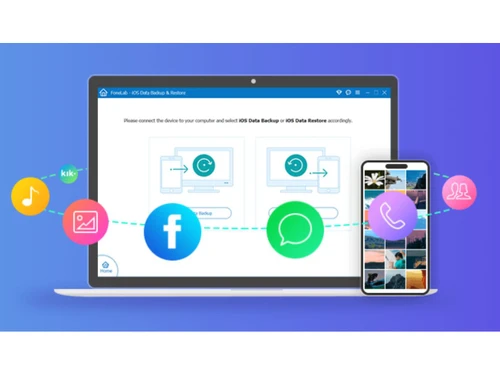
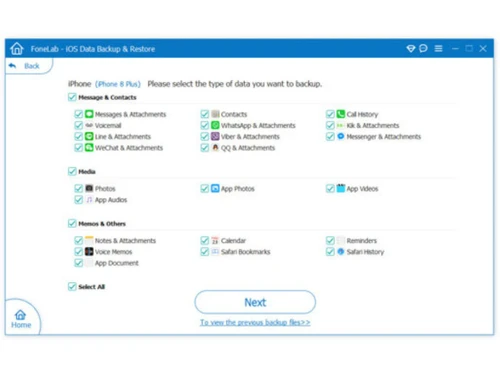
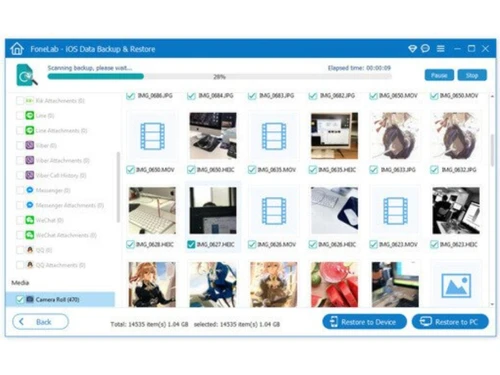
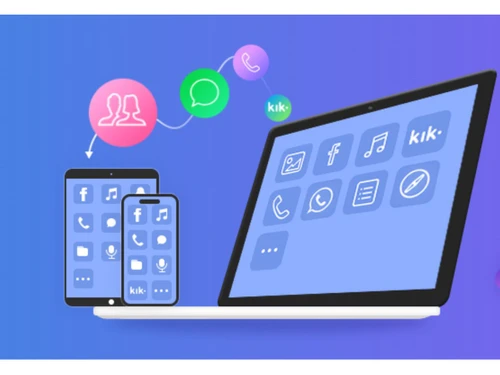
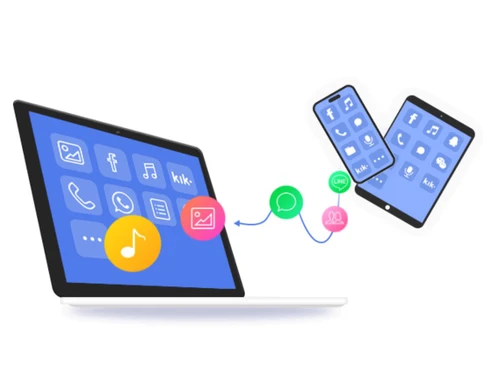
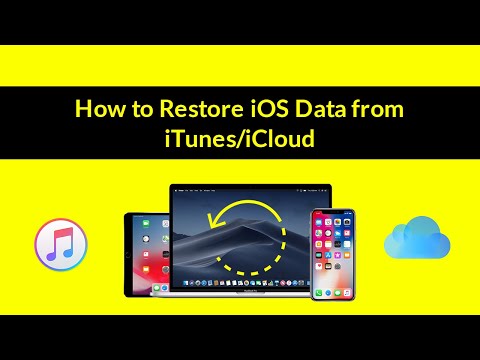
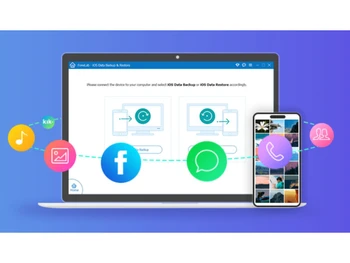
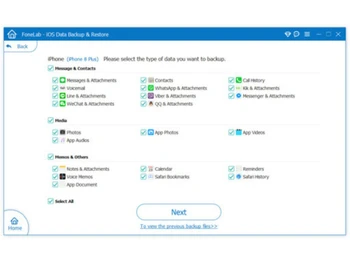
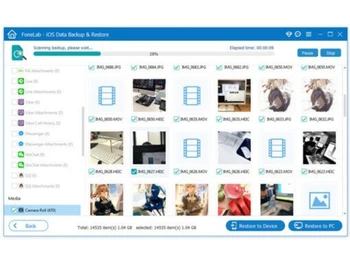
 Selective Backup Allows users to choose specific data types like contacts, messages, or photos instead of full device backup. Selective Restore Restore only required files from backup to device or computer without affecting existing data. Preview Before Restore Enables preview of backup data before restoring, helping users select exactly what they need. No Data Loss Ensures zero data overwrite or deletion during backup and restore process, maintaining original data integrity. Multiple Data Types Supports backup of contacts, messages, WhatsApp, photos, videos, notes, call logs, and more. Cross-Platform Support Works on both Windows and macOS, allowing flexible usage across different systems. Alternative to iTunes Provides more control than iTunes/iCloud with selective backup and faster processing speed. Backup Encryption Mode Offers standard and encrypted backup modes for different security needs and user preferences. Device-to-Computer Backup Transfers iOS data directly to computer storage for better management and offline access. Fast Data Transfer Optimized technology ensures quick data transfer between iOS device and computer with minimal delay. Backup and Recovery Quickly backs up and restores iPhone/iPad data securely to PC/Mac without overwriting existing backups or losing data. Easy to Use Simple interface enables one-click backup and restore without technical knowledge, making it ideal for beginners. Security Offers encrypted backup option with password protection to safeguard sensitive data and ensure privacy protection. Efficient High-speed backup and restore engine saves time while maintaining accuracy and system performance. Compatible with iOS Supports all iOS devices including latest iPhone/iPad models and works with multiple iOS versions seamlessly.
Have recommended this product
Overall Score
Review this product
Your valuable feedback helps others like you make a better decision.
Verified reviewer:
User
Reviewed on: Feb 18, 2019
| Brand Name | AiseeSoft |
| Information | Aiseesoft |
| Founded Year | 2008 |
| Director/Founders | Pele Thomas |
| Company Size | 1-100 |
| Other Products | AiseeSoft iOS System Recovery, IOS Transfer, Aiseesoft FoneEraser, Broken Android Data Extraction, AiseeSoft HEIC Convertor |


 20,000+ Software Listed
 Best Price Guaranteed
 Free Expert Consultation
 2M+ Happy Customers
 USA
USA UAE
UAE