 USA
USA UAE
UAESmall Business
Designed for startups and growing businesses
See More


Brand: Commvault
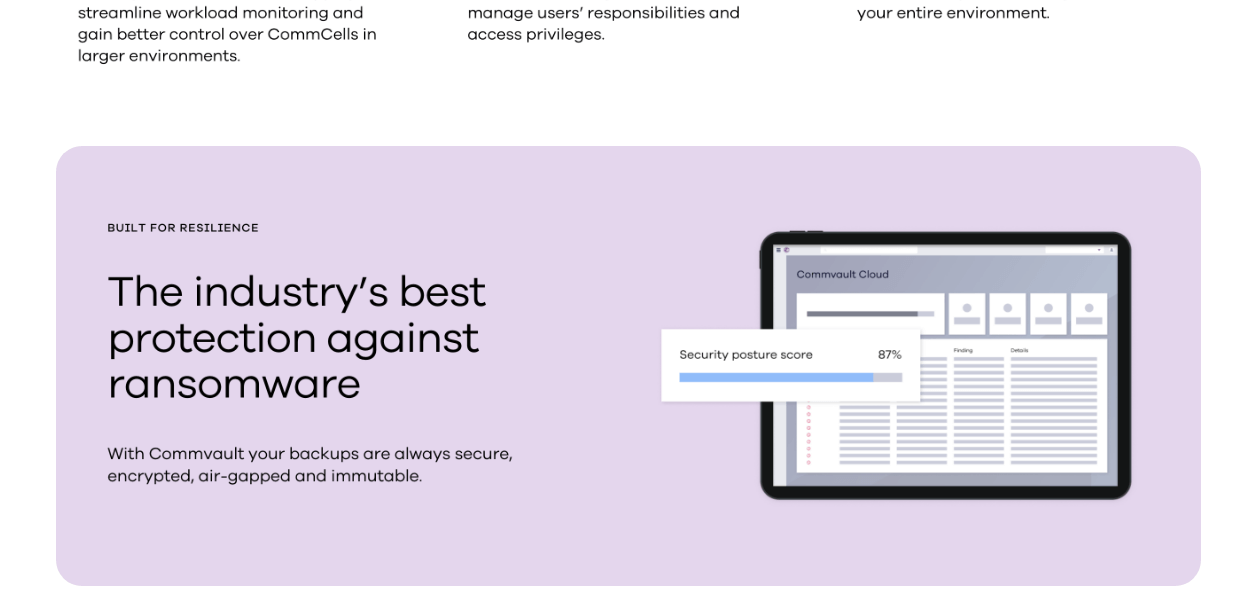
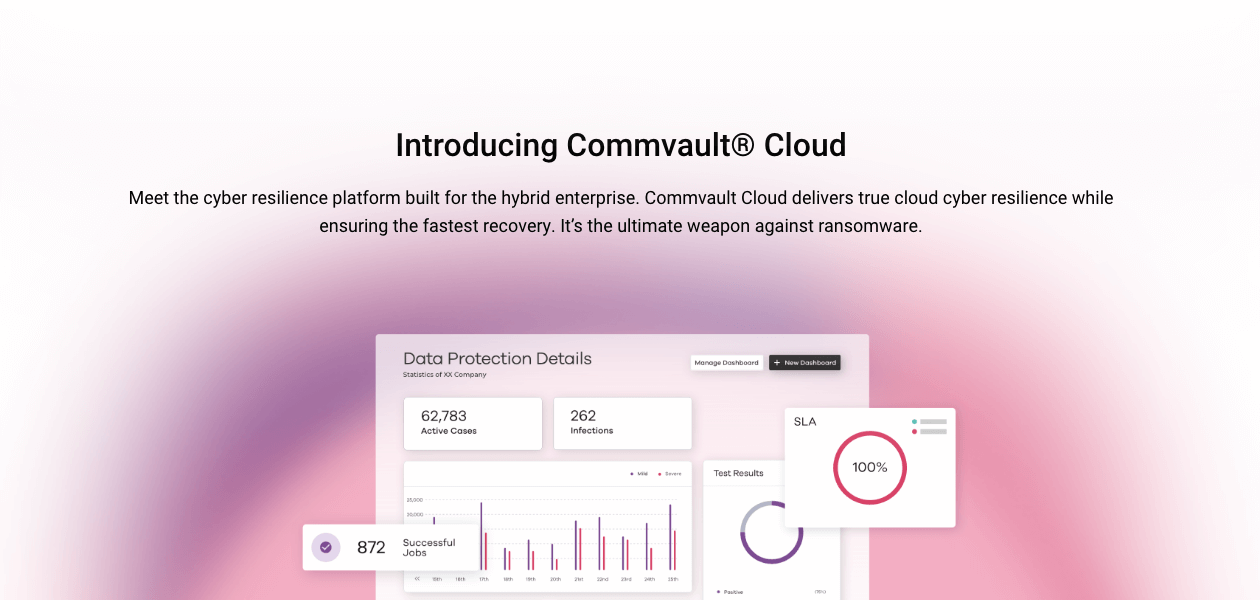
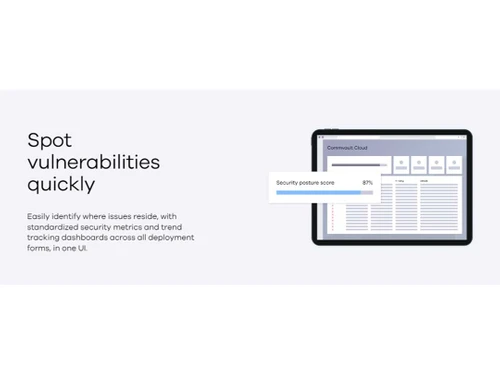
Commvault® Cloud powered by Metallic® AI is a backup and recovery service that allows businesses to safeguard their information across various platforms, including cloud-based applications, on-premises infrastructure, and cloud-native workloads.
See MoreHave you used Commvault Cloud before?
Share your insights for better experience
Brand: Commvault
Founded Year: 1996
Commvault is a publicly traded data protection and data management software company headquartered in Tinton Falls, New Jersey. Commvault enterprise software can be used for data backup and recovery, cloud and infrastructure management, retention and compliance.
Looking for The Right Pricing?
Share your requirements and get a plan built around your business.
Price Available on Request
Get personalised Commvault Cloud pricing that fits your needs. Our team will connect with you.
 VM & Kubernetes Microsoft 365 File & Object Endpoint Database Microsoft Dynamics 365 Salesforce Active Directory Cloud Storage File & Object Archive Threatwise Security IQ Threat Scan Risk Analysis Auto Recovery
 Windows
  Desktop
  Cloud-Based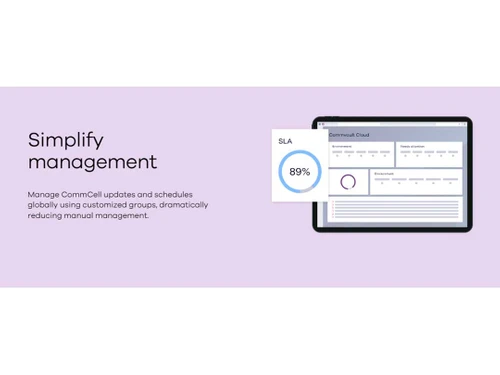

Small Business
Designed for startups and growing businesses
Medium Business
Built for business growth and flexibility
Enterprises
Designed for complex and large-scale business needs
4.2
Out of 5

Overall Rating
Based on
12 Verified Reviews
Rating Breakdown
84% Recommend this Product
Add ReviewCommvault Cloud is generally well-received for its robust data protection capabilities, high deduplication performance, and responsive customer support, making it a reliable choice for various organizations. Users appreciate its comprehensive backup features and user-friendly interfaces once mastered. However, many reviews highlight a steep learning curve, complex initial setup, and challenges with configuration that can be daunting for smaller teams. Additionally, some users express concerns about potential vendor lock-in and long-term cost predictability. Overall, it is considered a powerful tool for data management with room for improvement in documentation and ease of use.
Pros
"Strong security features, comprehensive data management, and automated backups."
"Comprehensive disaster recovery features, automated testing and failover, and responsive customer support."
"Excellent for backup and restoration, user-friendly GUI console, and effective for SAP client environments."
Cons
"Complex interface and slower backup and restore speeds compared to some competitors."
"Initial setup is complex and time-consuming; pricing can be high for smaller businesses."
"Agent configuration requires specific ports, and extracting .tar files on Linux servers can be problematic."


Apr 17, 2025
Techjockey Verified
“Best Data Protection Solution with High Deduplication Performance”
Commvault Cloud is the best data protection solution we've used. It supports various platforms and offers high deduplication performance. The network configuration modules are easy to use. However, the abundance of features can make troubleshooting complex, requiring a good understanding of the system.
Pros
Protects various platforms, high deduplication performance, and easy network configuration modules.
Cons
Too many features can make troubleshooting complex.
Reason to switch
We needed better deduplication performance and broader platform support, which Commvault Cloud provided.
Feb 19, 2025
Techjockey Verified
“Strong Platform for Backup with Some Configuration Challenges”
Commvault Cloud is effective for full server and database backups, and the one-touch recovery feature is excellent. The admin console dashboard provides a clear overview. However, configuring storage, schedule, and library policies separately adds complexity, and the deployment process is time-consuming.
Pros
Effective for full server and database backups, one-touch recovery, and good admin console dashboard.
Cons
Separate configuration for storage, schedule, and library policies adds complexity; deployment takes time.
Reason to switch
We required more effective backup solutions for large servers, which Commvault Cloud offered.
Feb 12, 2025
Techjockey Verified
“Comprehensive Features but Requires Technical Expertise”
Commvault Cloud offers versatile backup capabilities and strong reporting tools. Once familiar with the system, the interface is user-friendly. However, the initial learning curve is steep, and configuring some features requires technical expertise, which might be challenging for smaller teams.
Pros
Versatile backup capabilities, strong reporting tools, and user-friendly interface once learned.
Cons
Initial learning curve is steep, and some features require technical expertise to configure.
Reason to switch
We needed more versatile backup capabilities and stronger reporting tools, which Commvault Cloud provided.

Commvault Cloud
Price On Request
Desktop
Mobile
Web based
On Premises
Windows
Mac OS

Metallic
Price On Request
Desktop
Mobile
Web based
On Premises
Windows
Mac OS

Rubrik Microsoft 365
Price On Request
Desktop
Mobile
Web based
On Premises
Windows
Mac OS

Veritas Net Backup
Price On Request
Desktop
Mobile
Web based
On Premises
Windows
Mac OS

Rubrik Polaris Radar
Price On Request
Desktop
Mobile
Web based
On Premises
Windows
Mac OS

EasiShare
Price On Request
Desktop
Mobile
Web based
On Premises
Windows
Mac OS

Rubrik Polaris Sonar
Price On Request
Desktop
Mobile
Web based
On Premises
Windows
Mac OS

Keepit
Price On Request
Desktop
Mobile
Web based
On Premises
Windows
Mac OS

Backupify
Price On Request
Desktop
Mobile
Web based
On Premises
Windows
Mac OS

CloudAlly
Price On Request
Desktop
Mobile
Web based
On Premises
Windows
Mac OS
(0) Product(s) selected







The Commvault Cloud SaaS Backup solution is compatible with Windows, Linux, and macOS operating systems.
No, the Commvault Cloud app is currently not available.
Commvault Cloud Solution supports web-based and on-premises deployment.
Commvault Cloud data management as a service pricing starts at Rs. 4309 per user/annum.
Commvault Cloud DMaaS solution is typically used by industries including banks, defense, research laboratory, etc. to safeguard their database, backup their data on regular basis, and provides data recovery.
Commvault Cloud data management as a service demo is available for free with techjockey.com.
Commvault Cloud offers a free trial. However, the premium plan with advanced features starts at Rs. 4309/user/annum.
Commvault Cloud delivers data management as a service and assists in providing SaaS app protection, data backup, security, and compliance. It safeguards you from any data loss and manual inefficiencies to assist you with simplified data management.
20,000+ Software Listed
Best Price Guranteed
Free Expert Consultation
2M+ Happy Customers
Terms and Condtions

Users with registered businesses can purchase goods from merchants on the platform to satisfy their business needs. Users are not permitted to utilize any products acquired through the platform for resale, advertising, business, or further distribution.
For each purchase made, users will receive a Tax Invoice (or 'GST invoice') that includes specific details such as:
the GSTIN of the user associated with their registered business, and
the specified Entity Name for their business.
It should be noted that not all products are eligible for GST Invoice. Only the products displayed by participating sellers with the 'GST-based Invoice Available' callout on the product description page would qualify.
Certain goods and services are not eligible to get a GST Invoice, including items with VAS, i.e., Value Added Services (e.g., Total Mobile Protection/Assured Buyback) and those involving an exchange offer at the time of purchase.
Users must ensure the accuracy of the GSTIN, and business entity name provided for the GST Invoice. Requests for corrections into GST Invoice would not be accommodated by Techjockey.com or any Seller, and any issues arising from user-provided information are the sole responsibility of users.
Techjockey.com is not liable for the GST Invoice or any associated input tax credit. To efficiently claim an input tax credit, users should select the registered place of business address as per the GST authority's data and follow the provisions of the GST Act and rules.
To claim an input tax credit, the delivery and billing addresses must match. Furthermore, input tax credits will not be granted if the delivery address and GSTIN on the invoice are from different states. In case of incorrect GST details provided during the order placement, the order will be canceled automatically.

