USA
USA UAE
UAESmall Business
Designed for startups and growing businesses

See More



Brand: Joget
Joget helps businesses automate workflows and build enterprise applications visually with an AI-powered, open-source low-code platform.
See MoreHave you used Joget before?
Share your insights for better experience
Brand: Joget
Founded Year: 2014
Joget offers an open source no-code/low-code rapid application development and process automation platform for Digital Transformation.
Looking for The Right Pricing?
Share your requirements and get a plan built around your business.
Price Available on Request
Get personalised Joget pricing that fits your needs. Our team will connect with you.
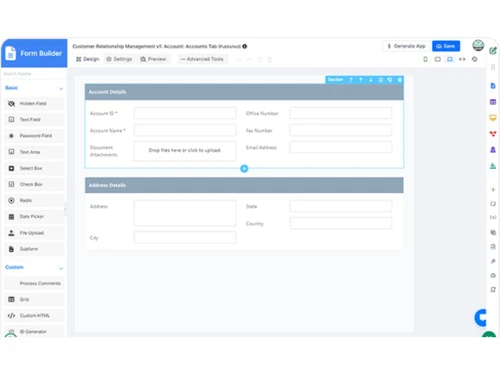
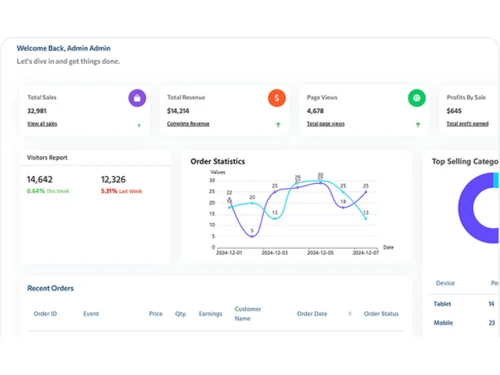
 Visual Builder Dashboards Workflow Processes Reports & Charts Process modeling Business Process Automation Data Management List Management Reporting & Analytics API Management Access Control Version Control Process Monitoring Mobile App Performance Integration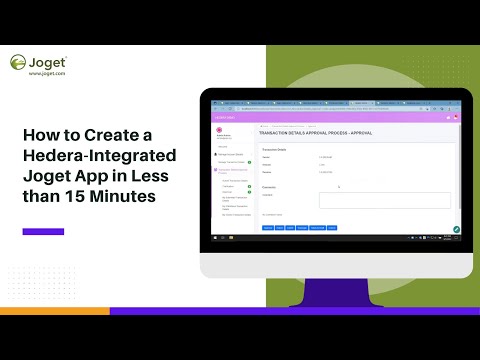

Watch the demo video to explore key features, real workflows, and how the software fits your business needs.
 Windows
  MacOS
MacOS  Desktop
  Cloud-Based
  Perpetual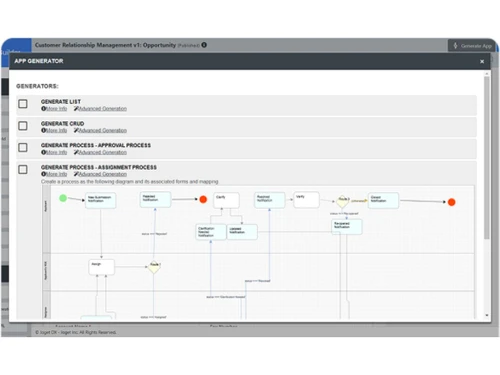
Small Business
Designed for startups and growing businesses
Medium Business
Built for business growth and flexibility
Enterprises
Designed for complex and large-scale business needs
4.4
Out of 5

Overall Rating
Based on
5 Verified Ratings
Rating Breakdown
88% Recommend this Product
Add ReviewTechjockey Trusted Reviews from Verified Users
No reviews are currently available for Joget. Discover similar BPM Software reviews

Bonita BPM
Whats great - I found Bonita Software. It delivers vital capabilities like assigning roles and permissions, developing composite applicatio... read more

OnexFlow
Whats great - Onex flow has been a genuinely significant part of our organization. Without leaving my desks, I can collaborate with staff f... read more

Newton BPM
Whats great - Newton is a decent decision, usability for the new clients, and when you dive in there's a strong framework to help. read more
Joget
Price On Request
Desktop
Mobile
Web based
On Premises
Windows
Mac OS

CollabCRM
Price On Request
Desktop
Mobile
Web based
On Premises
Windows
Mac OS
Bonita BPM
Price On Request
Desktop
Mobile
Web based
On Premises
Windows
Mac OS

Pronnel
Price On Request
Desktop
Mobile
Web based
On Premises
Windows
Mac OS

Gravity Flow
Price On Request
Desktop
Mobile
Web based
On Premises
Windows
Mac OS
OnexFlow
Price On Request
Desktop
Mobile
Web based
On Premises
Windows
Mac OS

Posse
Price On Request
Desktop
Mobile
Web based
On Premises
Windows
Mac OS
Prime BPM
Price On Request
Desktop
Mobile
Web based
On Premises
Windows
Mac OS

Modelio
Price On Request
Desktop
Mobile
Web based
On Premises
Windows
Mac OS

Automaited
Price On Request
Desktop
Mobile
Web based
On Premises
Windows
Mac OS

Camunda-Platform
Price On Request
Desktop
Mobile
Web based
On Premises
Windows
Mac OS
(0) Product(s) selected
Available
Price on Request
Starting Price:
$99 /Year
Available
Price on Request
Available
Price on Request
Available
Price on Request
Available
Price on Request

Available
Price on Request

Available
Price on Request
Available
Price on Request

Starting Price:
$500 /Month
Available
Price on Request
Joget BPM Software is compatible with Windows operating systems.
Joget BPM Software app is not available.
Joget BPM Software supports Web-Based.
Joget BPM Software is typically used in All Industries.
Joget BPM Software demo is available for free at Techjockey.
Joget BPM Software offers a free trial. However, the premium plan with advanced features available at Techjockey.
For Joget BPM Software installation, insert the given CD/USB flash storage in your system and open the Setup Wizard to get started.
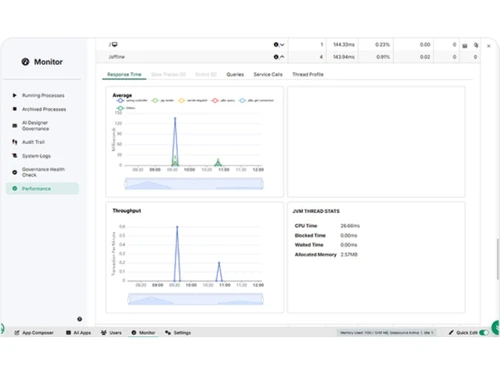
Joget BPM Software helps with Monitoring,Workflow Management and Rapid Snap for Applications.
Joget is an application platform used to visually build and deliver enterprise-grade applications for business process automation, workflow management, and rapid digital transformation.
Yes, Joget is an open-source no-code/low-code platform that combines visual, drag-and-drop tools for business users with the flexibility for developers to extend its capabilities.
Yes, Joget is built on an open-source core with open standards, which allows for extensive customization, integration, and extensibility to fit specific business needs.
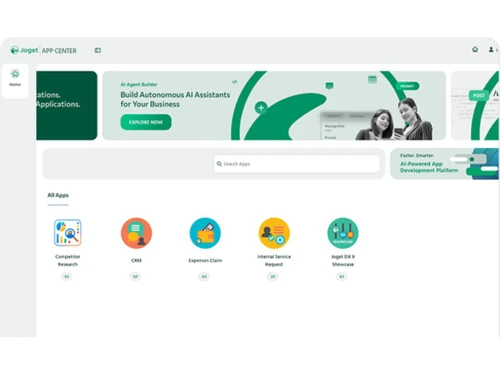
Joget DX is the latest version of the platform, combining AI-driven intelligence, such as an AI Designer and AI Agent Builder, with enhanced user experience and enterprise-grade scalability.
Joget DX features an AI Designer that can generate applications from text and images, as well as an AI Agent Builder to visually create AI agents for automating processes within workflows.
Joget is infrastructure-agnostic and supports flexible deployment options, allowing applications to run on-premise, in containers, or on private, public, and hybrid cloud environments.
Joget is designed for both non-coders and coders, enabling business users to build apps with drag-and-drop tools while allowing developers to extend and integrate the platform as required.
Joget uses a seamless integration and plugin architecture, enabling it to connect with a wide range of systems including databases, modern APIs, legacy systems, and other third-party applications.
Joget pricing details are available on request on techjockey.com.
Joget is ideal for business users, citizen developers, professional developers, IT administrators, and enterprises looking to build applications, automate workflows, and manage business processes.
20,000+ Software Listed
Best Price Guranteed
Free Expert Consultation
2M+ Happy Customers
Terms and Condtions

Users with registered businesses can purchase goods from merchants on the platform to satisfy their business needs. Users are not permitted to utilize any products acquired through the platform for resale, advertising, business, or further distribution.
For each purchase made, users will receive a Tax Invoice (or 'GST invoice') that includes specific details such as:
the GSTIN of the user associated with their registered business, and
the specified Entity Name for their business.
It should be noted that not all products are eligible for GST Invoice. Only the products displayed by participating sellers with the 'GST-based Invoice Available' callout on the product description page would qualify.
Certain goods and services are not eligible to get a GST Invoice, including items with VAS, i.e., Value Added Services (e.g., Total Mobile Protection/Assured Buyback) and those involving an exchange offer at the time of purchase.
Users must ensure the accuracy of the GSTIN, and business entity name provided for the GST Invoice. Requests for corrections into GST Invoice would not be accommodated by Techjockey.com or any Seller, and any issues arising from user-provided information are the sole responsibility of users.
Techjockey.com is not liable for the GST Invoice or any associated input tax credit. To efficiently claim an input tax credit, users should select the registered place of business address as per the GST authority's data and follow the provisions of the GST Act and rules.
To claim an input tax credit, the delivery and billing addresses must match. Furthermore, input tax credits will not be granted if the delivery address and GSTIN on the invoice are from different states. In case of incorrect GST details provided during the order placement, the order will be canceled automatically.


.png)