 USA
USA UAE
UAE
Pipefy
Whats great - Great company! Excellent customer service and just generally smooth sailing. Would highly recommend. read more





Brand: OttoKit
Have you used OttoKit before?
Share your insights for better experience
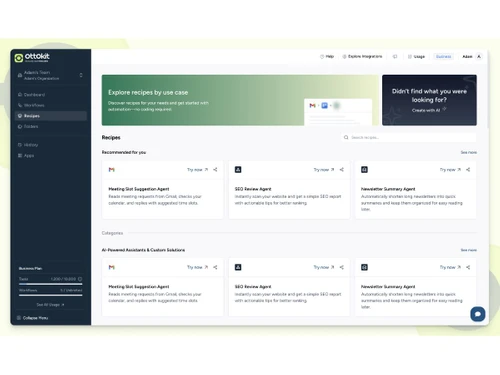
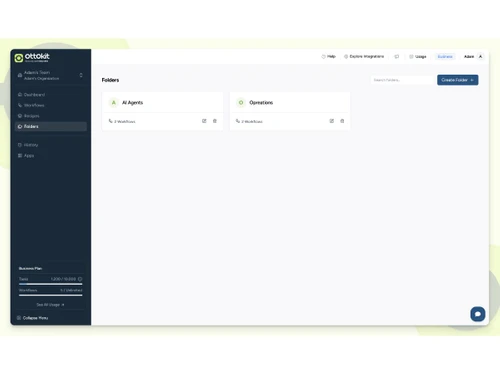
 Workflow Automation Drag-and-Drop Builder API Integration Multi-Step Workflows AI Integration Real-Time Triggers Conditional Logic Webhooks Templates Task Scheduling Advanced Error Handling Activity Monitoring Team Collaboration Data Synchronization Alerts & Notifications User Access Control Workflow Analytics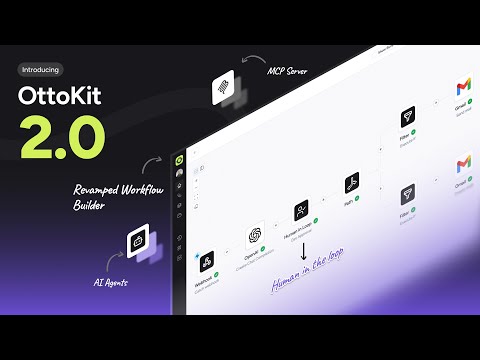

Watch the demo video to explore key features, real workflows, and how the software fits your business needs.
 Windows
  MacOS
MacOS  Desktop
  Cloud-Based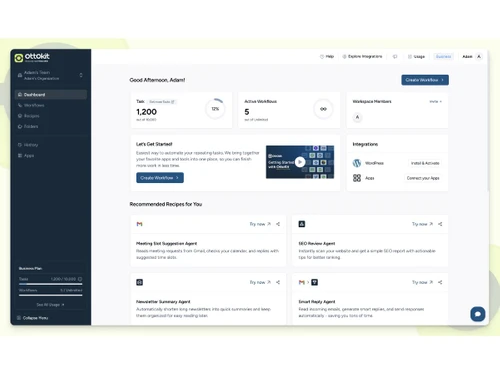
Techjockey Trusted Reviews from Verified Users
No reviews are currently available for OttoKit. Discover similar Workflow Automation Software reviews
Pipefy
Whats great - Great company! Excellent customer service and just generally smooth sailing. Would highly recommend. read more

Monday.com
Whats great - monday.com’s design and functionality make it a perfect choice for managing projects. read more

Wrike
Whats great - ssions and manage user rights, ensuring that sensitive information is only available to the right people. Further, the two-fa... read more
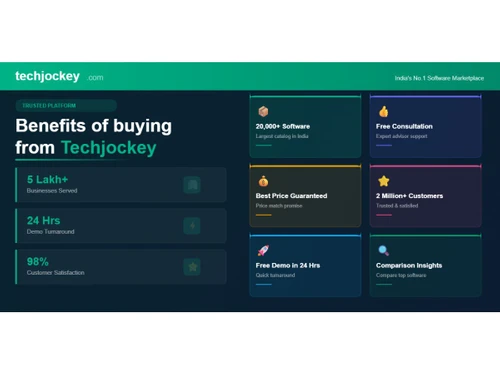
20,000+ Software Listed
Best Price Guranteed
Free Expert Consultation
2M+ Happy Customers
Terms and Condtions

Users with registered businesses can purchase goods from merchants on the platform to satisfy their business needs. Users are not permitted to utilize any products acquired through the platform for resale, advertising, business, or further distribution.
For each purchase made, users will receive a Tax Invoice (or 'GST invoice') that includes specific details such as:
the GSTIN of the user associated with their registered business, and
the specified Entity Name for their business.
It should be noted that not all products are eligible for GST Invoice. Only the products displayed by participating sellers with the 'GST-based Invoice Available' callout on the product description page would qualify.
Certain goods and services are not eligible to get a GST Invoice, including items with VAS, i.e., Value Added Services (e.g., Total Mobile Protection/Assured Buyback) and those involving an exchange offer at the time of purchase.
Users must ensure the accuracy of the GSTIN, and business entity name provided for the GST Invoice. Requests for corrections into GST Invoice would not be accommodated by Techjockey.com or any Seller, and any issues arising from user-provided information are the sole responsibility of users.
Techjockey.com is not liable for the GST Invoice or any associated input tax credit. To efficiently claim an input tax credit, users should select the registered place of business address as per the GST authority's data and follow the provisions of the GST Act and rules.
To claim an input tax credit, the delivery and billing addresses must match. Furthermore, input tax credits will not be granted if the delivery address and GSTIN on the invoice are from different states. In case of incorrect GST details provided during the order placement, the order will be canceled automatically.