 USA
USA UAE
UAESmall Business
Designed for startups and growing businesses


See More




Brand: Gyankaar Technologies
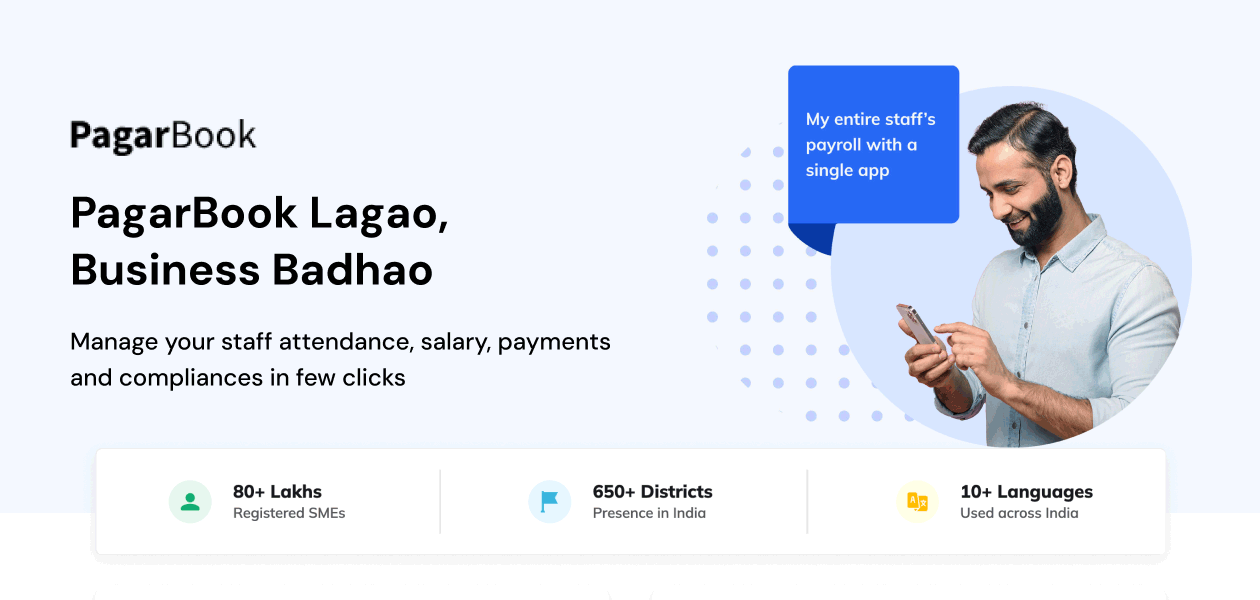
PagarBook is a comprehensive payroll management solution designed to streamline employee attendance, payroll, and salary management for businesses of all sizes.
See MoreHave you used PagarBook before?
Share your insights for better experience
View plans
 Save upto 18%, Get GST Invoice on your business purchase T&C Buy Now & Pay Later, Check offer on payment page.
 Brand: Gyankaar Technologies
Founded Year: 2020
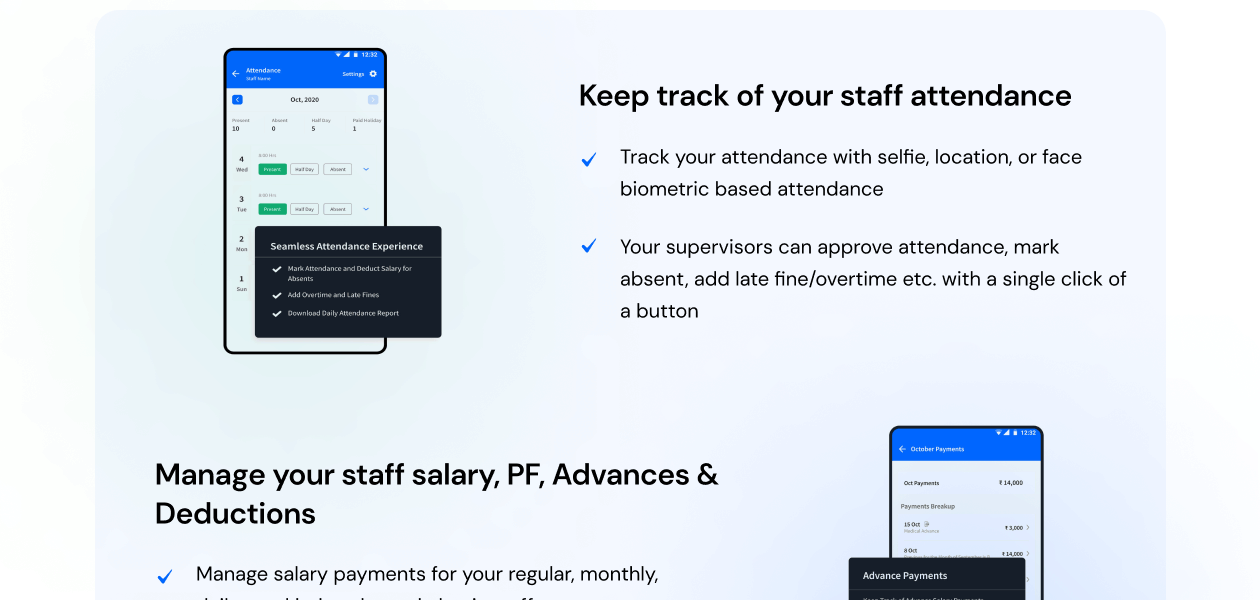
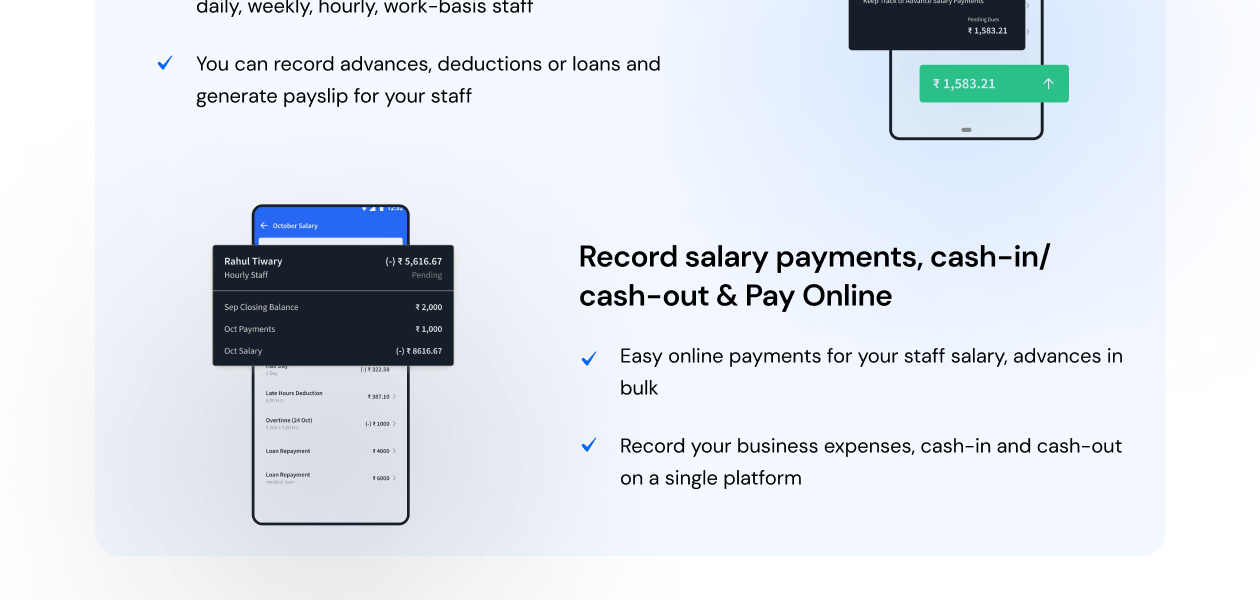
PagarBook is a staff's salary, work, and attendance management app for small and medium enterprises. The easy-to-use mobile and desktop application manages attendance, salary, advance payment, bonuses, overtime, and work done per piece or work basis staff, enabling
Payroll Management
 Overtime Management Automated Payroll Off-Cycle Payroll Processing Bonus and Incentive Management Expense Reimbursements Tax Deductions Direct Bank Transfers Multiple Pay Rates and Schedules Variable Pay & Commission Management Employee Benefits Management Gratuity Calculation
 Compliance Management
Labour Welfare Fund (LWF) Management Income Tax (TDS) Management Provident Fund (PF) Compliance Professional Tax (PT) Compliance Employee State Insurance (ESI) Compliance Time, Attendance & Leave Management
Leave & Absence Management Sick Leave and Vacation Tracking Attendance Tracking Leave Policy Customization Holiday & Leave Calendar Employee Self-Service (ESS)
Payslip Access Expense Claims Income Tax Planner Employee Lifecycle Management
Employee Database Document Management Employee Shift Scheduling F&F Settlement Banking Integration & Payment Processing
Bank Transfer Files Cheque Processing Direct Deposit Scheduling Multi-Bank Support Automation and Customization
Alerts & Notifications Scheduled Payroll Processing Custom Payroll Rules and Policies Configurable Workflows & Approvals API Access Security and Data Privacy
User Access Management Two-Factor Authentication (2FA) Data Backup and Recovery Encrypted Data Transmission Audit Logs and Monitoring Integrations
Payment Gateway Third Party Integration Biometric Integration Accounting Software HRMS Performance Management API Integration Reporting and Analytics
Payroll Reports Leave and Attendance Reports Compliance Reports Employee Master Report 

Watch the demo video to explore key features, real workflows, and how the software fits your business needs.
 Windows
  iOS
iOS  Android MacOS
  Desktop
  Mobile
  Tablet
  iPad
iPad  Cloud-Based




Small Business
Designed for startups and growing businesses
Medium Business
Built for business growth and flexibility
Enterprises
Designed for complex and large-scale business needs
4.2
Out of 5

Overall Rating
Based on
17 Verified Reviews
Rating Breakdown
77% Recommend this Product
Add ReviewOverall, customer sentiment towards PagarBook is largely positive, with users appreciating its ease of use for payroll and attendance management, as well as its automated salary calculations. Many find the software a significant upgrade from previous systems, noting the convenience of mobile access and clear salary slips. However, common complaints include occasional app slowdowns, bugs during report generation, and the need for manual compliance checks. A few users have reported poor customer service and issues with software updates, which detracted from their experience.
Pros
"Easy-to-use platform for managing employee attendance, payroll, salary calculations, and payslip generation, helping businesses save time and reduce manual work."
"Best in the market with maximum features. Easy to manage staff attendance, automatic salary calculation is easy.Provides quick support."
Cons
"Some users have reported occasional app disruptions and delays in customer support, especially for post-sales assistance."
" I wish it handled legal compliance better, as I still have to do that part manually. "
"They always make some changes and because of this, you cannot mark attendance on time."


May 16, 2026
Techjockey Verified
“PagarNote is an amazing payroll & attendance app”
PagarNote is an amazing payroll & attendance app. Very easy to use and the PagarNote team support is excellent. Best service experience!
Pros
Easy-to-use platform for managing employee attendance, payroll, salary calculations, and payslip generation, helping businesses save time and reduce manual work.
Cons
Some users have reported occasional app disruptions and delays in customer support, especially for post-sales assistance.
Jul 9, 2024
Techjockey Verified
“PagarBook Is Good for Payroll Management but Could Be Faster”
Pros
PagarBook has made managing payroll a simpler task. The automated salary calculations take a lot of the guesswork out of the process. I also like the attendance management feature, which allows me to track employee hours more easily.
Cons
The main downside is that the app can be slow when accessing large reports, and it doesn’t handle legal compliance by itself. You have to manually check if everything is in line with regulations.
Reason to switch
I was looking for change,
Jul 9, 2024
Techjockey Verified
“PagarBook Is Good for Payroll, But App Issues Persist”
Pros
I’ve found PagarBook to be useful for managing payroll, especially with its automatic salary calculations. The salary slips are easy to generate, and tracking employee attendance is no longer a manual task.
Cons
The app does have some bugs, though. It sometimes freezes, particularly when I’m working on larger tasks like generating reports. It also doesn’t handle compliance automatically, so you need to keep that in mind.
Reason to switch
I switched because PagarBook provided better payroll automation and tracking than Zoho Payroll.
PagarBook
₹ 499.00 excl. GST
Desktop
Mobile
Web based
On Premises
Windows
Mac OS

Zoho Payroll
₹ 1250
Desktop
Mobile
Web based
On Premises
Windows
Mac OS
PayWise
₹ 300
Desktop
Mobile
Web based
On Premises
Windows
Mac OS

RazorpayX Payroll
₹ 29988
Desktop
Mobile
Web based
On Premises
Windows
Mac OS
ADP Vista
Price On Request
Desktop
Mobile
Web based
On Premises
Windows
Mac OS

QuickBooks Payroll
Price On Request
Desktop
Mobile
Web based
On Premises
Windows
Mac OS

Papaya Global
Price On Request
Desktop
Mobile
Web based
On Premises
Windows
Mac OS

UnboxPayroll
₹ 2000
Desktop
Mobile
Web based
On Premises
Windows
Mac OS

Perk Payroll
₹ 1499
Desktop
Mobile
Web based
On Premises
Windows
Mac OS

HivePayroll
₹ 1499
Desktop
Mobile
Web based
On Premises
Windows
Mac OS
Valluva
₹ 10
Desktop
Mobile
Web based
On Premises
Windows
Mac OS
(0) Product(s) selected
Available
Price on Request
Starting Price:
$85 /Month
Starting Price:
$15
Starting Price:
₹10 /Month

Available
Price on Request

Available
Price on Request

Starting Price:
₹25 /Month

Starting Price:
$25 /Employee/Month

Available
Price on Request

Starting Price:
$39 /Month





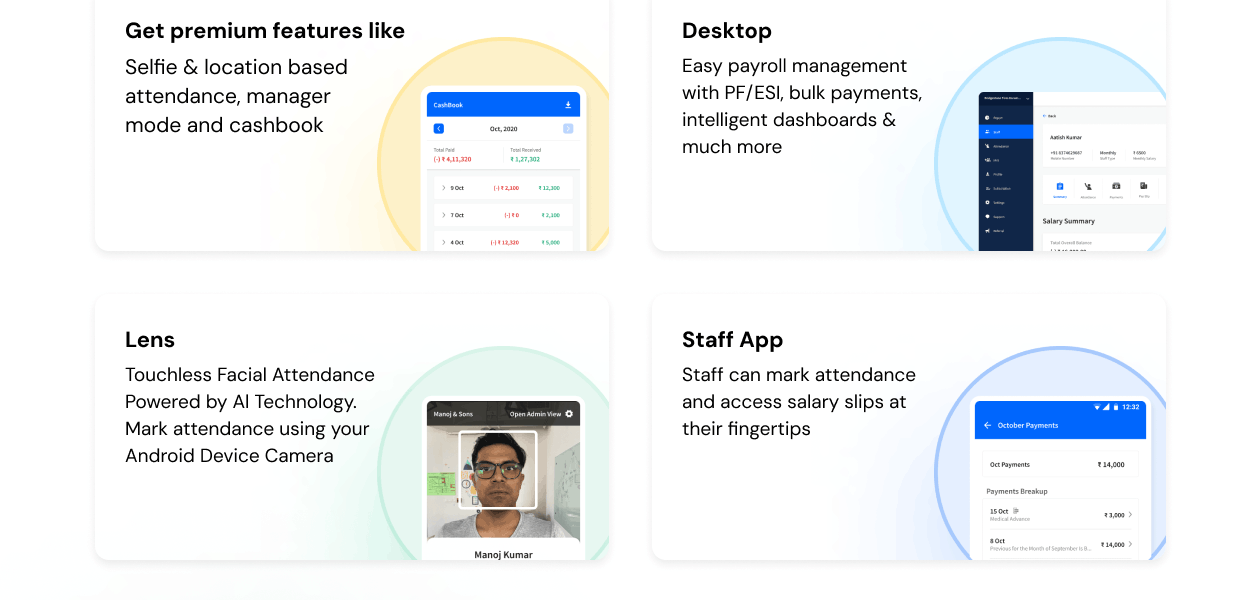
You can track attendance by adding employee details, marking attendance, and managing shifts via the PagarBook app.
PagarBook offers a free version with essential features and paid plans with advanced functionalities.
Yes, PagarBook allows you to generate detailed payslips for your employees.
Yes, PagarBook supports multiple Indian languages for better accessibility.
PagarBook ensures data security with encrypted storage and regular backups.
PagarBook pricing plan starts from Rs 499 per staff member/year, and is available at techjockey.com.
Per staff in the Pagarbook app refers to per-employee or per worker. It directly refers to the individual employee being managed in the Pagarbook app, not a team or department.
0 0
Workers can access their attendance records, leaves, and other relevant data by logging in to the PagarBook app or web portal.
0 0
To create a new business in PagarBook, follow the steps given below:
0 0
To stop the daily SMS updates in PagarBook, go to the settings section within the platform and disable the relevant setting. If you can't find the option to disable SMS updates in your settings, then you can contact the support team of PagarBook to get assistance with disabling the daily SMS update.
0 0
To change or update the salary cycle of your staff in PagarBook, follow the steps given below:
0 3
20,000+ Software Listed
Best Price Guranteed
Free Expert Consultation
2M+ Happy Customers
Terms and Condtions

Users with registered businesses can purchase goods from merchants on the platform to satisfy their business needs. Users are not permitted to utilize any products acquired through the platform for resale, advertising, business, or further distribution.
For each purchase made, users will receive a Tax Invoice (or 'GST invoice') that includes specific details such as:
the GSTIN of the user associated with their registered business, and
the specified Entity Name for their business.
It should be noted that not all products are eligible for GST Invoice. Only the products displayed by participating sellers with the 'GST-based Invoice Available' callout on the product description page would qualify.
Certain goods and services are not eligible to get a GST Invoice, including items with VAS, i.e., Value Added Services (e.g., Total Mobile Protection/Assured Buyback) and those involving an exchange offer at the time of purchase.
Users must ensure the accuracy of the GSTIN, and business entity name provided for the GST Invoice. Requests for corrections into GST Invoice would not be accommodated by Techjockey.com or any Seller, and any issues arising from user-provided information are the sole responsibility of users.
Techjockey.com is not liable for the GST Invoice or any associated input tax credit. To efficiently claim an input tax credit, users should select the registered place of business address as per the GST authority's data and follow the provisions of the GST Act and rules.
To claim an input tax credit, the delivery and billing addresses must match. Furthermore, input tax credits will not be granted if the delivery address and GSTIN on the invoice are from different states. In case of incorrect GST details provided during the order placement, the order will be canceled automatically.



