USA
USA UAE
UAESmall Business
Designed for startups and growing businesses

See More





Brand: Softgun Pagaria Computers
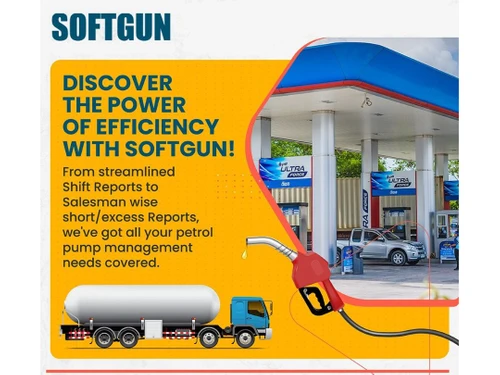
SOFTGUN is a multi-utility petrol pump software for the efficient management of gas stations and petrol pumps. Apart from the precise accounts and inventory management, SOFTGUN petrol pump software helps calculate variations in fuel, movement of incoming tankers, and shortage, if any. It also has shift-wise reports and salesman-wise reports with short/excess. Thousands of fuel stations trust SOFT...
See MoreHave you used SOFTGUN Petrol Pump Software before?
Share your insights for better experience
Looking for The Right Pricing?
Share your requirements and get a plan built around your business.
Price Available on Request
Get personalised SOFTGUN Petrol Pump Software pricing that fits your needs. Our team will connect with you.
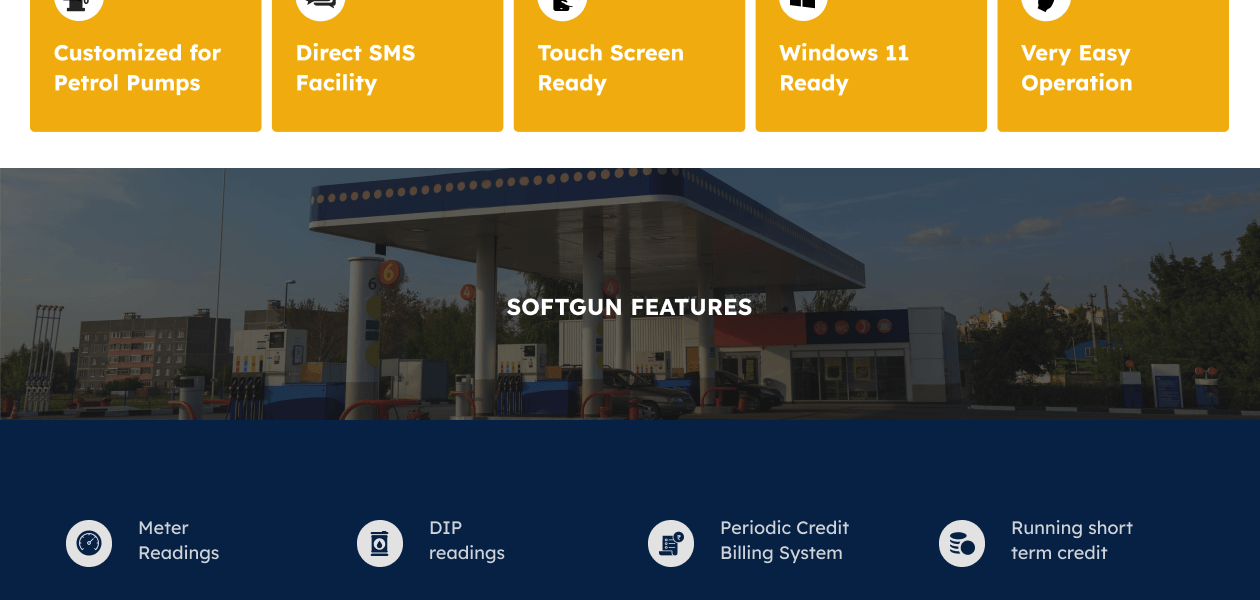
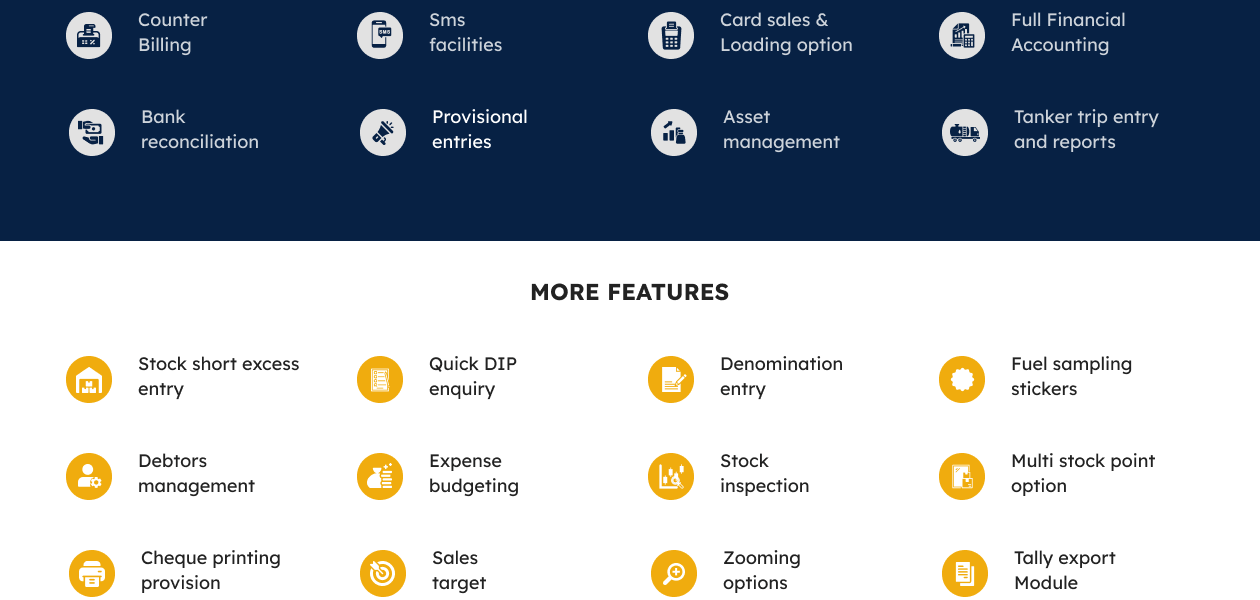
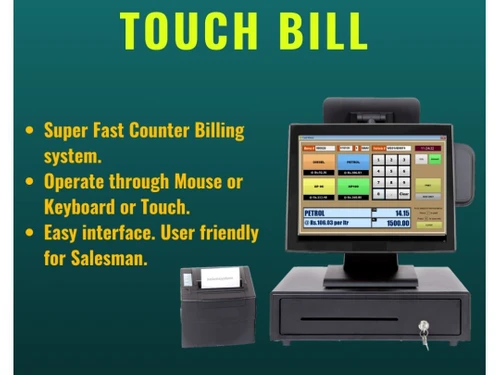
 WhatsApp, Email & SMS Meter Management Tank Management Sales Management Touch Bill Sales Growth Purchase Management Stock Management Accounting & Taxation Expense Management Shift Management Payroll Management Asset Management Fund Management Audit Trail

Watch the demo video to explore key features, real workflows, and how the software fits your business needs.

 Windows
  Desktop
  Perpetual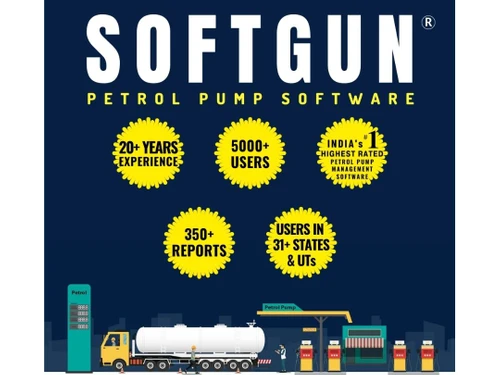
Small Business
Designed for startups and growing businesses
Medium Business
Built for business growth and flexibility
Enterprises
Designed for complex and large-scale business needs
4.6
Out of 5

Overall Rating
Based on
21 Verified Reviews
Rating Breakdown
91% Recommend this Product
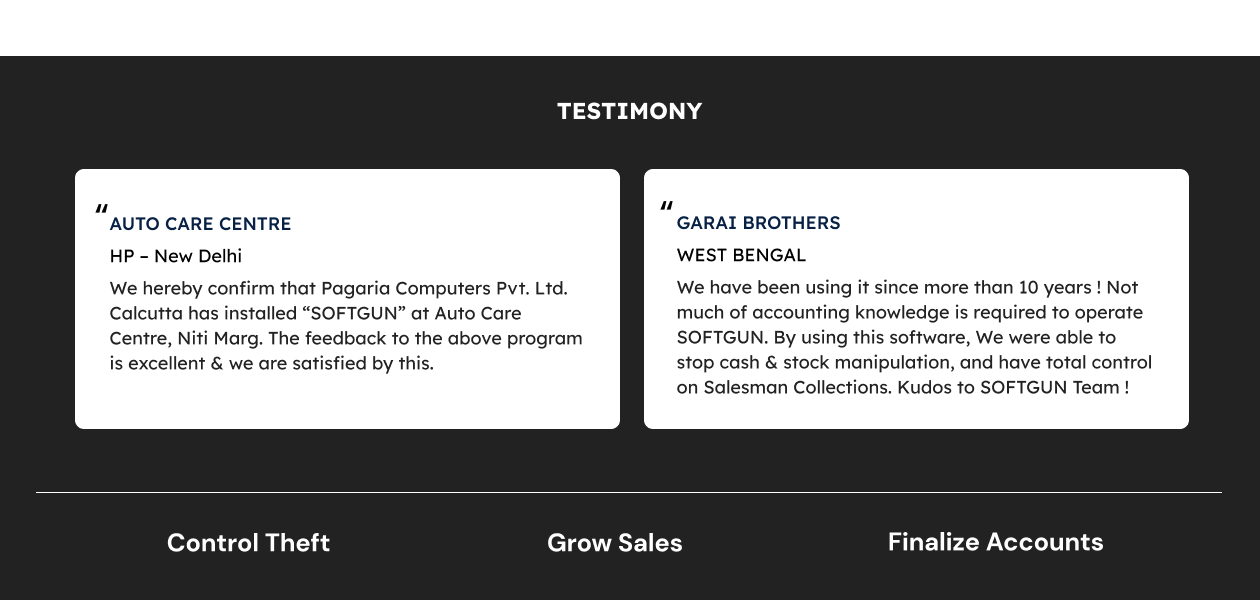
Add ReviewCustomers express high satisfaction with SOFTGUN Petrol Pump Software, highlighting its user-friendly interface, comprehensive reporting capabilities, and excellent customer support. Users appreciate the software's ability to streamline operations, enhance billing efficiency, and assist in inventory and accounting management. Many have noted the software's adaptability to changing business needs and its effectiveness in increasing sales. While there are minimal complaints, the overall sentiment is overwhelmingly positive, with users recommending it for its reliability and ease of use in petrol pump management.


Nov 22, 2021
Techjockey Verified
“SOFTGUN provides accurate reports for managing a Petrol Pump and I definitely recommend it!”
Pros
It is only a matter of minutes before the Sales officer’s inspection report gets ready, and gives us an option to keep a self-check.
Cons
NO CONS
Reason to switch
SOFTGUN training executives give such an effective training that even my counter people are operating the software without any difficulty.
Dec 21, 2021
Techjockey Verified
“I can safely recommend to all my dear dealers to use SOFTGUN petrol pump software at their outlets.”
Pros
As a SOFTGUN user for more than 10 years, I can safely recommend it to all my dear dealers to use SOFTGUN at their outlets.
Cons
NO CONS
Reason to switch
It is very easy to handle & can help control the entire petrol pump accounting and management.
Nov 27, 2021
Techjockey Verified
“SOFTGUN also has a separate module Tally data import, which comes in use when CA asks for it.”
Pros
We have been using SOFTGUN wonderfully since over 10 years. It is upgraded time to time. Through this software we achieved up to date records including tank & meter readings, outstandings, stock inventory and more.
Cons
NO CONS
Reason to switch
SOFTGUN is highly recommended to everyone who are still maintaining manual books and are looking to upgrade them to digital book keeping.

SOFTGUN Petrol Pump Software
Price On Request
Desktop
Mobile
Web based
On Premises
Windows
Mac OS
PetroPulse360
₹ 999
Desktop
Mobile
Web based
On Premises
Windows
Mac OS

My Lucky Meter
₹ 10000
Desktop
Mobile
Web based
On Premises
Windows
Mac OS

Petro Genius
₹ 13500
Desktop
Mobile
Web based
On Premises
Windows
Mac OS

MuePetro
₹ 16000
Desktop
Mobile
Web based
On Premises
Windows
Mac OS

PetroMeter
Price On Request
Desktop
Mobile
Web based
On Premises
Windows
Mac OS

Accord Fuel Management System
₹ 500000
Desktop
Mobile
Web based
On Premises
Windows
Mac OS

PumpCount
₹ 15000
Desktop
Mobile
Web based
On Premises
Windows
Mac OS

PetroTally
Price On Request
Desktop
Mobile
Web based
On Premises
Windows
Mac OS

PetroSoft India
₹ 8000
Desktop
Mobile
Web based
On Premises
Windows
Mac OS

araPATROL
₹ 300
Desktop
Mobile
Web based
On Premises
Windows
Mac OS
(0) Product(s) selected
Starting Price:
₹999 /Month
Starting Price:
₹10,000
Starting Price:
₹8,000

Starting Price:
₹25,000 /Quantity

Available
Price on Request

Available
Price on Request

Available
Price on Request

Available
Price on Request

Available
Price on Request

Available
Price on Request

Starting Price:
₹18,000 /Quantity
Softgun is compatible with Windows operating system.
Softgun will be installed on your desktop/laptop in case of a single user. In the multiuser version, It can be connected through LAN and run on different computers present in the pump (i.e. one server and multiple clients), also allows the number of user accounts for employees to use this software.
Softgun pricing is available on request as there are multiple versions suitable to different pumps according to their sales and needs.
Softgun is are typically used in petrol pumps and gas stations.
An Interactive Softgun demo is available online. Our executive will get back to you on request.
There are multiple versions with different price structures, catering to pumps as per their needs.
Proper training will be provided after you purchase and install Softgun. Tutorial videos are also present for those who may need more time to learn and understand.
20,000+ Software Listed
Best Price Guranteed
Free Expert Consultation
2M+ Happy Customers
Terms and Condtions

Users with registered businesses can purchase goods from merchants on the platform to satisfy their business needs. Users are not permitted to utilize any products acquired through the platform for resale, advertising, business, or further distribution.
For each purchase made, users will receive a Tax Invoice (or 'GST invoice') that includes specific details such as:
the GSTIN of the user associated with their registered business, and
the specified Entity Name for their business.
It should be noted that not all products are eligible for GST Invoice. Only the products displayed by participating sellers with the 'GST-based Invoice Available' callout on the product description page would qualify.
Certain goods and services are not eligible to get a GST Invoice, including items with VAS, i.e., Value Added Services (e.g., Total Mobile Protection/Assured Buyback) and those involving an exchange offer at the time of purchase.
Users must ensure the accuracy of the GSTIN, and business entity name provided for the GST Invoice. Requests for corrections into GST Invoice would not be accommodated by Techjockey.com or any Seller, and any issues arising from user-provided information are the sole responsibility of users.
Techjockey.com is not liable for the GST Invoice or any associated input tax credit. To efficiently claim an input tax credit, users should select the registered place of business address as per the GST authority's data and follow the provisions of the GST Act and rules.
To claim an input tax credit, the delivery and billing addresses must match. Furthermore, input tax credits will not be granted if the delivery address and GSTIN on the invoice are from different states. In case of incorrect GST details provided during the order placement, the order will be canceled automatically.