linkedin
Tor Browser logo
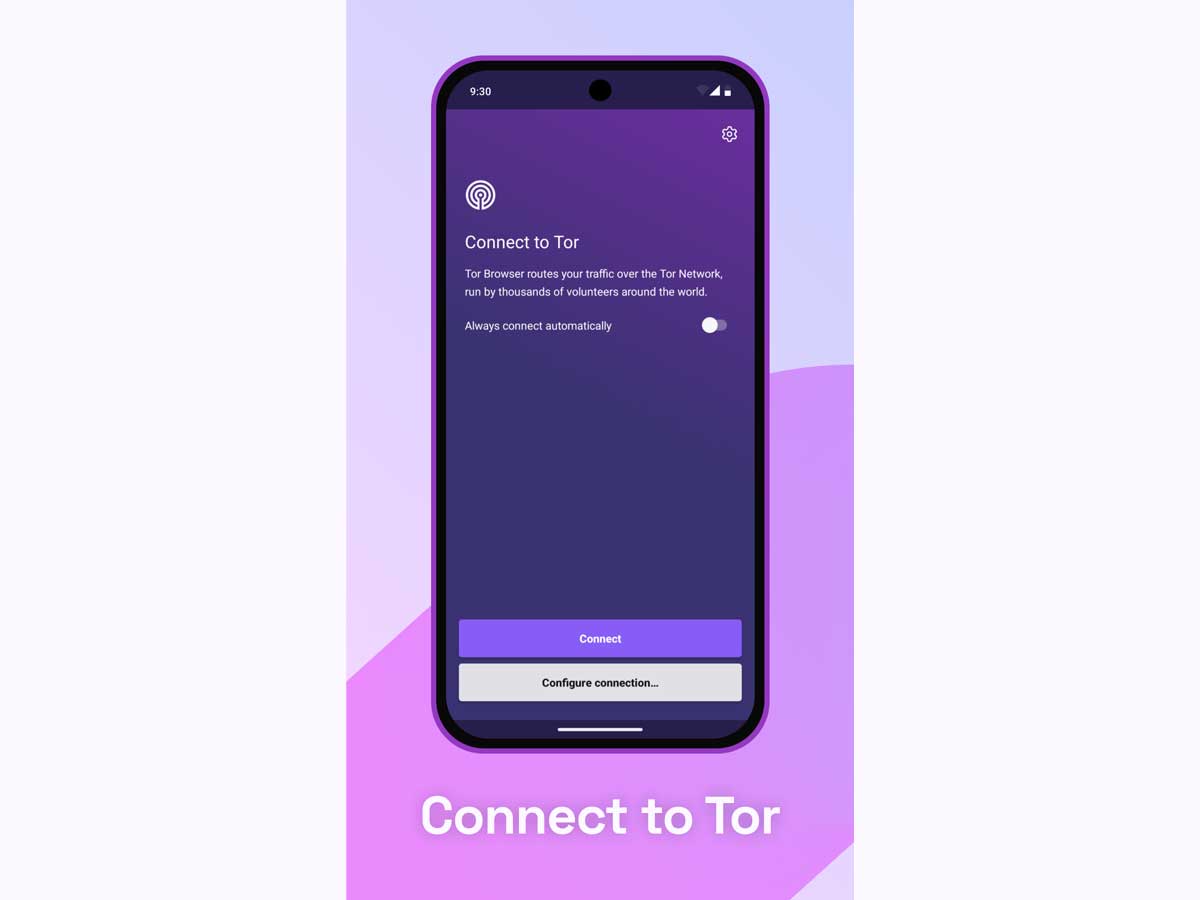
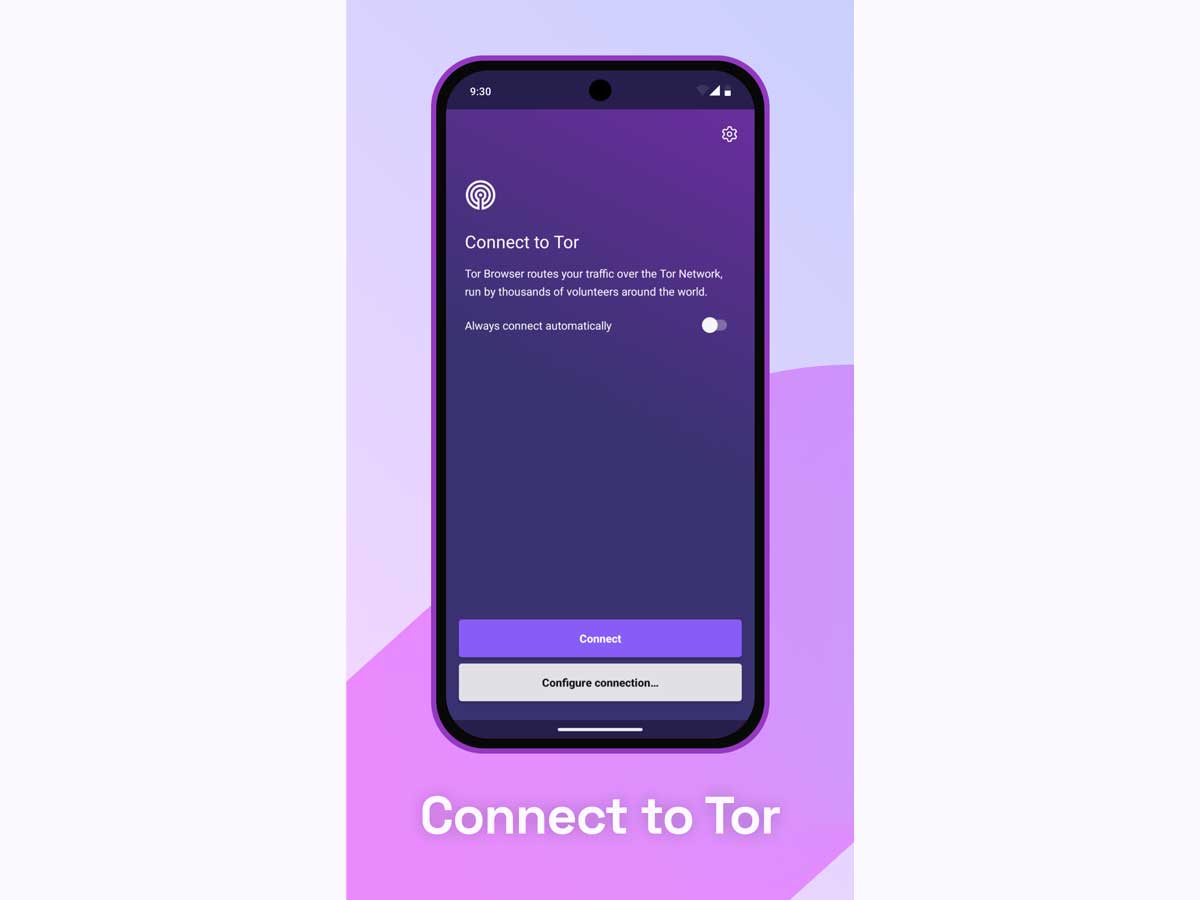
Tor Browser-connect
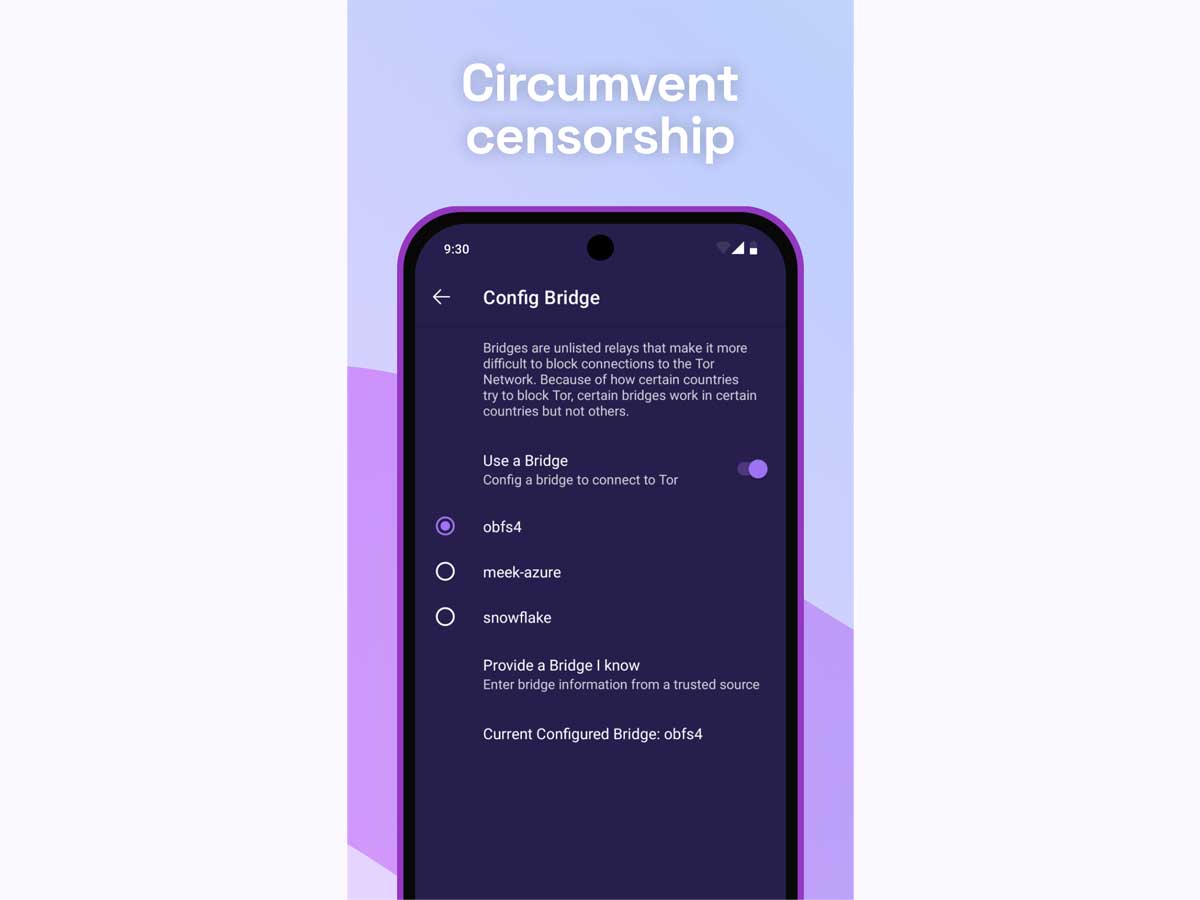
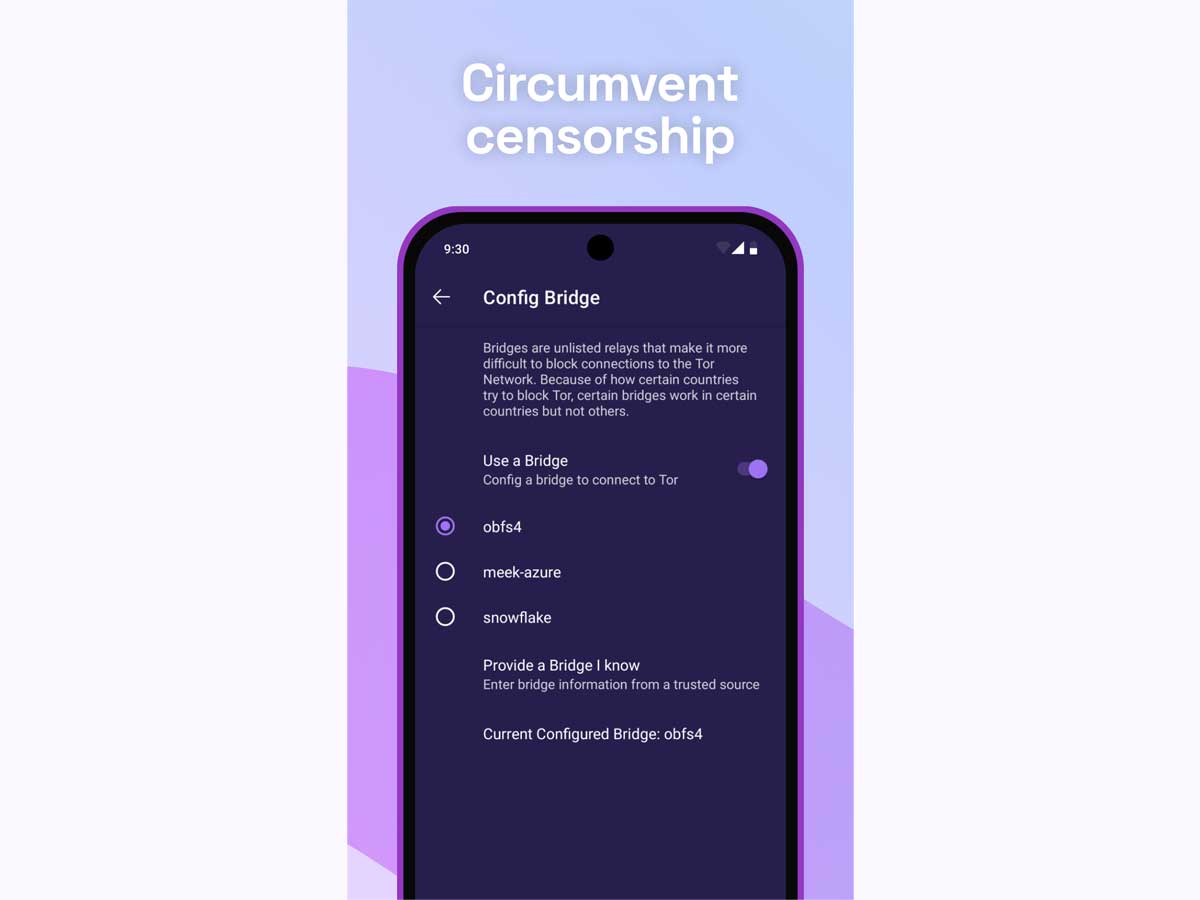
Tor Browser-censorship
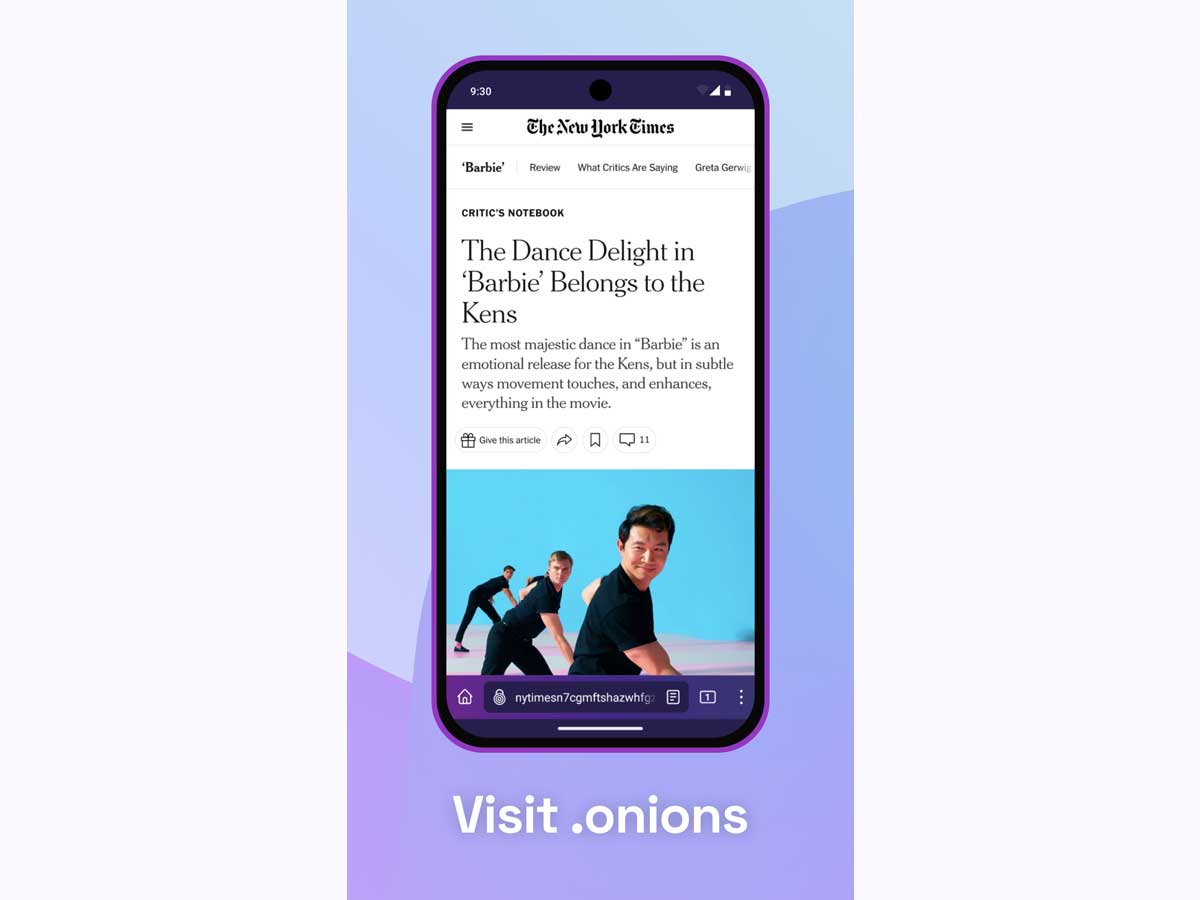
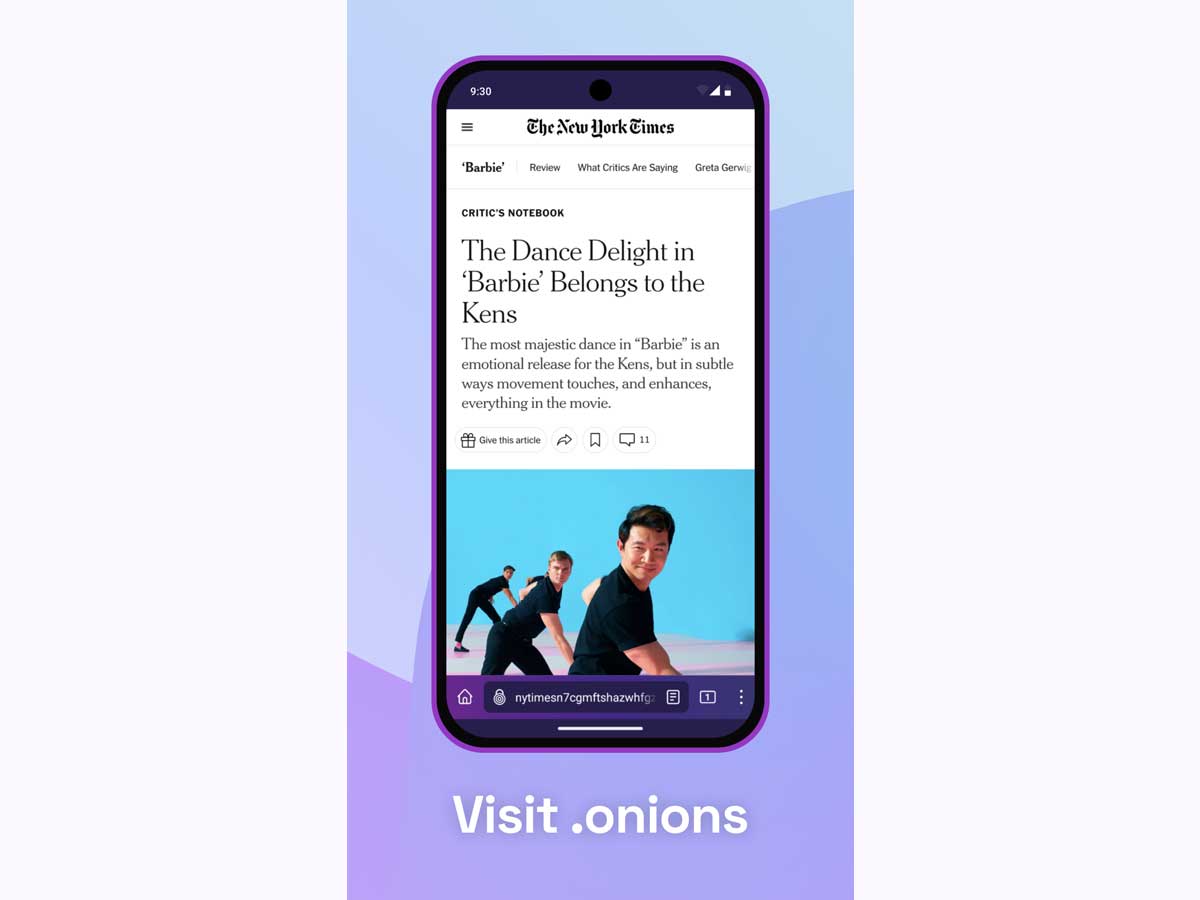
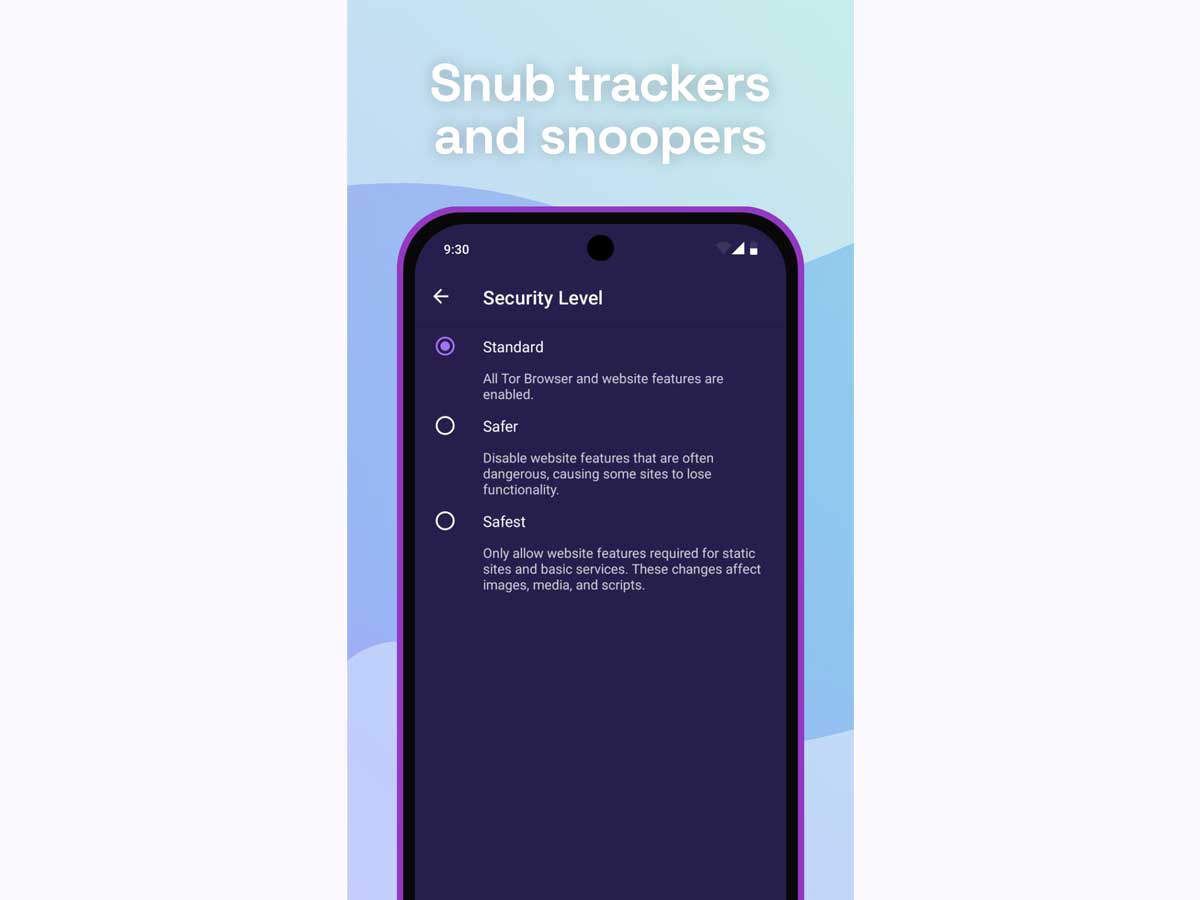
Tor Browser-features

Tor Browser

Brand: The Tor Project

  • No Ratings & Reviews

Tor Browser protects your online privacy by routing traffic through the Tor network, helping reduce tracking and surveillance while enabling access to the open internet with greater anonymity.

See More

Have you used Tor Browser before?

Share your insights for better experience

Add a Review

Free Forever

Get started immediately at no cost. Upgrade anytime if your business demand more.

100% Genuine
Products
Best Price
Guaranteed
Safe & Secure
Payment
  • Description

  • Pricing

  • Features

  • Specification

  • Review

  • Compare

  • Alternatives

Tor Browser Software Overview

What is Tor Browser?

Tor Browser is a specialized web browser designed with a primary focus on user privacy, security, and anonymity. Developed by The Tor Project, a non-profit organization, its mission is to advance human rights and online freedoms. The browser enables users to defend themselves against tracking, surveillance, and censorship by routing their internet traffic through the global, volunteer-run Tor network. This process conceals the user's location and browsing activity from anyone conducting network surveillance or traffic analysis. It is free, open-source software built to provide unrestricted access to the internet while protecting the identity of its users. Tor Browser is available across multiple platforms, including Windows, macOS, Linux, and Android, making secure browsing accessible to a wide audience.

Why Choose Tor Browser?

  • Comprehensive Anonymity: By routing your connection through a series of encrypted relays (the Tor network), the browser effectively masks your IP address, making it extremely difficult for websites, advertisers, or even internet service providers to trace your online activity back to you.
  • Defense Against Surveillance: Tor Browser is engineered to prevent third parties from monitoring your online habits. It automatically blocks trackers and isolates cookies to each specific website, ensuring that your browsing history remains private and cannot be used to build a profile of you.
  • Censorship Circumvention: For users in regions where the internet is heavily restricted or censored, Tor Browser provides a vital gateway to the open web. It can bypass local internet blocks, allowing access to blocked information, social media platforms, and news sources.
  • Free and Trustworthy: As a product of a non-profit organization dedicated to privacy, Tor Browser is completely free to use and is not driven by a commercial motive. Its open-source nature allows for public scrutiny, ensuring there are no hidden backdoors or malicious code.

Advanced Features of Tor Browser

  • Multi-Layered Encryption: The browser's core feature is its integration with the Tor network, which wraps user traffic in multiple layers of encryption, similar to the layers of an onion (hence the name "The Onion Router"). Traffic is passed through at least three random volunteer-operated servers, with each layer being decrypted at each successive relay, ensuring no single point in the path knows both the origin and destination of the data.
  • Built-in Security Extensions: Tor Browser includes pre-installed and configured security tools. It ships with HTTPS-Only mode to enforce an encrypted connection whenever possible and NoScript to block potentially malicious scripts from running by default.
  • Automatic Plugin Blocking: To prevent security vulnerabilities that could reveal a user's real IP address, the browser automatically blocks browser plugins such as Flash, RealPlayer, and QuickTime. Users are strongly advised not to install any additional add-ons, as they may compromise privacy.
  • Bridge Configuration: For users in countries where access to the Tor network itself is blocked, the browser includes an option to connect via "bridges." These are unlisted relays that help conceal the fact that you are connecting to the Tor network, providing an additional layer of censorship resistance.

Key Capabilities of Tor Browser

  • Anonymous Web Browsing: Masks your real IP address and location to provide an anonymous browsing experience.
  • Tracker and Fingerprinting Defense: Actively works to block third-party trackers and makes all users look alike to prevent websites from "fingerprinting" and identifying them based on their browser and system configuration.
  • Cross-Platform Availability: Provides consistent security and privacy across major desktop and mobile operating systems, including Windows, macOS, Linux, and Android. For iOS users, the Tor Project recommends the Onion Browser app.
  • Privacy-Focused Browsing: Tor Browser is designed to protect users against tracking, surveillance, and censorship while browsing the internet.
  • Multi-Language Support: The browser is available in numerous languages, making it accessible to a global user base.

How to Use Tor Browser?

  1. Download Securely: Visit the official Tor Project website to download the installer for your specific operating system (Windows, macOS, Linux, or Android). Avoid downloading from third-party sources to ensure the software is authentic.
  2. Verify the Signature (Recommended): For maximum security, you can verify the digital signature of the downloaded file. This step confirms that the software has not been tampered with since it was created and signed by the Tor Project developers.
  3. Install and Launch: Run the downloaded file to install the browser. Once installed, open the application.
  4. Connect to the Tor Network: Upon first launch, a window will appear. Simply click "Connect" to establish a connection to the Tor network. If you are in a location where Tor is blocked, you will need to select the "Configure" option to set up a bridge connection.
  5. Browse with Caution: Once connected, you can browse the internet. For optimal safety, adhere to the recommended practices: do not torrent files over Tor and refrain from installing any additional plugins or add-ons.

Tor Browser Pricing

Tor Browser is available for free on techjockey.com.

The pricing model is based on different parameters, including extra features, deployment type, and the total number of users. For further queries related to the product, you can contact our product team and learn more about the pricing and offers.

Read more

The Tor Project Company Details

Founded Year:  2006

The Tor Project is a 501(c)(3) nonprofit organization. We develop free and open source software for privacy and freedom online, protecting people from tracking, surveillance, and censorship.

Director/Founders Roger Dingledine
Company Size 1-100 Employees

Tor Browser Pricing & Plans

This Product is Available Free Forever.

Start instantly with no fees, no subscriptions, and no commitments.

  • Full access to basic version available
  • No credit card or sign-up required

Free Forever Plan

Get started immediately at no cost. Upgrade anytime if your business demand more.

Free Forever

Tor Browser Features

  • icon_check Encrypted Traffic
    Encrypts your internet connection multiple times for layered protection.
  • icon_check Access Blocked Sites
    Bypasses censorship and enables access to restricted websites securely.
  • icon_check Cross-Platform Support
    Also available for Windows, macOS, Linux, and iOS for unified privacy.
  • icon_check Browsing Activity
    Prevents observers from knowing which websites you visit; only reveals you’re using Tor.
  • icon_check Security Level Controls
    Choose from Standard, Safer, or Safest to disable/enforce features for stronger protection.
  • icon_check Third-Party Tracker Blocking
    Stops social widgets, ads, and analytics tools from linking activity.
  • icon_check Fingerprint Protection
    Reduces browser fingerprinting techniques used by websites to uniquely identify individual users.
  • icon_check Encrypted Data Transmission
    Encrypts network communications to enhance confidentiality and protect sensitive information.
  • icon_check Block Trackers
    Isolates every website, blocking ads and trackers from following your activity.
  • icon_check Automatic Cookie Clearing
    Deletes cookies and site data automatically after each browsing session.
  • icon_check Defend Against Surveillance
    Hides your web activity so ISPs or observers can’t see visited sites.
  • icon_check Resist Fingerprinting
    Makes all users appear identical, preventing browser and device profiling.
  • icon_check Anonymous Browsing
    Routes traffic through Tor’s global network for true online anonymity.

Tor Browser Specifications

Supported Platforms
Windows Windows Android Android MacOS MacOS Linux Linux
Devices
Desktop Desktop
Deployment
Perpetual Perpetual
Suitable For
All Industries
Business Specific
All Businesses
Business Size
Small Business Medium Business SMEs
Customer Support
Live Chat Communities
Language
English
Training Resources
Documentation

Explore the Best Alternative Solutions Similar to Your Business Size and Needs

Tor Browser Review

Techjockey Trusted Reviews from Verified Users

No reviews are currently available for Tor Browser. Discover similar Browser Software reviews

  • Safari

    4.4

    Whats great - Helps my MacBook battery last noticeably longer. read more

  • Brave Browser

    4.4

    Whats great - Sync bookmarks and settings across devices read more

  • DICloak Antidetect Browser

    5.0

    Whats great - I am very satisfied with DICloak's seamless proxy integration and IP isolation features. It can bind a dedicated proxy IP for... read more
Compare Tor Browser With other Browser Software

Products
Ratings
Pricing
Device Supported
Deployment
Supported Platforms
  • img

    Tor Browser

  • FREE

  • Desktop

    Mobile

  • Web based

    On Premises

  • Windows

    Mac OS

  • img

    ChatGPT Atlas

  • 4.2

  • ₹ 399

  • Desktop

    Mobile

  • Web based

    On Premises

  • Windows

    Mac OS

  • img

    XNXubd VPN Browser

  • 4.3

  • Price On Request

  • Desktop

    Mobile

  • Web based

    On Premises

  • Windows

    Mac OS

  • img

    Perplexity Comet

  • 4.2

  • Price On Request

  • Desktop

    Mobile

  • Web based

    On Premises

  • Windows

    Mac OS

  • img

    SquareX

  • 4.3

  • Price On Request

  • Desktop

    Mobile

  • Web based

    On Premises

  • Windows

    Mac OS

  • img

    Vivaldi

  • 4.1

  • Price On Request

  • Desktop

    Mobile

  • Web based

    On Premises

  • Windows

    Mac OS

  • img

    Brave Browser

  • 4.4

  • Price On Request

  • Desktop

    Mobile

  • Web based

    On Premises

  • Windows

    Mac OS

  • img

    Fellou

  • 4.4

  • Price On Request

  • Desktop

    Mobile

  • Web based

    On Premises

  • Windows

    Mac OS

  • img

    GoLogin

  • 4.7

  • Price On Request

  • Desktop

    Mobile

  • Web based

    On Premises

  • Windows

    Mac OS

  • img

    Mozilla Firefox

  • 4.1

  • Price On Request

  • Desktop

    Mobile

  • Web based

    On Premises

  • Windows

    Mac OS

(0) Product(s) selected

Tor Browser Alternatives

See All Tor Browser Alternatives

Available

Price on Request

Available

Price on Request

Starting Price:

$20 /Month

Starting Price:

$49 /month

Available

Price on Request

Available

Price on Request

Available

Price on Request

20,000+ Software Listed

Best Price Guranteed

Free Expert Consultation

2M+ Happy Customers

Terms and Condtions

close

Users with registered businesses can purchase goods from merchants on the platform to satisfy their business needs. Users are not permitted to utilize any products acquired through the platform for resale, advertising, business, or further distribution.

For each purchase made, users will receive a Tax Invoice (or 'GST invoice') that includes specific details such as:

  • the GSTIN of the user associated with their registered business, and

  • the specified Entity Name for their business.

It should be noted that not all products are eligible for GST Invoice. Only the products displayed by participating sellers with the 'GST-based Invoice Available' callout on the product description page would qualify.

Certain goods and services are not eligible to get a GST Invoice, including items with VAS, i.e., Value Added Services (e.g., Total Mobile Protection/Assured Buyback) and those involving an exchange offer at the time of purchase.

Users must ensure the accuracy of the GSTIN, and business entity name provided for the GST Invoice. Requests for corrections into GST Invoice would not be accommodated by Techjockey.com or any Seller, and any issues arising from user-provided information are the sole responsibility of users.

Techjockey.com is not liable for the GST Invoice or any associated input tax credit. To efficiently claim an input tax credit, users should select the registered place of business address as per the GST authority's data and follow the provisions of the GST Act and rules.

To claim an input tax credit, the delivery and billing addresses must match. Furthermore, input tax credits will not be granted if the delivery address and GSTIN on the invoice are from different states. In case of incorrect GST details provided during the order placement, the order will be canceled automatically.