Description
Pricing
Features
Specification
Review
Compare
FAQs
Alternatives
 Get Free Advice
Get Quote


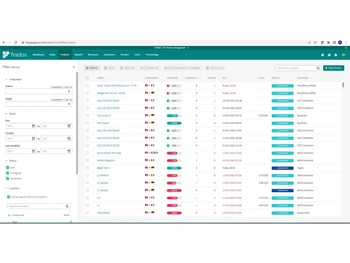


See
More
Brand : Trados Studio


4.2 
5 Ratings
Have Questions?
Price On Request
Save Extra with 2 Offers
 Save upto 18%, Get GST Invoice on your business purchase |
Users with registered businesses can purchase goods from merchants on the platform to satisfy their business needs. Users are not permitted to utilize any products acquired through the platform for resale, advertising, business, or further distribution.
For each purchase made, users will receive a Tax Invoice (or 'GST invoice') that includes specific details such as:
the GSTIN of the user associated with their registered business, and
the specified Entity Name for their business.
It should be noted that not all products are eligible for GST Invoice. Only the products displayed by participating sellers with the 'GST-based Invoice Available' callout on the product description page would qualify.
Certain goods and services are not eligible to get a GST Invoice, including items with VAS, i.e., Value Added Services (e.g., Total Mobile Protection/Assured Buyback) and those involving an exchange offer at the time of purchase.
Users must ensure the accuracy of the GSTIN, and business entity name provided for the GST Invoice. Requests for corrections into GST Invoice would not be accommodated by Techjockey.com or any Seller, and any issues arising from user-provided information are the sole responsibility of users.
Techjockey.com is not liable for the GST Invoice or any associated input tax credit. To efficiently claim an input tax credit, users should select the registered place of business address as per the GST authority's data and follow the provisions of the GST Act and rules.
To claim an input tax credit, the delivery and billing addresses must match. Furthermore, input tax credits will not be granted if the delivery address and GSTIN on the invoice are from different states. In case of incorrect GST details provided during the order placement, the order will be canceled automatically.
Buy Now & Pay Later, Check offer on payment page. Trados is an all-in-one Language Translation Software designed to serve Startups, SMBs, SMEs and Agencies. This Web-Based Language Translation Software has a simple interface and is easy to use. Trados Language Translation Software provides end-to-end solutions for all businesses and industries. Tra...Read more
 Get Instant Expert
  Safe & Secure
  Assured Best Price
 Looking for pricing details or customization options?
Share your requirements and receive a tailored quote
Price Available on Request
Get a customized quotation based on your needs.
Our team will respond within 24 hours.
We make it happen! Get your hands on the best solution based on your needs.
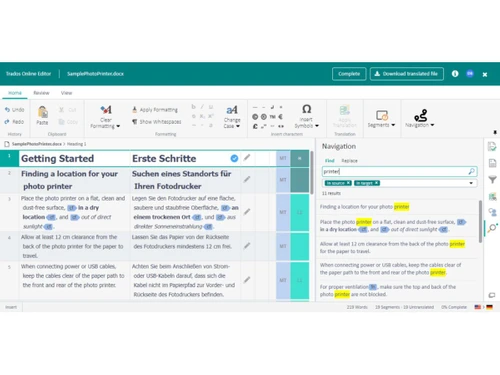
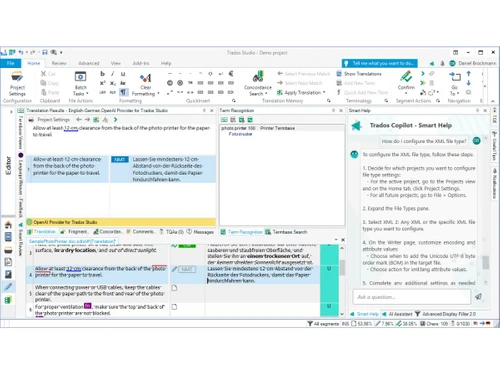
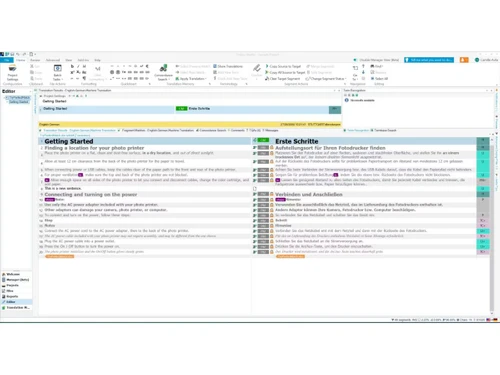
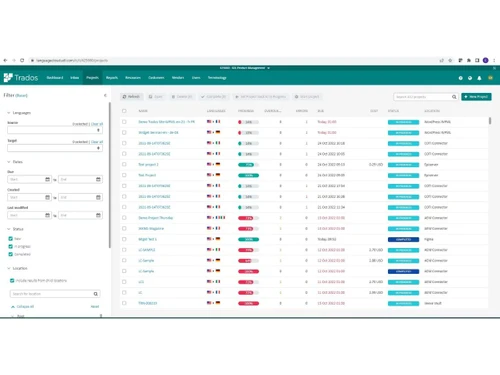
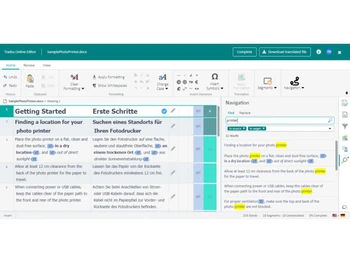
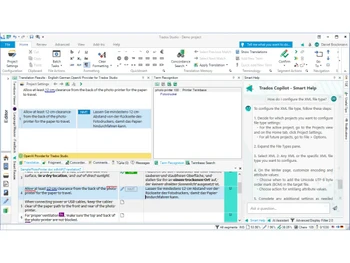
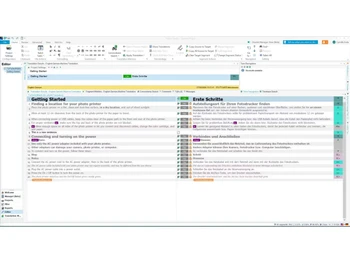
 Translation Management A mission-critical hub used to automate and oversee the entire localization lifecycle from start to finish now. Multilingual A high-flexibility framework that supports hundreds of language pairs to manage global content in one central platform today. Seamless collaboration A specialized cloud bridge that allows translators, reviewers, and managers to work on the same project in real-time now. Project Management A data-driven oversight tool used to assign tasks, track progress, and manage deadlines across global teams today. Review Experience A high-precision interface designed for linguistic experts to track changes and provide feedback directly in the editor now. Quality Control A mission-critical verification engine that checks for terminology errors, formatting issues, and tag mismatches today. Translation Memory A high-efficiency database that stores previously translated segments to maximize content reuse and save money now. Linguistic AI A specialized engine that leverages Large Language Models for generative translation and intelligent quality rating today. Terminology Management A mission-critical glossary tool that ensures consistent brand voice by enforcing specific terms across all files now. Trados Copilot A specialized AI assistant that provides real-time drafting suggestions and summaries within the translation editor today. Online Editor A versatile browser-based utility that offers full CAT tool features for translating and reviewing from any device now. Automated Workflows A high-speed logic engine that routes files through customized stages like preparation, translation, and sign-off today.

 20,000+ Software Listed
 Best Price Guaranteed
 Free Expert Consultation
 2M+ Happy Customers
 USA
USA UAE
UAE