linkedin
Workspace ONE® UEM logo
play We are Omnissa
play Redefine the Digital Workspace
Omnissa workspace one

Workspace ONE® UEM

Brand: Omnissa, LLC

  • 4.2

  • 6 Ratings

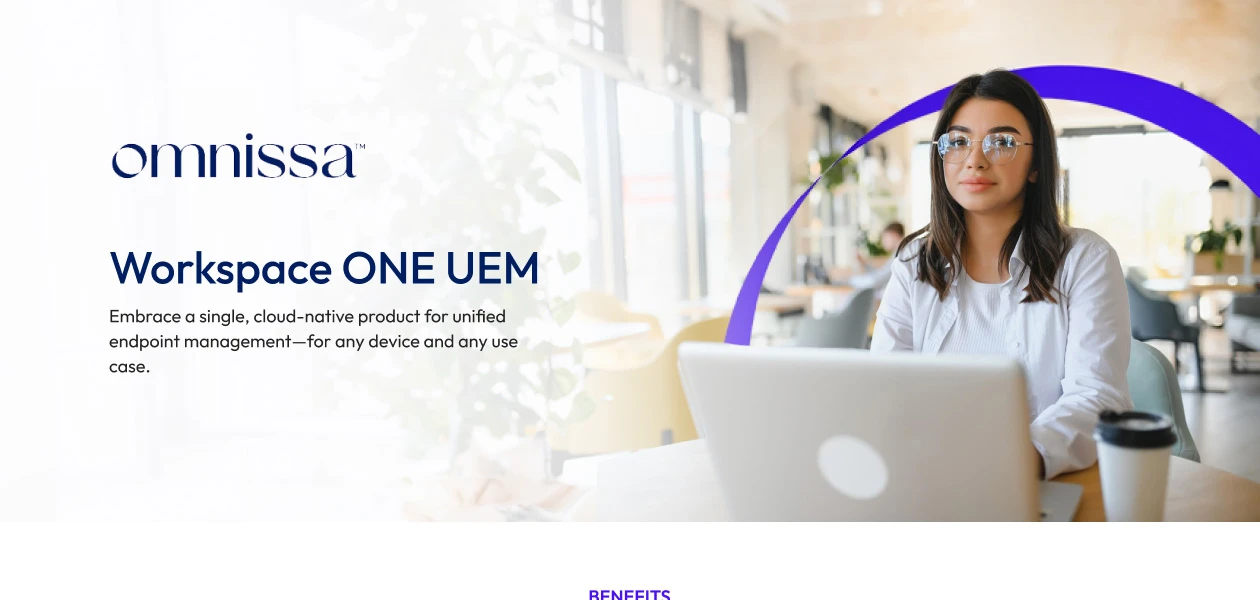
Workspace ONE® UEM is a unified solution that helps organizations manage and secure all their devices, apps, and operating systems from one central platform, improving productivity for both employees and IT staff.

See More

Have you used Workspace ONE® UEM before?

Share your insights for better experience

Add a Review

Price Available on Request

Questions about pricing or customization? We’re here to help, just a click away.

100% Genuine
Products
Best Price
Guaranteed
Safe & Secure
Payment
  • Description

  • Pricing

  • Features

  • Specification

  • Review

  • Compare

  • FAQ

Workspace ONE® UEM Software Overview

What is Workspace ONE® UEM?

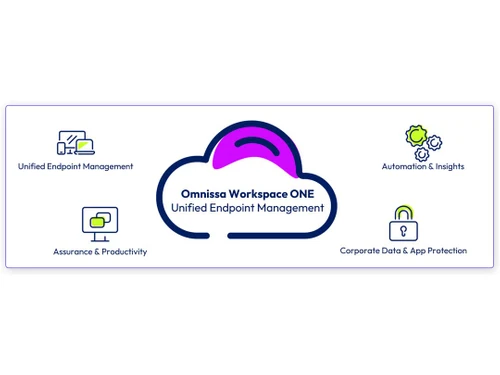
Workspace ONE® UEM (Unified Endpoint Management) is a key component of Omnissa's DEX (Digital Employee Experience) solution designed to transform and support a modern workplace. It provides a unified solution that empowers organizations and IT staff to self-manage more devices, applications, and operating systems, helping to maintain and improve productivity. 

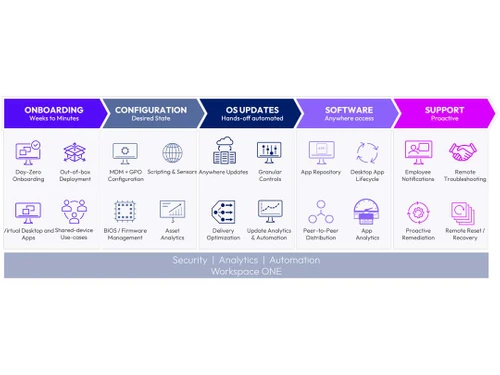
This endpoint security software allows organizations to deliver powerful technology, measure employee experiences with telemetry from all endpoints, analyze data to identify areas for improvement, and proactively resolve issues. Workspace ONE provides a single portal for employees to access all resources, along with self-service capabilities, automation, and personalized support. This helps service desk teams deliver exceptional IT support, reduce costs, and improve overall user satisfaction.

Why Choose Workspace ONE® UEM Software?

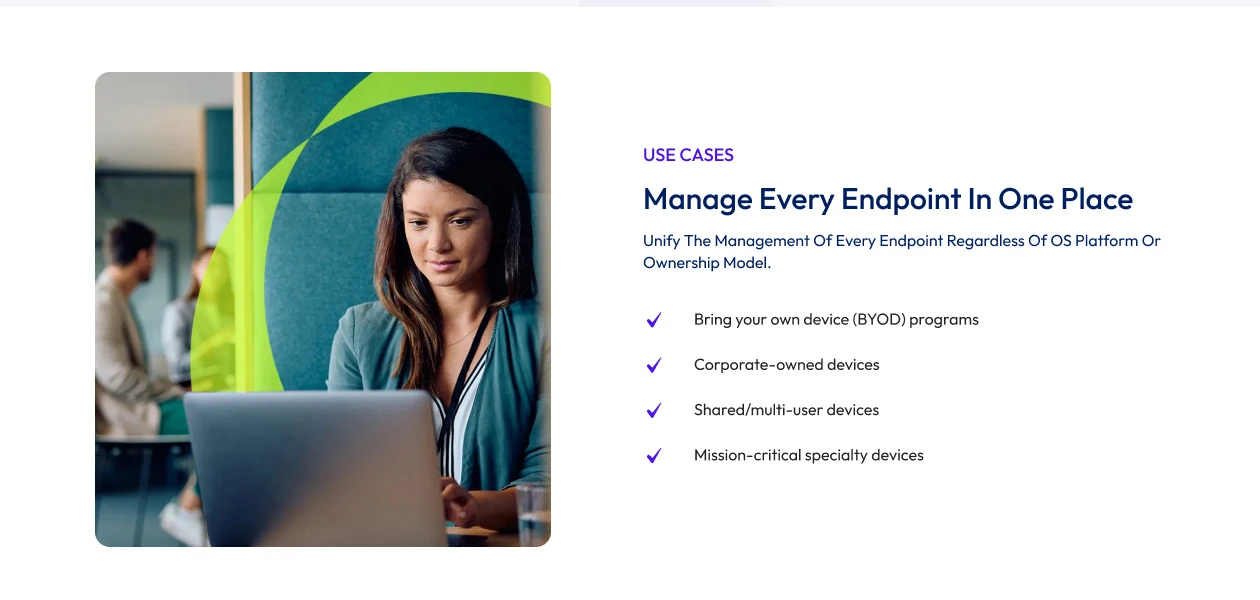
  • Unified Endpoint Management: Manage multiple devices, including mobile, desktop, and IoT, from a single platform.
  • Enhanced Security: Enforce security policies, ensure compliance, and protect sensitive data across all endpoints.
  • Real-time Monitoring & Threat Detection: Detect and mitigate cybersecurity threats with advanced analytics and automation.
  • Remote Device Management: Configure, update, and troubleshoot devices remotely, reducing IT workload.
  • Seamless Application Management: Deploy, update, and control enterprise apps with ease.
  • Automated Patch Management: Keep devices secure by automating OS and software updates.
  • Scalable & Flexible: Supports businesses of all sizes with customizable and scalable management solutions.
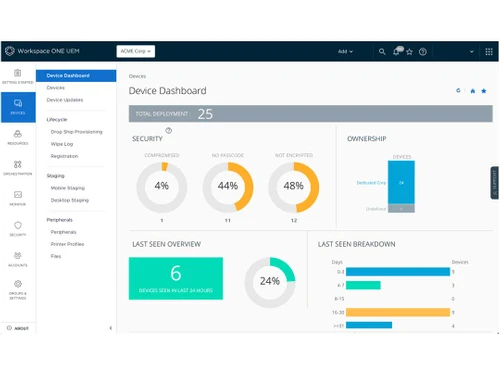
  • User-friendly Interface: Simplifies IT operations with an intuitive and easy-to-use dashboard.

Benefits of Workspace ONE® UEM Software

  • Zero Trust Security Approach: Ensures continuous verification of users, devices, and applications before granting access.
  • Multi-Platform Support: Works seamlessly across Windows, macOS, Android, and IoT devices.
  • Improved Employee Productivity: Enables secure access to corporate resources from anywhere, enhancing remote work efficiency.
  • AI-Powered Insights: Uses AI-driven analytics to optimize device performance and predict potential issues.
  • Cost Efficiency: Reduces IT costs by automating routine tasks and minimizing downtime.
  • Integration with Third-Party Tools: Easily connects with existing security and IT management solutions.
  • Data Loss Prevention (DLP): Prevents unauthorized data access and leakage through advanced security controls.

Pricing of Workspace ONE® UEM

Workspace ONE® UEM prices are available on request at techjockey.com.

The pricing model is based on different parameters, including extra features, deployment type, and the total number of users. For further queries related to the product, you can contact our product team and learn more about the pricing and offers.
 

Read more

Omnissa, LLC Company Details

Founded Year:  2003

Omnissa is the digital work platform leader, trusted by thousands of organizations worldwide as the former VMware End-User Computing business.

Director/Founders Shankar Iyer
Company Size 1000+ Employees

Workspace ONE® UEM Pricing & Plans

Looking for The Right Pricing?

Share your requirements and get a plan built around your business.

  • Define your business needs
  • Get customised pricing
  • Choose features that fit your workflow

Price Available on Request

Get personalised Workspace ONE® UEM pricing that fits your needs. Our team will connect with you.

Workspace ONE® UEM Features

  • icon_check Multi-Tenant Architecture
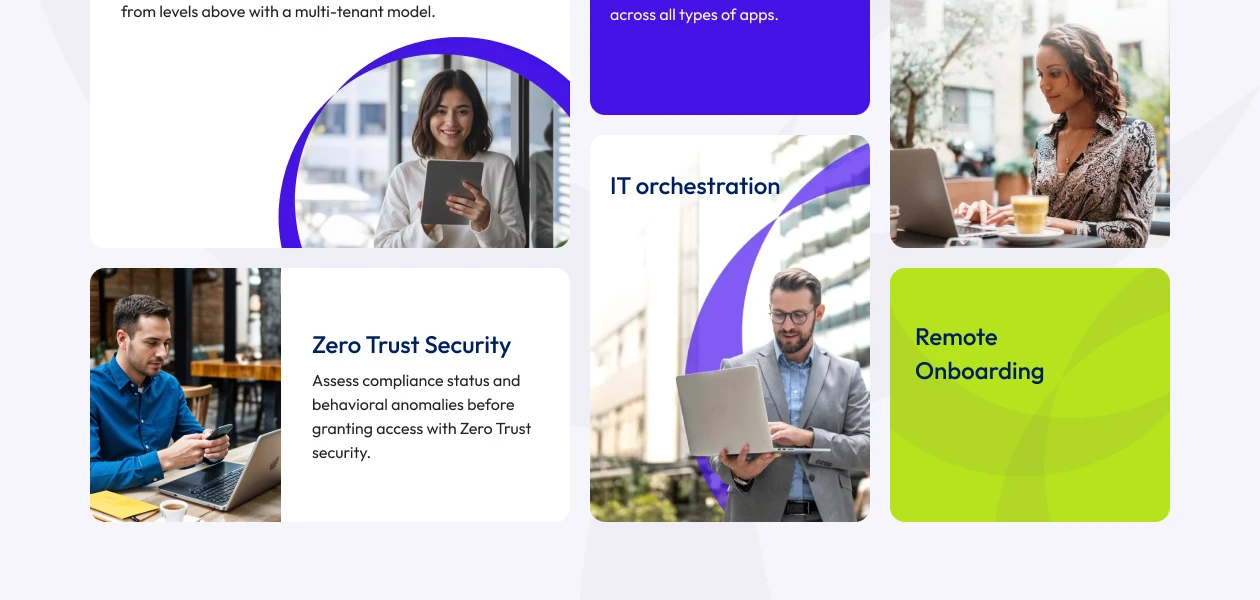
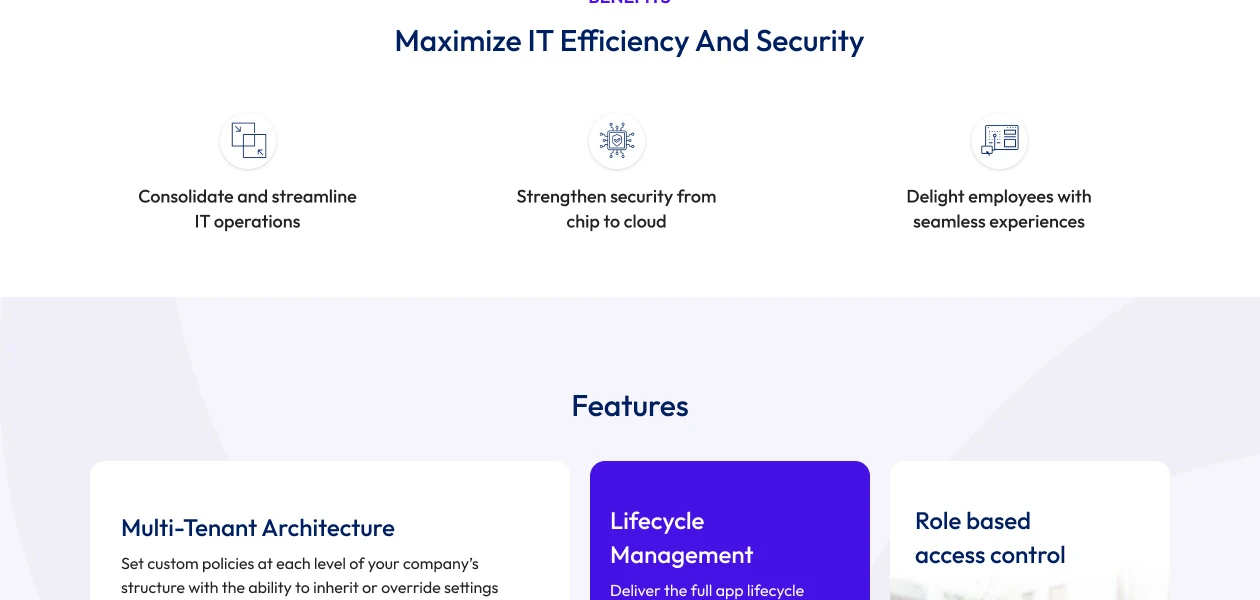
    Configure security and management policies across multiple organizational levels with inheritance and override options.
  • icon_check IT Orchestration
    Automate routine IT tasks using a no-/low-code platform to improve efficiency and reduce manual work.
  • icon_check Zero Trust Security
    Enforce strict compliance checks before granting access, with remote wipe and remediation options for security breaches.
  • icon_check Lifecycle Management
    Manage applications seamlessly across platforms with a unified self-service catalog for easy deployment and updates.
  • icon_check Remote Onboarding
    Enable zero-touch device provisioning from any location.
  • icon_check Role-based access
    Assign permissions based on user roles, ensuring secure and customized access to enterprise resources.
Workspace ONE® UEM Demo Video play icon

Get Workspace ONE® UEM Demo

Watch the demo video to explore key features, real workflows, and how the software fits your business needs.
Understand
Key Features
Personal
Demo Insights
Interactive
Demo Support
Product Enrichment Section Image

Workspace ONE® UEM Specifications

Supported Platforms
Windows Windows Android Android MacOS MacOS
Devices
Desktop Desktop Mobile Mobile Tablet Tablet
Deployment
Cloud-Based Cloud-Based
Suitable For
All Industries
Business Specific
All Businesses
Business Size
Small Business Medium Business Enterprises SMBs SMEs MSMBs
Customer Support
Phone Email Forums
Language
English
Training Resources
Webinars

Explore the Best Alternative Solutions Similar to Your Business Size and Needs

Workspace ONE® UEM Review

4.2

Out of 5

img

Overall Rating

Based on
6 Verified Ratings

Rating Breakdown

  • Features 4.3
  • Value for Money 4.3
  • Ease of Use 4.4
  • Customer Support 3.9

90% Recommend this Product

Add Review

Techjockey Trusted Reviews from Verified Users

No reviews are currently available for Workspace ONE® UEM. Discover similar Unified Endpoint Management (UEM) Software reviews

  • Invia UEM360

    4.8

    Whats great - Invia team provided us with a great MDM solution SOTI and gave us excellent service including timely installation of software... read more

  • Hexnode

    4.4

    Whats great - Hexnode has all the features that we require. Excellent for using kiosk mode. A really good MDM solution for small to medium ... read more

  • Microsoft Intune

    4.6

    Whats great - easy to manage read more

Compare Workspace ONE® UEM With other Unified Endpoint Management (UEM) Software

Products
Ratings
Pricing
Device Supported
Deployment
Supported Platforms
  • img

    Workspace ONE® UEM

  • 4.2

  • Price On Request

  • Desktop

    Mobile

  • Web based

    On Premises

  • Windows

    Mac OS

  • img

    Invia UEM360

  • 4.7

  • ₹ 179

  • Desktop

    Mobile

  • Web based

    On Premises

  • Windows

    Mac OS

  • img

    Scalefusion

  • 4.5

  • Price On Request

  • Desktop

    Mobile

  • Web based

    On Premises

  • Windows

    Mac OS

  • img

    PDQ Connect

  • Price On Request

  • Desktop

    Mobile

  • Web based

    On Premises

  • Windows

    Mac OS

  • img

    FileWave

  • Price On Request

  • Desktop

    Mobile

  • Web based

    On Premises

  • Windows

    Mac OS

  • img

    BlackBerry UEM

  • Price On Request

  • Desktop

    Mobile

  • Web based

    On Premises

  • Windows

    Mac OS

  • img

    Hexnode

  • 4.2

  • Price On Request

  • Desktop

    Mobile

  • Web based

    On Premises

  • Windows

    Mac OS

  • img

    Tanium

  • 4.4

  • Price On Request

  • Desktop

    Mobile

  • Web based

    On Premises

  • Windows

    Mac OS

(0) Product(s) selected

Articles for Workspace ONE® UEM

See All Related Articles

What is the pricing of Workspace ONE® UEM Software?

The Workspace ONE® UEM prices are available on request at Techjockey.com.

Is there a mobile or desktop app available for Workspace ONE® UEM?

Yes, Workspace ONE® UEM offers both mobile and desktop applications for seamless device management.

Which operating systems are compatible with Workspace ONE® UEM?

Workspace ONE® UEM supports Windows, MacOS, and Android.

Does Workspace ONE® UEM provide a free trial?

Yes, Workspace ONE® UEM offers a free trial for Workspace ONE® UEM.

What is the working mechanism of Workspace ONE® UEM Software?

Workspace ONE® UEM manages, secures, and monitors devices remotely through a unified platform with automation and policy enforcement.

Who can benefit from using Workspace ONE® UEM?

Businesses, IT teams, enterprises, and organizations looking for secure endpoint management can benefit from Workspace ONE® UEM.

Is there a free demo available for Workspace ONE® UEM?

Yes, Workspace ONE® UEM provides a free demo.

Is Workspace ONE® UEM Software available for free?

No, Workspace ONE® UEM is a paid software with various licensing plans.

Can Workspace ONE® UEM manage multiple devices from a single platform?

Yes, Workspace ONE® UEM provides unified endpoint management for multiple devices, including mobile, desktops, and IoT.

Does Workspace ONE® UEM support remote device wipe?

Yes, Workspace ONE® UEM allows IT admins to remotely wipe data from lost or compromised devices.

20,000+ Software Listed

Best Price Guranteed

Free Expert Consultation

2M+ Happy Customers

Terms and Condtions

close

Users with registered businesses can purchase goods from merchants on the platform to satisfy their business needs. Users are not permitted to utilize any products acquired through the platform for resale, advertising, business, or further distribution.

For each purchase made, users will receive a Tax Invoice (or 'GST invoice') that includes specific details such as:

  • the GSTIN of the user associated with their registered business, and

  • the specified Entity Name for their business.

It should be noted that not all products are eligible for GST Invoice. Only the products displayed by participating sellers with the 'GST-based Invoice Available' callout on the product description page would qualify.

Certain goods and services are not eligible to get a GST Invoice, including items with VAS, i.e., Value Added Services (e.g., Total Mobile Protection/Assured Buyback) and those involving an exchange offer at the time of purchase.

Users must ensure the accuracy of the GSTIN, and business entity name provided for the GST Invoice. Requests for corrections into GST Invoice would not be accommodated by Techjockey.com or any Seller, and any issues arising from user-provided information are the sole responsibility of users.

Techjockey.com is not liable for the GST Invoice or any associated input tax credit. To efficiently claim an input tax credit, users should select the registered place of business address as per the GST authority's data and follow the provisions of the GST Act and rules.

To claim an input tax credit, the delivery and billing addresses must match. Furthermore, input tax credits will not be granted if the delivery address and GSTIN on the invoice are from different states. In case of incorrect GST details provided during the order placement, the order will be canceled automatically.