USA
USA UAE
UAESmall Business
Designed for startups and growing businesses
See More


Brand: ChequePOT
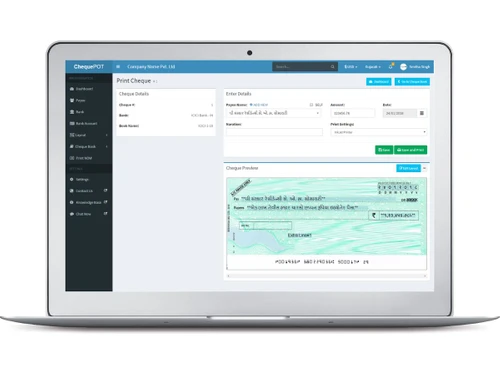
ChequePot is a digital check management platform that enables businesses and individuals to process, verify, and deposit checks electronically.
See MoreHave you used ChequePOT before?
Share your insights for better experience
View plans
 Save upto 18%, Get GST Invoice on your business purchase T&C Buy Now & Pay Later, Check offer on payment page.
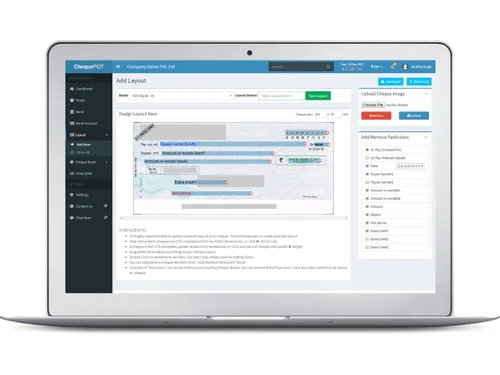
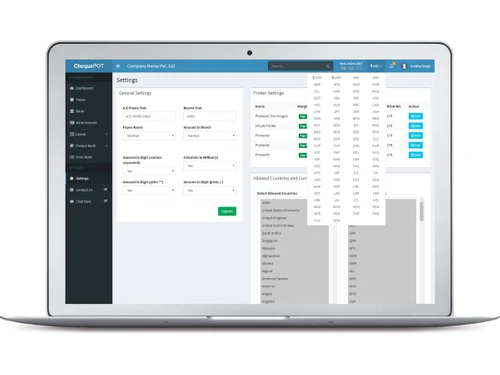
  Multi-Company Support User-Friendly Interface Edit & Reprint Cheques Account Management Preloaded Bank Layouts Multilingual Cheque Printing Multi‑Company Account Management Multi‑Currency Support Auto Amount‑to‑Word Converter Cheque Status Tracking Multi‑Printer Configurations Business‑Intelligence Reports Live WYSIWYG Layout Editor Advanced Print Settings
  Ubuntu
  Windows
  iOS
iOS  Android MacOS
  Linux
Linux  Desktop
  Mobile
  Tablet
  iPad
iPad  Cloud-Based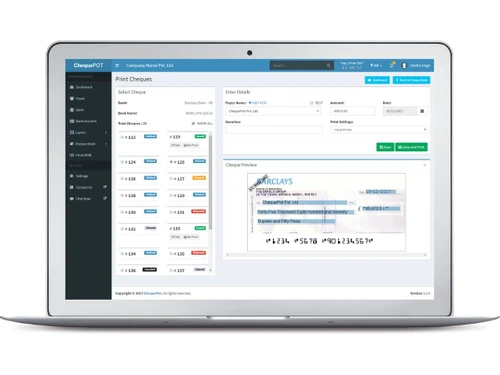
Small Business
Designed for startups and growing businesses
Medium Business
Built for business growth and flexibility
Enterprises
Designed for complex and large-scale business needs
4.3
Out of 5

Overall Rating
Based on
10 Verified Reviews
Rating Breakdown
91% Recommend this Product
Add ReviewUsers generally appreciate ChequePOT for its user-friendly interface, flexibility in printing cheques with multiple currencies, and excellent customer support. The free plan is particularly valued by small businesses, while features like detailed reporting and easy online access enhance convenience. However, some users note limitations such as the need for an internet connection, occasional support delays, and a somewhat cluttered dashboard. Additionally, the pricing structure after the free version can be unclear, which may deter potential users.
Pros
"Auto-conversion of numbers to words and date formatting is on point."
"Can see issued, cleared, or bounced cheques all in one place."
"Free plan lets me print up to 25 cheques/day—perfect for small biz."
Cons
"Too many report types can be confusing if you don’t need them."
"The layout creator has lots of options, which might be too much for some."

Feb 28, 2025
Techjockey Verified
“Lifetime Free Plan Works Wonders”
I run a small freelancing service and I often print cheques. The free plan gives me enough volume for everyday use, and I didn’t even pay a penny.
Pros
Free plan lets me print up to 25 cheques/day—perfect for small biz.
Cons
Limits apply after heavy use.
Reason to switch
I switched from QUICK CHEQUE because ChequePot gave all basic tools for free and I didn’t need more.
Jan 27, 2025
Techjockey Verified
“Don’t Need to Carry a Cheque Book Anywhere”
I used to carry a cheque book everywhere. Now, if I need a cheque, I just use ChequePot from my laptop—even from a cafe. It’s so freeing.
Pros
Layouts saved online, ready to print anytime from anywhere.
Cons
Internet is required—can’t use offline.
Reason to switch
I switched because MoneyFlex has a lot of errors.
May 29, 2025
Techjockey Verified
“Supports Multiple Currencies”
I make cheques in both INR and USD with same setup. The amount-to-words feature adapts automatically, so I don’t worry about mixing them up.
Pros
Works with rupees, dollars—I use both.
Cons
Currency selector could be more visible.
Reason to switch
I switched because other tools forced separate setups for different currencies; this handles them together.
ChequePOT
₹ 395.00 excl. GST
Desktop
Mobile
Web based
On Premises
Windows
Mac OS

MoneyFlex
Price On Request
Desktop
Mobile
Web based
On Premises
Windows
Mac OS

ChequeMan
₹ 5500
Desktop
Mobile
Web based
On Premises
Windows
Mac OS

Cheque Printing Solution
Price On Request
Desktop
Mobile
Web based
On Premises
Windows
Mac OS

Sterling Cheque Printing Software
Price On Request
Desktop
Mobile
Web based
On Premises
Windows
Mac OS

MLM Cheque Printing Software
Price On Request
Desktop
Mobile
Web based
On Premises
Windows
Mac OS
Dumisoft Cycle
Price On Request
Desktop
Mobile
Web based
On Premises
Windows
Mac OS
QUICK CHEQUE
Price On Request
Desktop
Mobile
Web based
On Premises
Windows
Mac OS

Bulk Cheque Printing Software
Price On Request
Desktop
Mobile
Web based
On Premises
Windows
Mac OS

Qelocity Cheque Printing Software
Price On Request
Desktop
Mobile
Web based
On Premises
Windows
Mac OS

Cheque360
Price On Request
Desktop
Mobile
Web based
On Premises
Windows
Mac OS
(0) Product(s) selected
Available
Price on Request
Available
Price on Request
Available
Price on Request
Available
Price on Request
Available
Price on Request
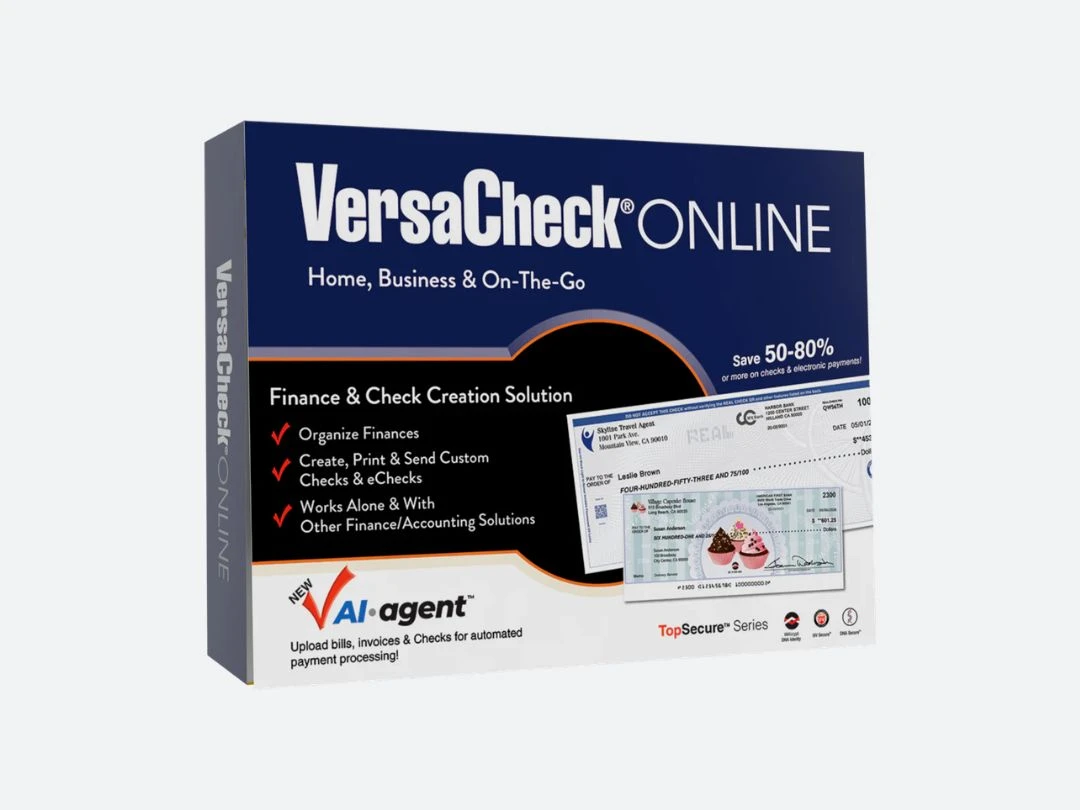
Starting Price:
₹950 /License ₹7,999
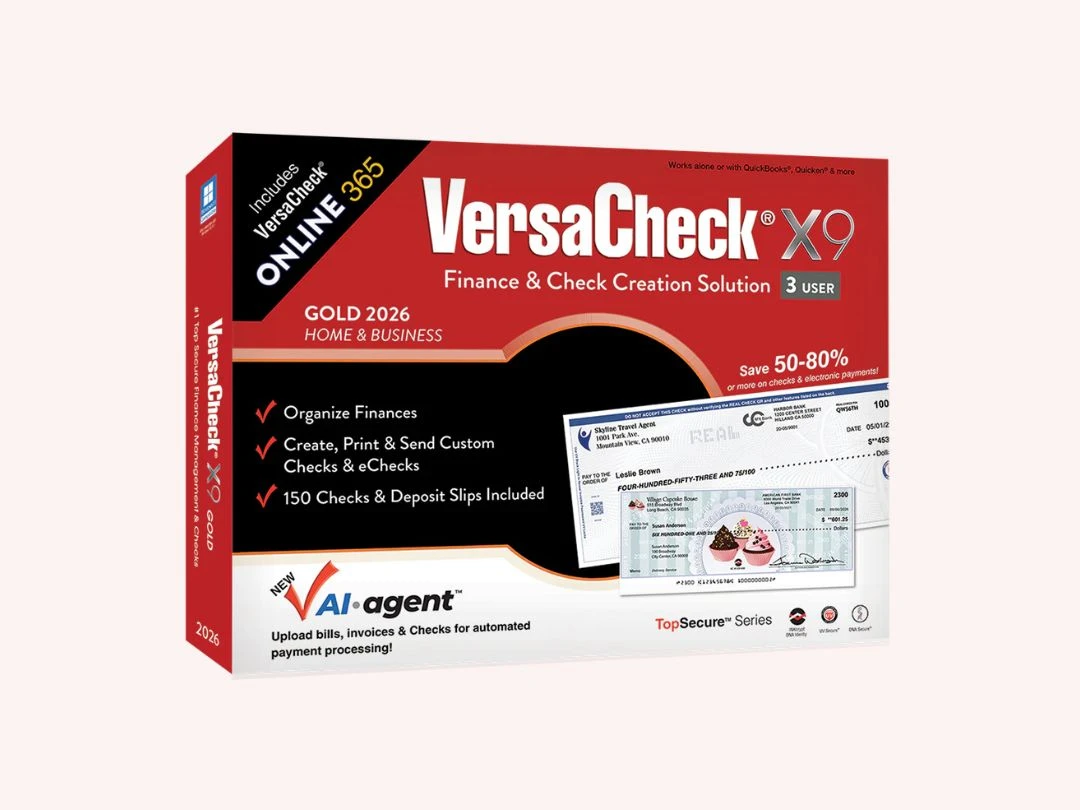
Starting Price:
$90 /Year
Starting Price:
$180 /Year
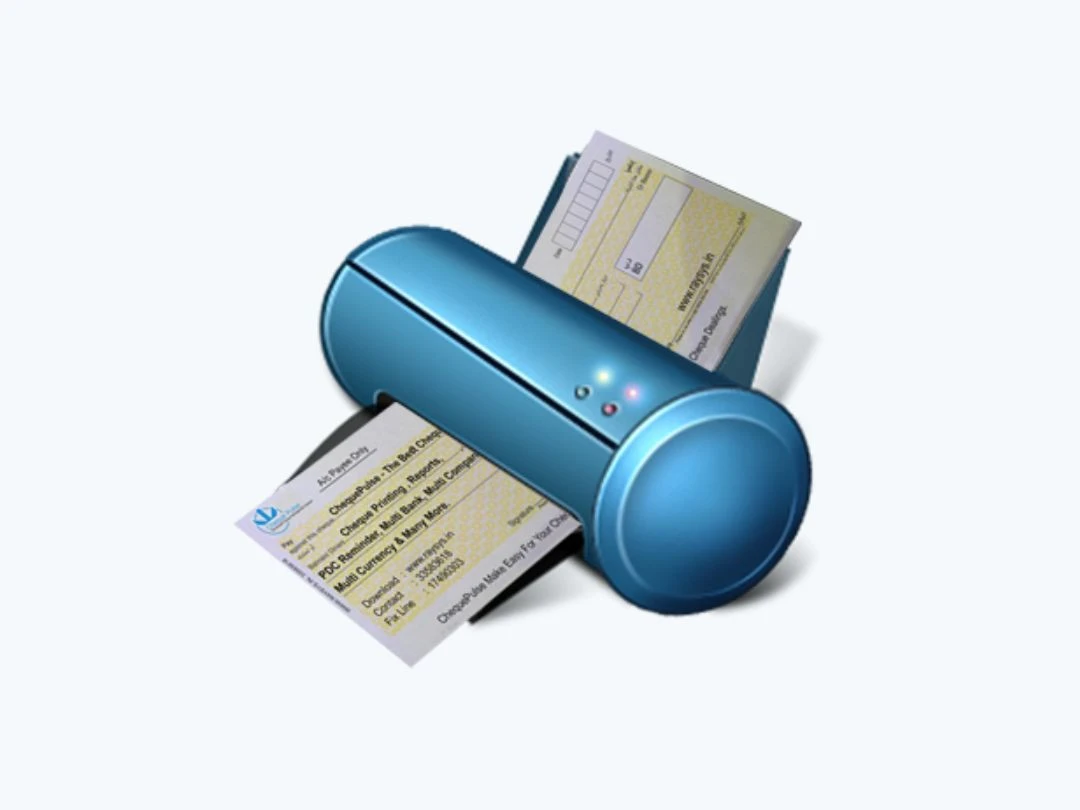
Starting Price:
$160 /License
Starting Price:
$50 /Month

Starting Price:
$155 /License
ChequePot is available for INR 395 for 6 months at techjockey.com.
No, the ChequePot app is not available.
No trial is available in ChequePot, but a free plan is available with limited functionalities.
ChequePot simplifies the way you handle check transactions by letting users scan, verify, deposit, and track checks all in one secure digital platform.
The major users of ChequePot are Shoppers, Businesses, Advertisers, Freelancers, and more.
Yes, ChequePot is available for free.
20,000+ Software Listed
Best Price Guranteed
Free Expert Consultation
2M+ Happy Customers
Terms and Condtions

Users with registered businesses can purchase goods from merchants on the platform to satisfy their business needs. Users are not permitted to utilize any products acquired through the platform for resale, advertising, business, or further distribution.
For each purchase made, users will receive a Tax Invoice (or 'GST invoice') that includes specific details such as:
the GSTIN of the user associated with their registered business, and
the specified Entity Name for their business.
It should be noted that not all products are eligible for GST Invoice. Only the products displayed by participating sellers with the 'GST-based Invoice Available' callout on the product description page would qualify.
Certain goods and services are not eligible to get a GST Invoice, including items with VAS, i.e., Value Added Services (e.g., Total Mobile Protection/Assured Buyback) and those involving an exchange offer at the time of purchase.
Users must ensure the accuracy of the GSTIN, and business entity name provided for the GST Invoice. Requests for corrections into GST Invoice would not be accommodated by Techjockey.com or any Seller, and any issues arising from user-provided information are the sole responsibility of users.
Techjockey.com is not liable for the GST Invoice or any associated input tax credit. To efficiently claim an input tax credit, users should select the registered place of business address as per the GST authority's data and follow the provisions of the GST Act and rules.
To claim an input tax credit, the delivery and billing addresses must match. Furthermore, input tax credits will not be granted if the delivery address and GSTIN on the invoice are from different states. In case of incorrect GST details provided during the order placement, the order will be canceled automatically.