 USA
USA UAE
UAESmall Business
Designed for startups and growing businesses

See More


Brand: Guardian
Have you used Guardian Internet Security before?
Share your insights for better experience
Brand: Guardian
Founded Year: 2004
Guardian Internet Security offers real-time protection against known and unknown viruses.
Core Protection
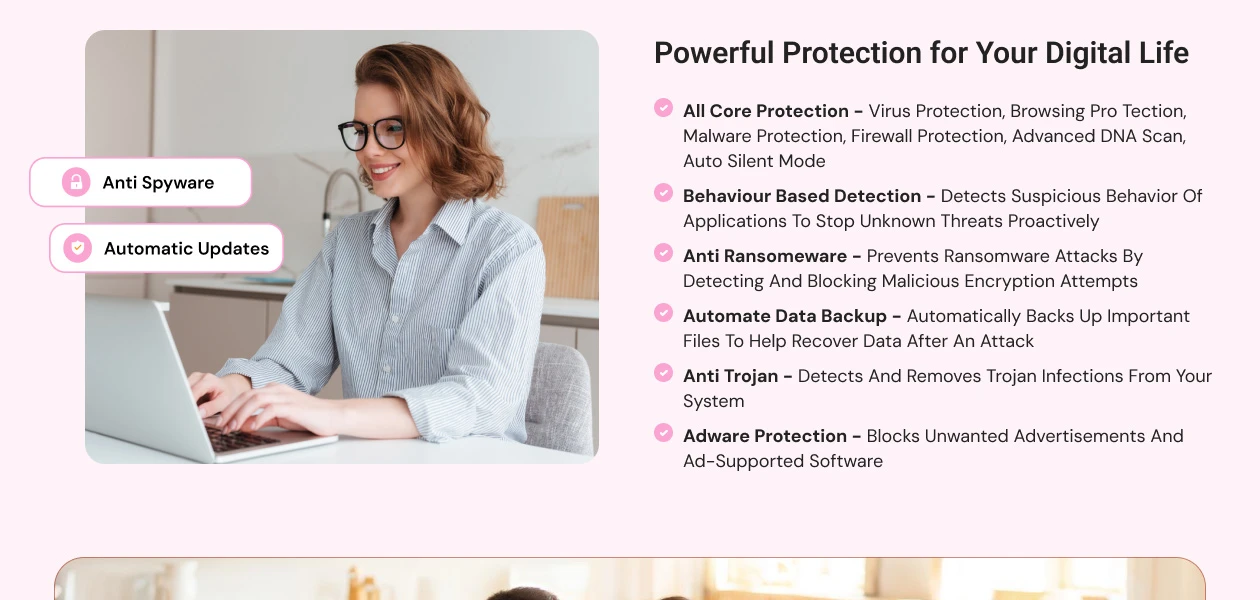
 Real-Time Threat Detection Multi-Layered Malware Detection Threat Removal and Quarantine Rootkit Detection & Removal Heuristic Analysis Anti-Spyware USB Protection On-Demand & Scheduled Scanning Exploit Prevention Behavioral Analysis
 Internet & Network Security
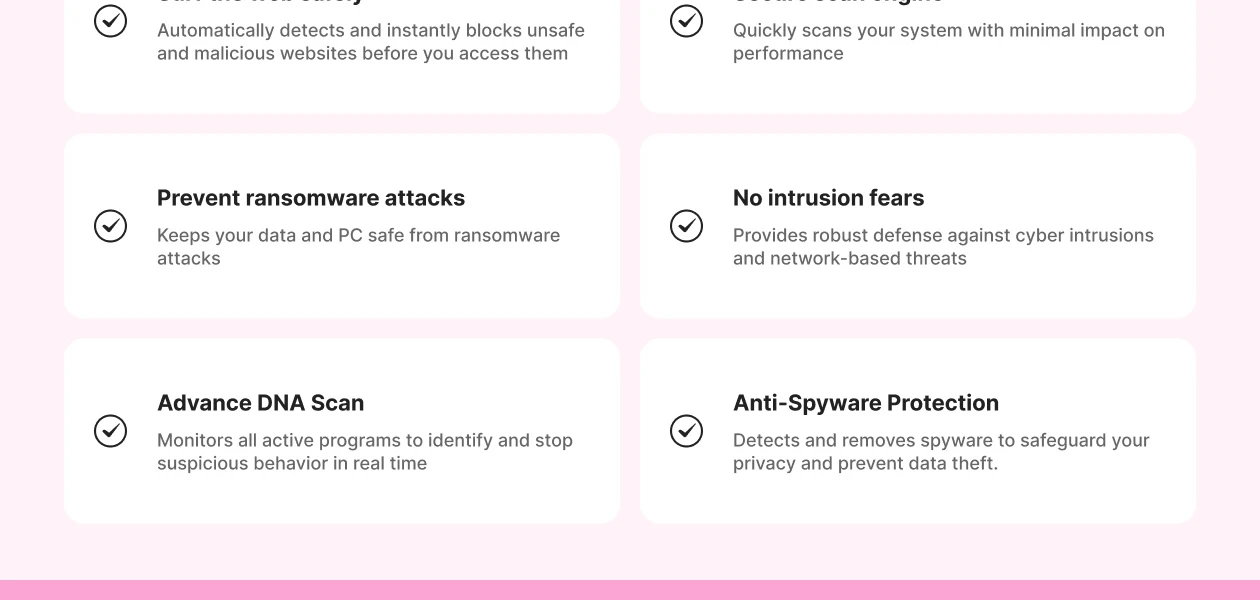
IDS / IPS Protection Firewall Protection Web Protection & URL Filtering Wi-Fi Security Email Protection Anti-Spam Filters Ad Blocker Advanced Threat Protection
Ransomware Protection File Rollback Behavioral Ransomware Protection Application Whitelisting Data Protection and Privacy
Webcam Protection Privacy Control Anti-Phishing & Identity Protection Browser Privacy Tools Data Encryption VPN (Virtual Private Network) Data Shredder Dark Web Monitoring Data Leak Prevention Device Performance and Optimization
System Optimization Tools Battery Saver Disk Cleanup and Junk File Removal Startup Manager Game Mode Network Performance Monitor Family and Parental Controls
Parental Control Activity Reports Content Filtering App Monitoring Geo-Fencing and Location Tracking Backup and Data Recovery
Automatic Backup Cloud Backup System Restore Options Administrative Features
Remote Management Console Compliance & Reporting User-Friendly Dashboard Alerts & Notifications
Suspicious Activity Alerts Ransomware Detection Alerts Phishing and Malicious Website Warnings Webcam and Microphone Access Warnings Network Security Alerts Real-Time Updates Real-Time Threat Alerts Scan Results Notifications Location and Geo-Fencing Alerts Customizable Notifications 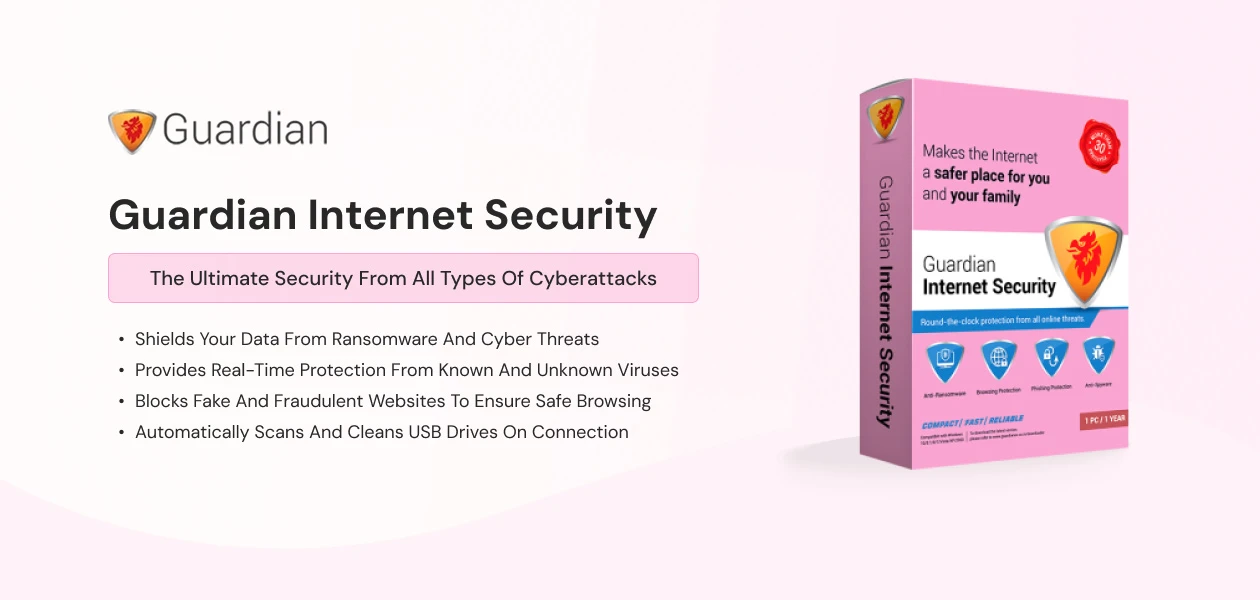
 Windows
  Desktop
  Perpetual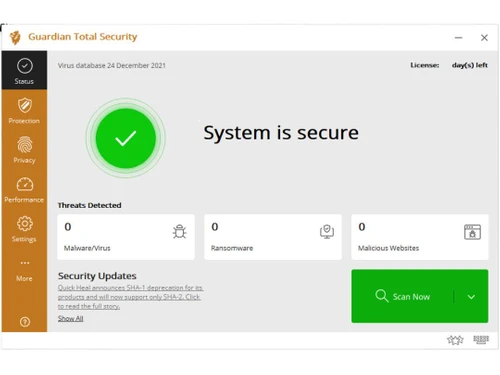
Small Business
Designed for startups and growing businesses
Medium Business
Built for business growth and flexibility
Enterprises
Designed for complex and large-scale business needs
4.4
Out of 5

Overall Rating
Based on
10 Verified Reviews
Rating Breakdown
86% Recommend this Product
Add ReviewCustomers generally appreciate Guardian Internet Security for its robust protection features, including effective ransomware defense and behavior detection, which instills a sense of safety. Users value its affordability and the ability to create emergency boot disks for malware recovery. However, there are common complaints regarding its resource usage, particularly on older systems, and some users find the user interface and certain functionalities, like network rule configuration and scanning speed, could be improved. Overall, the sentiment is positive, with many recommending the product despite its limitations.

Apr 18, 2025
Techjockey Verified
“Self-Protecting & Quiet, But Resource Use Is Noticeable”
Guardian ensures its core processes can’t be killed—that’s perfect. It also stays quiet unless something serious happens. But on older PCs, I notice it using around 200?MB RAM even when not scanning.
Pros
Stops tampering of its own processes
Cons
Uses noticeable memory even in idle mode
Reason to switch
AVG used too many pop-ups and bundled software; Guardian was more self-contained.
Mar 15, 2025
Techjockey Verified
“Password Protection for Settings—Neat!”
I love that I can lock the Guardian settings with a password—great for shared family PCs. But I wish it kept logs of failed password attempts.
Pros
Password lock for antivirus settings
Cons
No logs of failed password attempts
Reason to switch
Needed settings lock; Avira didn't offer that feature.
Feb 28, 2025
Techjockey Verified
“Affordable Price, Good Coverage”
I got Guardian Internet Security voucher for just ?375 on sale (?799 MSRP)—amazing value! It protects one device well. I wish they offered cheap family packs, though.
Pros
Priced around ?799/year—budget friendly
Cons
No multi-device pack
Reason to switch
McAfee's yearly price was much higher. Guardian gave similar features at half cost.

Guardian Internet Security
₹ 200.00 excl. GST
Desktop
Mobile
Web based
On Premises
Windows
Mac OS

Guardian Total Security
₹ 280
Desktop
Mobile
Web based
On Premises
Windows
Mac OS

Guardian NetSecure
₹ 211
Desktop
Mobile
Web based
On Premises
Windows
Mac OS

Quick Heal AntiVirus Pro
₹ 311
Desktop
Mobile
Web based
On Premises
Windows
Mac OS

Quick Heal Total Security
₹ 709
Desktop
Mobile
Web based
On Premises
Windows
Mac OS

Mcafee Antivirus
₹ 271
Desktop
Mobile
Web based
On Premises
Windows
Mac OS

Quick Heal Total Security for Android
₹ 127
Desktop
Mobile
Web based
On Premises
Windows
Mac OS

Kaspersky Plus
₹ 259
Desktop
Mobile
Web based
On Premises
Windows
Mac OS

SystMade Total Security
₹ 549
Desktop
Mobile
Web based
On Premises
Windows
Mac OS

Bitdefender Premium Security
Price On Request
Desktop
Mobile
Web based
On Premises
Windows
Mac OS

Net Protector Total Security for Linux
₹ 850
Desktop
Mobile
Web based
On Premises
Windows
Mac OS
(0) Product(s) selected
Starting Price:
₹709 /Year ₹1,909
Starting Price:
₹549 ₹1,849
Starting Price:
₹2,999
Starting Price:
₹850 /User

Starting Price:
₹302 /Month

Starting Price:
₹1,515 /Month

Starting Price:
₹1,950 /Year

Starting Price:
₹799 /Year

Starting Price:
₹800 /Year

Starting Price:
₹279 /Year ₹1,299

Starting Price:
₹2,372 /Year ₹13,999



It is used by individuals, families, students, and businesses who want full protection from viruses, spyware, and online threats.
It runs in the background, scans for threats, blocks dangerous websites, and alerts you about viruses or suspicious activity instantly.
It costs INR 799 per user per year, offering full protection, performance tools, and privacy features at a low price.
Yes, a free trial is available so you can test the features before buying the full version of the software.
Yes, it includes advanced ransomware protection with file rollback and real-time behavioral detection for total safety.
Yes, it offers tools like junk cleaner, startup manager, and battery saver to boost your system’s performance.
Yes, it includes features like content filtering, app monitoring, and location tracking for child safety.
Yes, it provides a remote management console for tracking, scanning, and updating all connected devices from anywhere.
20,000+ Software Listed
Best Price Guranteed
Free Expert Consultation
2M+ Happy Customers
Terms and Condtions

Users with registered businesses can purchase goods from merchants on the platform to satisfy their business needs. Users are not permitted to utilize any products acquired through the platform for resale, advertising, business, or further distribution.
For each purchase made, users will receive a Tax Invoice (or 'GST invoice') that includes specific details such as:
the GSTIN of the user associated with their registered business, and
the specified Entity Name for their business.
It should be noted that not all products are eligible for GST Invoice. Only the products displayed by participating sellers with the 'GST-based Invoice Available' callout on the product description page would qualify.
Certain goods and services are not eligible to get a GST Invoice, including items with VAS, i.e., Value Added Services (e.g., Total Mobile Protection/Assured Buyback) and those involving an exchange offer at the time of purchase.
Users must ensure the accuracy of the GSTIN, and business entity name provided for the GST Invoice. Requests for corrections into GST Invoice would not be accommodated by Techjockey.com or any Seller, and any issues arising from user-provided information are the sole responsibility of users.
Techjockey.com is not liable for the GST Invoice or any associated input tax credit. To efficiently claim an input tax credit, users should select the registered place of business address as per the GST authority's data and follow the provisions of the GST Act and rules.
To claim an input tax credit, the delivery and billing addresses must match. Furthermore, input tax credits will not be granted if the delivery address and GSTIN on the invoice are from different states. In case of incorrect GST details provided during the order placement, the order will be canceled automatically.



