USA
USA UAE
UAESmall Business
Designed for startups and growing businesses

See More


Brand: Shown
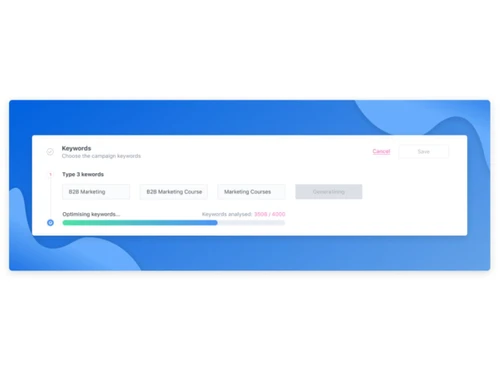
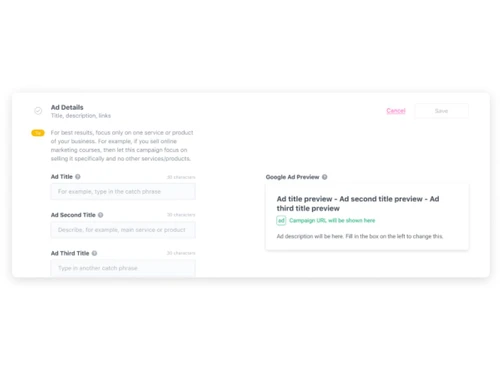
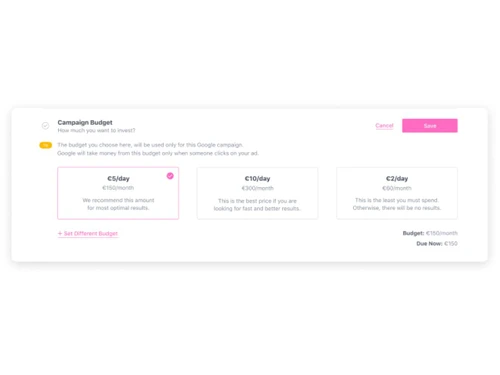
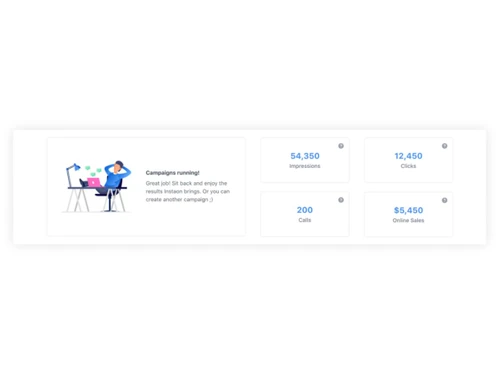
Instaon is a Google Ads manager for businesses to manage online advertisements. It is easy to use and helps you save time on daily arduous tasks. It helps in attracting more daily visitors by automating workflows and machine learning customized advertisement management. Instaon Ads Manager offers cost-effective solutions to manage advertisements smartly and helps in exponential growth. Instaon on...
See MoreHave you used Instaon before?
Share your insights for better experience
Looking for The Right Pricing?
Share your requirements and get a plan built around your business.
Price Available on Request
Get personalised Instaon pricing that fits your needs. Our team will connect with you.
 Campaigns Optimization AI-Powered Ad Creation Cross-Channel Advertising Campaign Optimization Unified Dashboard Budget Management A/B Testing Automation Smart Targeting Suggestions Integration with Tools Real-Time Analytics Creative Generation
  Ubuntu
  Windows
  MacOS
MacOS  Linux
Linux  Desktop
  Mobile
  Tablet
  Cloud-Based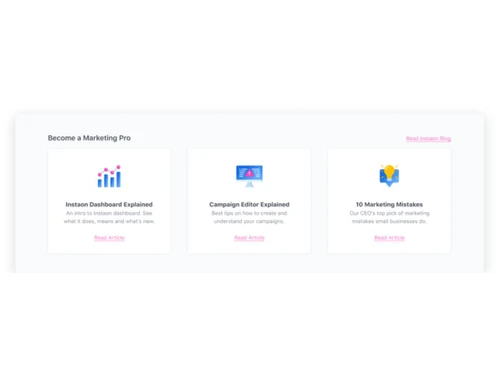
Small Business
Designed for startups and growing businesses
Medium Business
Built for business growth and flexibility
Enterprises
Designed for complex and large-scale business needs
4.4
Out of 5

Overall Rating
Based on
4 Verified Ratings
Rating Breakdown
87% Recommend this Product
Add ReviewTechjockey Trusted Reviews from Verified Users
No reviews are currently available for Instaon. Discover similar Digital Marketing Tools reviews

Zocket
Whats great - Zocket pricing is very competitive. You are not charged any spend commission and subscription plans are affordable. read more

Sumo
Whats great - Excellent value for entrepreneurs and creators read more

Wappblaster Data Extractor
Whats great - The data is private with this software. Most affordable data extractor for gathering unlimited information. read more

Instaon
Price On Request
Desktop
Mobile
Web based
On Premises
Windows
Mac OS
Zocket
Price On Request
Desktop
Mobile
Web based
On Premises
Windows
Mac OS

AdEspresso
Price On Request
Desktop
Mobile
Web based
On Premises
Windows
Mac OS

WordStream
Price On Request
Desktop
Mobile
Web based
On Premises
Windows
Mac OS

Koah
Price On Request
Desktop
Mobile
Web based
On Premises
Windows
Mac OS

Albert AI
Price On Request
Desktop
Mobile
Web based
On Premises
Windows
Mac OS

PerkZilla
Price On Request
Desktop
Mobile
Web based
On Premises
Windows
Mac OS

Jepto
Price On Request
Desktop
Mobile
Web based
On Premises
Windows
Mac OS

Zoca
Price On Request
Desktop
Mobile
Web based
On Premises
Windows
Mac OS

MarketPlan
Price On Request
Desktop
Mobile
Web based
On Premises
Windows
Mac OS

Adalysis
Price On Request
Desktop
Mobile
Web based
On Premises
Windows
Mac OS
(0) Product(s) selected
Available
Price on Request
Available
Price on Request
Available
Price on Request
Starting Price:
$29 /Month
Starting Price:
$10 /Month
Available
Price on Request
Starting Price:
$29 /Month

Available
Price on Request

Starting Price:
$299 /Month

Available
Price on Request

Starting Price:
$49 /Month
Your credit card details are hidden. This software utilizes Stripe or PayPal for an uncompromised and secure payment system.
You can access all your invoices on your Instaon profile. Here is a step by step guide for how to access: 1. Login to your Instaon account 2. Click on your “profile” (default ghost image icon) 3. Click on “Account” 4 Click on “Invoices” under Account settings
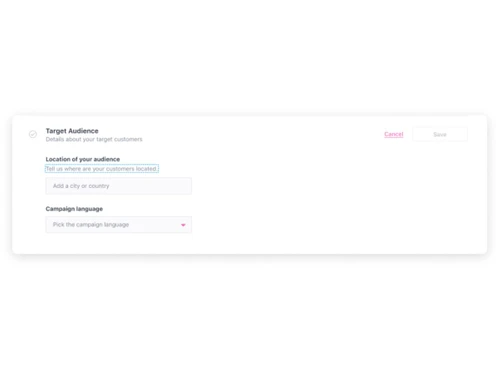
Instaon supports all the languages that Google supports, as the software runs advertisement campaigns using Google.
No, you don’t have to create a fresh Google Ads account if you already own one. You can just integrate your current account into Instaon.
Google Ads work on a CPC model, i.e., Cost-Per-Click advertising model. It means that you only pay when someone clicks your ad.
20,000+ Software Listed
Best Price Guranteed
Free Expert Consultation
2M+ Happy Customers
Terms and Condtions

Users with registered businesses can purchase goods from merchants on the platform to satisfy their business needs. Users are not permitted to utilize any products acquired through the platform for resale, advertising, business, or further distribution.
For each purchase made, users will receive a Tax Invoice (or 'GST invoice') that includes specific details such as:
the GSTIN of the user associated with their registered business, and
the specified Entity Name for their business.
It should be noted that not all products are eligible for GST Invoice. Only the products displayed by participating sellers with the 'GST-based Invoice Available' callout on the product description page would qualify.
Certain goods and services are not eligible to get a GST Invoice, including items with VAS, i.e., Value Added Services (e.g., Total Mobile Protection/Assured Buyback) and those involving an exchange offer at the time of purchase.
Users must ensure the accuracy of the GSTIN, and business entity name provided for the GST Invoice. Requests for corrections into GST Invoice would not be accommodated by Techjockey.com or any Seller, and any issues arising from user-provided information are the sole responsibility of users.
Techjockey.com is not liable for the GST Invoice or any associated input tax credit. To efficiently claim an input tax credit, users should select the registered place of business address as per the GST authority's data and follow the provisions of the GST Act and rules.
To claim an input tax credit, the delivery and billing addresses must match. Furthermore, input tax credits will not be granted if the delivery address and GSTIN on the invoice are from different states. In case of incorrect GST details provided during the order placement, the order will be canceled automatically.







![[Infographic] 5 Free Open Source Live Streaming Tools for Recording & Broadcasting](https://cdn.techjockey.com/blog/wp-content/uploads/2019/02/26135235/infographic-open-source-live-streaming-tools_feature.jpg?d=265x163 "Blog - [Infographic] 5 Free Open Source Live Streaming Tools for Recording & Broadcasting")