USA
USA UAE
UAE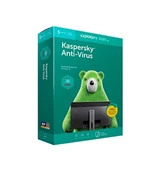




5+


5+
Brand: Kaspersky
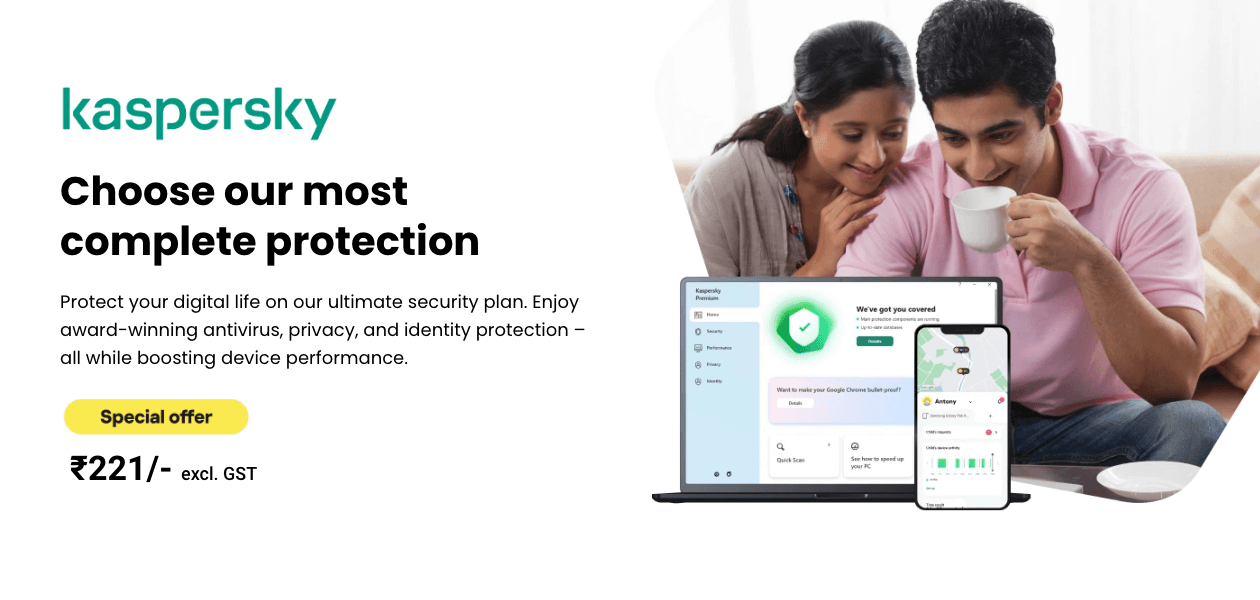
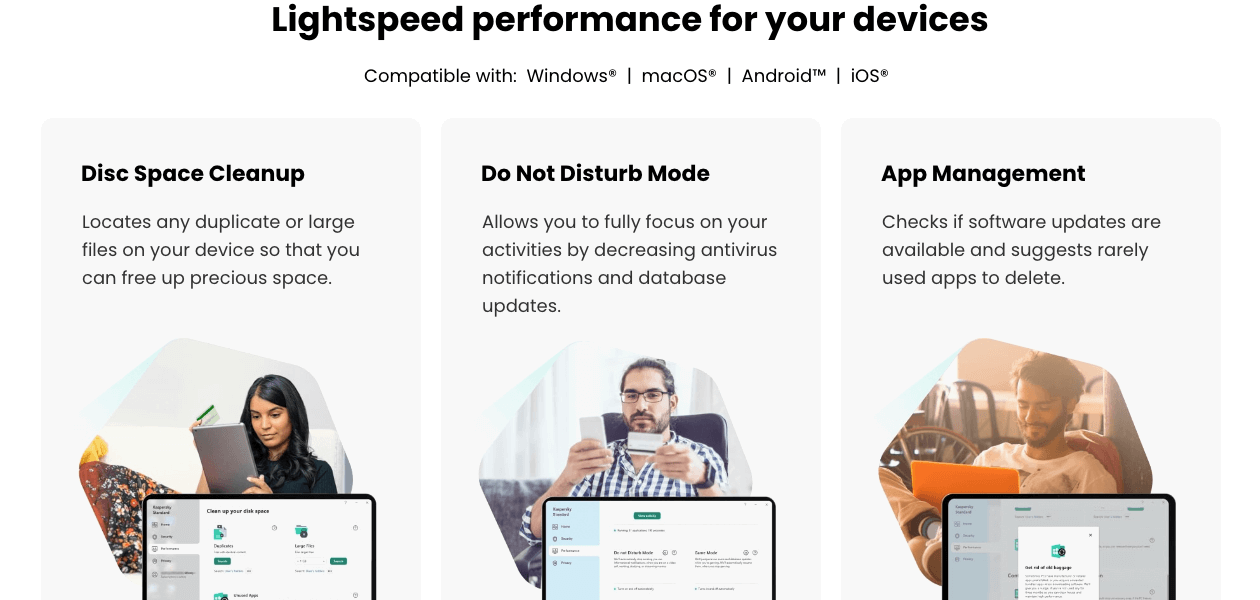
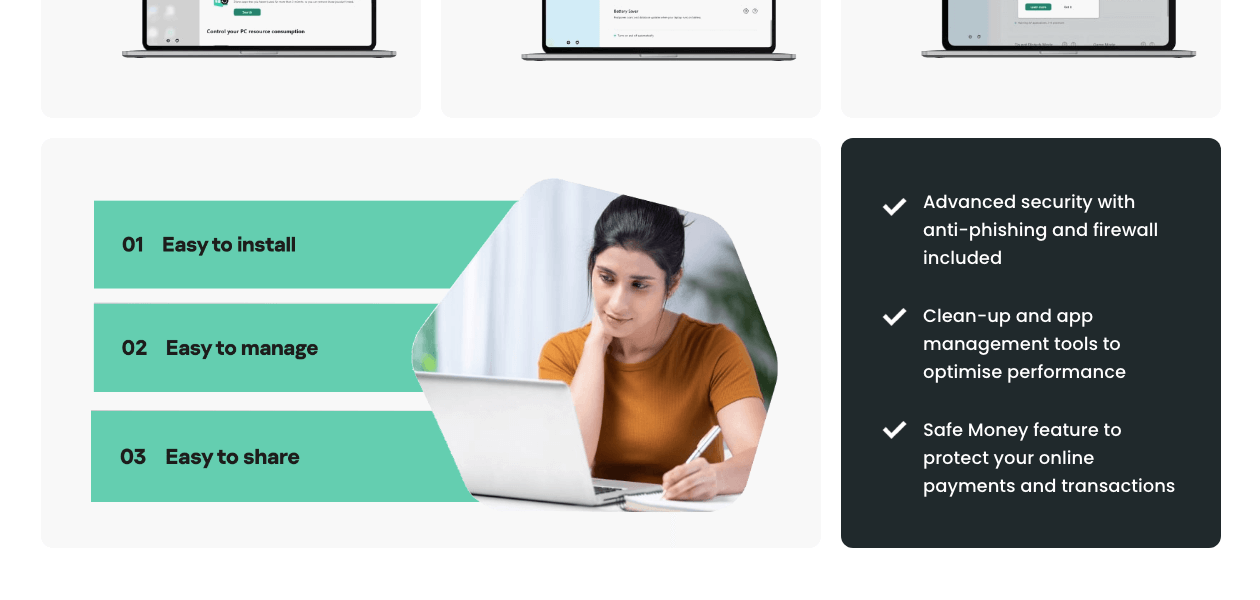
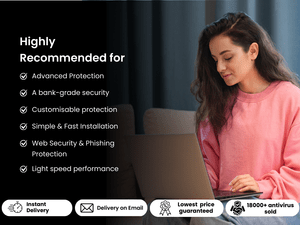
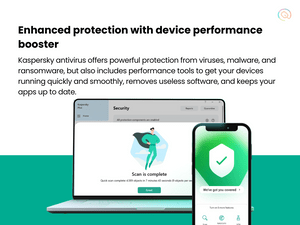
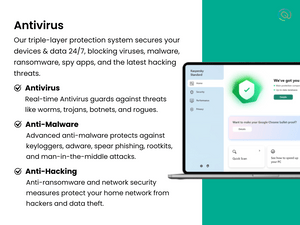
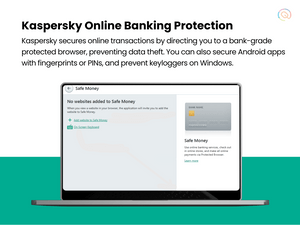
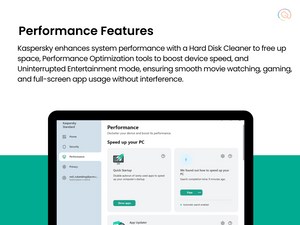
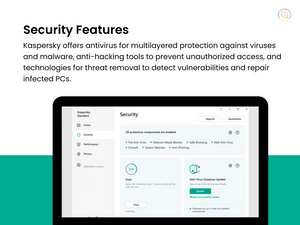
 Real-Time Threat Detection Instantly blocks malware as it appears. On-Demand & Scheduled Scanning Offers flexible scan options for malware detection. Multi-Layered Malware Detection Uses layers to catch both known and new threats. Threat Removal and Quarantine Isolates and removes dangerous files safely. Rootkit Detection & Removal Uncovers hidden rootkits and removes them securely. Behavioral Analysis Monitors apps for suspicious behavior patterns. Anti-Spyware Protects against spyware that steals personal data. USB Protection Scans and protects against USB-based threats. Exploit Prevention Blocks threats exploiting software vulnerabilities. Heuristic Analysis Detects unknown malware using heuristic techniques. Firewall Protection Blocks unauthorized network access. Wi-Fi Security Detects and warns about risky Wi-Fi networks. Anti-Spam Filters Keeps spam and phishing emails out of your inbox. IDS / IPS Protection Monitors and prevents network intrusions. Web Protection & URL Filtering Blocks malicious websites and URLs. Email Protection Scans emails for phishing and malware. Ad Blocker Blocks intrusive and potentially malicious ads. Ransomware Protection Shields files from ransomware attacks. File Rollback Restores files affected by ransomware to a safe state. Behavioral Ransomware Protection Detects ransomware based on behavior. Application Whitelisting Allows only trusted apps to run. Webcam Protection Prevents unauthorized access to the webcam. Privacy Control Manages app permissions to protect privacy. Anti-Phishing & Identity Protection Blocks phishing and ID theft attempts. Browser Privacy Tools Blocks tracking and enhances browser privacy. Data Encryption Secures sensitive files with encryption. VPN (Virtual Private Network) Hides IP and secures internet browsing. Data Shredder Permanently deletes files to prevent recovery. Dark Web Monitoring Alerts if personal data is found on the dark web. Data Leak Prevention Stops sensitive data from being leaked. Game Mode Reduces lag by pausing non-essential processes. System Optimization Tools Improves device performance and speed. Battery Saver Extends battery life by optimizing settings. Disk Cleanup and Junk File Removal Clears space by deleting junk files. Startup Manager Controls which apps run at startup. Network Performance Monitor Manages bandwidth for optimal network speed. Activity Reports Provides insights into kids' internet usage patterns. Parental Control Manages and restricts children’s online activities. App Monitoring Tracks and limits usage of certain apps. Geo-Fencing and Location Tracking Alerts when a device crosses set boundaries. Content Filtering Blocks inappropriate content for safer browsing. Automatic Backup Regularly backs up important files automatically. Cloud Backup Stores essential files safely in the cloud. System Restore Options Restores the system to a previous safe state. User-Friendly Dashboard Easy-to-navigate interface for quick access. Remote Management Console Central control of antivirus settings. Compliance & Reporting Generates reports for security compliance. Suspicious Activity Alerts Alerts about unusual device behavior. Network Security Alerts Notifies on risky network connections. Real-Time Threat Alerts Instantly notifies when threats are detected. Scan Results Notifications Provides updates on completed scans. Ransomware Detection Alerts Alerts of ransomware-like activities. Phishing and Malicious Website Warnings Warns when visiting dangerous sites. Webcam and Microphone Access Warnings Alerts if accessed without consent. Location and Geo-Fencing Alerts Alerts if location boundaries are crossed. Customizable Notifications Allows personalized alert settings. Real-Time Updates Ensures virus definitions stay up-to-date.

Supported Platforms
Windows, iOS, Android, MacOS

Business Size
Small Business, Startups, Medium Business, Enterprises, SMBs, SMEs, MSMBs, MSMEs, Freelancers

Devices
Desktop, Mobile, iPad

Deployment
Web-Based, Perpetual

Training
Documentation

Business Specific
All Businesses

Customer Support
Phone, Email, Live Chat, Forums
Overall Rating
4.3
Out of 5

Based on 8 Reviews
Rating Breakdown
Pros
“Kaspersky offers strong protection, an easy-to-use interface, and minimal system impact. It provides real-time threat detection, safe browsing, and reliable overall security.” Vinod Apr 5, 2025
Cons
“They should look to improve the control for Windows updates. Also, it should make reports available to be exported.” Lokesh Kumar Sep 18, 2022
“Despite being a reliable solution, there are instances when issues arise while running through a heavy program alongside this security software, then its performance deteriorates.” Siddhartha Roy Sep 17, 2022
“It frequently needs the app updates, the DLP feature is missing in this software, and also it consumes a huge amount of memory.” Hitesh Saxena Sep 13, 2022

4.6
“Kaspersky Antivirus Review Is it still safe to use”
Review by: Cyber Lab

4.5
“Kaspersky Free Antivirus Review System Watcher Test”
Review by: The PC Security Channel

4.5
“Kaspersky Plus Review First Impressions”
Review by: The PC Security Channel
Reviewed on: Sep 18, 2022
 Verified Reviewer
“An all-in-one security solution!”
Pros
I'm very happy with this anti-virus software. I've used it for more than a year and it has never caused me any problems. Kaspersky Antivirus does what it claims to do, and I like the fact you can update your virus definitions and run a scan through a simple button on the main dashboard.
Cons
They should look to improve the control for Windows updates. Also, it should make reports available to be exported.
Switched from : eScan Internet Security
Reason to switch
eScan Internet Security is slow in processing and doesn’t provide a spam filter.
Features 5/5
Value for Money 5/5
Ease of Use 4.5/5
Customer Support 5/5
Likely Recommend 8/10
LK
lokesh kumar Executive
Industry Design
User since: 6-12 months
Reviewed on: Sep 13, 2022
Verified Reviewer
“Solution that provides real-time protection against malicious threats.”
Pros
I feel safe with this antivirus installed on my computer because it has high reviews on the internet. It is easy to use and runs seamlessly in the background. I recommend this to everyone. It works flawlessly and I’ve been using Kaspersky for years now and it’s never let me down!
Cons
It frequently needs the app updates, the DLP feature is missing in this software, and also it consumes a huge amount of memory.
Switched from : Quick Heal Internet Security
Reason to switch
It doesn’t have proper phishing protection.
Features 4.5/5
Value for Money 4.5/5
Ease of Use 4.5/5
Customer Support 4.5/5
Likely Recommend 8/10
HS
Hitesh Saxena Administrator
Industry
User since: 6-12 months
Reviewed on: Sep 17, 2022
Verified Reviewer
“Program that keeps my computer protected every time.”
Pros
Kaspersky Anti-virus has been great so far. I’m always on the go so I can’t afford to have my machine slowed down with viruses and malware. Kaspersky is a great antivirus that helps me stay protected from viruses and other security threats. I’ve had this for a while now & I’ve never had a single issue with it, I would recommend this product to anyone.
Cons
Despite being a reliable solution, there are instances when issues arise while running through a heavy program alongside this security software, then its performance deteriorates.
Switched from : Quick Heal Total Security
Reason to switch
The licensing support for multiple devices is not that great. Malware protection is also not that great.
Features 4.5/5
Value for Money 5/5
Ease of Use 4.5/5
Customer Support 4.5/5
Likely Recommend 9/10
SR
Siddhartha Roy Administrator
Industry Events
Brand Name Kaspersky
Information Our mission is simple – building a safer world. And in fulfilling that mission we aim to become the global leader in cybersecurity – by securing technology to make sure that the possibilities it brings become opportunities for each and every one of us. Bring on endless possibilities.
Founded Year 1997
Director/Founders Eugene Kaspersky
Company Size 1000+ Employees
Other Products Kaspersky Total Security for Business, Kaspersky Endpoint Security for Business, Kaspersky Internet Security For Android, Kaspersky Internet Security, Kaspersky Total Security

Kaspersky Antivirus
₹ 221.00 excl. GST
Desktop
Mobile
Web based
On Premises
Windows
Mac OS

Kaspersky Virus Removal Tool
Price On Request
Desktop
Mobile
Web based
On Premises
Windows
Mac OS

Quick Heal Total Security
₹ 699
Desktop
Mobile
Web based
On Premises
Windows
Mac OS

Kaspersky Internet Security
₹ 769
Desktop
Mobile
Web based
On Premises
Windows
Mac OS

Quick Heal Total Security for Android
₹ 127
Desktop
Mobile
Web based
On Premises
Windows
Mac OS

Kaspersky Standard
₹ 246
Desktop
Mobile
Web based
On Premises
Windows
Mac OS

Kaspersky Small Office Security
₹ 4800
Desktop
Mobile
Web based
On Premises
Windows
Mac OS

Kaspersky Total Security
₹ 399
Desktop
Mobile
Web based
On Premises
Windows
Mac OS

Kaspersky Plus
₹ 259
Desktop
Mobile
Web based
On Premises
Windows
Mac OS

Quick Heal AntiVirus Pro
₹ 299
Desktop
Mobile
Web based
On Premises
Windows
Mac OS

Mcafee Antivirus
₹ 251
Desktop
Mobile
Web based
On Premises
Windows
Mac OS
(0) Product(s) selected
Kaspersky Antivirus is compatible with Windows 10Home / Pro / Enterprise; 8 & 8.1 / Pro / Enterprise / 8.1 update; 7 Starter / Home Basic & Premium / Professional / Ultimate – SP0 or higher.
The minimum computer system requirements for installing Kaspersky Antivirus are 1,500 MB free space on the hard drive, 1 GHz or higher processor, 1 GB (32-bit) or 2 GB (64-bit) RAM.
Kaspersky offers a wide range of parental control functions. It includes 1. Internet search result curation 2. Blocking websites 3. Ability to check the websites your ward has visited. 4. Social Network activity. 5. Internet time usage limits.
Techjockey will send the license key to your registered email ID, 30-60 minutes after you make your purchase.
Yes, Kaspersky offers several plans to safeguard data across multiple computers with a single license. Please request a call for further details. Our sales team will help you with everything you need.
There are two types of subscriptions: restricted (for a year, for instance) and unlimited (no expiration date). You must manually renew Kaspersky Internet Security when a limited membership expires in order to keep it operational.
Yes, Kaspersky can detect numerous viruses and malware such as worms, Trojans, adware, etc.
Yes, Kaspersky can block Wi-Fis that it finds suspicious and maintain the connectivity only with the trusted one.

15 November 2024
31 December 2025
Exclusive Deals only on Techjockey

Bitdefender Antivirus Plus
Bitdefender
Starting Price:
₹ 110 ₹ 700
Save upto 84%

K7 Antivirus Premium
K7 Computing
Starting Price:
₹ 140 /User/Year ₹ 599 /User/Year
Save upto 77%

Quick Heal AntiVirus Pro
Quick Heal
Starting Price:
₹ 299 /Year ₹ 979 /Year
Save upto 69%

Mcafee Antivirus
McAfee
Starting Price:
₹ 251 /Pc/Year ₹ 799 /Pc/Year
Save upto 69%

Wondershare Filmora
Wondershare
Starting Price:
₹ 2,299 /Year ₹ 3,399 /Year
Save upto 32%

Quick Heal Total Security
Quick Heal
Starting Price:
₹ 699 /Year ₹ 1,909 /Year
Save upto 63%

PDFelement
Wondershare
Starting Price:
₹ 5,310 /year ₹ 9,153 /year
Save upto 42%

DrillBit Plagiarism Checker
DrillBit
Starting Price:
₹ 4,500 /Year ₹ 7,000 /Year
Save upto 36%

NordVPN
Nord Security
Starting Price:
₹ 4,999 /Year ₹ 7,500 /Year
Save upto 33%

Microsoft Office 365 Business Basic
Microsoft Corporation
Starting Price:
₹ 140 /Month ₹ 174 /Month
Save upto 20%

Plagiarism Checker X
Plagiarism Checker X
Starting Price:
₹ 3,700 /LifeTime ₹ 3,800 /LifeTime
Save upto 3%
54% off
₹ 221 excl.GST
₹ 261 incl. GST
MRP: ₹ 480

Save upto 18%, Get GST Invoice on your business purchase T&C
Buy Now & Pay Later, Check offer on payment page.
100% Genuine Products
Instant Email Delivery
Get the Best Price

Flat 54% off
Save upto 18%, Get GST Invoice on your business purchase T&C
Buy Now & Pay Later, Check offer on payment page.
100% Genuine Products
Instant Email Delivery
Get the Best Price
Terms and Condtions

Users with registered businesses can purchase goods from merchants on the platform to satisfy their business needs. Users are not permitted to utilize any products acquired through the platform for resale, advertising, business, or further distribution.
For each purchase made, users will receive a Tax Invoice (or 'GST invoice') that includes specific details such as:
the GSTIN of the user associated with their registered business, and
the specified Entity Name for their business.
It should be noted that not all products are eligible for GST Invoice. Only the products displayed by participating sellers with the 'GST-based Invoice Available' callout on the product description page would qualify.
Certain goods and services are not eligible to get a GST Invoice, including items with VAS, i.e., Value Added Services (e.g., Total Mobile Protection/Assured Buyback) and those involving an exchange offer at the time of purchase.
Users must ensure the accuracy of the GSTIN, and business entity name provided for the GST Invoice. Requests for corrections into GST Invoice would not be accommodated by Techjockey.com or any Seller, and any issues arising from user-provided information are the sole responsibility of users.
Techjockey.com is not liable for the GST Invoice or any associated input tax credit. To efficiently claim an input tax credit, users should select the registered place of business address as per the GST authority's data and follow the provisions of the GST Act and rules.
To claim an input tax credit, the delivery and billing addresses must match. Furthermore, input tax credits will not be granted if the delivery address and GSTIN on the invoice are from different states. In case of incorrect GST details provided during the order placement, the order will be canceled automatically.
20,000+ Software Listed
Best Price Guranteed
Free Expert Consultation
2M+ Happy Customers
 86%
86%