USA
USA UAE
UAESmall Business
Designed for startups and growing businesses
See More




Brand: Skilworth Tech
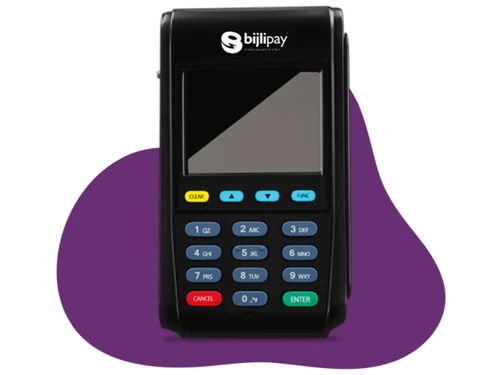
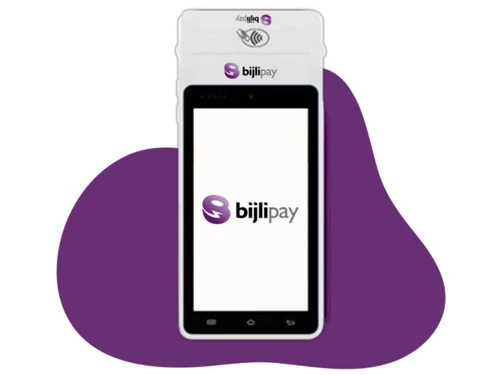
Bijlipay Mobile POS machine is a dynamic and handy POS machine that works in combination with a smartphone for end-to-end payment and point of sale solution. The mobile POS device uses Wi-Fi to function at all times. It is a cost-effective device that consists of a card swiping device. It works with Android phone for better working. Retailers get access to a completely EMV compliant payment coll...
See MoreHave you used Bijlipay Mobile POS before?
Share your insights for better experience
 Android
  Mobile
  Tablet
  Cloud-Based
  Perpetual
  Multi Card Multi-User CRM Integration Digital Wallet UPI Payment Solution Android Smart Interface Multi-Tasking App Support Flexible 4G Connectivity Real-Time Sound Box Alert Integrated EMI Facility Cost Effective Send digital receipts Accepts all NFC-enabled cards Small & Portable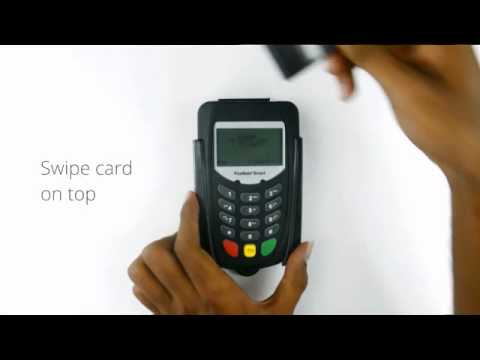

Watch the demo video to explore key features, real workflows, and how the software fits your business needs.
Small Business
Designed for startups and growing businesses
Medium Business
Built for business growth and flexibility
Enterprises
Designed for complex and large-scale business needs
3.7
Out of 5

Overall Rating
Based on
3 Verified Reviews
Rating Breakdown
66% Recommend this Product
Add ReviewUsers generally appreciate Bijlipay Mobile POS for its ease of use and strong customer support, with many highlighting the helpfulness of the service and technical teams. However, there are notable concerns regarding the service reliability, with some users experiencing delays in receiving their devices and unclear communication about transaction timelines. Overall, while the product has garnered positive feedback for its usability and support, issues with service delivery have led to mixed sentiments among users.

Sep 11, 2020
Techjockey Verified
“Customer service helpline.. 9865748829”
Pros
Customer service helpline number... 9832748829
Cons
Customer service helpline number.. 9832748829
Feb 13, 2019
Techjockey Verified
“MSwipe is easy to use”
Pros
Best card swipe machine because they have good customer support. They have service people,technical team and installation team also.
Cons
NO CONS
Apr 12, 2019
Techjockey Verified
“worst service”
Pros
ease of use
Cons
waste service they won't tell that you will receive amount after oneday , after taking the product they tell that. worst service it took to get the device onemonth
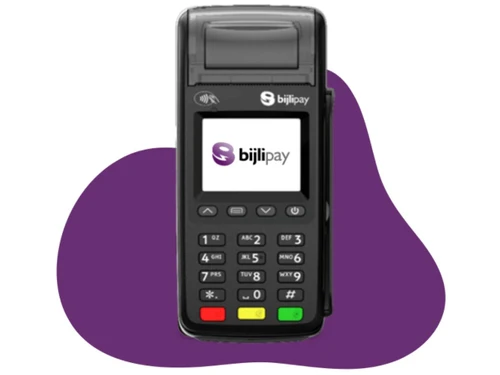

Bijlipay Mobile POS
₹ 4500.00 excl. GST
Desktop
Mobile
Web based
On Premises
Windows
Mac OS

Bijlipay Digital GPRS POS
Price On Request
Desktop
Mobile
Web based
On Premises
Windows
Mac OS

Bijlipay Paper Based GPRS POS
Price On Request
Desktop
Mobile
Web based
On Premises
Windows
Mac OS

Paytm POS Machine
₹ 6641
Desktop
Mobile
Web based
On Premises
Windows
Mac OS
Bzo POS
₹ 2500
Desktop
Mobile
Web based
On Premises
Windows
Mac OS
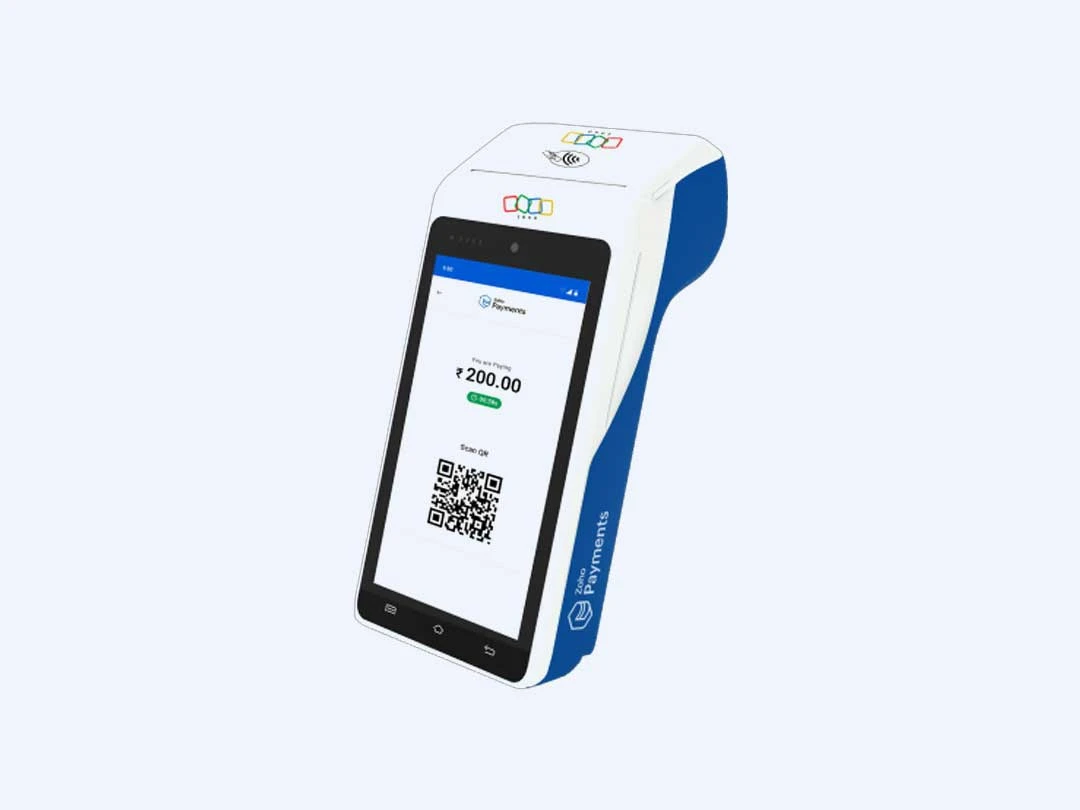
Zoho POS Machine
Price On Request
Desktop
Mobile
Web based
On Premises
Windows
Mac OS

Nukkad Shops
₹ 39580
Desktop
Mobile
Web based
On Premises
Windows
Mac OS

Sunmi V2
Price On Request
Desktop
Mobile
Web based
On Premises
Windows
Mac OS

Sunmi P2
₹ 15254
Desktop
Mobile
Web based
On Premises
Windows
Mac OS

BillTouch C86D
Price On Request
Desktop
Mobile
Web based
On Premises
Windows
Mac OS

mSwipe Wisepos Neo
₹ 4500
Desktop
Mobile
Web based
On Premises
Windows
Mac OS
(2) Product(s) selected
Available
Price on Request
Available
Price on Request
Available
Price on Request
Available
Price on Request
Available
Price on Request
Available
Price on Request
Available
Price on Request

Available
Price on Request

Available
Price on Request

Available
Price on Request

Available
Price on Request

Yes, it does. Bijlipay Mobile POS machine can accept all Visa and MasterCard branded cards whether Credit/Debit/Gift cards.
Bijlipay Mobile POS machine can be connected to Android device using Bluetooth technology via a simple pairing process.
No, you do not need any specific bank account to access Bijlipay Mobile POS machine. Your money will be transferred to your preferred bank account that you mention during enrollment.
Yes, you would need a Current account to use Bijlipay Mobile POS machine for any kind of business. Only if you are an individual professional, your Savings account can be considered on a case to case basis.
20,000+ Software Listed
Best Price Guranteed
Free Expert Consultation
2M+ Happy Customers
Terms and Condtions

Users with registered businesses can purchase goods from merchants on the platform to satisfy their business needs. Users are not permitted to utilize any products acquired through the platform for resale, advertising, business, or further distribution.
For each purchase made, users will receive a Tax Invoice (or 'GST invoice') that includes specific details such as:
the GSTIN of the user associated with their registered business, and
the specified Entity Name for their business.
It should be noted that not all products are eligible for GST Invoice. Only the products displayed by participating sellers with the 'GST-based Invoice Available' callout on the product description page would qualify.
Certain goods and services are not eligible to get a GST Invoice, including items with VAS, i.e., Value Added Services (e.g., Total Mobile Protection/Assured Buyback) and those involving an exchange offer at the time of purchase.
Users must ensure the accuracy of the GSTIN, and business entity name provided for the GST Invoice. Requests for corrections into GST Invoice would not be accommodated by Techjockey.com or any Seller, and any issues arising from user-provided information are the sole responsibility of users.
Techjockey.com is not liable for the GST Invoice or any associated input tax credit. To efficiently claim an input tax credit, users should select the registered place of business address as per the GST authority's data and follow the provisions of the GST Act and rules.
To claim an input tax credit, the delivery and billing addresses must match. Furthermore, input tax credits will not be granted if the delivery address and GSTIN on the invoice are from different states. In case of incorrect GST details provided during the order placement, the order will be canceled automatically.