 USA
USA UAE
UAESmall Business
Designed for startups and growing businesses

See More




Brand: Leadsquared
LeadSquared is an AI-powered CRM that unifies Sales, Marketing, Field Operations, and Service teams to automate workflows and drive faster, high-volume revenue growth across multiple channels.
See MoreHave you used LeadSquared CRM before?
Share your insights for better experience
Brand: Leadsquared
Founded Year: 2011
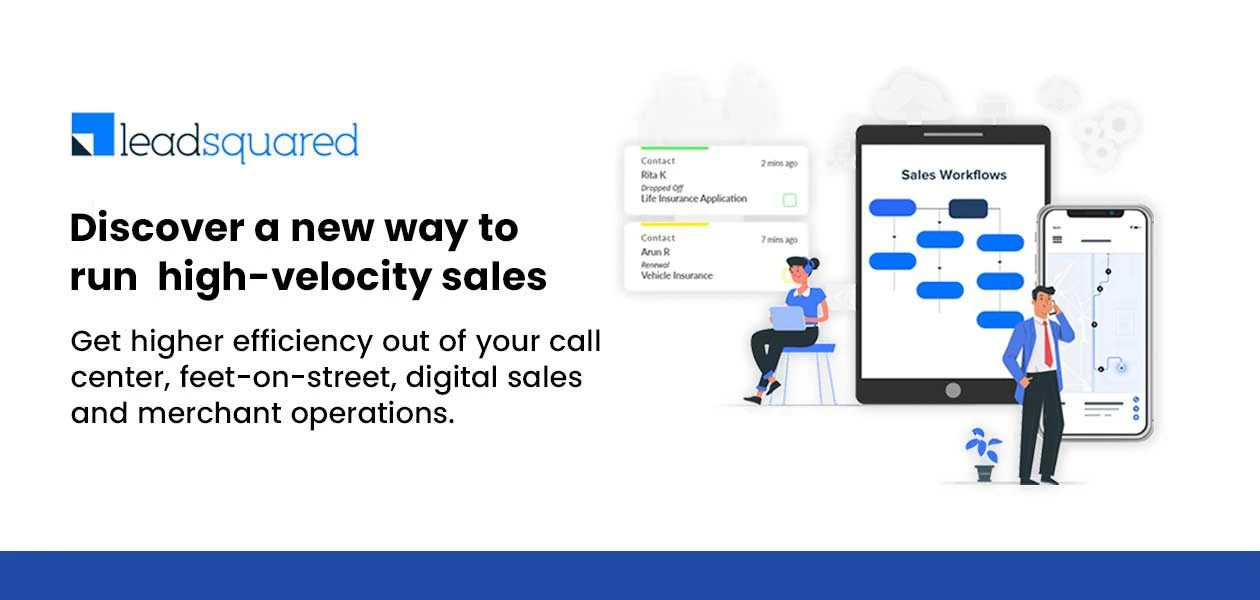
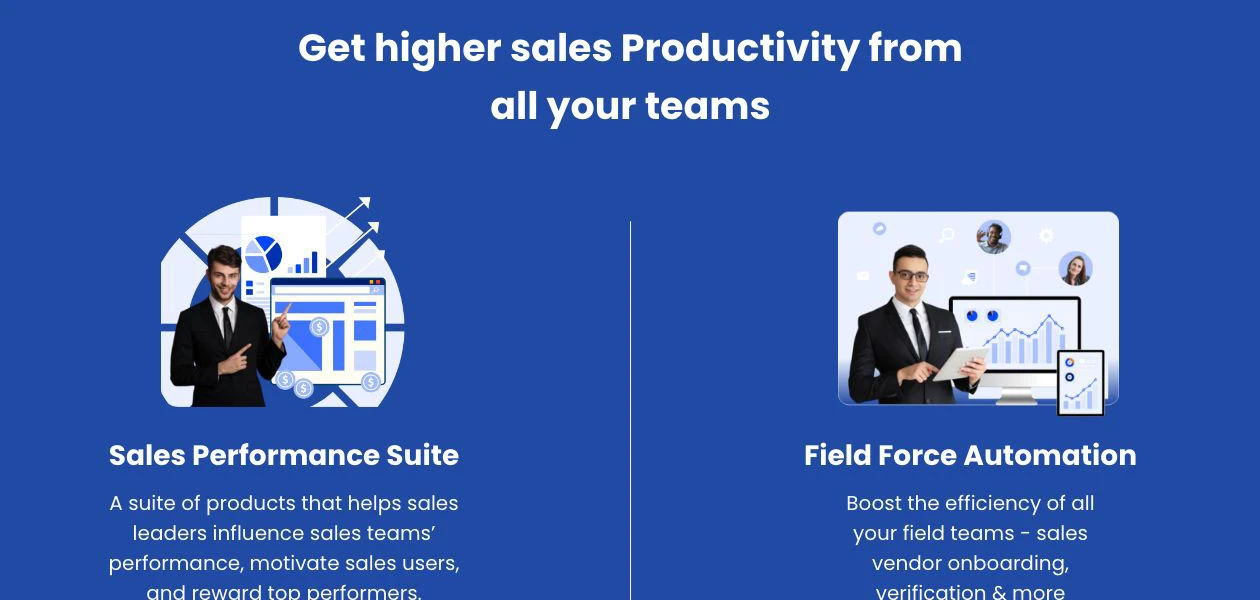
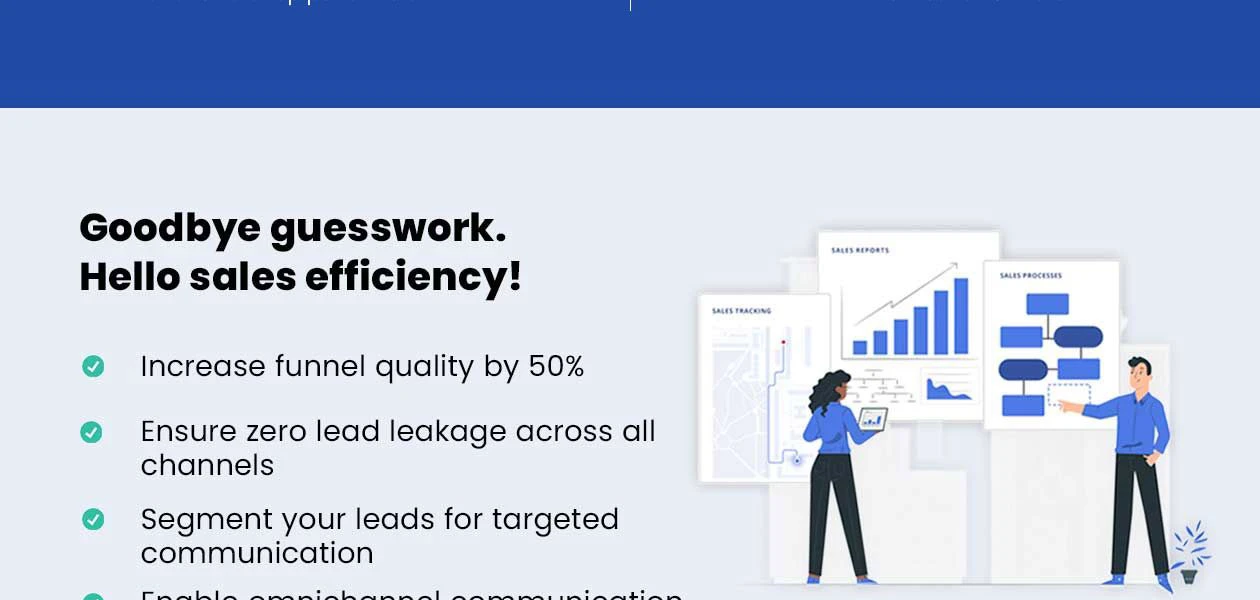
LeadSquared is a high-velocity sales execution, field force automation, and marketing automation platform used and loved by 1500+ organizations around the globe. It has been helping businesses of all sizes transform their sales processes through intelligent automation, activity tracking.
Customer Data Management (CDM)
 Contact Management Account Management Customer Profiles Contact Segmentation Activity History
 Sales Management
Workflow Automation and Management Lead Management Territory Management Order Management Quote Management Sales Forecasting Deal Management Sales Automation Opportunity & Pipeline Management Contract Management Marketing Automation
Email Marketing Campaign Management Lead Nurturing Customer Journey Tracking Customer Segmentation Automated Campaigns Event-Triggered Workflows Data Sourcing / Integrations
Social Media Integration Data Import/Export API Access Calendar Integration Third Party Integrations Email Marketing Tools Integration Marketing Tools Integration eCommerce Integrations Interactive Voice Response (IVR) Integration Collaboration Tools
Team Communication Task / Activity Management Document Sharing & File Storage Omnichannel Support & Engagement Security & Compliance
Data Encryption Role-Based Access Control (RBAC) Backup & Disaster Recovery GDPR & Data Privacy Audit Trail AI & Machine Learning
Predictive Analytics Lead Scoring Chatbots Reporting & Analytics
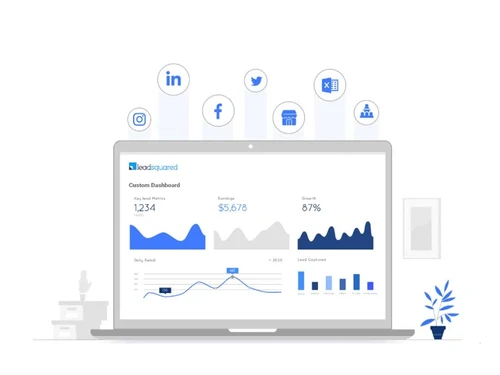
Predictive Analytics Real Time Analytics Campaign Performance Custom Dashboards Sales Performance Reports Customer Insights Forecasting & Trends Performance Tracking Alerts & Notifications
Event-Triggered Notifications Custom Workflow Alerts System Errors/Failures Customer Interaction Alerts Workflow Trigger Alerts SLA Violations Lead Activity Alerts Others
Landing Pages & Forms Call Tracking and Recording Ticketing System 

Watch the demo video to explore key features, real workflows, and how the software fits your business needs.
 Ubuntu
  Windows
  iOS
iOS  Android MacOS
  Linux
Linux  Desktop
  Mobile
  Tablet
  iPad
iPad  Cloud-Based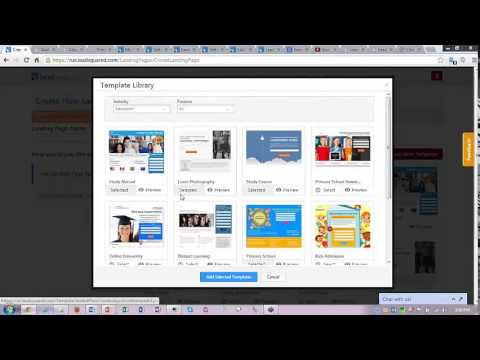
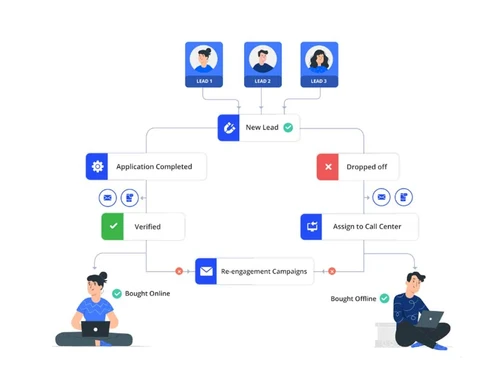
Small Business
Designed for startups and growing businesses
Medium Business
Built for business growth and flexibility
Enterprises
Designed for complex and large-scale business needs
4.1
Out of 5

Overall Rating
Based on
24 Verified Reviews
Rating Breakdown
78% Recommend this Product
Add ReviewOverall, customer sentiment towards LeadSquared CRM is mixed, with many users appreciating its user-friendly interface and effective lead management capabilities, particularly for small to medium-sized businesses. Users frequently highlight its automation features and integration with various applications as significant advantages. However, some customers express concerns about its scalability, limited advanced features, and occasional performance issues, particularly in mobile access and dashboard management. Negative feedback often centers on unmet expectations during implementation and customer support challenges, indicating a need for improvement in these areas.
Pros
"This software has custom rules and triggers that help our sales team manage complex tasks. We can easily collect customers' information and preset emails for our prospects."
"We can easily record customer data on a custom basis. The activity history of customers is shown clearly, which helps us a lot in the understanding interests of customers."
"That Leadsquare is transparent is the aspect of it that I like the most. Conflicts between the supervisors or the associates are therefore less likely."
Cons
"Not ideal for scaling beyond small businesses. The lead deposition process can be time-consuming, and creating customized reports is often difficult and expensive in LeadSquared"
"Sometimes it's hard to manage all the dashboards in the one place."
"This software does not allow us to send automatic performance reports to our supervisors. This feature is vital to keep the functions work smoothly."

May 6, 2022
Techjockey Verified
“LeadSquared - The Ultimate Sales and Marketing Software”
Pros
I was looking for a better CRM to manage my sales pipeline, and this is exactly what I was looking for. With Salesforce, you get the basic CRM, but this takes it to the next level with the sales intelligence tools. I could easily keep track of what my team is doing, and I love the e-mail integration.
Cons
Lead generation tools sometimes lack the right functionality and this can be frustrating
Reason to switch
This Software allows to me manage our customer relationships easier
May 5, 2022
Techjockey Verified
“Lead Squared- Keep track of our leads and contacts without any issue.”
Pros
This is the best CRM software I've ever used. I've tried many of them and they always end up being a waste of my time and money. But LeadSquared is very easy for me to navigate and use. It puts everything together in an organized way where I can find any information I need fast. I've been able to close a lot more sales with it.
Cons
Need to improve the stability of the portal - it sometimes takes a while to catch up with all those calls being made.
Reason to switch
LeadSquared is simple to navigate and use. It puts all of our information in one place, making it easy to sift through various activities I'm engaging with clients or leads.
May 4, 2022
Techjockey Verified
“LeadSquared - The smart lead generation platform.”
Pros
It's very difficult to keep up with the ever-changing demands of today's market, but LeadSquared makes it easier for sales and marketing teams to grow their business. It reduces lead leakage and boosts sales by allowing users to capture leads across all sources in an accelerated and automated manner.
Cons
Sometimes I'm not able to access landing pages easily on my mobile device.
Reason to switch
LeadSquared is a faster and smarter way to tag and qualify sales leads. It helps me convert more leads automatically to bring in new customers faster.

LeadSquared CRM
Price On Request
Desktop
Mobile
Web based
On Premises
Windows
Mac OS
Bitrix24
₹ 2390
Desktop
Mobile
Web based
On Premises
Windows
Mac OS

Zoho CRM
₹ 1300
Desktop
Mobile
Web based
On Premises
Windows
Mac OS

Odoo CRM
₹ 760
Desktop
Mobile
Web based
On Premises
Windows
Mac OS

CrmOne
Price On Request
Desktop
Mobile
Web based
On Premises
Windows
Mac OS

Solid Performers CRM
₹ 500
Desktop
Mobile
Web based
On Premises
Windows
Mac OS

Kylas CRM
₹ 12999
Desktop
Mobile
Web based
On Premises
Windows
Mac OS

Zendesk Sell
Price On Request
Desktop
Mobile
Web based
On Premises
Windows
Mac OS

Cleomitra
₹ 999
Desktop
Mobile
Web based
On Premises
Windows
Mac OS

In-Sync CRM
₹ 5000
Desktop
Mobile
Web based
On Premises
Windows
Mac OS

HighLevel
Price On Request
Desktop
Mobile
Web based
On Premises
Windows
Mac OS
(2) Product(s) selected
Starting Price:
$19 /Agent/Month
Starting Price:
₹999 /Month ₹2,000
Starting Price:
₹5,000 /Month
Starting Price:
$97 /Month
Starting Price:
€300 /User/Year
Starting Price:
₹3,900 /Year ₹4,900

Starting Price:
₹1,299 /Month

Starting Price:
$10 /User/Month

Available
Price on Request

Starting Price:
₹350

Available
Price on Request


LeadSquared software supports Windows, Mac, Ubuntu, and Linux operating systems.
Yes, LeadSquared can be accessed from Android and iOS devices.
LeadSquared CRM customer relationship management system supports web-based deployment.
Lead Squared CRM pricing starts from INR 2500 per user/month for the basic plan.
LeadSquared CRM software is built for high-volume enterprises in Financial Services, Manufacturing, Education, Healthcare, and Real Estate managing large sales teams, field operations, and multi-channel lead intake.
Yes, the LeadSquared demo is available on Techjockey to evaluate its features.
You can buy LeadSquared CRM directly from techjockey.com. Simply choose your preferred subscription plan and complete the checkout process.
Techjockey.com accepts a range of payment methods, including credit/debit cards, net banking, UPI, and popular digital wallets.
Yes, techjockey.com offers support for software installation. You can contact our customer support team for help with the installation process.
LeadSquared software free plan is not available.
LeadSquared software uses AI to analyze lead behavior, engagement, and CRM interactions to score conversion probability, automate lead distribution and follow-ups, and provide field force tracking and sales insights across teams.
Leadsquared CRM offers a subscription-based pricing model based on the number of users and features required, with scalable options for businesses of all sizes.
0 0
Leadsquared CRM provides lead scoring based on user behavior, interactions, and demographics, helping prioritize high-value leads.
1 0
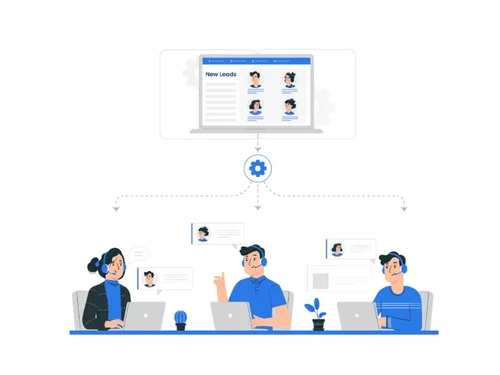
Yes, Leadsquared allows you to automate lead follow-ups, lead nurturing, and task assignments, increasing efficiency and reducing manual work.
0 0
Yes, Leadsquared tracks customer interactions across email, website, social media, and phone calls to provide a comprehensive view of each lead.
0 0
Leadsquared CRM focuses on lead capture, lead nurturing, sales automation, and marketing automation to help businesses manage and convert leads efficiently.
0 0
20,000+ Software Listed
Best Price Guranteed
Free Expert Consultation
2M+ Happy Customers
Terms and Condtions

Users with registered businesses can purchase goods from merchants on the platform to satisfy their business needs. Users are not permitted to utilize any products acquired through the platform for resale, advertising, business, or further distribution.
For each purchase made, users will receive a Tax Invoice (or 'GST invoice') that includes specific details such as:
the GSTIN of the user associated with their registered business, and
the specified Entity Name for their business.
It should be noted that not all products are eligible for GST Invoice. Only the products displayed by participating sellers with the 'GST-based Invoice Available' callout on the product description page would qualify.
Certain goods and services are not eligible to get a GST Invoice, including items with VAS, i.e., Value Added Services (e.g., Total Mobile Protection/Assured Buyback) and those involving an exchange offer at the time of purchase.
Users must ensure the accuracy of the GSTIN, and business entity name provided for the GST Invoice. Requests for corrections into GST Invoice would not be accommodated by Techjockey.com or any Seller, and any issues arising from user-provided information are the sole responsibility of users.
Techjockey.com is not liable for the GST Invoice or any associated input tax credit. To efficiently claim an input tax credit, users should select the registered place of business address as per the GST authority's data and follow the provisions of the GST Act and rules.
To claim an input tax credit, the delivery and billing addresses must match. Furthermore, input tax credits will not be granted if the delivery address and GSTIN on the invoice are from different states. In case of incorrect GST details provided during the order placement, the order will be canceled automatically.



