 USA
USA UAE
UAESmall Business
Designed for startups and growing businesses


See More


Brand: Mailercloud
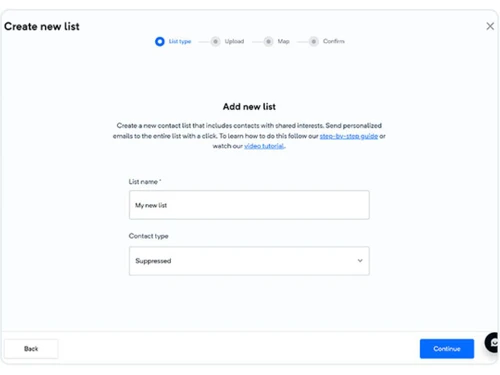
Mailercloud is an email marketing and API platform that offers AI-powered campaigns, automation tools, and flexible solutions for businesses.
See MoreHave you used Mailercloud before?
Share your insights for better experience
Brand: Mailercloud
Founded Year: 2013
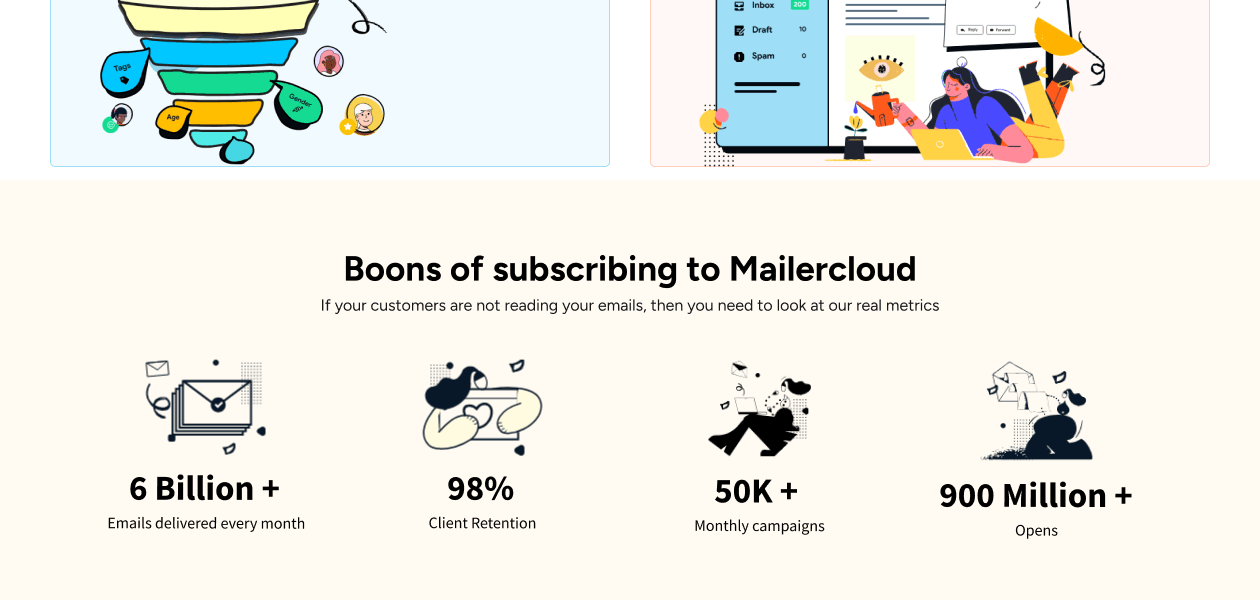
mailercloud has expanded to become one of the largest and most extensive cloud-based email services, that resolves the task of reliably delivering emails on behalf of companies and customers.
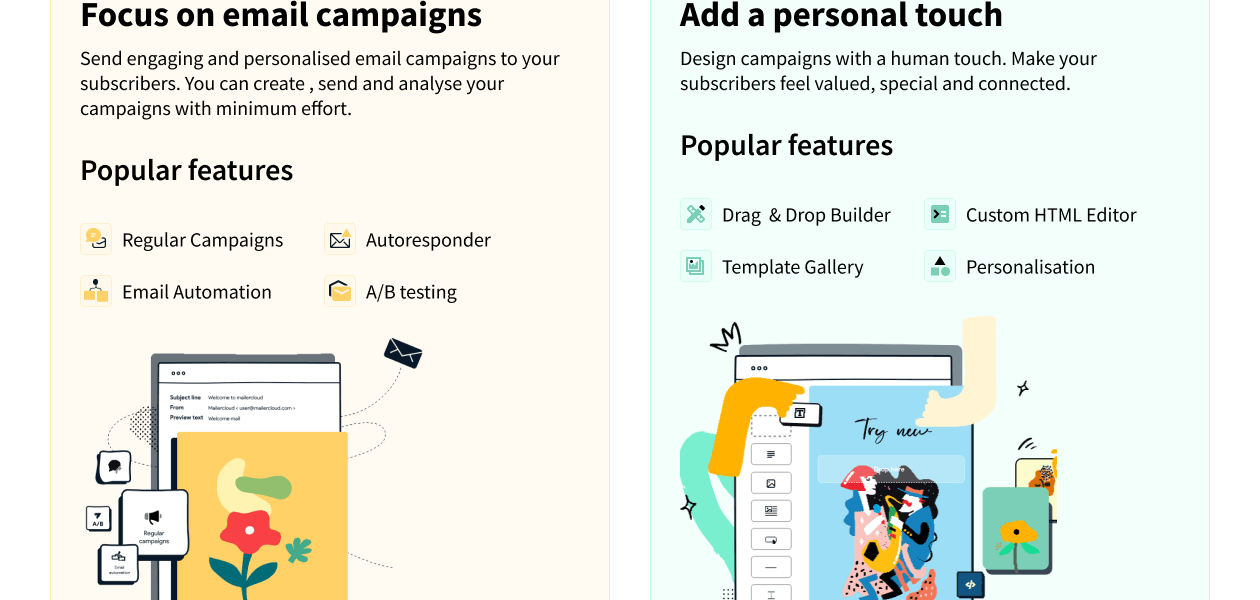
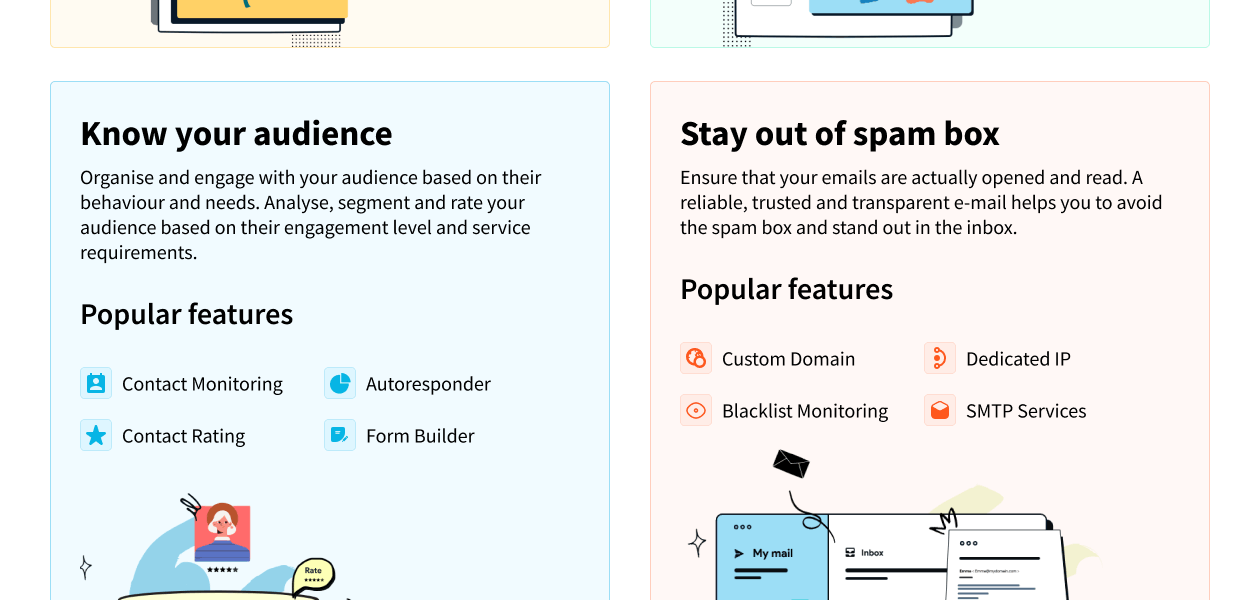
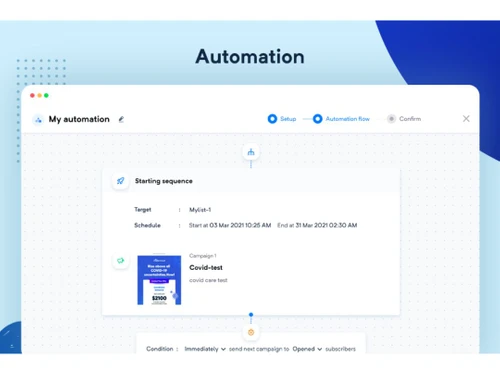
 Auto - Responders Drag & Drop Builder Templates Blacklist Monitoring A/B Testing Dedicated IPs Email Automation Segmentation Contact Monitoring Form Builder Track metrics Integrations Advanced Reports Campaign Management

Watch the demo video to explore key features, real workflows, and how the software fits your business needs.

 Ubuntu
  Windows
  Android
  MacOS
MacOS  Linux
Linux  Desktop
  Mobile
  Cloud-Based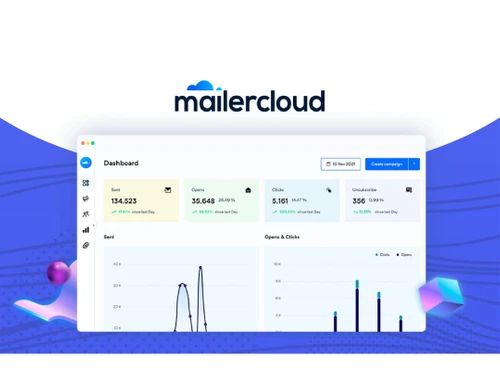
Small Business
Designed for startups and growing businesses
Medium Business
Built for business growth and flexibility
Enterprises
Designed for complex and large-scale business needs
4.3
Out of 5

Overall Rating
Based on
10 Verified Reviews
Rating Breakdown
88% Recommend this Product
Add Review
Jun 8, 2025
Techjockey Verified
“Up-and-Coming, With Great Potential”
Mailercloud feels like an up-and-coming star—it’s easy to use, and support genuinely cares and follows up. For straightforward email marketing, it’s great. I do miss advanced segmentation like sending based on tag combinations or email open behavior.
Pros
Clean interface, solid support, good core features
Cons
Lacks some advanced segmentation and pivot features
Reason to switch
Moved for simpler UI and support that actually responds, sacrificing some advanced features.
Feb 10, 2025
Techjockey Verified
“Lifetime Deal and No Recurring Fees—but UX Woes”
Getting Mailercloud on AppSumo was a fantastic price—no recurring fees and no subscriber cap. However, I hit occasional glitches—images refused to load, automations stalled, and refreshes felt slow. Support helped, but it’s less than ideal.
Pros
One-time AppSumo purchase, unlimited emails/subscribers
Cons
Occasional platform glitches and slow load times
Reason to switch
Wanted a lifetime deal for small budget, even if some bugs came with it.
Jan 2, 2025
Techjockey Verified
“Reliable Delivery, Minor Sync Issues”
Emails consistently get delivered with DKIM/SPF set up—no spam problems. The one quirk is that when I add a new subscriber mid-campaign, they don’t auto-receive scheduled emails—I have to manually reassign them.
Pros
High deliverability and domain authentication
Cons
New subscribers don’t automatically add to active campaigns
Reason to switch
Desired better deliverability and simpler UI; Mailjet lacked automation depth.

Mailercloud
Price On Request
Desktop
Mobile
Web based
On Premises
Windows
Mac OS
SendGrid
Price On Request
Desktop
Mobile
Web based
On Premises
Windows
Mac OS
Salesforce Email Studio
Price On Request
Desktop
Mobile
Web based
On Premises
Windows
Mac OS

Privy
Price On Request
Desktop
Mobile
Web based
On Premises
Windows
Mac OS

Litmus
Price On Request
Desktop
Mobile
Web based
On Premises
Windows
Mac OS
Knak
Price On Request
Desktop
Mobile
Web based
On Premises
Windows
Mac OS

PostyMan
₹ 2000
Desktop
Mobile
Web based
On Premises
Windows
Mac OS

Mumara One
₹ 1390
Desktop
Mobile
Web based
On Premises
Windows
Mac OS

Zoho Campaigns
₹ 240
Desktop
Mobile
Web based
On Premises
Windows
Mac OS

Convertkit
Price On Request
Desktop
Mobile
Web based
On Premises
Windows
Mac OS
MailTact
Price On Request
Desktop
Mobile
Web based
On Premises
Windows
Mac OS
(0) Product(s) selected
Starting Price:
$20 /Month
Starting Price:
$30 /Month
Starting Price:
$500 /Month
Available
Price on Request
Starting Price:
$9
Starting Price:
$29

Starting Price:
$38 /Month

Starting Price:
$15 /Month

Starting Price:
$59 /month

Starting Price:
$5 /Month

Starting Price:
$29




Mailercloud is an email marketing software that provides a platform for sending marketing campaigns, managing automations, and also offers an Email API for transactional sends. It helps businesses with various email needs like newsletters, abandoned cart recovery, and lifecycle automation.
Mailercloud price starts at USD 10 at techjockey.com.
Mailercloud's main features include regular campaigns, A/B testing, an AI subject line generator, AMP email support, and advanced automation workflows. It also offers bulk automation, various support options, and native integrations with platforms like Shopify and WooCommerce.
Yes, Mailercloud offers a forever free plan at USD 0 per month, which does not require a credit card to start. This allows users to try the platform without any initial cost.
Mailercloud is designed for a wide range of email senders, including e-commerce stores, agencies and consultants, solopreneurs and creators, and B2B SaaS companies and startups. It offers tailored solutions to fit various business needs and sending volumes.
Mailercloud's Marketing Platform pricing is based on the number of contacts you store, rather than the number of emails sent. Paid plans include unlimited email sending under a fair use policy, ensuring predictable costs.
Yes, Mailercloud supports transactional emails through its Email API, which is built for developers and offers SMTP and REST capabilities. This API can be combined with the Marketing Platform for comprehensive email management.
Mailercloud offers native integrations with popular e-commerce platforms such as Shopify, WooCommerce, and Magento. These integrations help e-commerce stores run campaigns like abandoned cart recovery and post-purchase flows.
Mailercloud provides various support options including email support, priority chat support, and for Enterprise plans, a dedicated account manager. This ensures users receive assistance tailored to their plan level.
20,000+ Software Listed
Best Price Guranteed
Free Expert Consultation
2M+ Happy Customers
Terms and Condtions

Users with registered businesses can purchase goods from merchants on the platform to satisfy their business needs. Users are not permitted to utilize any products acquired through the platform for resale, advertising, business, or further distribution.
For each purchase made, users will receive a Tax Invoice (or 'GST invoice') that includes specific details such as:
the GSTIN of the user associated with their registered business, and
the specified Entity Name for their business.
It should be noted that not all products are eligible for GST Invoice. Only the products displayed by participating sellers with the 'GST-based Invoice Available' callout on the product description page would qualify.
Certain goods and services are not eligible to get a GST Invoice, including items with VAS, i.e., Value Added Services (e.g., Total Mobile Protection/Assured Buyback) and those involving an exchange offer at the time of purchase.
Users must ensure the accuracy of the GSTIN, and business entity name provided for the GST Invoice. Requests for corrections into GST Invoice would not be accommodated by Techjockey.com or any Seller, and any issues arising from user-provided information are the sole responsibility of users.
Techjockey.com is not liable for the GST Invoice or any associated input tax credit. To efficiently claim an input tax credit, users should select the registered place of business address as per the GST authority's data and follow the provisions of the GST Act and rules.
To claim an input tax credit, the delivery and billing addresses must match. Furthermore, input tax credits will not be granted if the delivery address and GSTIN on the invoice are from different states. In case of incorrect GST details provided during the order placement, the order will be canceled automatically.



