linkedin
Manjaro logo
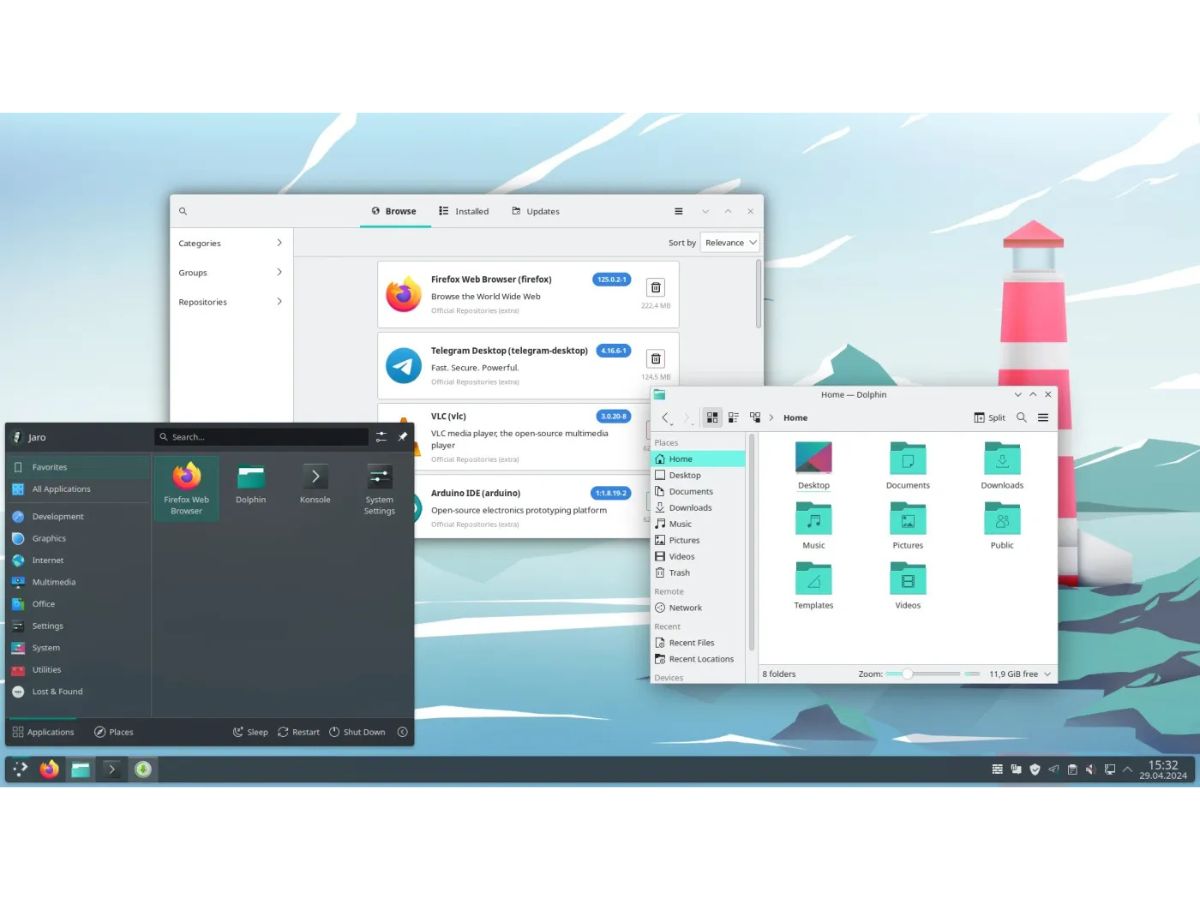
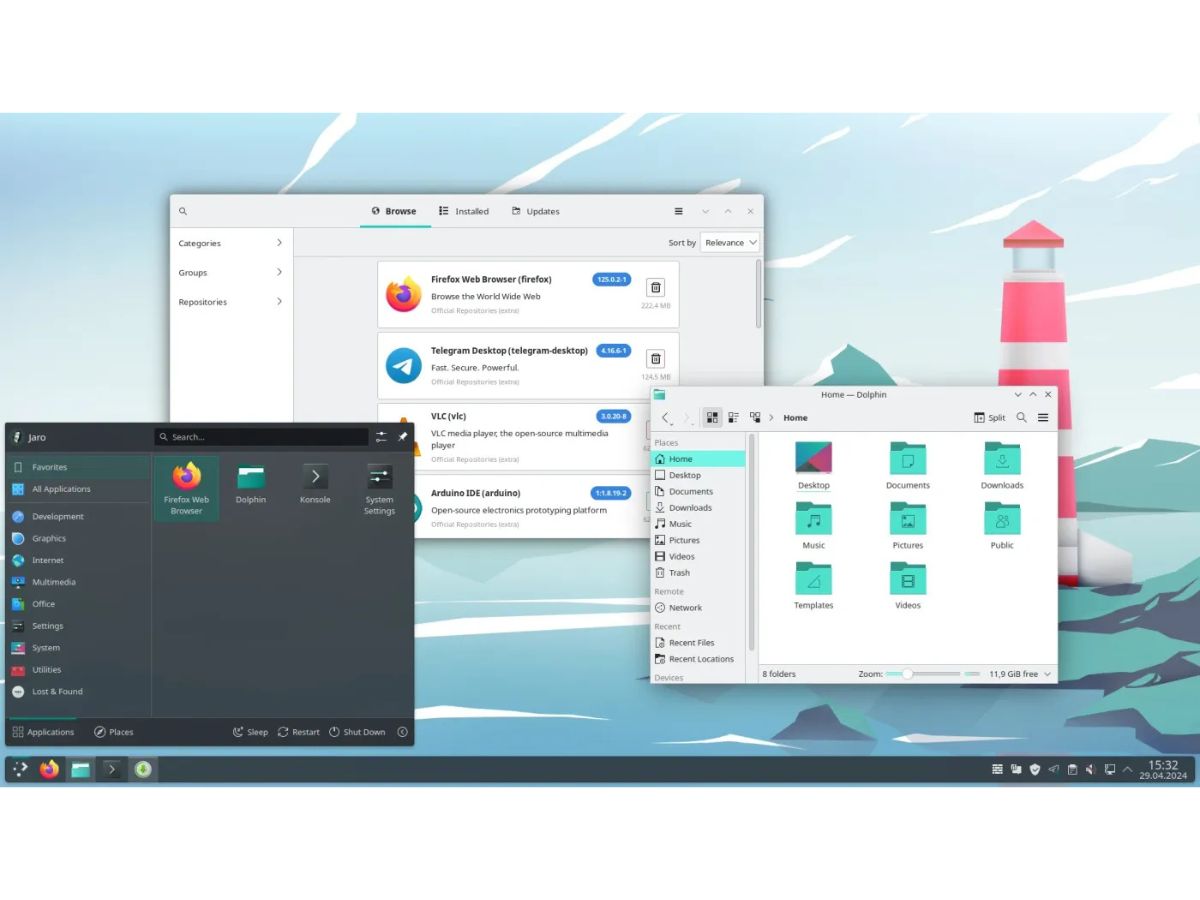
Manjaro-overview
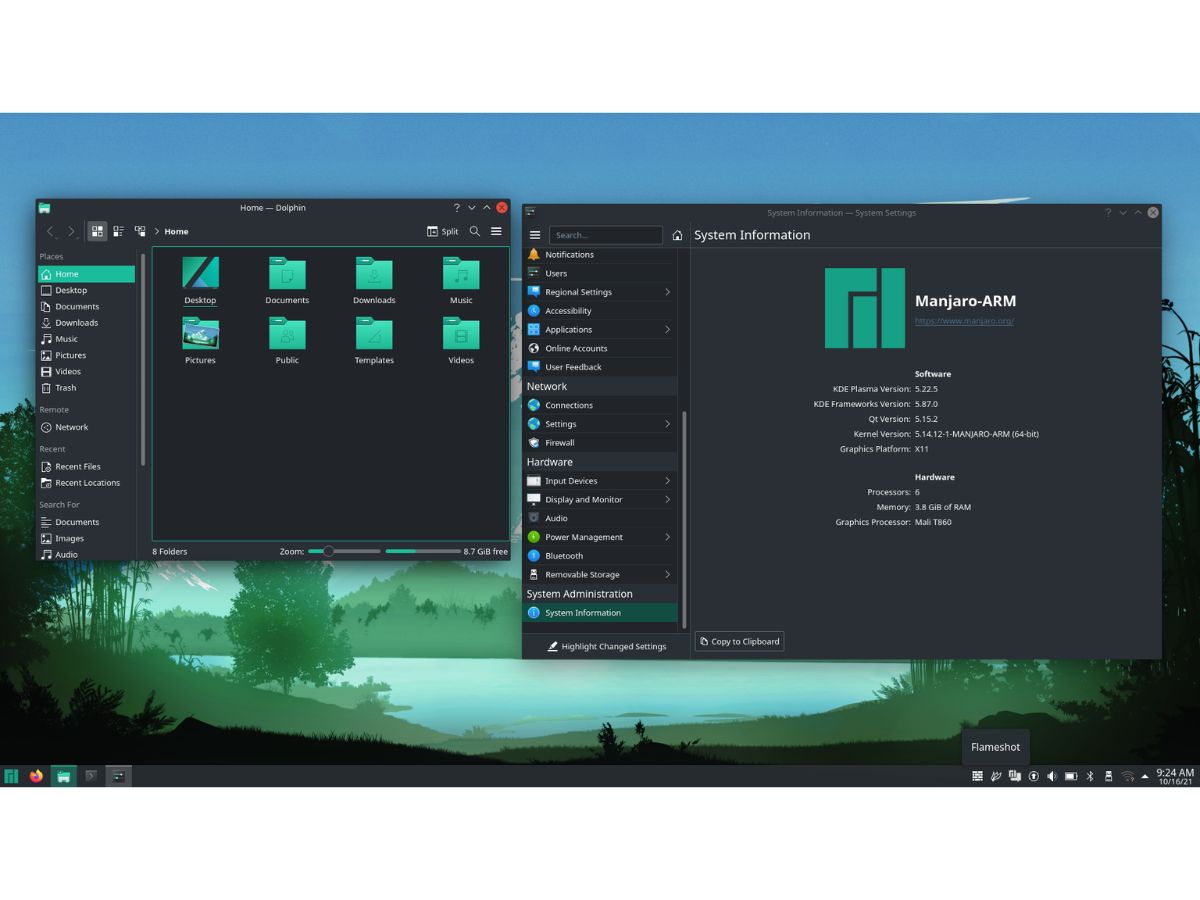
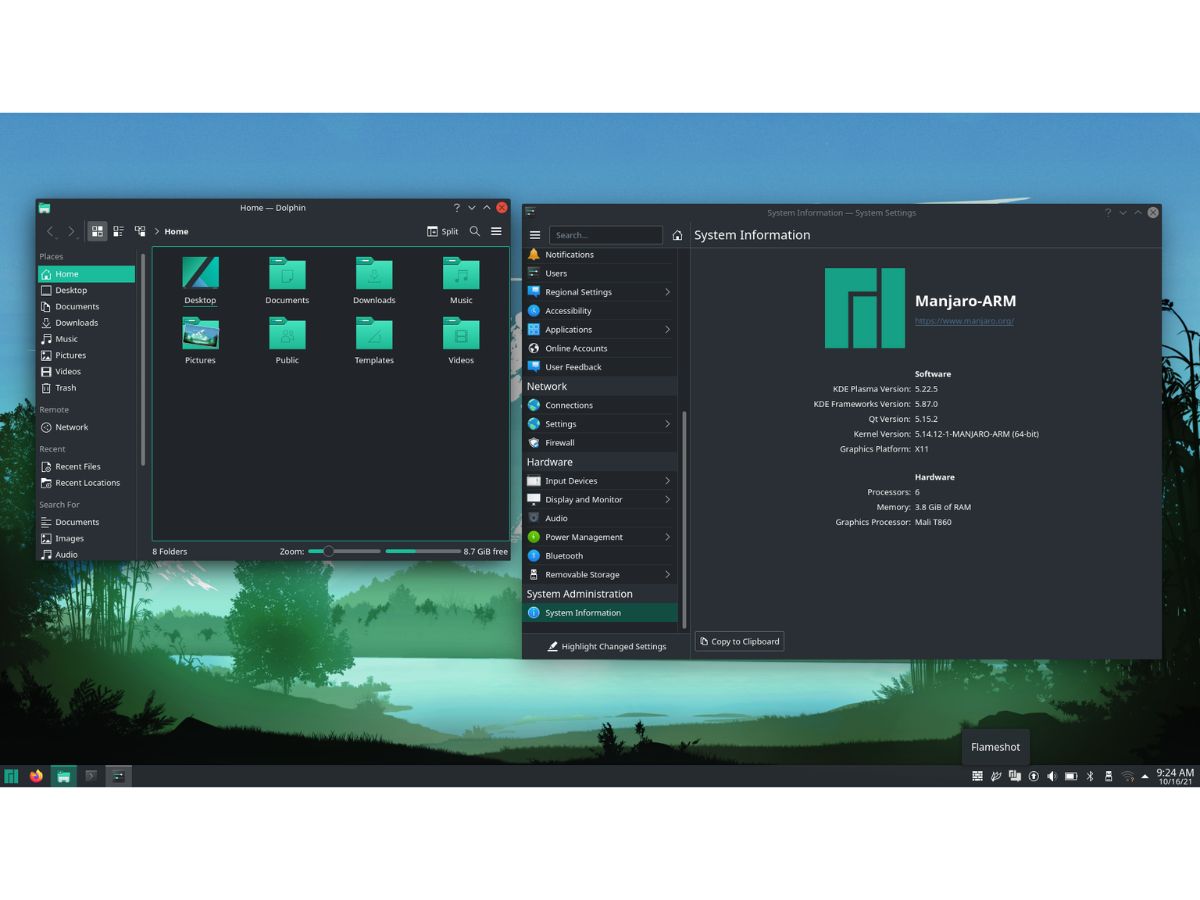
Manjaro-info
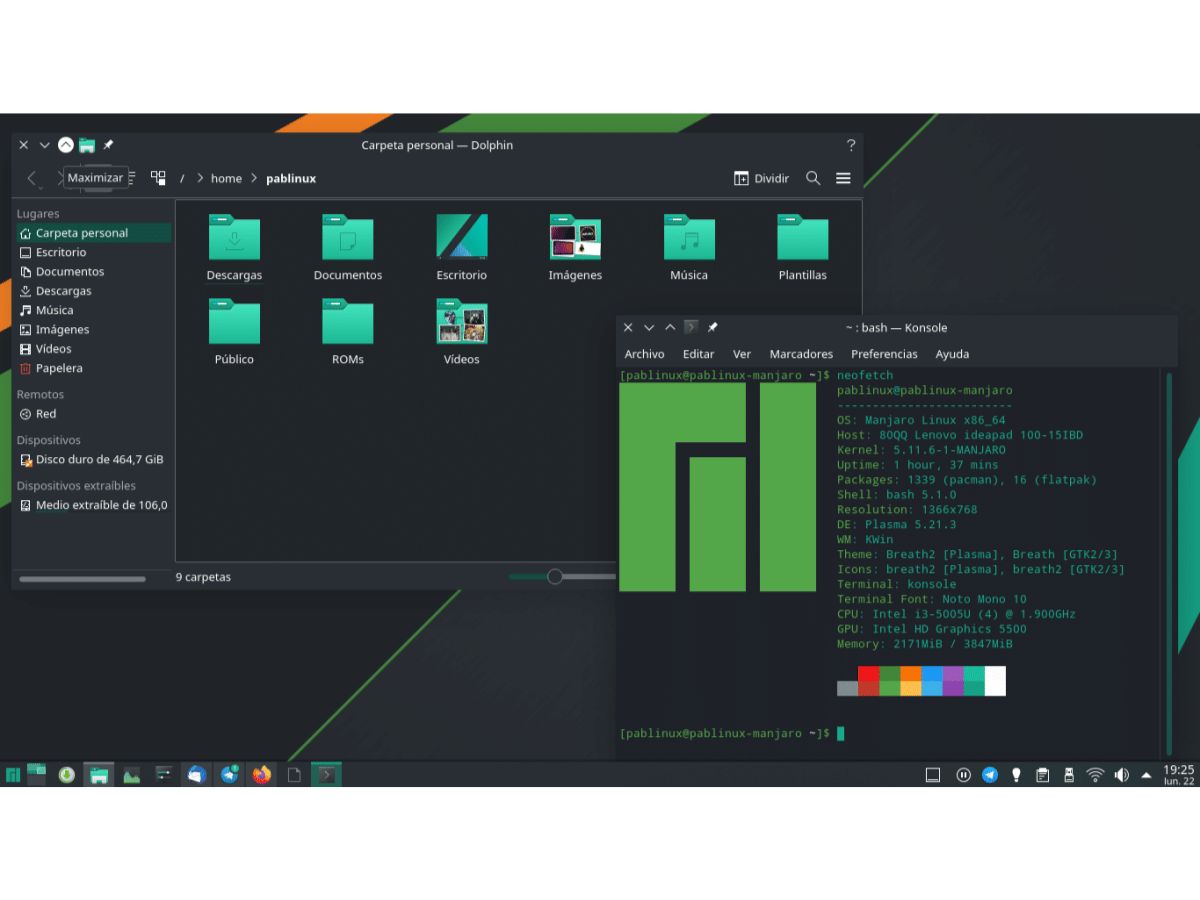
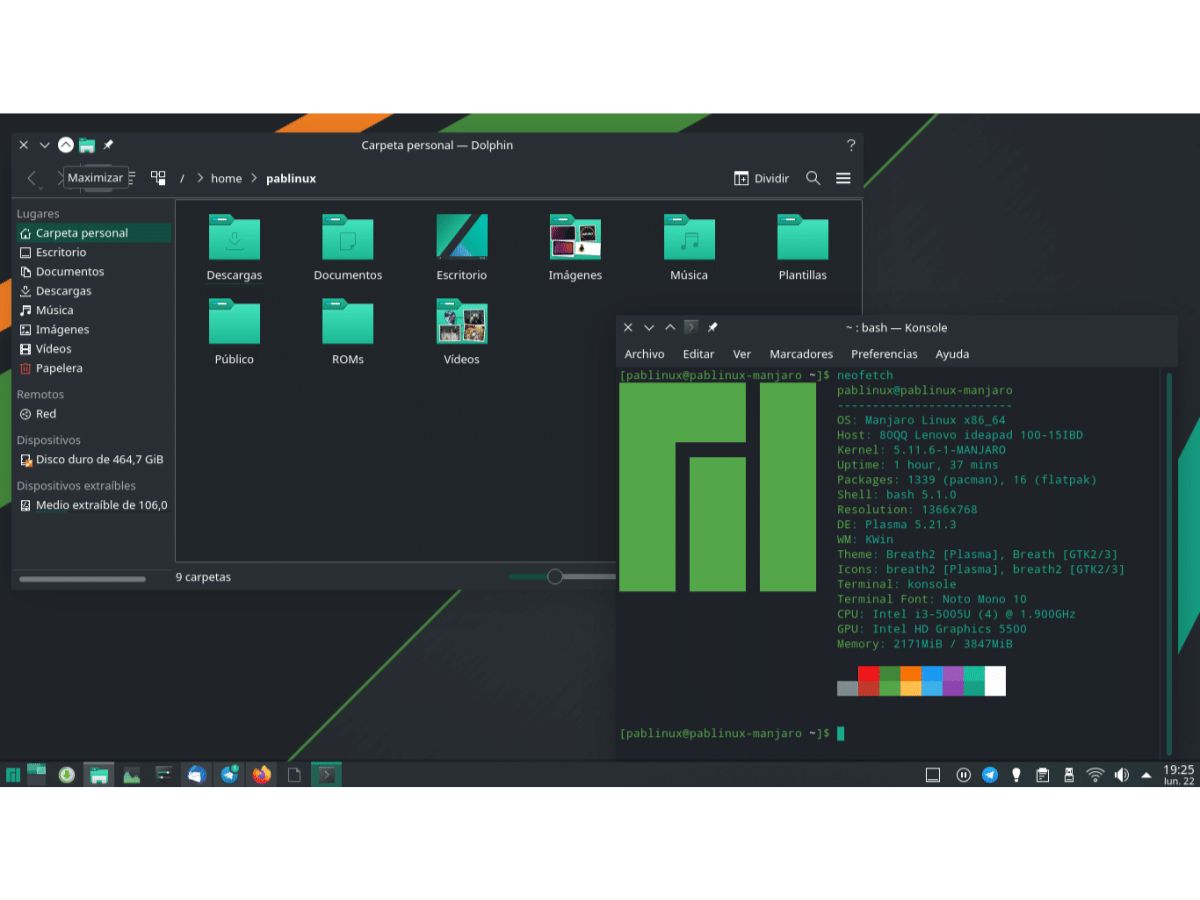
Manjaro-editor

Manjaro

Brand: Manjaro

  • No Ratings & Reviews

Manjaro is a Linux distribution based on Arch Linux that makes its flexibility and rolling-release model accessible to home and business users through a user-friendly experience.

See More

Have you used Manjaro before?

Share your insights for better experience

Add a Review

Free Forever

Get started immediately at no cost. Upgrade anytime if your business demand more.

100% Genuine
Products
Best Price
Guaranteed
Safe & Secure
Payment
  • Description

  • Pricing

  • Features

  • Specification

  • Review

  • Compare

  • Alternatives

  • FAQ

Manjaro Software Overview

What is Manjaro?

Manjaro is a professionally developed, open-source operating system based on the powerful and flexible Arch Linux distribution. It is designed to be accessible and user-friendly from the outset, making the performance and control of Arch Linux available to a wider audience, from home users to large organizations. Developed and backed by Manjaro GmbH & Co. KG, it provides a robust, reliable, and efficient computing environment suitable for a diverse range of applications, including personal computing, software development, and creative work.

The core philosophy of Manjaro is to deliver a system that is both easy to use and highly customizable. It achieves this by automating many of the complex setup processes typically associated with Arch Linux while retaining its speed, power, and efficiency. Manjaro is offered in various official editions, each featuring a different desktop environment, allowing users to select the interface that best suits their workflow and aesthetic preferences.

Why Choose Manjaro?

  • Accessibility and Ease of Use: Manjaro simplifies the Arch Linux experience with a user-friendly graphical installer and pre-configured settings. This allows users to have a fully functional system up and running in minutes, without needing deep technical knowledge.
  • Rolling Release Model: Unlike traditional operating systems that require periodic major upgrades, Manjaro follows a rolling release model. This means your system receives regular software updates and well-tested packages without requiring disruptive major-version re-installations.
  • Stability and Reliability: While providing up-to-date software, Manjaro prioritizes stability. It uses a "cascading stability" approach, thoroughly testing updates in its own repositories before releasing them to the general user base. This curation process helps improve stability and reliability.
  • Enterprise-Grade Support: Manjaro is not just for hobbyists. It is a viable solution for business and enterprise environments. The project offers first-class commercial services to help organizations efficiently leverage their IT infrastructure with Manjaro Linux.
  • Performance and Customization: By building on Arch Linux, Manjaro inherits its performance-oriented and minimalist design. It provides a fast, responsive system that users can customize to their exact needs, from the kernel to the desktop theme.

Advanced Features of Manjaro

  • Arch Linux Foundation: At its core, Manjaro is based on Arch Linux and provides access to the Arch User Repository (AUR). The AUR is a community-maintained source of additional software packages, although it is unofficial and not supported by the Manjaro team.
  • Manjaro Hardware Detection (MHWD): This proprietary tool automatically detects and configures system hardware during installation. It excels at managing graphics drivers, allowing for the easy installation and switching between open-source and proprietary video drivers, a common challenge on other systems.
  • Simple Kernel Management: Manjaro provides an intuitive graphical tool for managing the Linux kernel. Users can easily install multiple kernel versions simultaneously and switch between them at boot. This is particularly useful for maximizing hardware compatibility, testing new kernel features, or maintaining stability with a long-term support (LTS) kernel.
  • Dedicated Software Repositories: To ensure system stability, Manjaro maintains its own independent software repositories. Packages from Arch are first tested and adapted before being released to Manjaro users, providing an extra layer of quality assurance.

Key Capabilities of Manjaro

  • Pamac Software Manager: Pamac is Manjaro's graphical software manager. It allows users to browse, install, and remove software from the official Manjaro repositories and can also be configured to access the Arch User Repository (AUR).
  • Manjaro Settings Manager: This utility provides a simple interface for managing system configuration, including hardware detection and Linux kernel settings.
  • Choice of Desktop Environments: Manjaro provides official editions featuring KDE Plasma, Xfce, and GNOME. It also offers community-maintained images such as Cinnamon, i3, and Sway, allowing users to choose an environment that fits their workflow.
  • Robust Community and Documentation: Manjaro is supported by a large, active, and friendly community. Extensive documentation, a user forum, and wikis provide valuable resources for troubleshooting issues, learning about the system, and sharing knowledge with other users.

How to Use Manjaro?

  1. Download the ISO: Visit the official Manjaro website and download the ISO image for your preferred desktop edition (e.g., Plasma, GNOME, or XFCE).
  2. Create a Bootable USB Drive: Use a tool like Etcher or Rufus to write the downloaded ISO file to a USB flash drive. This will create a bootable "live" environment.
  3. Boot and Test: Insert the USB drive into your computer and boot from it. This will launch the Manjaro live environment, allowing you to test the operating system and ensure hardware compatibility without installing anything.
  4. Launch the Installer: Once you are ready, launch the Calamares installer from the desktop. This graphical installer will guide you through the process, including disk partitioning, selecting your location and keyboard layout, and creating a user account.
  5. Install and Reboot: Follow the on-screen instructions to complete the installation. Once finished, reboot your computer, remove the USB drive, and boot into your new Manjaro system.
  6. Update and Customize: After the first boot, run the system updater to ensure all packages are current. You can then begin installing applications and customizing the system to your liking.

Manjaro Pricing

Manjaro is available for free on techjockey.com.

The pricing model is based on different parameters, including extra features, deployment type, and the total number of users. For further queries related to the product, you can contact our product team and learn more about the pricing and offers.

Read more

Manjaro Company Details

Founded Year:  2011

Manjaro Linux is a software service-based company.

Director/Founders Philip Müller, Roland Singer
Company Size 1-100 Employees

Manjaro Pricing & Plans

This Product is Available Free Forever.

Start instantly with no fees, no subscriptions, and no commitments.

  • Full access to basic version available
  • No credit card or sign-up required

Free Forever Plan

Get started immediately at no cost. Upgrade anytime if your business demand more.

Free Forever

Manjaro Features

  • icon_check User Management
    Create, manage, and control user accounts with permissions, roles, authentication, and access settings.
  • icon_check Security Management
    Protect systems using built-in security controls, user authentication, encryption, and policy tools.
  • icon_check Multi-User
    Allows multiple users to work simultaneously while maintaining separate sessions and permissions.
  • icon_check Process Management
    Monitors, schedules, and controls running applications and background services efficiently.
  • icon_check Memory Management
    Allocates and optimizes system memory usage to improve performance and application stability.
  • icon_check File System Management
    Organizes, stores, retrieves, and manages files and directories across storage devices securely.
  • icon_check Network Management
    Configures and manages wired, wireless, and remote network connections across environments.
  • icon_check Backup and Recovery
    Supports data backup and system recovery options to reduce downtime and prevent data loss.
  • icon_check Resource Monitoring
    Tracks CPU, memory, storage, and network utilization for better system administration tasks.
  • icon_check Access Control
    Restricts access to files, applications, and resources through permission-based security policies.
  • icon_check System Configuration
    Allows administrators to customize operating system settings, preferences, and behavior easily.
  • icon_check Performance optimization
    Includes tools and configurations that enhance speed, responsiveness, and resource utilization.
  • icon_check Logging and Diagnostics
    Generates logs and diagnostic information to assist troubleshooting and system maintenance tasks.
  • icon_check Device Driver Management
    Installs, updates, and manages hardware drivers for improved compatibility and performance.

Manjaro Specifications

Supported Platforms
Linux Linux
Devices
Desktop Desktop
Deployment
Perpetual Perpetual
Suitable For
All Industries
Business Specific
All Businesses
Business Size
Individual Small Business Startups Medium Business Enterprises SMBs SMEs MSMBs MSMEs Freelancers
Customer Support
Email Communities Forums
Language
English
Integration
API Integration

Explore the Best Alternative Solutions Similar to Your Business Size and Needs

Manjaro Review

Be the First to Review

This product has no reviews yet. Be the first to leave your feedback.

Add Review
Compare Manjaro With other Operating System

Products
Ratings
Pricing
Device Supported
Deployment
Supported Platforms
  • img

    Manjaro

  • FREE

  • Desktop

    Mobile

  • Web based

    On Premises

  • Windows

    Mac OS

  • img

    AlmaLinux OS

  • 4.2

  • Price On Request

  • Desktop

    Mobile

  • Web based

    On Premises

  • Windows

    Mac OS

  • img

    BlackArch Linux

  • 4.3

  • Price On Request

  • Desktop

    Mobile

  • Web based

    On Premises

  • Windows

    Mac OS

  • img

    AnduinOS

  • 4.0

  • Price On Request

  • Desktop

    Mobile

  • Web based

    On Premises

  • Windows

    Mac OS

  • img

    Veritone aiWARE

  • 4.4

  • Price On Request

  • Desktop

    Mobile

  • Web based

    On Premises

  • Windows

    Mac OS

  • img

    OpenDAN

  • 4.0

  • Price On Request

  • Desktop

    Mobile

  • Web based

    On Premises

  • Windows

    Mac OS

(0) Product(s) selected

Manjaro Alternatives

See All Manjaro Alternatives

Available

Price on Request

Available

Price on Request

Available

Price on Request

Available

Price on Request

Available

Price on Request

Available

Price on Request

Available

Price on Request

Articles for Manjaro

See All Related Articles

What does Manjaro do?

Manjaro is a Linux-based operating system that takes the raw power and flexibility of Arch Linux and makes it more accessible for a broader audience, empowering both individuals and organizations. It provides a robust platform for enjoyment, development, and creation, offering a combination of the latest software and well-tested updates.

How much does Manjaro cost?

Manjaro is available for free on techjockey.com.

What are the main features of Manjaro?

Manjaro's main features include its foundation on Arch Linux, offering robust rolling releases with a combination of the latest software and well-tested updates, and a cascading stability approach allowing users to choose a version that fits their needs. It is also enterprise-grade, suitable for both home and business use, with commercial services available for IT infrastructure.

Is there a free trial for Manjaro?

Manjaro, as a Linux operating system, is not offered as a free trial in the traditional software sense; instead, it is available for free download and installation for anyone to use. Users can directly download and experience the full operating system without any time limits or feature restrictions.

Who can use Manjaro?

Manjaro is designed for a wide range of users, including individuals and organizations, making the power of Arch Linux accessible to a greater audience. It is suitable for home users for enjoyment, development, and creation needs, as well as for businesses requiring an enterprise-grade operating system for their IT infrastructure.

What is Manjaro's approach to software updates?

Manjaro follows an approach of cascading stability, providing robust rolling releases that combine the latest software with well-tested updates. This ensures users have access to current applications while maintaining system stability.

How does Manjaro relate to Arch Linux?

Manjaro is based on Arch Linux, aiming to make its raw power and flexibility more accessible to a greater audience. It builds upon Arch's foundation while offering a more user-friendly experience and a different approach to updates.

Does Manjaro offer commercial support for businesses?

Yes, Manjaro offers first-class services to provide businesses with the means to make efficient use of their IT infrastructure leveraging Manjaro Linux. This makes it suitable for enterprise-grade deployments in addition to home use.

What kind of company backs the Manjaro project?

The Manjaro project is backed by Manjaro GmbH & Co. KG, which is an open-source driven company. This organization supports the development and distribution of the Manjaro operating system.

20,000+ Software Listed

Best Price Guranteed

Free Expert Consultation

2M+ Happy Customers

Terms and Condtions

close

Users with registered businesses can purchase goods from merchants on the platform to satisfy their business needs. Users are not permitted to utilize any products acquired through the platform for resale, advertising, business, or further distribution.

For each purchase made, users will receive a Tax Invoice (or 'GST invoice') that includes specific details such as:

  • the GSTIN of the user associated with their registered business, and

  • the specified Entity Name for their business.

It should be noted that not all products are eligible for GST Invoice. Only the products displayed by participating sellers with the 'GST-based Invoice Available' callout on the product description page would qualify.

Certain goods and services are not eligible to get a GST Invoice, including items with VAS, i.e., Value Added Services (e.g., Total Mobile Protection/Assured Buyback) and those involving an exchange offer at the time of purchase.

Users must ensure the accuracy of the GSTIN, and business entity name provided for the GST Invoice. Requests for corrections into GST Invoice would not be accommodated by Techjockey.com or any Seller, and any issues arising from user-provided information are the sole responsibility of users.

Techjockey.com is not liable for the GST Invoice or any associated input tax credit. To efficiently claim an input tax credit, users should select the registered place of business address as per the GST authority's data and follow the provisions of the GST Act and rules.

To claim an input tax credit, the delivery and billing addresses must match. Furthermore, input tax credits will not be granted if the delivery address and GSTIN on the invoice are from different states. In case of incorrect GST details provided during the order placement, the order will be canceled automatically.