USA
 UAE
Small Business
Designed for startups and growing businesses

See More




Brand: Microsoft Corporation
Microsoft Azure Speech in Foundry Tools helps developers build voice-enabled applications with customizable, multilingual speech AI, fast speech-to-text transcription, and natural-sounding text-to-speech voices.
See MoreHave you used Microsoft Azure Speech in Foundry Tools before?
Share your insights for better experience
Brand: Microsoft Corporation
Founded Year: 1975
Microsoft Corporation is an American multinational technology company with headquarters in Redmond, Washington.
Looking for The Right Pricing?
Share your requirements and get a plan built around your business.
Price Available on Request
Get personalised Microsoft Azure Speech in Foundry Tools pricing that fits your needs. Our team will connect with you.
 API Integration Speech Translation Multi Language Support Speech-to-Text Analysis Automatic Transcription Concatenated Speech
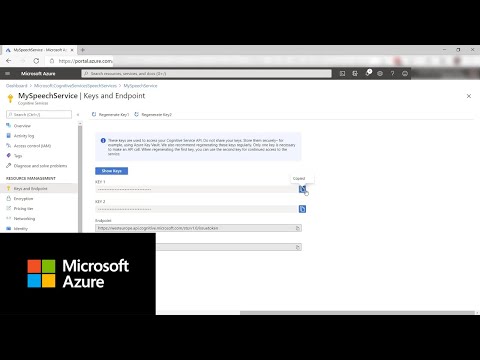

Watch the demo video to explore key features, real workflows, and how the software fits your business needs.
 Windows
 iOS
 Desktop
 Cloud-Based


Small Business
Designed for startups and growing businesses
Medium Business
Built for business growth and flexibility
Enterprises
Designed for complex and large-scale business needs
4.2
Out of 5

Overall Rating
Based on
6 Verified Ratings
Rating Breakdown
95% Recommend this Product
Add ReviewTechjockey Trusted Reviews from Verified Users
No reviews are currently available for Microsoft Azure Speech in Foundry Tools. Discover similar Speech Recognition Software reviews

TranscribeMe
Whats great - I am sending all of my transcripts to TranscribeMe because they are recommended by the International Coach Federation for the... read more

Speechmatics
Whats great - I was impressed with the set of advanced punctuation provided by the software. This is something which is not quite common in... read more

CallHippo
Whats great - Callhippo tool offers the ability to connect with the customers in a matter of minutes. The dashboard allows you to monitor t... read more

Microsoft Azure Speech in Foundry Tools
Price On Request
Desktop
Mobile
Web based
On Premises
Windows
Mac OS

Speaker Recognition
Price On Request
Desktop
Mobile
Web based
On Premises
Windows
Mac OS
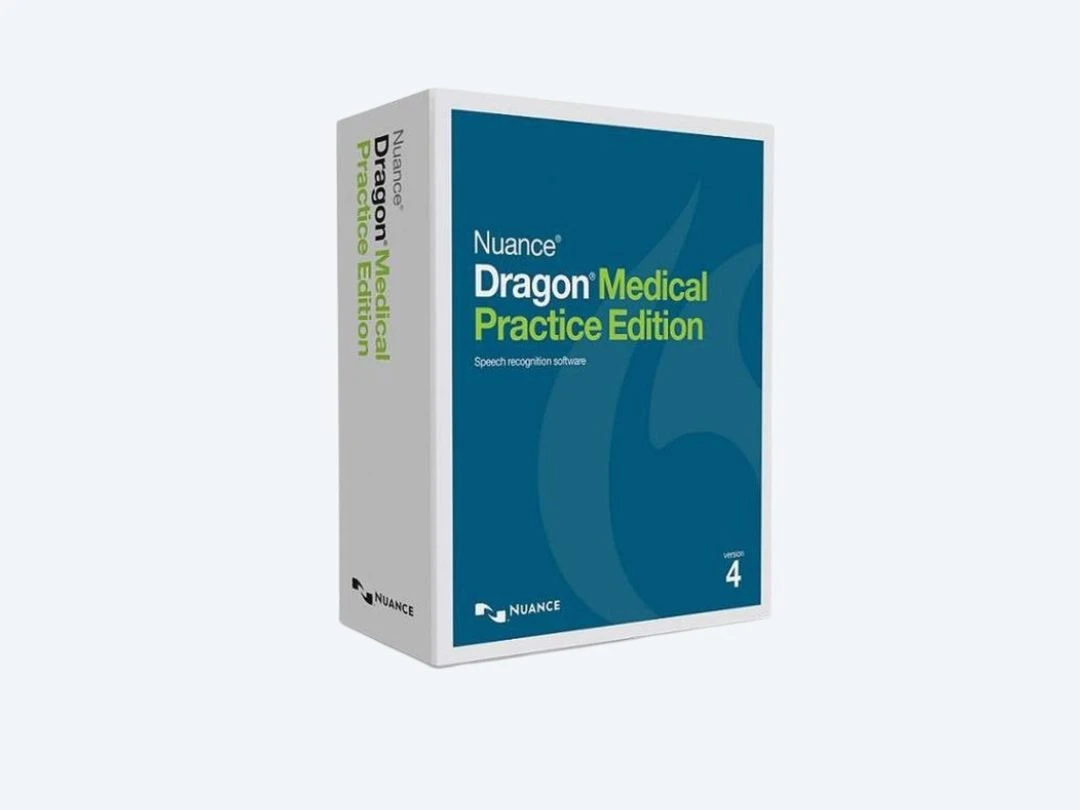
Dragon Medical Practice Edition
Price On Request
Desktop
Mobile
Web based
On Premises
Windows
Mac OS
Deepgram
Price On Request
Desktop
Mobile
Web based
On Premises
Windows
Mac OS
Dragon Professional Individual v16
Price On Request
Desktop
Mobile
Web based
On Premises
Windows
Mac OS
Dragon Home
Price On Request
Desktop
Mobile
Web based
On Premises
Windows
Mac OS
Dragon Legal Individual
Price On Request
Desktop
Mobile
Web based
On Premises
Windows
Mac OS
Dragon Advance Plan
Price On Request
Desktop
Mobile
Web based
On Premises
Windows
Mac OS

Lovo AI
Price On Request
Desktop
Mobile
Web based
On Premises
Windows
Mac OS

Amazon Lex
Price On Request
Desktop
Mobile
Web based
On Premises
Windows
Mac OS

Whisper
Price On Request
Desktop
Mobile
Web based
On Premises
Windows
Mac OS
(2) Product(s) selected
Starting Price:
$1,499 /License $2,500
Starting Price:
$4,000 /Year
Starting Price:
$689 /License $749
Starting Price:
$600 /License
Starting Price:
$789 /License $869
Available
Price on Request
Available
Price on Request

Available
Price on Request

Starting Price:
$10 /License

Available
Price on Request

Starting Price:
$99 /year
The current limit for a dataset is 2 GB. The limit has been set due to the restriction on the size of a file for HTTP upload.
No. Currently, only uncompressed text files are allowed in Microsoft Azure Speech Services.
Yes, you will get a demo of Microsoft Azure Speech Services.
Yes, Microsoft Azure Speech Services does provide data security options. It is meant to provide optimum data security to all its users.
Microsoft Azure Speech in Foundry Tools offers a free trial to get started, but its primary model is consumption-based, meaning you pay only for the cloud resources you use.
Microsoft Azure Speech in Foundry Tools pricing details are available on request on techjockey.com.
Microsoft Azure Speech in Foundry Tools is used to energize apps and agents with speech AI models, enabling the creation of voice-enabled, multilingual generative AI applications, transcribing speech to text, converting text to speech, and facilitating real-time audio or text translation.
Microsoft Azure Speech in Foundry Tools supports multilingual communication, including audio captioning in more than 100 languages and translating audio or video data from and into an ever-growing list of supported languages.
Microsoft Azure Speech in Foundry Tools is designed for developers and businesses looking to build voice-enabled, multilingual generative AI applications, integrate speech capabilities into AI agents, and enhance apps with features like speech-to-text, text-to-speech, and real-time translation.
Microsoft Azure Speech in Foundry Tools offers extensive customization options, allowing users to build custom neural voices, create personalized avatars, and tailor transcription and translation models to specific industry needs or brand styles.
Yes, Microsoft Azure Speech in Foundry Tools supports embedded speech capabilities, allowing for on-device speech-to-text and text-to-speech scenarios even when cloud connectivity is intermittent or unavailable.
Microsoft Azure Speech in Foundry Tools includes embedded security and compliance, backed by Microsoft's extensive security engineering resources and adherence to over 100 compliance certifications, including more than 50 specific to global regions and countries.
Microsoft Azure Speech in Foundry Tools integrates seamlessly with other Azure AI products like Azure OpenAI, Microsoft Foundry, Azure Content Understanding, and Azure Translator to enable the creation of comprehensive, multimodal generative AI applications and agents.
20,000+ Software Listed
Best Price Guranteed
Free Expert Consultation
2M+ Happy Customers
Terms and Condtions

Users with registered businesses can purchase goods from merchants on the platform to satisfy their business needs. Users are not permitted to utilize any products acquired through the platform for resale, advertising, business, or further distribution.
For each purchase made, users will receive a Tax Invoice (or 'GST invoice') that includes specific details such as:
the GSTIN of the user associated with their registered business, and
the specified Entity Name for their business.
It should be noted that not all products are eligible for GST Invoice. Only the products displayed by participating sellers with the 'GST-based Invoice Available' callout on the product description page would qualify.
Certain goods and services are not eligible to get a GST Invoice, including items with VAS, i.e., Value Added Services (e.g., Total Mobile Protection/Assured Buyback) and those involving an exchange offer at the time of purchase.
Users must ensure the accuracy of the GSTIN, and business entity name provided for the GST Invoice. Requests for corrections into GST Invoice would not be accommodated by Techjockey.com or any Seller, and any issues arising from user-provided information are the sole responsibility of users.
Techjockey.com is not liable for the GST Invoice or any associated input tax credit. To efficiently claim an input tax credit, users should select the registered place of business address as per the GST authority's data and follow the provisions of the GST Act and rules.
To claim an input tax credit, the delivery and billing addresses must match. Furthermore, input tax credits will not be granted if the delivery address and GSTIN on the invoice are from different states. In case of incorrect GST details provided during the order placement, the order will be canceled automatically.