linkedin
Microsoft Office 365 Business Basic logo
play Microsoft 365 Business: Product Demo
Microsoft Office 365 Business Basic

Microsoft Office 365 Business Basic

Brand: Microsoft Corporation

  • 4.6

  • 187 Ratings & 91 Reviews

Microsoft 365 Business Basic is designed for small to medium-sized businesses, offering web and mobile versions of Office applications, business email hosting with a 50GB mailbox, 1TB of OneDrive cloud storage, and collaboration tools like Microsoft Teams.

See More

Have you used Microsoft Office 365 Business Basic before?

Share your insights for better experience

Add a Review
Starting Price 16% OFF
₹202 excl.GST  ₹240
₹ 238 incl. GST

View plans

offer Save upto 18%, Get GST Invoice on your business purchase T&C
offer Buy Now & Pay Later, Check offer on payment page.
Buy Now
100% Genuine
Products
Best Price
Guaranteed
Safe & Secure
Payment
  • Description

  • Pricing

  • Features

  • Specification

  • Review

  • FAQ

Starting at ₹202
Buy Now

Microsoft Office 365 Business Basic Software Overview

What is Microsoft 365 Business Basic?

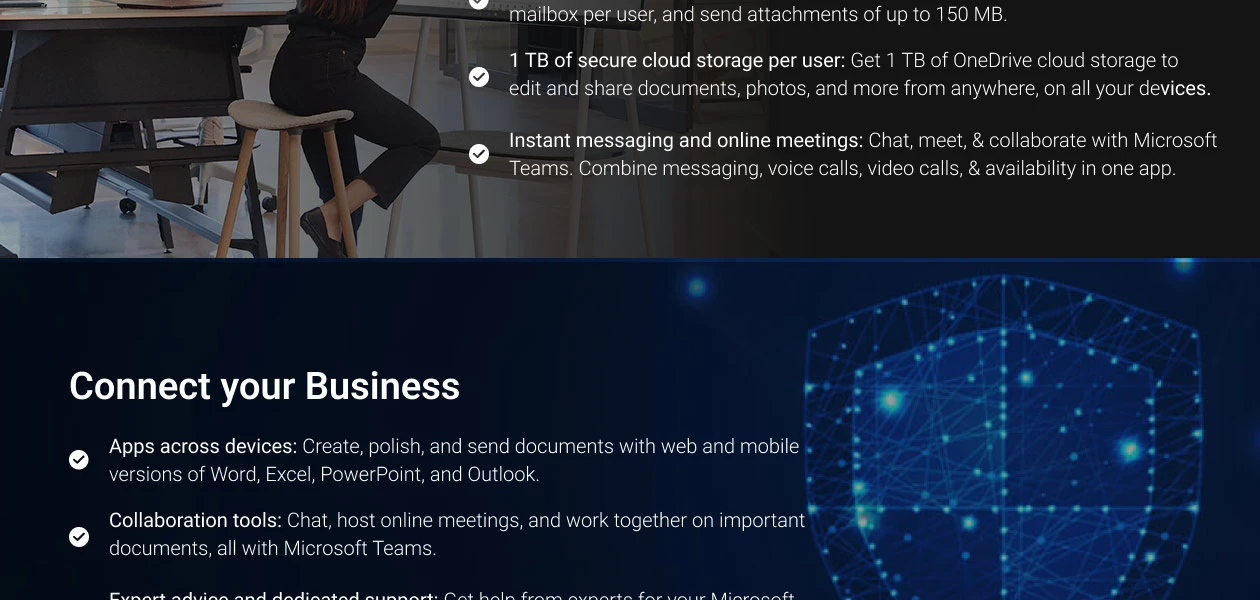
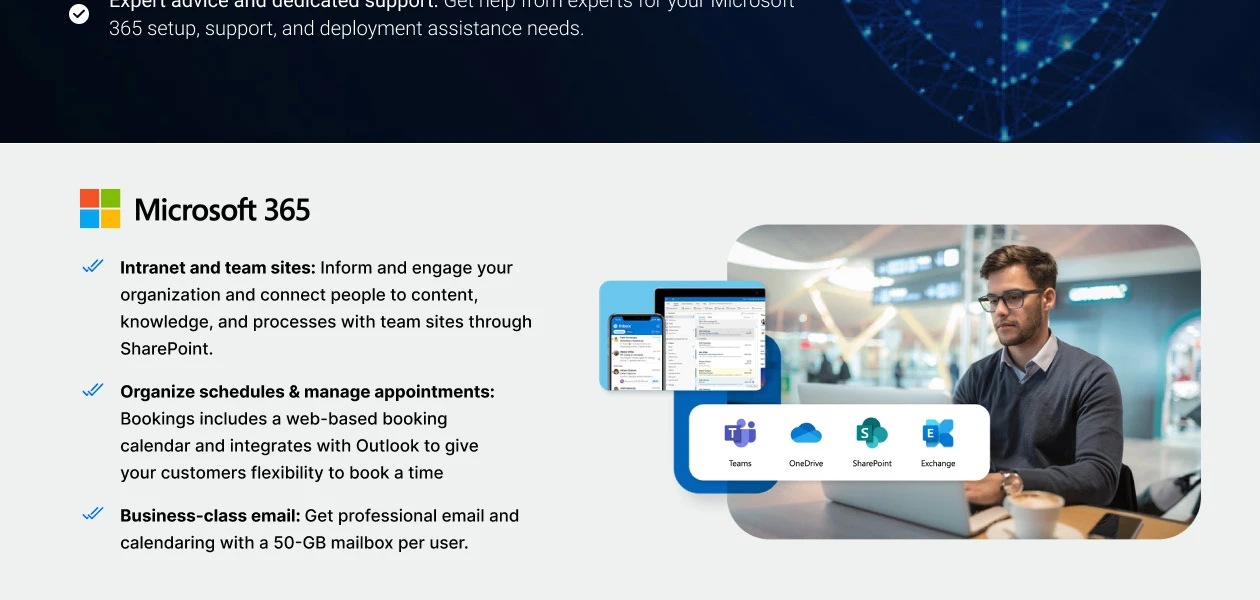
Sharing files quickly and collaborating with key stakeholders is easy with Microsoft 365 Business Basic. You can even run your business from any location using the collaboration tool’s web conferencing and instant messaging capabilities. It has features like a robust emailing system, and integration with OneDrive and SharePoint that make the collaboration software a delight for SMEs.

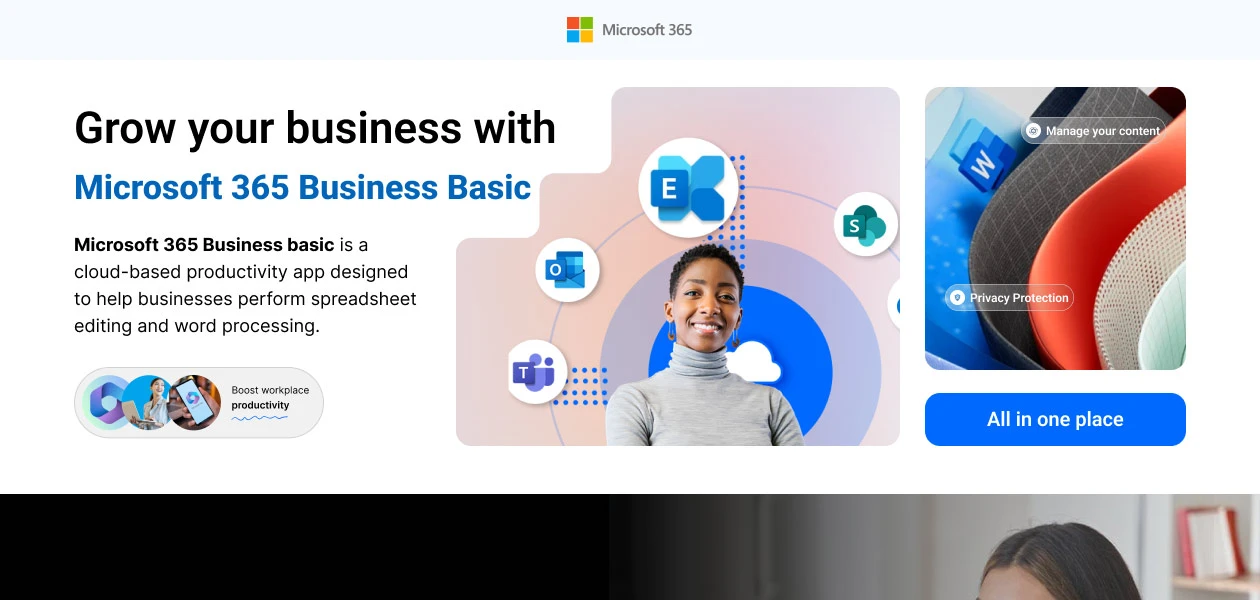
Microsoft 365 Business Basic is a cloud-based productivity app designed to help businesses perform spreadsheet editing and word processing. Multiple processes starting from creating documents to managing data and communicating information are simplified when done using Microsoft Office 365. Due to these functionalities of Microsoft 365 Business Basic, all your meeting and work-related essentials is easily manageable.

Compatible Platforms for Microsoft 365 Business Basic

Microsoft 365 Business Basic is an office suite that is available as a desktop app. It is compatible with:

  • Windows 10, 8.1 and 7
  • macOS recent versions
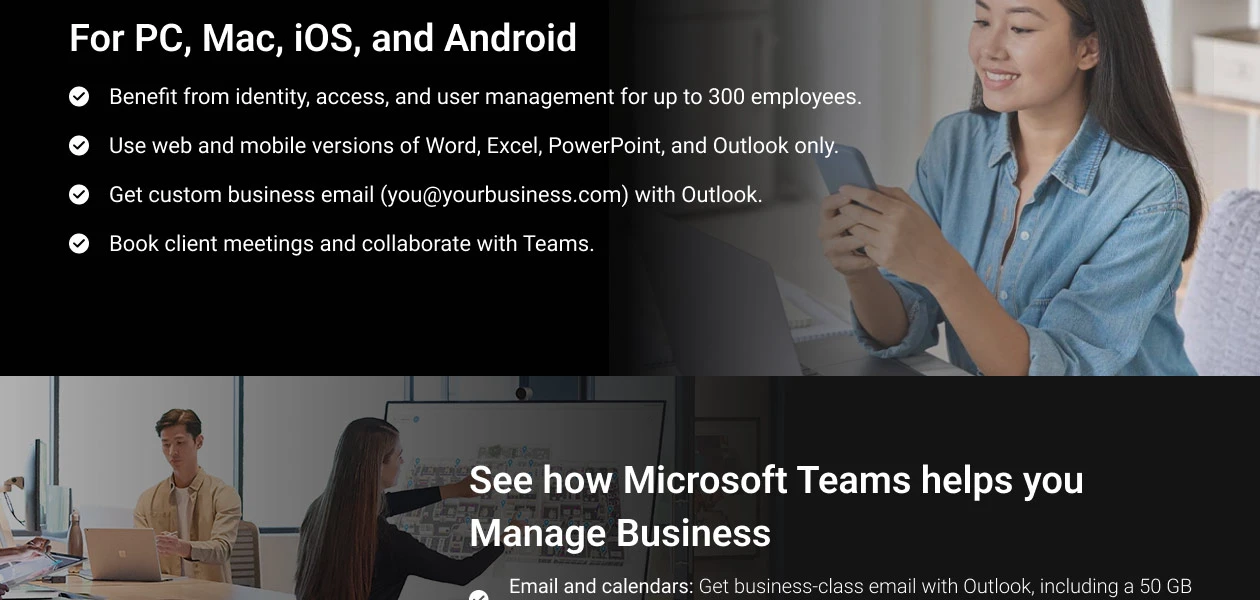
  • Mobile version available for iOS, iPad and Android.

Services Included with Microsoft 365 Business Basic

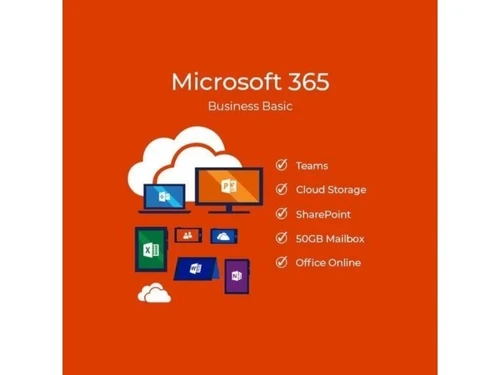
  • Hosting of custom email domain addresses and mailboxes of up to 50 GB.
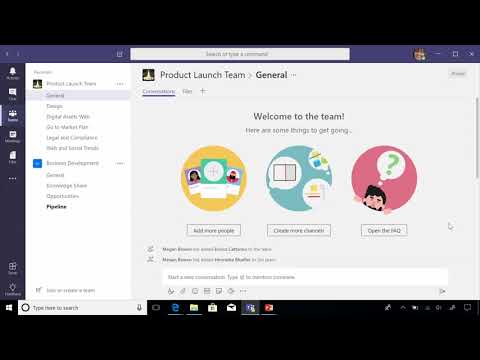
  • Creating a hub for connecting with teams on platforms like Teams.
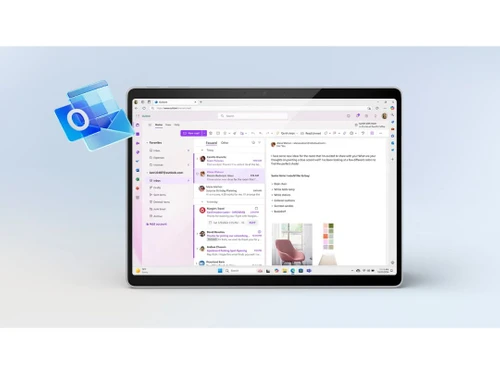
  • Access to web versions of Microsoft Office apps like Word, Outlook, PowerPoint, Excel, and OneNote.
  • Storing/sharing files in 1 TB OneDrive storage is the application’s standard module.
  • Hosting video conferences and online meetings.
  • Round-the-clock web and phone support from Microsoft.
  • Integration with SharePoint storage and OneDrive.

Why Choose Microsoft 365 Business Basic?

  • Proactive monitoring & five-layered security for keeping safe the customer data
  • Microsoft call and chat support
  • Quick fixes and easy to set up
  • Hosting online meetings
  • Live events hosting and video conferencing options
  • Easy to schedule meetings with external guests

Features of Microsoft Office 365 Business Basic

  • Teamwork & Communication: Connect instantly with team members using online chats and instant messaging.
  • Web and Mobile Versions of Office Apps: Access web versions of Excel, Word, OneNote, & PowerPoint, as well as mobile versions on Android, iPad etc.
  • Email & Calendars: Host emails with a 50 GB mailbox and manage calendars for scheduling meetings and reminders.
  • File Storage & Sharing: Share, update, and access files remotely with 1 TB of OneDrive storage.
  • Security & Compliance: Enhance security and compliance with exchange online protection and secured sign-in processes.
  • Support & Deployment: Comprehensive support and deployment services to ensure smooth setup and operation.

Benefits of Microsoft Office 365 Business Basic Platform

  • Email and Calendaring: Professional email with a 50GB mailbox and shared calendars via Outlook.
  • File Storage and Sharing: 1TB of OneDrive storage per user for file storage, sharing, and collaboration.
  • Online Office Applications: Web versions of Word, Excel, PowerPoint, and OneNote for document creation and editing.
  • Team Collaboration: Microsoft Teams for chat, meetings, and collaboration in a unified platform.
  • Secure Communications: Built-in security features like multi-factor authentication and encryption for data protection.
  • Business Management Tools: Access to tools like Microsoft Forms for surveys and Microsoft Planner for task management.
  • Document Sharing and Co-Authoring: Real-time collaboration and co-authoring of documents with colleagues.
  • Access Anywhere: Availability on multiple devices, ensuring productivity from any location with internet access.

Microsoft 365 Business Basic Price

Customize price for Microsoft 365 Business Basic is available on Techjockey.com. You can check for prices, compare different features, and access their details by connecting with team. Microsoft 365 Business basic activation key is available for monthly/yearly subscriptions.

Also Upgrade Your Office 2016, 2017, 2018, 2019 and 2020 at low cost.

Read more

Microsoft Corporation Company Details

Founded Year:  1975

Microsoft Corporation is an American multinational technology company with headquarters in Redmond, Washington.

Director/Founders Paul Allen , Bill Gates
Company Size 1000+ Employees

Microsoft Office 365 Business Basic Pricing & Plans

Monthly Plan

Calculated Price

₹ 202 ₹240
SAVE UPTO 16%
Exclusive of all taxes
    • Quantity

      Quantity
      Quantity
    • Monthly

      Monthly
      Monthly

Key Features

  • Web & mobile versions of Word, Excel, PowerPoint,

  • Custom business email (you@yourbusiness.com)

  • Chat, call, collaborate, and meet online

  • 1 TB of cloud storage per employee

Yearly Plan

Calculated Price

₹ 2028 ₹2880
SAVE UPTO 30%
Exclusive of all taxes
    • Quantity

      Quantity
      Quantity
    • Yearly

      Yearly
      Yearly

Key Features

  • Web & mobile versions of Word, Excel, PowerPoint,

  • Custom business email (you@yourbusiness.com)

  • Chat, call, collaborate, and meet online

  • 1 TB of cloud storage per employee

Microsoft Office 365 Business Basic Features

  • icon_check Teamwork & Communication
    Connect instantly to communicate with members of your team using the software’s online chats, and instant messaging.
  • icon_check Web and mobile versions of Office apps
    Web versions available for Excel, Word, OneNote, and PPT. Mobile versions available for Android, iPad and other iOS devices.
  • icon_check Email & Calendars
    Up to 50 GB mailbox available for email hosting. Calendar management to schedule meetings and manage their reminders.
  • icon_check File Storage & Sharing
    Share files from any location, update, and access remotely with Microsoft 365 Business Basic. Up to 1 TB OneDrive storage.
  • icon_check Security & Compliance
    Enhance security and compliance with the software’s exchange online protection and secured sign-in processes.
  • icon_check Support & Deployment
    Microsoft 365 Business Standard (CSP) supports Windows 7, 8.1 and 10. 24x7 customer service support is available too.
Microsoft Office 365 Business Basic Demo Video play icon

Get Microsoft Office 365 Business Basic Demo

Watch the demo video to explore key features, real workflows, and how the software fits your business needs.

Understand
Key Features
Personal
Demo Insights
Interactive
Demo Support
Product Enrichment Section Image

Microsoft Office 365 Business Basic Specifications

Supported Platforms
Windows Windows iOS iOS Android Android MacOS MacOS
Devices
Desktop Desktop Mobile Mobile Tablet Tablet iPad iPad
Deployment
Cloud-Based Cloud-Based
Suitable For
All Industries
Business Specific
All Businesses
Business Size
Small Business Startups Medium Business Enterprises SMBs SMEs MSMBs MSMEs
Customer Support
Phone Email Live Chat Communities
Language
English
Integration
API Integration
Training Resources
Documentation Videos
AI Features
AI Integrated

Microsoft Office 365 Business Basic Reviews

4.6

Out of 5

img

Overall Rating

Based on
91 Verified Reviews

Rating Breakdown

  • Features 4.6
  • Value for Money 4.6
  • Ease of Use 4.5
  • Customer Support 4.5

87% Recommend this Product

Add Review

Pros

  • "Easy to use, Outlook email, Teams meetings and OneDrive cloud storage are very helpful."

    AmitJan 16, 2026

  • "This is very much helpful to analyse the business and to prepare all reports. I found these reports are really 99% accurate and very effective for business growth."

    GiridharJul 8, 2024

  • "All I say is that I have an amazing experience here buying software for this website. And I had recommended my friends to buy from here."

    HarshDec 13, 2023

Cons

  • "Desktop Word/Excel apps are not included and it depends on a good internet connection."

    AmitJan 16, 2026

  • "Cost and too many unwanted applications. Complex Licensing Plan."

    SurajitJul 10, 2024

  • "More fine-tuning is required towards reports availability. More flexibility is needed in generating reports."

    GiridharJul 8, 2024

Microsoft Office 365 Business Basic Video Reviews

youtubeVideoId

4.8

“Is a Microsoft 365 Subscription Worth It”

Review by: askleonotenboom

youtubeVideoId

4.8

“What is Included with Microsoft 365 Business Premium”

Review by: JonathanEdwardsTech

youtubeVideoId

4.8

“Set up Microsoft 365 for business”

Review by: m365helpforsmbs

Amit

IT Analyst - Systems

Industry: Manufacturing

4.5

Reviewed on: Jan 16, 2026

Techjockey Verified

“Very useful for email, Teams meetings and cloud work for daily office use.”

Good value plan for business email and collaboration, easy to use and works smoothly on all devices.

Pros

Easy to use, Outlook email, Teams meetings and OneDrive cloud storage are very helpful.

Cons

Desktop Word/Excel apps are not included and it depends on a good internet connection.

Reason to switch

Easy to use and budget friendly

Surajit

IT Manager

Industry: Real Estate

4.2

Reviewed on: Jul 10, 2024

Techjockey Verified

“Review for Microsoft Office 365 Business Basic”

A wide range of applications for productivity, collaboration, and communication. Seamless integration with OneDrive for real-time file access and sharing across devices.

Pros

It is an application for productivity, collaboration, and communication. Seamlessly integrates with OneDrive for real-time file access and sharing across devices. Lots of features.

Cons

Cost and too many unwanted applications. Complex Licensing Plan.

Giridhar

Founder

Industry: Computer & Network Security

4

Reviewed on: Jul 8, 2024

Techjockey Verified

“Excellent product to develop our business”

Pros

This is very much helpful to analyse the business and to prepare all reports. I found these reports are really 99% accurate and very effective for business growth.

Cons

More fine-tuning is required towards reports availability. More flexibility is needed in generating reports.

Reason to switch

Online Sharing data, updating data by multiple location based resources and generating reports

See All Microsoft Office Reviews

Articles for Microsoft Office 365 Business Basic

See All Related Articles

What is the total number of users that can use Microsoft 365 Business Basic in India?

Microsoft 365 Business Basic allows access for to up to 300 standard users. You can add more users as well by opting for other plans.

Can I use Microsoft 365 Business Basic to create team sites?

You can use Microsoft 365 Business Basic for creating team sites. Team sites are great for sharing content, files and information throughout the intranet using SharePoint.

Does Microsoft 365 Business Basic offer domain-based email addresses?

Yes, the software includes professional custom email domains to help you leverage the existing domains.

Can I use Microsoft 365 Business Basic to share screen?

Yes, Microsoft 365 Business Basic can be used for sharing screen and its content using a webcam or desktop. The paid license plan also covers mobile and web versions for PowerPoint, Excel and Word.

What are the compatible platforms for Microsoft 365 Business Basic?

Microsoft 365 Business Basic is available as a desktop app. It is compatible with Windows 10, 8.1, and 7, macOS (recent versions) and its mobile version is available for iOS, iPad, and Android.

What are the languages supported by Microsoft 365 Business Basic?

The languages supported by Microsoft 365 Business Basic include: English, Hindi, Tamil, Kannada, Marathi, Gujarati, Bengali, Assamese, Odia, and Konkani.

Are there mobile applications available for Microsoft Office 365 Business Basic Software?

Yes, Microsoft Office 365 Business Basic Software offers mobile apps for iOS and Android.

Does Microsoft Office 365 Business Basic Software provide a free trial period for evaluation?

Microsoft Office 365 Business Basic Software offers a free trial period.

What are the operational mechanisms of Microsoft Office 365 Business Basic Software?

Microsoft Office 365 Business Basic operates through cloud-based services, providing web and mobile apps, email hosting, file storage, and communication tools to streamline business processes and enhance collaboration.

Who can benefit from using Microsoft Office 365 Business Basic Software?

Small to medium-sized businesses and remote teams can benefit from using Microsoft Office 365 Business Basic for its collaborative tools, cloud services, and accessibility features.

Is Microsoft Office 365 Business Basic Software offered free?

Microsoft Office 365 Business Basic Software is not free but provides a trial period.

20,000+ Software Listed

Best Price Guranteed

Free Expert Consultation

2M+ Happy Customers

Terms and Condtions

close

Users with registered businesses can purchase goods from merchants on the platform to satisfy their business needs. Users are not permitted to utilize any products acquired through the platform for resale, advertising, business, or further distribution.

For each purchase made, users will receive a Tax Invoice (or 'GST invoice') that includes specific details such as:

  • the GSTIN of the user associated with their registered business, and

  • the specified Entity Name for their business.

It should be noted that not all products are eligible for GST Invoice. Only the products displayed by participating sellers with the 'GST-based Invoice Available' callout on the product description page would qualify.

Certain goods and services are not eligible to get a GST Invoice, including items with VAS, i.e., Value Added Services (e.g., Total Mobile Protection/Assured Buyback) and those involving an exchange offer at the time of purchase.

Users must ensure the accuracy of the GSTIN, and business entity name provided for the GST Invoice. Requests for corrections into GST Invoice would not be accommodated by Techjockey.com or any Seller, and any issues arising from user-provided information are the sole responsibility of users.

Techjockey.com is not liable for the GST Invoice or any associated input tax credit. To efficiently claim an input tax credit, users should select the registered place of business address as per the GST authority's data and follow the provisions of the GST Act and rules.

To claim an input tax credit, the delivery and billing addresses must match. Furthermore, input tax credits will not be granted if the delivery address and GSTIN on the invoice are from different states. In case of incorrect GST details provided during the order placement, the order will be canceled automatically.