USA
USA UAE
UAESmall Business
Designed for startups and growing businesses


See More





Brand: Swiftomatics
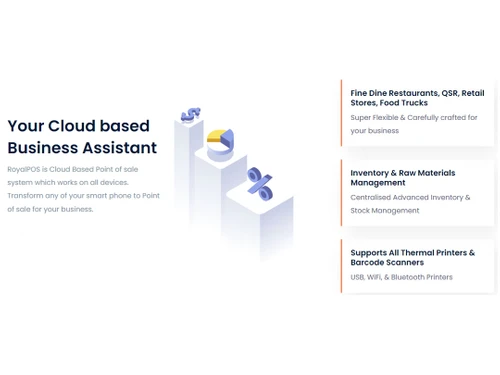
Royal POS is a cloud-based POS software solution for enterprises operating in retail, food and beverage verticals. The point of sale system enables organizations to manage their billing, sales monitoring, taking care of stocks within the inventory, and managing other promotional activities across one or more outlets. With Royal POS, organizations can perform offline billing. The system offers ac...
See MoreHave you used RoyalPOS before?
Share your insights for better experience
View plans
 Save upto 18%, Get GST Invoice on your business purchase T&C Buy Now & Pay Later, Check offer on payment page.
 Brand: Swiftomatics
Founded Year: 2011
Swiftomatics Solution LLP is a developing Information Technology company which provides solutions to over all customers, spanning a range of verticals. The company provides IT services like Mobile Application development in Android, IPHONE, Phonegap, Web Site Development.
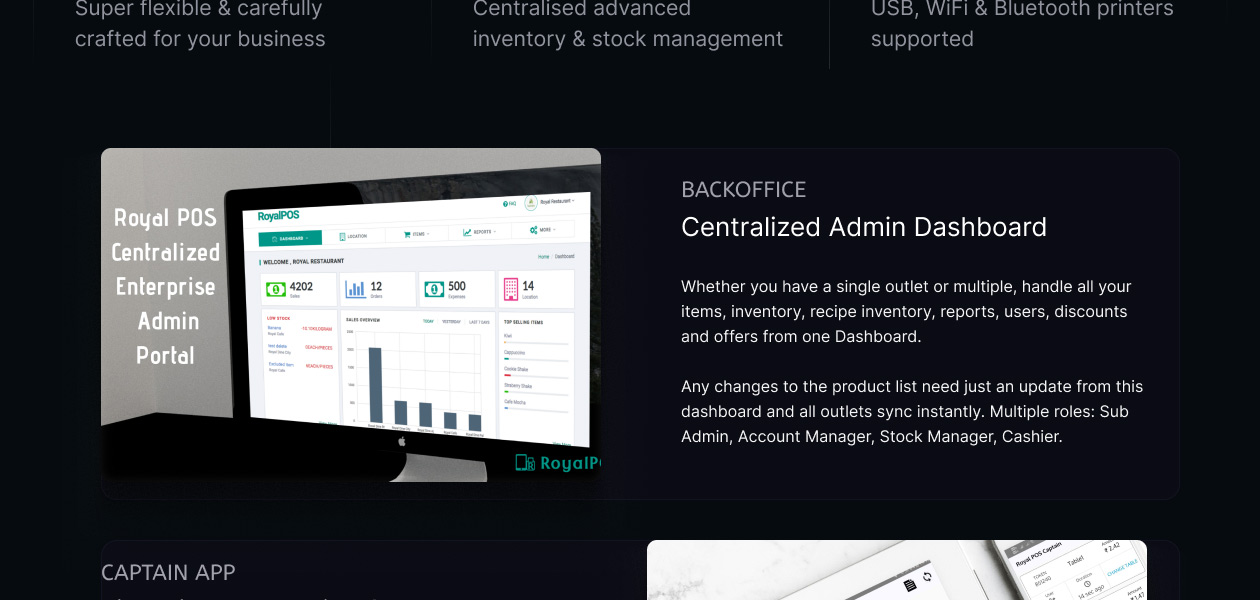
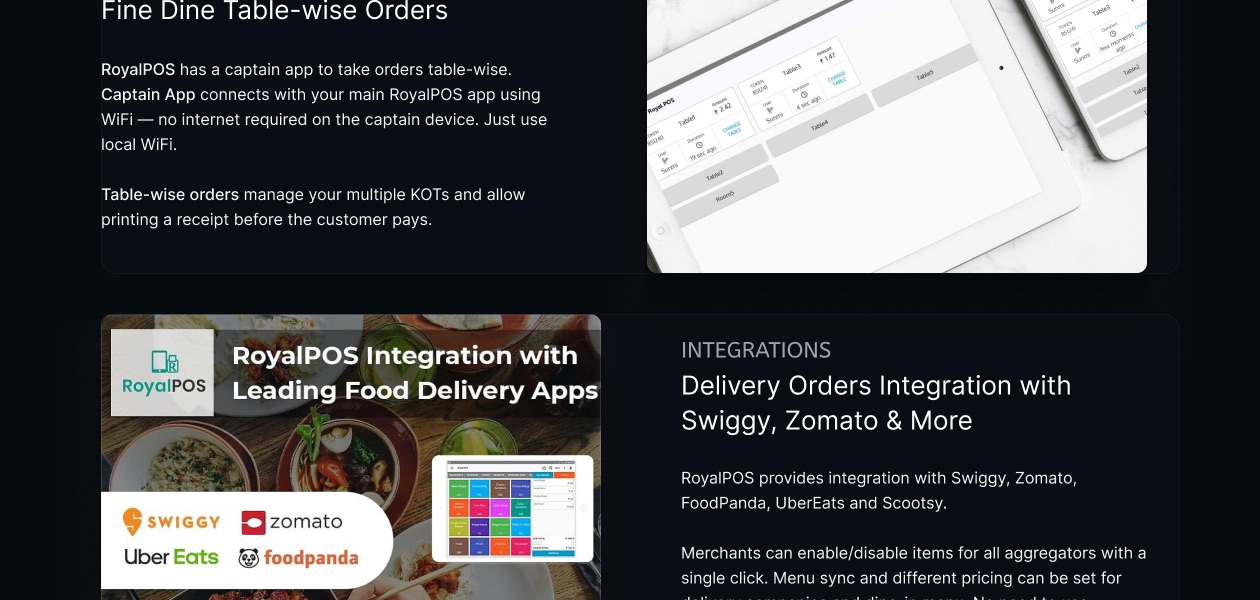
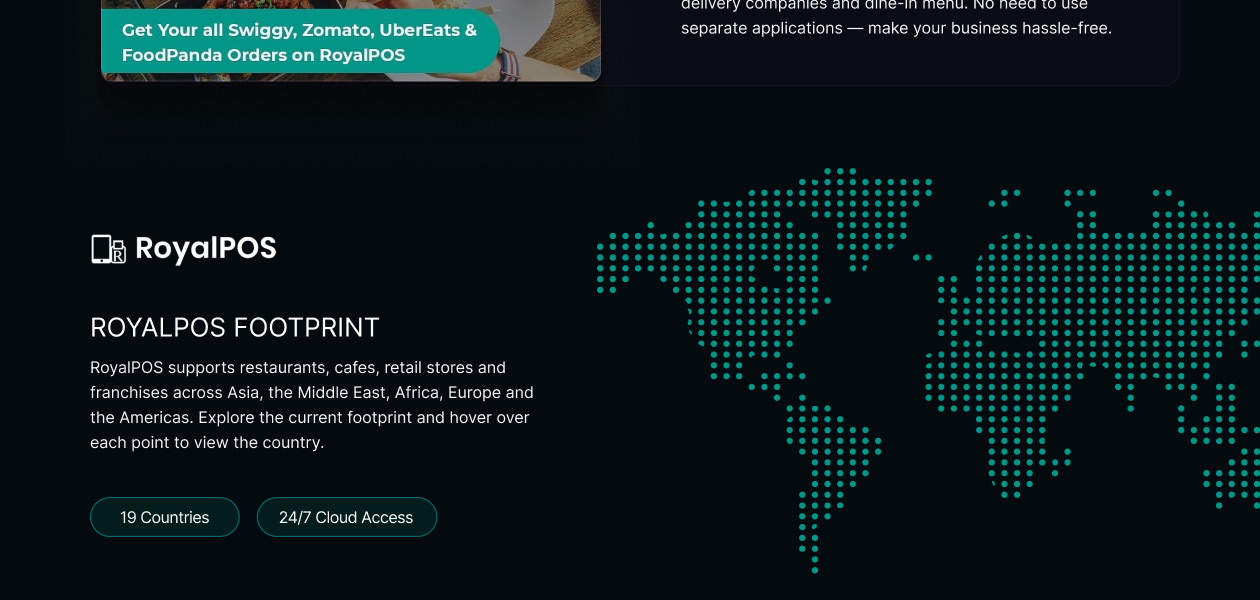
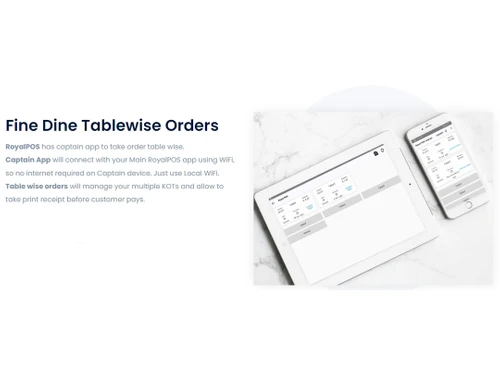
 Admin Dashboard Tablewise Orders Smart Billing Integrations Customized to your Brand Cloud-Based Payment Integration Advance Orders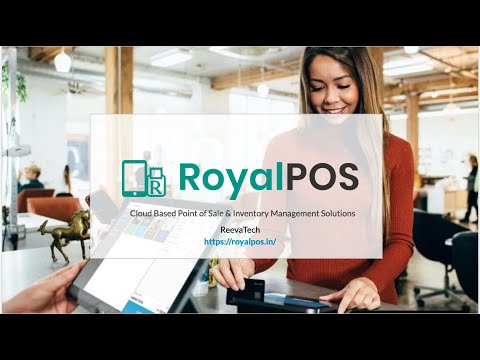

Watch the demo video to explore key features, real workflows, and how the software fits your business needs.
 Windows
  iOS
iOS  Android MacOS
  Desktop
  Mobile
  Cloud-Based
Small Business
Designed for startups and growing businesses
Medium Business
Built for business growth and flexibility
Enterprises
Designed for complex and large-scale business needs
4.8
Out of 5

Overall Rating
Based on
12 Verified Reviews
Rating Breakdown
99% Recommend this Product
Add ReviewCustomers generally express high satisfaction with RoyalPOS, praising its user-friendly interface, ease of setup, and effective customer service. Many users appreciate its cloud-based functionality and the ability to manage sales and inventory efficiently. However, some reviews highlight occasional delays in customer support responses and the need for improvements in offline mode and bug fixes. Overall, RoyalPOS is well-recommended for various business sizes, particularly in the restaurant and retail sectors, despite some areas for enhancement.
Pros
"Royal pos a great solution for Restaurant, Grocery shop. Marts etc. with good features and it's easy to use."
"It is easy to use and cloud-based software, I can compare and analyses sales data and it works wonderfully. We can save sales reports every day for better compare & knowledge."
"Set-up was easy and the system is easy to use. Invoices are easily produced and are easy to understand. Customer tracking is simple and monthly billing runs smoothly."
Cons
"Customer service sometimes takes time to give a specific solution, I think new version should contain some side to side job to make sure consumer take benefit of new features."
"There are some points, I believe RoyalPOS can upgrade to make it very intuitive and ass new features in it."
"Sometime there is a lack of technical issues, but customer support resolved my issues. "

Aug 29, 2021
Techjockey Verified
“Amazing software”
Pros
Amazing tool highly recommended .
Cons
NO CONS
Aug 16, 2021
Techjockey Verified
“Royalpos review”
Pros
Royal pos a great solution for Restaurant, Grocery shop. Marts etc. with good features and it's easy to use.
Cons
Customer service sometimes takes time to give a specific solution, I think new version should contain some side to side job to make sure consumer take benefit of new features.
Aug 15, 2021
Techjockey Verified
“RoyalPOS : Great POS Software”
Pros
Dashboard is easy to understand and totally arranged to customize. RoyalPOS engages you to set up your business data in framework adequately, it is a cloud based system so you can change the tab and open another tab in your computer without losing any sales data.
Cons
There are some points, I believe RoyalPOS can upgrade to make it very intuitive and ass new features in it.

RoyalPOS
₹ 5000.00 excl. GST
Desktop
Mobile
Web based
On Premises
Windows
Mac OS
Petpooja
₹ 10000
Desktop
Mobile
Web based
On Premises
Windows
Mac OS
Feedo
₹ 899
Desktop
Mobile
Web based
On Premises
Windows
Mac OS

SpotOn
Price On Request
Desktop
Mobile
Web based
On Premises
Windows
Mac OS
SpeedLine POS
Price On Request
Desktop
Mobile
Web based
On Premises
Windows
Mac OS
Rezku POS
Price On Request
Desktop
Mobile
Web based
On Premises
Windows
Mac OS

Track My Table
₹ 399
Desktop
Mobile
Web based
On Premises
Windows
Mac OS
RestoMPOS
Price On Request
Desktop
Mobile
Web based
On Premises
Windows
Mac OS
Solo Billing
₹ 8000
Desktop
Mobile
Web based
On Premises
Windows
Mac OS

TMBill POS
₹ 5999
Desktop
Mobile
Web based
On Premises
Windows
Mac OS

FoodyQueen
₹ 4188
Desktop
Mobile
Web based
On Premises
Windows
Mac OS
(0) Product(s) selected
Starting Price:
$55 /Month
Available
Price on Request
Starting Price:
$49 /Month
Starting Price:
₹399 /Month
Available
Price on Request
Available
Price on Request
Starting Price:
$49 /Month

Starting Price:
₹550 /month

Available
Price on Request
Yes, once you log in and come to the Order screen, Royal POS will start supporting offline billing. It will auto-sync all your offline billing data to the dashboard as soon as the internet is available.
Yes, the POS solution supports split bill activities in an efficient manner, where accountants can mention the number of bills to be generated including the amounts in them. They can even take separate printouts of individual receipts.
Yes, you can request an online demo of RoyalPOS. Our product experts will get back to you as per the date and time mentioned in your demo request.
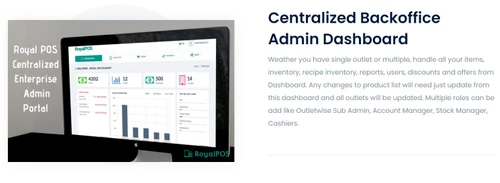
Yes, with the centralized dashboard of Royal POS, you can manage promotional discounts or any sales activity for one or more outlets.
Yes, Royal POS has two dedicated mobile apps, namely Customer App and Merchant App, compatible with Android and iOS devices.
20,000+ Software Listed
Best Price Guranteed
Free Expert Consultation
2M+ Happy Customers
Terms and Condtions

Users with registered businesses can purchase goods from merchants on the platform to satisfy their business needs. Users are not permitted to utilize any products acquired through the platform for resale, advertising, business, or further distribution.
For each purchase made, users will receive a Tax Invoice (or 'GST invoice') that includes specific details such as:
the GSTIN of the user associated with their registered business, and
the specified Entity Name for their business.
It should be noted that not all products are eligible for GST Invoice. Only the products displayed by participating sellers with the 'GST-based Invoice Available' callout on the product description page would qualify.
Certain goods and services are not eligible to get a GST Invoice, including items with VAS, i.e., Value Added Services (e.g., Total Mobile Protection/Assured Buyback) and those involving an exchange offer at the time of purchase.
Users must ensure the accuracy of the GSTIN, and business entity name provided for the GST Invoice. Requests for corrections into GST Invoice would not be accommodated by Techjockey.com or any Seller, and any issues arising from user-provided information are the sole responsibility of users.
Techjockey.com is not liable for the GST Invoice or any associated input tax credit. To efficiently claim an input tax credit, users should select the registered place of business address as per the GST authority's data and follow the provisions of the GST Act and rules.
To claim an input tax credit, the delivery and billing addresses must match. Furthermore, input tax credits will not be granted if the delivery address and GSTIN on the invoice are from different states. In case of incorrect GST details provided during the order placement, the order will be canceled automatically.