 USA
USA UAE
UAE
Small Business
Designed for startups and growing businesses

See More




Brand: Telecrm
Perfect for sales teams in industries like real estate, healthcare, and education, telecrm is designed to simplify the sales process and help you close more deals faster.
See More
16+ people visited in last 30 minutes
View plans
 Save upto 18%, Get GST Invoice on your business purchase T&C Buy Now & Pay Later, Check offer on payment page.
 Brand: Telecrm
Founded Year: 2019
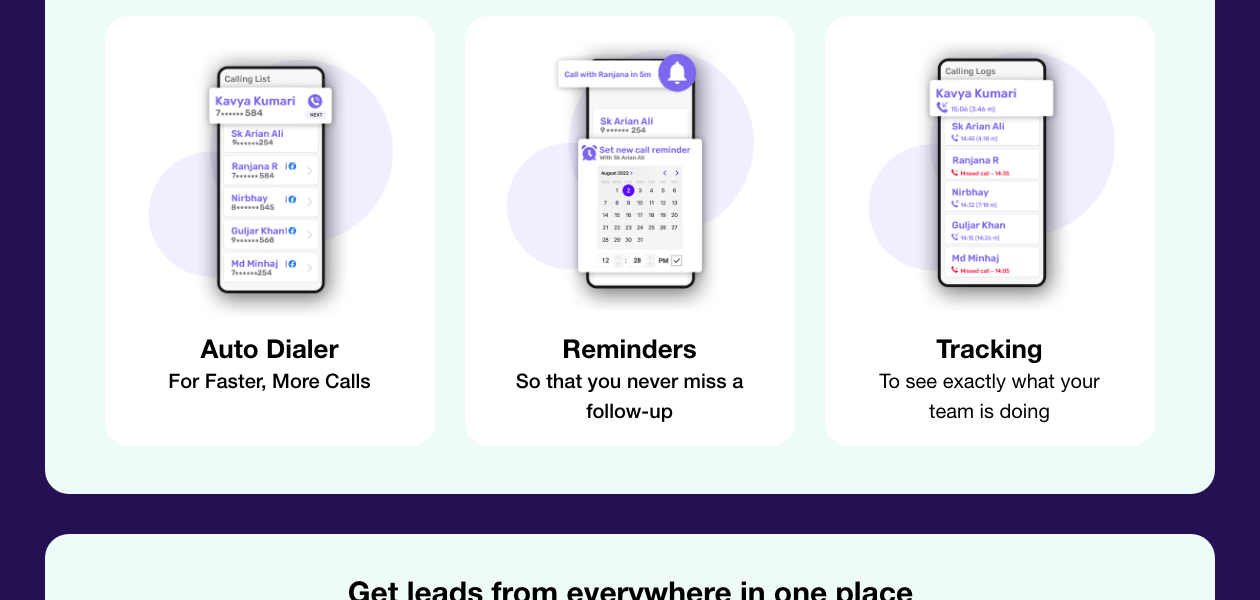
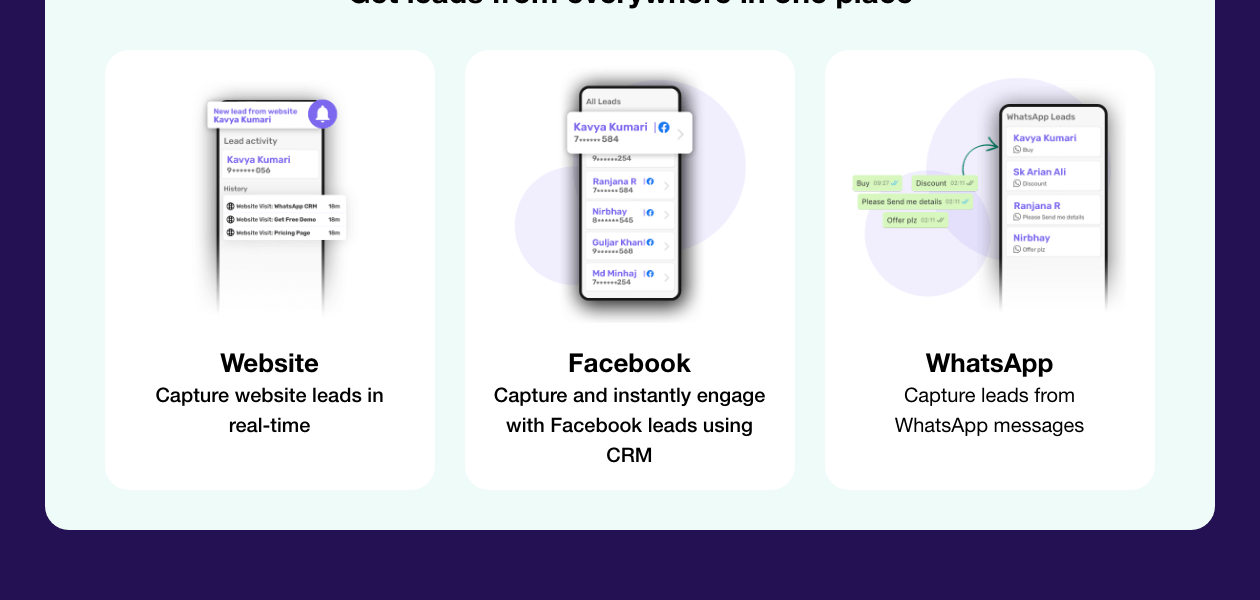
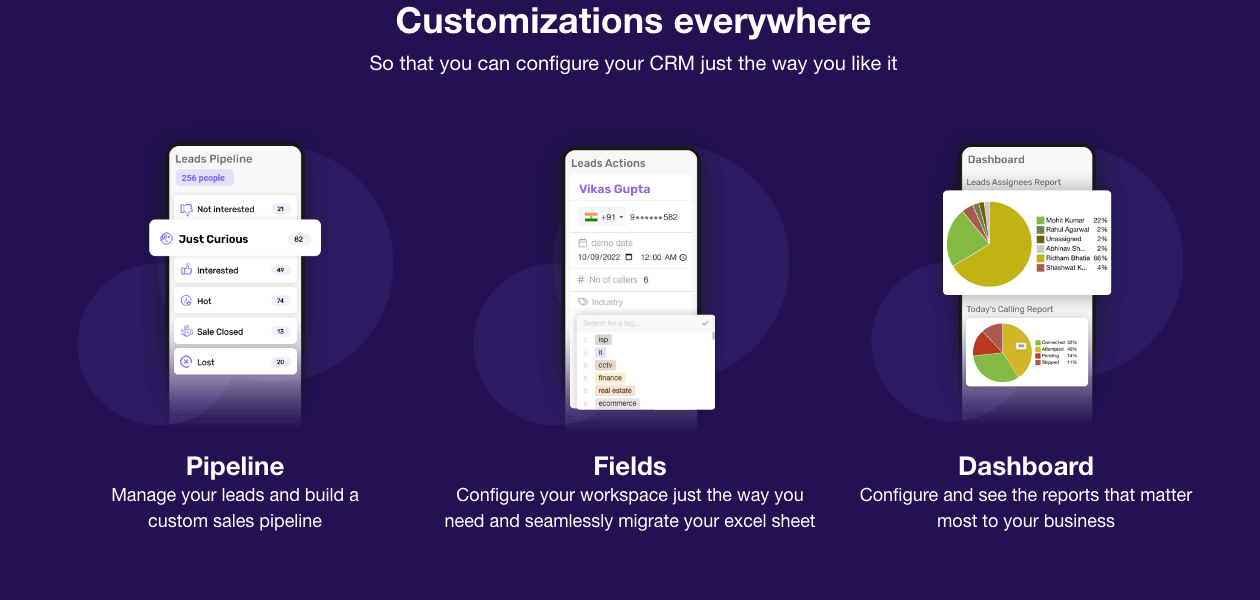
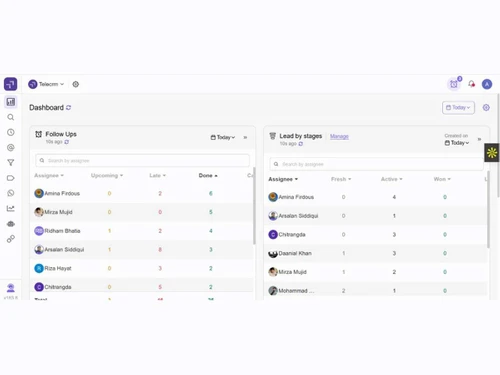
Build efficient sales system for your team with lead management, phone calls, meetings and WhatsApp communication managed on a single platform
Customer Data Management (CDM)
 Contact Management Account Management Customer Profiles Contact Segmentation Activity History
 Sales Management
Lead Management Order Management Deal Management Workflow Automation and Management Opportunity & Pipeline Management Quote Management Contract Management Sales Forecasting Territory Management Sales Automation Marketing Automation
Email Marketing Campaign Management Lead Nurturing Customer Journey Tracking Customer Segmentation Automated Campaigns Event-Triggered Workflows Data Sourcing / Integrations
Data Import/Export Social Media Integration API Access Calendar Integration eCommerce Integrations Interactive Voice Response (IVR) Integration Email Marketing Tools Integration Marketing Tools Integration Third Party Integrations Collaboration Tools
Team Communication Task / Activity Management Omnichannel Support & Engagement Document Sharing & File Storage Security & Compliance
Data Encryption Role-Based Access Control (RBAC) Backup & Disaster Recovery Audit Trail GDPR & Data Privacy AI & Machine Learning
Chatbots Predictive Analytics Lead Scoring Reporting & Analytics
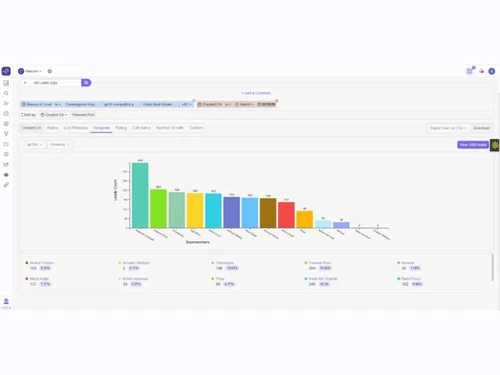
Real Time Analytics Campaign Performance Sales Performance Reports Forecasting & Trends Predictive Analytics Custom Dashboards Customer Insights Performance Tracking Alerts & Notifications
Event-Triggered Notifications Custom Workflow Alerts System Errors/Failures Customer Interaction Alerts Workflow Trigger Alerts SLA Violations Lead Activity Alerts Others
Landing Pages & Forms Call Tracking and Recording 

Watch the demo video to explore key features, real workflows, and how the software fits your business needs.

 Ubuntu
  Windows
  iOS
iOS  Android MacOS
  Desktop
  Mobile
  Cloud-Based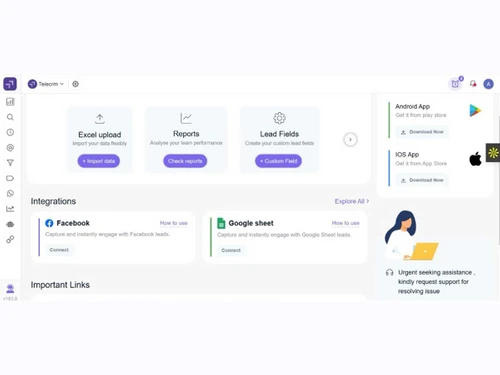

Small Business
Designed for startups and growing businesses
Medium Business
Built for business growth and flexibility
Enterprises
Designed for complex and large-scale business needs
4.3
Out of 5

Overall Rating
Based on
13 Verified Reviews
Rating Breakdown
88% Recommend this Product
Add ReviewUsers generally appreciate TeleCRM for its continuous updates, effective automation features, and excellent customer support, which contribute to improved lead management and time savings. Many find the interface user-friendly and adaptable to their workflows. However, some customers express concerns about the pricing being steep for smaller teams, the lack of offline access, and the need for more integrations and advanced analytics. Additionally, while the mobile functionality is praised, a desktop app is desired by some users. Overall, the sentiment is positive, with a few caveats.
Pros
"I like how it constantly rolls out updates and new features. It makes it look fresh."
"The support team of SalesCRM is great. Whenever I hit a problem, the support team is quick and responsive."
"Thanks to the automation features I save so much time by automating repetitive tasks. It is like having an extra member."
Cons
"The pricing affordable but for small teams and solopreneurs it might feel a bit steep."
"I have seen that it lacks in advanced analytics. The reporting is decent but it could be more in-depth."
"It is sad that I cannot access or update information without the internet connection."


Oct 6, 2026
Techjockey Verified
“Affordable Lead Management for Indian Businesses”
I have been using TeleCRM for the past two years, and the interface is easy to understand and use. It has solved an important problem for us by bringing leads from different sources into one platform and making it easier to assign them to team members. Overall, it has made our lead management process more organised and manageable.
Pros
TeleCRM makes it easy to bring leads from different sources into one platform. Lead assignment automation, along with call tracking and recording within the CRM, helps keep the sales process organised and reduces manual work.
Cons
The reporting available within the dashboard could be more detailed. Although Metabase access is available for deeper reporting, having similar reporting capabilities directly within the CRM would make it more convenient.
Reason to switch
The platform was easier to adapt for my team
Feb 22, 2025
Techjockey Verified
“Frequent Updates Keep It Fresh but Pricing Can Be Steep for Small Teams”
I like how TeleCRM continuously releases new features and upgrades since it keeps the program feeling current and new. Although the price is fair, small teams or solopreneurs like me may find it a bit expensive, particularly at the beginning.
Pros
I like how it constantly rolls out updates and new features. It makes it look fresh.
Cons
The pricing affordable but for small teams and solopreneurs it might feel a bit steep.
Reason to switch
I moved from Aloware since it did not offer the same level of frequent updates and new features.
Feb 13, 2025
Techjockey Verified
“Time-Saving Automation but No Offline Access”
The automation capabilities of TeleCRM are great. Automating repetitious processes saves me a ton of time, in fact. The only drawback is that, sometimes, it can be annoying because I cannot view or edit information without an internet connection.
Pros
Thanks to the automation features I save so much time by automating repetitive tasks. It is like having an extra member.
Cons
It is sad that I cannot access or update information without the internet connection.
Reason to switch
Automating tasks has made my work much easier and faster and FlashRev lacked it.

telecrm
₹ 3297.00 excl. GST
Desktop
Mobile
Web based
On Premises
Windows
Mac OS

Zoho CRM
₹ 1300
Desktop
Mobile
Web based
On Premises
Windows
Mac OS

Odoo CRM
₹ 760
Desktop
Mobile
Web based
On Premises
Windows
Mac OS

CrmOne
Price On Request
Desktop
Mobile
Web based
On Premises
Windows
Mac OS

Solid Performers CRM
₹ 500
Desktop
Mobile
Web based
On Premises
Windows
Mac OS

Kylas CRM
₹ 12999
Desktop
Mobile
Web based
On Premises
Windows
Mac OS

Zendesk Sell
Price On Request
Desktop
Mobile
Web based
On Premises
Windows
Mac OS

Cleomitra
₹ 999
Desktop
Mobile
Web based
On Premises
Windows
Mac OS

In-Sync CRM
₹ 5000
Desktop
Mobile
Web based
On Premises
Windows
Mac OS

Salesforce CRM
Price On Request
Desktop
Mobile
Web based
On Premises
Windows
Mac OS

LeadSquared CRM
Price On Request
Desktop
Mobile
Web based
On Premises
Windows
Mac OS
(0) Product(s) selected
Starting Price:
$19 /Agent/Month
Starting Price:
₹999 /Month ₹2,000
Starting Price:
₹5,000 /Month

Starting Price:
$97 /Month

Starting Price:
€300 /User/Year
Starting Price:
₹3,900 /Year ₹4,900

Starting Price:
₹1,299 /Month

Starting Price:
$10 /User/Month

Available
Price on Request

Starting Price:
₹500

Available
Price on Request







telecrm software is compatible with Windows, Linux, macOS, and Android devices.
telecrm app is available for Android devices only.
telecrm software supports a web-based deployment type.
telecrm price starts at INR 799 per user per month (billed annually) at techjockey.com
telecrm software is typically used by the sales department of all organizations.
telecrm demo is available for free with techjockey.com.
telecrm, a telesales CRM software offers a free trial. However, the premium plan with advanced features is available at techjockey.com with exciting deals.
telecrm is a telephony CRM software that helps in capturing leads, scheduling campaigns, lead distribution, etc. It's a complete solution for automating the sales process and boosting the conversion.
Yes, you can simply export the leads as a CSV file and then import them into telecrm with a click.
Yes, telecrm lets you make serial-wise automatic calls to all your clients. However, you get time to note down comments for each call. Moreover, you have the liberty to pause its auto-dialling feature whenever you wish to.
Anyone can use it even if they are new to it. If somebody uses WhatsApp, then they can use telecrm as well.
Provide access by creating a new user account for the team member in TeleCRM. Assign appropriate roles and permissions to ensure they have access to the necessary features and data.
0 0
Use TeleCRM’s analytics and reports to track sales performance, identify trends, and measure the effectiveness of your sales strategies. Customize reports to focus on key metrics and provide actionable insights for your sales team.
0 0
Integrate marketing tools and social media by using TeleCRMs built-in connectors or APIs. This allows you to sync data, track campaigns, and engage with customers across multiple channels.
0 0
To record calls in TeleCRM, enable the call recording feature, ensure compliance with legal requirements, and configure the settings to automatically record calls. Access the recordings from the customer profile for future reference.
0 0
Import data by uploading CSV files and mapping the fields to TeleCRMs database. Export data by selecting the desired records and downloading them in a CSV format. This ensures data consistency and easy migration.
0 0
20,000+ Software Listed
Best Price Guranteed
Free Expert Consultation
2M+ Happy Customers
Terms and Condtions

Users with registered businesses can purchase goods from merchants on the platform to satisfy their business needs. Users are not permitted to utilize any products acquired through the platform for resale, advertising, business, or further distribution.
For each purchase made, users will receive a Tax Invoice (or 'GST invoice') that includes specific details such as:
the GSTIN of the user associated with their registered business, and
the specified Entity Name for their business.
It should be noted that not all products are eligible for GST Invoice. Only the products displayed by participating sellers with the 'GST-based Invoice Available' callout on the product description page would qualify.
Certain goods and services are not eligible to get a GST Invoice, including items with VAS, i.e., Value Added Services (e.g., Total Mobile Protection/Assured Buyback) and those involving an exchange offer at the time of purchase.
Users must ensure the accuracy of the GSTIN, and business entity name provided for the GST Invoice. Requests for corrections into GST Invoice would not be accommodated by Techjockey.com or any Seller, and any issues arising from user-provided information are the sole responsibility of users.
Techjockey.com is not liable for the GST Invoice or any associated input tax credit. To efficiently claim an input tax credit, users should select the registered place of business address as per the GST authority's data and follow the provisions of the GST Act and rules.
To claim an input tax credit, the delivery and billing addresses must match. Furthermore, input tax credits will not be granted if the delivery address and GSTIN on the invoice are from different states. In case of incorrect GST details provided during the order placement, the order will be canceled automatically.

