USA
USA UAE
UAESmall Business
Designed for startups and growing businesses

See More




Brand: Odoo
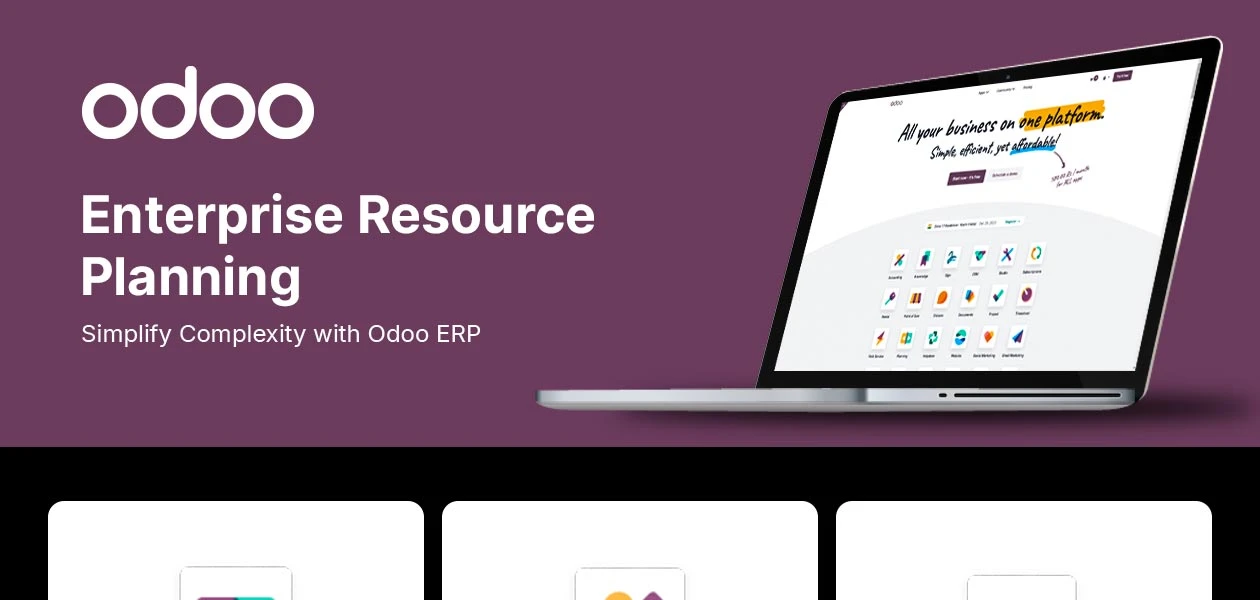
Odoo is a comprehensive ERP software that integrates diverse features from Accounting to CRM to providing a user-friendly platform.
See MoreHave you used Odoo ERP before?
Share your insights for better experience
Brand: Odoo
Founded Year: 2005
Odoo is an open-source suite of integrated business applications actively programmed, supported, and organized by Odoo SA.
Financial/Accounts Management
 Tax Management General Ledger Budgeting And Forecasting Accounts Payable & Accounts Receivable Bank Reconciliation Fixed Asset Management Multi-Currency Support
 Human Resource Management (HRM)
Payroll Management Performance Management Time and Attendance Recruitment and Onboarding Employee Information Management Learning Management Supply Chain Management
Inventory Management Procurement and Purchasing Logistics and Distribution Demand Planning Supplier Relationship Management Transportation Management Route Planning Manufacturing
Maintenance Management Bill Of Materials (BOM) Production Planning and Scheduling Quality Control Management Material Requirement Planning (MRP) Work Order Management Shop Floor Management Customer Relationship Management (CRM)
Lead Management Marketing Automation Contact Management Sales Pipeline Management Audience Segmentation Project Management
Time Tracking Collaboration Tools Task Scheduling Resource Management Cost Management Reporting and Analytics
Financial Reports Business Intelligence Dashboards Custom Reports Sales Reports Real Time Reports Predictive Analytics Regulatory Compliance Reports Integrations
API Integration Third Party Integration Payment Gateway Integration Ecommerce Integration Customer Support Security and Compliance
Disaster Recovery Data Encryption Role-Based Access Control (RBAC) GDPR and Other Compliance Audit Management Administrative Features
Centralized Database Workflow Automation Data Import/Export User Access Management Workflow Approval Admin Panel Alerts & Notifications
Email and SMS Notifications Custom Event Alerts Non-Compliance Issues Security Alerts Others
Warehouse Management Project Management Customization Security features Mobile Access Alerts & Notifications Multi-Language Support 

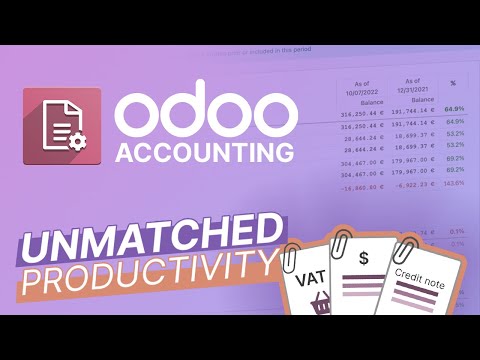
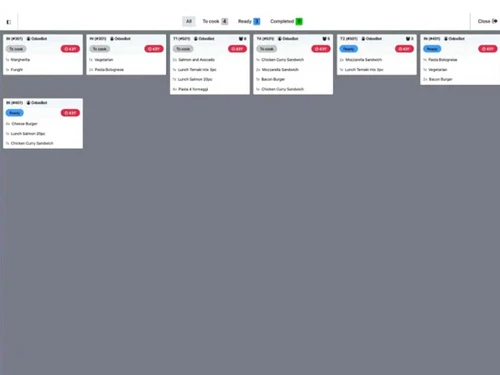
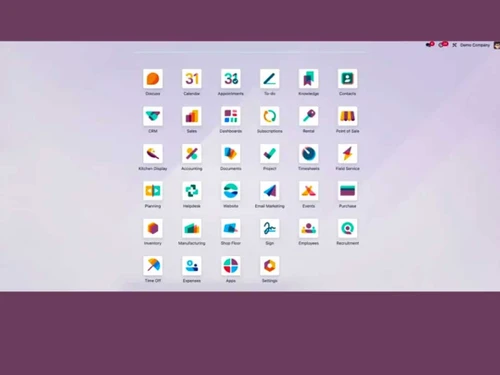
Watch the demo video to explore key features, real workflows, and how the software fits your business needs.

 Ubuntu
  Windows
  MacOS
MacOS  Linux
Linux  Desktop
  Cloud-Based
Small Business
Designed for startups and growing businesses
Medium Business
Built for business growth and flexibility
Enterprises
Designed for complex and large-scale business needs
4.7
Out of 5

Overall Rating
Based on
21 Verified Reviews
Rating Breakdown
89% Recommend this Product
Add ReviewOverall, users express high satisfaction with Odoo ERP, particularly appreciating its customization options, ease of use for inventory and financial management, and the efficiency it brings to daily operations. Many find it beneficial for small businesses, highlighting its affordability and flexibility. However, some users note challenges with customer support consistency and the initial implementation process, which can be complex. Additionally, there are mentions of technical limitations for beginners and occasional stability issues on certain platforms.
Pros
"Quick billing, stock auto-updates, vendor payments are clear. So far, very satisfied — the support team is also polite and helpful."
"Quick billing, stock auto-updates, vendor payments are clear. So far, very satisfied — the support team is also polite and helpful"
"Now I can easily keep track of my inventories and materials, as well as manage my finances to keep my business running smoothly."
Cons
"So far, very satisfied — the support team is also polite and helpful."
"So far, very satisfied — the support team is also polite and helpful."
"I generally only use Odoo on the Web and Windows, never on Android because I tend to experience instabilities and crashes."


Sushant 
Owner
May 12, 2025
Techjockey Verified
“Makes my cosmetic shop billing and stock stress-free.”
As a cosmetic shop owner, I deal with so many products — lipsticks, skincare, hair care — and keeping track of everything was always tiring. Sometimes I reordered items that were already in stock, or missed payments to suppliers. One of my customers told me about Go GST Bill, and since then, I’ve been using it for over a year. Now, I can easily generate GST bills, update stock instantly when I buy or sell, and manage vendor payments without any hassle. It’s made my daily work much lighter.
Pros
Quick billing, stock auto-updates, vendor payments are clear. So far, very satisfied — the support team is also polite and helpful
Cons
So far, very satisfied — the support team is also polite and helpful.
Ankit
Owner
May 12, 2025
Techjockey Verified
“Makes my cosmetic shop billing and stock stress-free.”
As a cosmetic shop owner, I deal with so many products — lipsticks, skincare, hair care — and keeping track of everything was always tiring. Sometimes I reordered items that were already in stock, or missed payments to suppliers. One of my customers told me about Go GST Bill, and since then, I’ve been using it for over a year. Now, I can easily generate GST bills, update stock instantly when I buy or sell, and manage vendor payments without any hassle. It’s made my daily work much lighter.
Pros
Quick billing, stock auto-updates, vendor payments are clear. So far, very satisfied — the support team is also polite and helpful.
Cons
So far, very satisfied — the support team is also polite and helpful.
May 30, 2022
Techjockey Verified
“Odoo ERP is Amazing and cost effective product”
Pros
Analysis reports and graphics provide an easy way to understand your data. You can make it user-friendly by providing a customisable, user-friendly interface. It is fast working and light.
Cons
Odoo should provide more data and make it easier for users to access this data.

Odoo ERP
₹ 760.00 excl. GST
Desktop
Mobile
Web based
On Premises
Windows
Mac OS

Dynamics 365 Business Central
₹ 665
Desktop
Mobile
Web based
On Premises
Windows
Mac OS

Presence360
₹ 2999
Desktop
Mobile
Web based
On Premises
Windows
Mac OS

iXpert ERP
₹ 19999
Desktop
Mobile
Web based
On Premises
Windows
Mac OS
Fablead ERP
₹ 999
Desktop
Mobile
Web based
On Premises
Windows
Mac OS

Deskera All in One
₹ 36000
Desktop
Mobile
Web based
On Premises
Windows
Mac OS

Bigsun ERP
₹ 6000
Desktop
Mobile
Web based
On Premises
Windows
Mac OS
Esarwa Enterprise ERP
Price On Request
Desktop
Mobile
Web based
On Premises
Windows
Mac OS
Axolon ERP
Price On Request
Desktop
Mobile
Web based
On Premises
Windows
Mac OS
MenThee ERP
Price On Request
Desktop
Mobile
Web based
On Premises
Windows
Mac OS

Oracle NetSuite ERP
Price On Request
Desktop
Mobile
Web based
On Premises
Windows
Mac OS
(0) Product(s) selected
Starting Price:
₹999 /Month
Starting Price:
₹6,000 /User/Month
Available
Price on Request
Available
Price on Request

Starting Price:
₹34,944 /User/Month

Starting Price:
$300 /Year

Available
Price on Request

Available
Price on Request
Starting Price:
₹10,000 /Month

Available
Price on Request

Available
Price on Request






Oddo ERP is compatible with Windows and Mac operating systems.
Oddo ERP app is available for android and iOS mobile devices.
The Software supports web-based deployment type.
Oddo ERP price in India starts at INR 560 per month excl. GST at techjockey.com.
Oddo ERP is typically used by real estate & construction industries, eCommerce, retail, and wholesale industries.
The demo is available for free with techjockey.com.
Oddo ERP offers a free trial. However, the premium plan with advanced features starts at Rs.897(including GST).
Oddo ERP software installation is not required, as it is web-based. Just open the Setup Wizard to get started.
Oddo ERP operates by integrating various business tools like Accounting, CRM, and Inventory into a single platform. Furthermore, the software allows users to automate tasks and offers a wide range of features including accounting management, sales management, and more. Additionally, the software supports multiple payment methods to make it more efficient for users.
Top Odoo partners enhance business growth by delivering expert implementation, customisation, and integration services tailored to specific business objectives. They carefully analyze existing workflows and configure Odoo modules to improve operational efficiency. Their experience ensures smooth data migration and minimal business disruption. In addition, top Odoo partners offer continuous support, user training, and system upgrades to keep the platform scalable and reliable. By aligning Odoo’s features with long-term strategies, businesses can increase productivity, gain real-time insights, and achieve sustainable growth.
0 0
To migrate your stored data from tally erp9 to odoo erp software, follow the steps given below:
1 0
Magento can be integrated with Odoo ERP using official connectors or third-party plugins, enabling seamless synchronization of products, orders, and customers between the two platforms.
0 0
To set up an online store with Odoo ERP, follow the steps given below:
0 0
Odoo is a great option for companies trying to optimize operations since it provides open-source access, scalability, flexibility, and a single platform for managing accounting, HR, sales, and inventory activities.
0 0
20,000+ Software Listed
Best Price Guranteed
Free Expert Consultation
2M+ Happy Customers
Terms and Condtions

Users with registered businesses can purchase goods from merchants on the platform to satisfy their business needs. Users are not permitted to utilize any products acquired through the platform for resale, advertising, business, or further distribution.
For each purchase made, users will receive a Tax Invoice (or 'GST invoice') that includes specific details such as:
the GSTIN of the user associated with their registered business, and
the specified Entity Name for their business.
It should be noted that not all products are eligible for GST Invoice. Only the products displayed by participating sellers with the 'GST-based Invoice Available' callout on the product description page would qualify.
Certain goods and services are not eligible to get a GST Invoice, including items with VAS, i.e., Value Added Services (e.g., Total Mobile Protection/Assured Buyback) and those involving an exchange offer at the time of purchase.
Users must ensure the accuracy of the GSTIN, and business entity name provided for the GST Invoice. Requests for corrections into GST Invoice would not be accommodated by Techjockey.com or any Seller, and any issues arising from user-provided information are the sole responsibility of users.
Techjockey.com is not liable for the GST Invoice or any associated input tax credit. To efficiently claim an input tax credit, users should select the registered place of business address as per the GST authority's data and follow the provisions of the GST Act and rules.
To claim an input tax credit, the delivery and billing addresses must match. Furthermore, input tax credits will not be granted if the delivery address and GSTIN on the invoice are from different states. In case of incorrect GST details provided during the order placement, the order will be canceled automatically.