linkedin
Raysync Large File Transfer logo
play How to sync files/folders in real-time with Raysync Transmission?
Raysync
Raysync

Raysync Large File Transfer

Brand: Shenzhen Yunyu Technology

  • 4.3

  • 3 Ratings

Raysync is a powerful platform designed for fast and secure large file transfers. It enables businesses to share large files efficiently while ensuring data security, making it ideal for organizations that need reliable and rapid file exchange.

See More

Have you used Raysync Large File Transfer before?

Share your insights for better experience

Add a Review
Starting Price
$99

View plans

100% Genuine
Products
Best Price
Guaranteed
Safe & Secure
Payment
  • Description

  • Pricing

  • Features

  • Specification

  • Review

  • Compare

  • Alternatives

  • FAQ

Starting at $99

Raysync Large File Transfer Software Overview

What is Raysync Large File Transfer?

Raysync Large File Transfer is an advanced high-speed file transfer software that focuses on enhancing the speed and security of transferring large files. As a leading utility software in the realm of business software, it uses cutting-edge technology to facilitate smooth and fast file exchanges, making it a go-to choice for companies that work with large datasets or multimedia content.

By offering a user-friendly interface and seamless integration, Raysync simplifies the process of file sharing, allowing users to focus on their core tasks rather than getting bogged down by slow transfer speeds.

With its emphasis on security, Raysync ensures that sensitive data remains protected during transfers. The platform is designed to handle the complexities of modern file sharing needs, from managing user permissions to monitoring transfer statuses. This combination of speed, security, and reliability makes Raysync an essential tool for businesses that rely on large file transfers in their day-to-day operations.

Why Choose Raysync?

  • Fast Transfers: Raysync’s optimized technology allows for rapid file sharing, significantly reducing transfer times.
  • Secure File Sharing: The platform prioritizes data security, ensuring that files are protected during transit with advanced encryption.
  • User Control: Manage user permissions effectively, allowing you to control who has access to your files.
  • Reliable Performance: Raysync offers stable performance, making it dependable for all your file sharing needs.
  • Multi-Platform Support: Use Raysync on various devices and operating systems, enhancing accessibility for all users.
  • Excellent Technical Support: Get help from a dedicated support team whenever you need assistance.

Benefits of Raysync

  • Efficient Workflow: Raysync streamlines the process of file sharing, allowing teams to work faster and more efficiently.
  • Enhanced Security: With robust security features, you can share files confidently, knowing your data is safe.
  • Flexible Deployment: Raysync offers easy setup and deployment options, enabling businesses to get started quickly.
  • Customizable Solutions: Tailor the platform to meet your specific business needs, ensuring it aligns with your workflow.
  • High Performance: Enjoy high-speed transfers that enhance productivity, particularly when handling large files.
  • Monitoring Tools: Keep track of file transfer statuses and security with built-in monitoring features.

Pricing Of Raysync Large File Transfer

Raysync price starts at $ 99 at techjockey.com. The pricing model is based on different parameters, including extra features, deployment type, and the total number of users. For further queries related to the product, you can contact our product team and learn more about the pricing and offers.

Read more

Raysync Large File Transfer Pricing & Plans

Raysync Cloud
Starting at $99
    • Monthly

      Monthly
      Monthly

Key Features

  • Service type-Cloud

  • UDP bandwidth- 1Gbps

  • Transfer/Download traffic- 2TB

  • Storage-1TB

  • Maximum user number-10

SMB
Starting at $699
    • Yearly

      Yearly
      Yearly

Key Features

  • Service type-On-premise

  • UDP bandwidth- 1Gbps

  • Transfer/Download traffic- Unlimited

  • Server supports simultaneous access users-Unlimite

  • Maximum user number-10

Raysync Large File Transfer Features

  • icon_check File Sharing
    Easily share large files with colleagues and clients, ensuring smooth collaboration.
  • icon_check Account Authority Management
    Manage user access and permissions effectively, controlling who can view or edit files.
  • icon_check Synchronisation
    Keep files updated across multiple devices, ensuring everyone has the latest version.
  • icon_check Security Monitoring Management
    Monitor file transfers in real-time to maintain security and integrity.
  • icon_check Flexible Switching
    Seamlessly switch between different modes of file sharing according to your needs.
  • icon_check Customization
    Customize the interface and functionalities to better fit your organizational requirements.
  • icon_check Multi Platform
    Access Raysync on various platforms, including Windows, Mac, and mobile devices.
  • icon_check High Performance
    Experience high-speed transfers even with large files, enhancing workflow efficiency.
  • icon_check Stable and Reliable
    Depend on Raysync for consistent performance without interruptions.
  • icon_check Easy & Quick Deployment
    Set up the system quickly with minimal hassle, allowing immediate use.
  • icon_check Technical Support
    Benefit from dedicated support to assist with any issues or questions.
Raysync Large File Transfer Demo Video play icon

Get Raysync Large File Transfer Demo

Watch the demo video to explore key features, real workflows, and how the software fits your business needs.

Understand
Key Features
Personal
Demo Insights
Interactive
Demo Support

Raysync Large File Transfer Specifications

Supported Platforms
Windows Windows
Devices
Desktop Desktop
Deployment
Cloud-Based Cloud-Based
Suitable For
All Industries
Business Specific
All Businesses
Business Size
Small Business Medium Business SMBs
Customer Support
Email
Language
English
Training Resources
In Person

Explore the Best Alternative Solutions Similar to Your Business Size and Needs

Raysync Large File Transfer Review

4.3

Out of 5

img

Overall Rating

Based on
3 Verified Ratings

Rating Breakdown

  • Features 4.6
  • Value for Money 4.3
  • Ease of Use 4.6
  • Customer Support 3.6

83% Recommend this Product

Add Review

Techjockey Trusted Reviews from Verified Users

No reviews are currently available for Raysync Large File Transfer. Discover similar High Speed File Transfer Software reviews
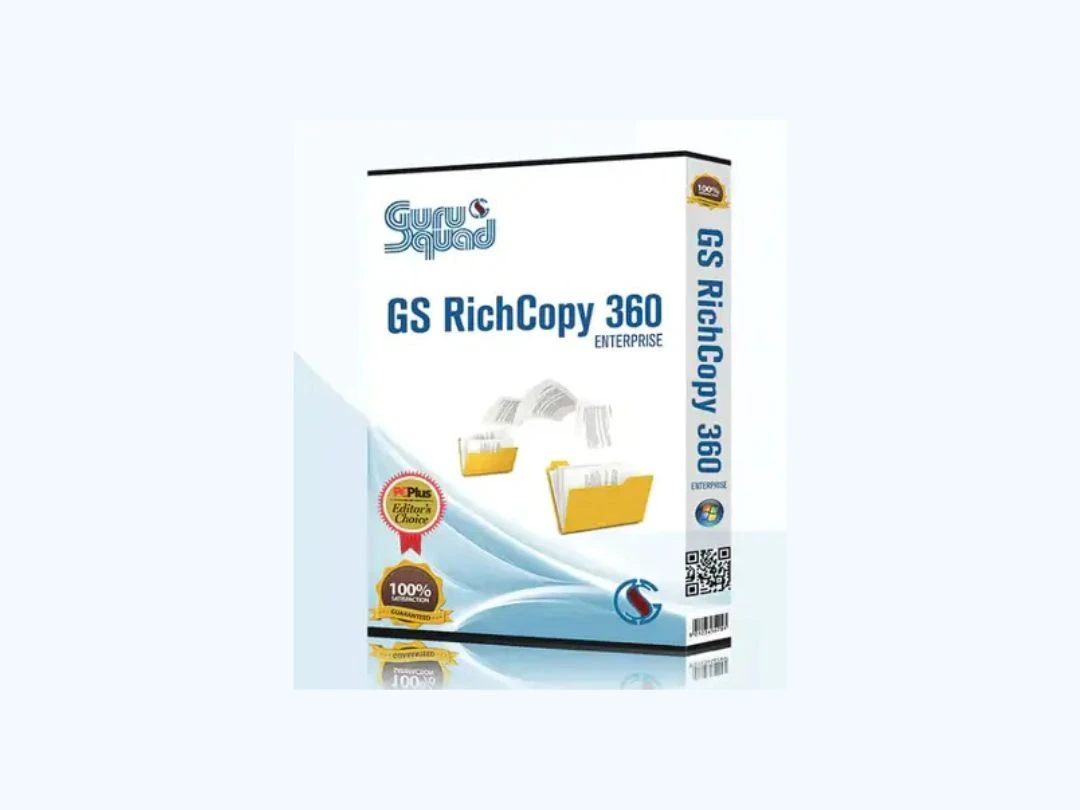
  • Gs Richcopy 360 Enterprise

    4.6

    Whats great - GS Richcopy 360 is exceptionally easy to set up and customize. It offers versatile backup options, allowing you to secure you... read more

  • SendAnywhere

    4.3

    Whats great - Team members can download files instantly. read more

  • TransferXL

    4.2

    Whats great - Lightning-fast speed. read more

Compare Raysync Large File Transfer With other High Speed File Transfer Software

Products
Ratings
Pricing
Device Supported
Deployment
Supported Platforms
  • img

    Raysync Large File Transfer

  • 4.3

  • Price On Request

  • Desktop

    Mobile

  • Web based

    On Premises

  • Windows

    Mac OS

  • img

    SendGB

  • 4.4

  • Price On Request

  • Desktop

    Mobile

  • Web based

    On Premises

  • Windows

    Mac OS

  • img

    TransferXL

  • 4.2

  • Price On Request

  • Desktop

    Mobile

  • Web based

    On Premises

  • Windows

    Mac OS

  • img

    MOVEit MFT

  • 4.3

  • Price On Request

  • Desktop

    Mobile

  • Web based

    On Premises

  • Windows

    Mac OS

  • img

    FileZilla Pro

  • 4.5

  • Price On Request

  • Desktop

    Mobile

  • Web based

    On Premises

  • Windows

    Mac OS

  • img

    Media Shuttle

  • 4.5

  • Price On Request

  • Desktop

    Mobile

  • Web based

    On Premises

  • Windows

    Mac OS

  • img

    SendAnywhere

  • 4.3

  • Price On Request

  • Desktop

    Mobile

  • Web based

    On Premises

  • Windows

    Mac OS

  • img

    WinSCP

  • 4.0

  • Price On Request

  • Desktop

    Mobile

  • Web based

    On Premises

  • Windows

    Mac OS

  • img

    Transfernow

  • 4.6

  • ₹ 800

  • Desktop

    Mobile

  • Web based

    On Premises

  • Windows

    Mac OS

  • img

    Wetransfer

  • 4.6

  • Price On Request

  • Desktop

    Mobile

  • Web based

    On Premises

  • Windows

    Mac OS

(0) Product(s) selected

Raysync Large File Transfer Alternatives

See All Raysync Large File Transfer Alternatives

Available

Price on Request

Available

Price on Request

Available

Price on Request

MASV

4.2

Available

Price on Request

SAVE UPTO 37%

Thru

4.1

Starting Price:

$3,600 /Year

Articles for Raysync Large File Transfer

See All Related Articles

What is Raysync?

Raysync is a file transfer solution that focuses on fast and secure sharing of large files. It helps businesses manage their file sharing needs efficiently.

How does Raysync ensure data security?

Raysync employs advanced encryption methods and security protocols to protect files during transfers, ensuring data integrity.

Is Raysync easy to use?

Yes, Raysync is designed with a user-friendly interface, making it easy for anyone to navigate and use the platform.

What types of files can I share with Raysync?

You can share any type of large files, including documents, images, videos, and more, making it versatile for various industries.

Can I access Raysync on mobile devices?

Yes, Raysync supports multiple platforms, including mobile devices, allowing you to share files on the go.

How do I manage user permissions in Raysync?

Raysync provides account authority management features that allow you to set permissions and control access for different users.

Does Raysync offer technical support?

Yes, Raysync provides excellent technical support to help users with any questions or issues they may encounter.

How long does it take to deploy Raysync?

Raysync offers easy and quick deployment, enabling businesses to start using the platform almost immediately.

Can I customize Raysync for my business needs?

Absolutely! Raysync allows for customization, so you can tailor the platform to fit your specific requirements.

What makes Raysync different from other file transfer solutions?

Raysync stands out due to its combination of speed, security, and user-friendly features, making it ideal for large file transfers.

20,000+ Software Listed

Best Price Guranteed

Free Expert Consultation

2M+ Happy Customers

Terms and Condtions

close

Users with registered businesses can purchase goods from merchants on the platform to satisfy their business needs. Users are not permitted to utilize any products acquired through the platform for resale, advertising, business, or further distribution.

For each purchase made, users will receive a Tax Invoice (or 'GST invoice') that includes specific details such as:

  • the GSTIN of the user associated with their registered business, and

  • the specified Entity Name for their business.

It should be noted that not all products are eligible for GST Invoice. Only the products displayed by participating sellers with the 'GST-based Invoice Available' callout on the product description page would qualify.

Certain goods and services are not eligible to get a GST Invoice, including items with VAS, i.e., Value Added Services (e.g., Total Mobile Protection/Assured Buyback) and those involving an exchange offer at the time of purchase.

Users must ensure the accuracy of the GSTIN, and business entity name provided for the GST Invoice. Requests for corrections into GST Invoice would not be accommodated by Techjockey.com or any Seller, and any issues arising from user-provided information are the sole responsibility of users.

Techjockey.com is not liable for the GST Invoice or any associated input tax credit. To efficiently claim an input tax credit, users should select the registered place of business address as per the GST authority's data and follow the provisions of the GST Act and rules.

To claim an input tax credit, the delivery and billing addresses must match. Furthermore, input tax credits will not be granted if the delivery address and GSTIN on the invoice are from different states. In case of incorrect GST details provided during the order placement, the order will be canceled automatically.