Description
Pricing
Features
Specification
Review
Compare
FAQs
Alternatives
 Get Free Advice
Get Quote


Brand : datronicsoft Technology


Have Questions?
Price On Request
Save Extra with 2 Offers
 Save upto 18%, Get GST Invoice on your business purchase |
Users with registered businesses can purchase goods from merchants on the platform to satisfy their business needs. Users are not permitted to utilize any products acquired through the platform for resale, advertising, business, or further distribution.
For each purchase made, users will receive a Tax Invoice (or 'GST invoice') that includes specific details such as:
the GSTIN of the user associated with their registered business, and
the specified Entity Name for their business.
It should be noted that not all products are eligible for GST Invoice. Only the products displayed by participating sellers with the 'GST-based Invoice Available' callout on the product description page would qualify.
Certain goods and services are not eligible to get a GST Invoice, including items with VAS, i.e., Value Added Services (e.g., Total Mobile Protection/Assured Buyback) and those involving an exchange offer at the time of purchase.
Users must ensure the accuracy of the GSTIN, and business entity name provided for the GST Invoice. Requests for corrections into GST Invoice would not be accommodated by Techjockey.com or any Seller, and any issues arising from user-provided information are the sole responsibility of users.
Techjockey.com is not liable for the GST Invoice or any associated input tax credit. To efficiently claim an input tax credit, users should select the registered place of business address as per the GST authority's data and follow the provisions of the GST Act and rules.
To claim an input tax credit, the delivery and billing addresses must match. Furthermore, input tax credits will not be granted if the delivery address and GSTIN on the invoice are from different states. In case of incorrect GST details provided during the order placement, the order will be canceled automatically.
Buy Now & Pay Later, Check offer on payment page. A utility software that turns tablets, phones, and laptops into additional wireless displays for Windows computers. ...Read more
 Get Instant Expert
  Safe & Secure
  Assured Best Price
 Looking for pricing details or customization options?
Share your requirements and receive a tailored quote
Price Available on Request
Get a customized quotation based on your needs.
Our team will respond within 24 hours.
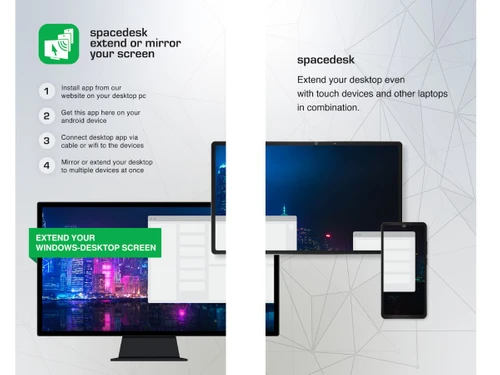
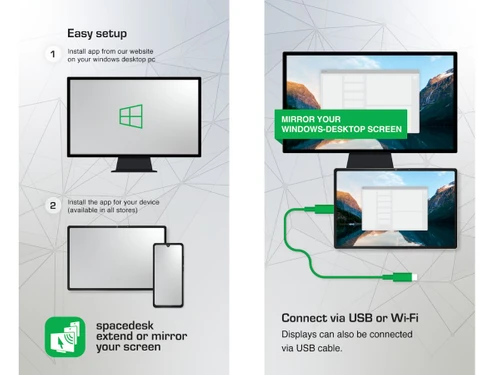
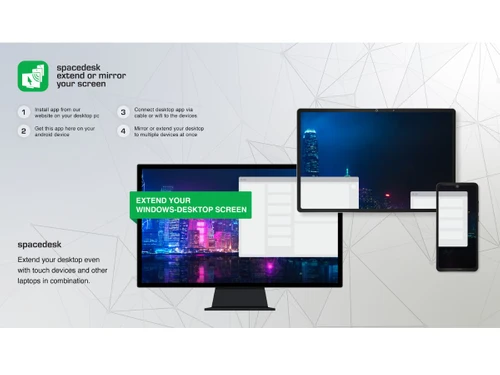
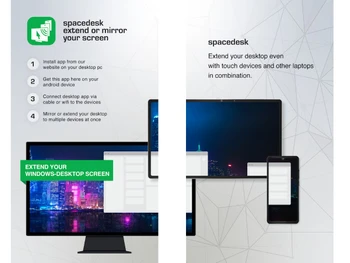
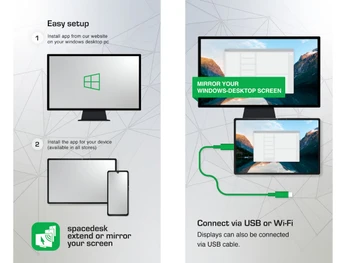
 Virtual Display Driver Installs WDDM virtual graphics adapter enabling creation of additional software-based displays within Windows display subsystem. Desktop Extension Mode Extends Windows desktop workspace to secondary devices allowing independent window placement across multiple displays. Screen Mirroring Mode Duplicates primary display output to secondary devices enabling identical screen content across multiple display endpoints. Network Display Streaming Captures, compresses, and transmits display output over network protocols to connected remote viewer devices reliably. Wireless Display Connectivity Supports Wi-Fi-based connection between host and client devices for wireless display extension and screen mirroring sessions. USB Display Connectivity Supports USB tethered display connection enabling wired screen extension between host and client devices reliably. Cross-Platform Support Provides viewer applications for Windows, Android, iOS, and browser environments for display extension functionality. Display Resolution Configuration Supports configurable display resolutions up to 4096×2160 depending on client device capabilities and platform limitations. Frame Rate Control Allows configuring display streaming frame rate to balance visual smoothness and performance requirements dynamically. Video Wall Configuration Combines multiple connected displays into unified video wall layout using configurable positioning and display indexing. Remote Display Rendering Renders transmitted desktop graphics in real time on viewer devices acting as external display surfaces reliably Orientation Management Supports automatic display orientation adjustment based on viewer device physical orientation and display configuration. Virtual Audio Output Device Creates virtual audio interface redirecting host system audio output to connected remote display devices reliably.

 20,000+ Software Listed
 Best Price Guaranteed
 Free Expert Consultation
 2M+ Happy Customers
 USA
USA UAE
UAE
 Write a Review