USA
USA UAE
UAESmall Business
Designed for startups and growing businesses

See More





Brand: Biziverse
Boost productivity, enhance decision-making, and gain a competitive edge with the advanced automation of this ERP solution.
See MoreHave you used Biziverse before?
Share your insights for better experience
View plans
 Save upto 18%, Get GST Invoice on your business purchase T&C Buy Now & Pay Later, Check offer on payment page.
 Brand: Biziverse
Founded Year: 2020
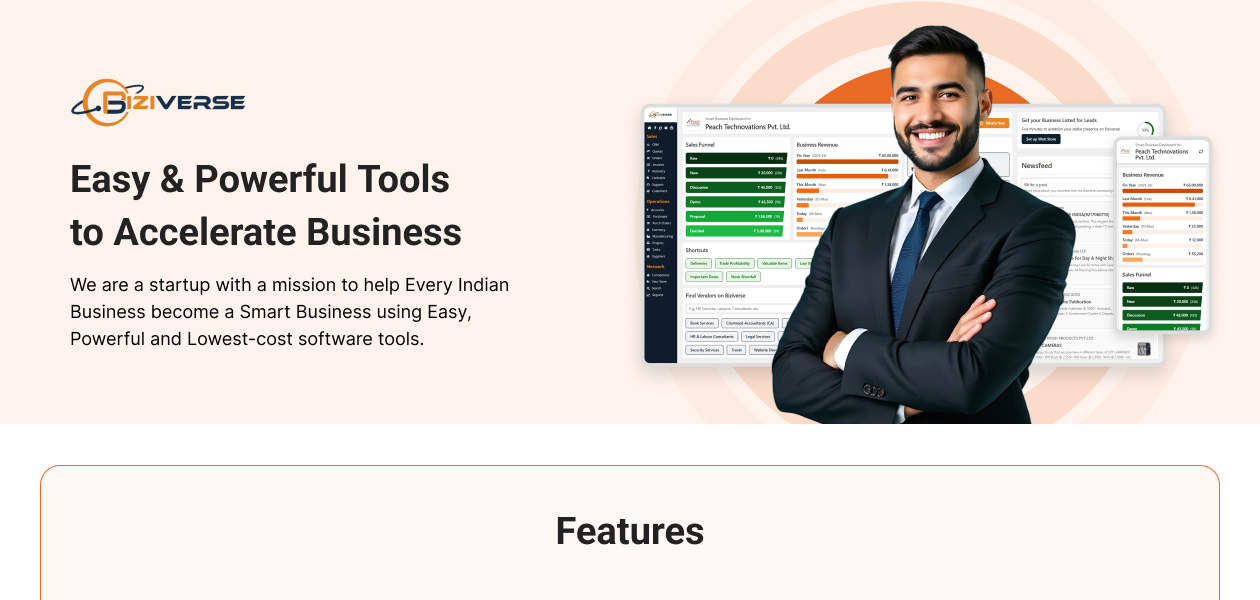
Break the myths about ERP being complex, expensive, and inaccessible, Biziverse aims to empower every Indian business by offering easy to use software tools at a very low cost, with high quality support.
Financial/Accounts Management
 Tax Management General Ledger Accounts Payable & Accounts Receivable Fixed Asset Management Budgeting And Forecasting Multi-Currency Support Bank Reconciliation
 Human Resource Management (HRM)
Learning Management Payroll Management Employee Information Management Recruitment and Onboarding Performance Management Time and Attendance Supply Chain Management
Inventory Management Procurement and Purchasing Demand Planning Logistics and Distribution Supplier Relationship Management Transportation Management Route Planning Manufacturing
Work Order Management Bill Of Materials (BOM) Production Planning and Scheduling Quality Control Management Shop Floor Management Material Requirement Planning (MRP) Maintenance Management Customer Relationship Management (CRM)
Contact Management Lead Management Sales Pipeline Management Marketing Automation Audience Segmentation Project Management
Task Scheduling Resource Management Time Tracking Cost Management Collaboration Tools Reporting and Analytics
Sales Reports Financial Reports Dashboards Custom Reports Predictive Analytics Regulatory Compliance Reports Real Time Reports Business Intelligence Integrations
Customer Support Payment Gateway Integration API Integration Third Party Integration Ecommerce Integration Security and Compliance
Role-Based Access Control (RBAC) Data Encryption Audit Management GDPR and Other Compliance Disaster Recovery Administrative Features
Data Import/Export User Access Management Admin Panel Centralized Database Workflow Approval Workflow Automation Alerts & Notifications
Email and SMS Notifications Custom Event Alerts Non-Compliance Issues Security Alerts Others
Multi-Language Support Localization 

Watch the demo video to explore key features, real workflows, and how the software fits your business needs.
 Ubuntu
  Windows
  MacOS
MacOS  Linux
Linux  Desktop
  Cloud-Based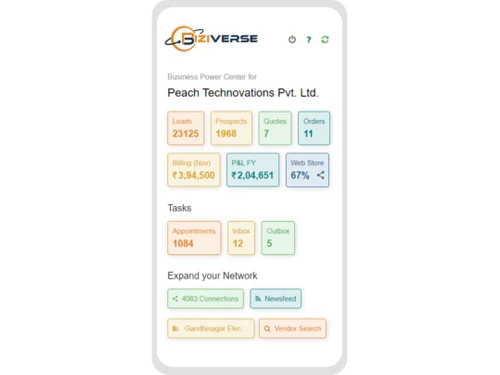
Small Business
Designed for startups and growing businesses
Medium Business
Built for business growth and flexibility
Enterprises
Designed for complex and large-scale business needs
3.2
Out of 5

Overall Rating
Based on
5 Verified Reviews
Rating Breakdown
58% Recommend this Product
Add ReviewCustomer sentiment towards Biziverse is mixed, with some users praising its effectiveness as an enterprise resource planning tool for managing teams and tracking sales and financial statements. Positive reviews highlight its all-in-one capabilities and usefulness for small businesses. However, several users report significant dissatisfaction, citing a lack of essential features, poor customer support, and navigation difficulties. Complaints about slow loading times and unresponsiveness from the company are also prevalent, indicating areas for improvement.

Oct 6, 2024
Techjockey Verified
“I had a very bad experience with the product, it was of no use to me as it did not have the required features”
Pros
No Pros
Cons
Many problems are faced while working on the application. Many features are not available which are needed during work. Tried to contact the company several times but got no response. I tried to contact the company several times for a refund of the amount deposited by me but till date, I have not been given any refund by the company.
Reason to switch
am switching because the features I need are not available for my needs.
Sep 6, 2023
Techjockey Verified
“Bakwas Biziverse”
Pros
Not satisfied at all with the product.
Cons
They do not receive call after subscription and also there contact number is switched off.
Reason to switch
they made me fool through ads and sweet words
Oct 11, 2022
Techjockey Verified
“Biziverse ERP is an amazing enterprise resource planning tool.”
Pros
I have been able to handle my team in a better way Biziverse ERP Tool. I really like how it has allowed me to delegate tasks to my team members. Moreover, I can also track the status of all the tasks in real time.
Cons
Nothing
Reason to switch
SYSPRO ERP system sometimes does not create accurate accounting reports that I have been able to do with Biziverse ERP.

Biziverse
₹ 6000.00 excl. GST
Desktop
Mobile
Web based
On Premises
Windows
Mac OS

Dynamics 365 Business Central
₹ 665
Desktop
Mobile
Web based
On Premises
Windows
Mac OS
Fablead ERP
₹ 999
Desktop
Mobile
Web based
On Premises
Windows
Mac OS

Odoo ERP
₹ 760
Desktop
Mobile
Web based
On Premises
Windows
Mac OS

iXpert ERP
₹ 19999
Desktop
Mobile
Web based
On Premises
Windows
Mac OS

Bigsun ERP
₹ 6000
Desktop
Mobile
Web based
On Premises
Windows
Mac OS

Deskera All in One
₹ 36000
Desktop
Mobile
Web based
On Premises
Windows
Mac OS
Esarwa Enterprise ERP
Price On Request
Desktop
Mobile
Web based
On Premises
Windows
Mac OS
Axolon ERP
Price On Request
Desktop
Mobile
Web based
On Premises
Windows
Mac OS
MenThee ERP
Price On Request
Desktop
Mobile
Web based
On Premises
Windows
Mac OS

Microsoft Dynamics 365
₹ 34944
Desktop
Mobile
Web based
On Premises
Windows
Mac OS
(2) Product(s) selected
Starting Price:
₹999 /Month
Starting Price:
₹6,000 /User/Month
Available
Price on Request
Available
Price on Request
Starting Price:
₹34,944 /User/Month

Starting Price:
$300 /Year

Available
Price on Request
Starting Price:
₹10,000 /Month

Available
Price on Request
Available
Price on Request

Available
Price on Request



Biziverse ERP app is available on Play Store selected.
Biziverse ERP Software demo is available for free with techjockey.com.
Biziverse ERP System does not offer a offers a free trial. Different plans with advanced features are available at techjockey.com with exciting deals.
Biziverse ERP Software installation is not required, as it is web-based. Just open the Setup Wizard to get started.
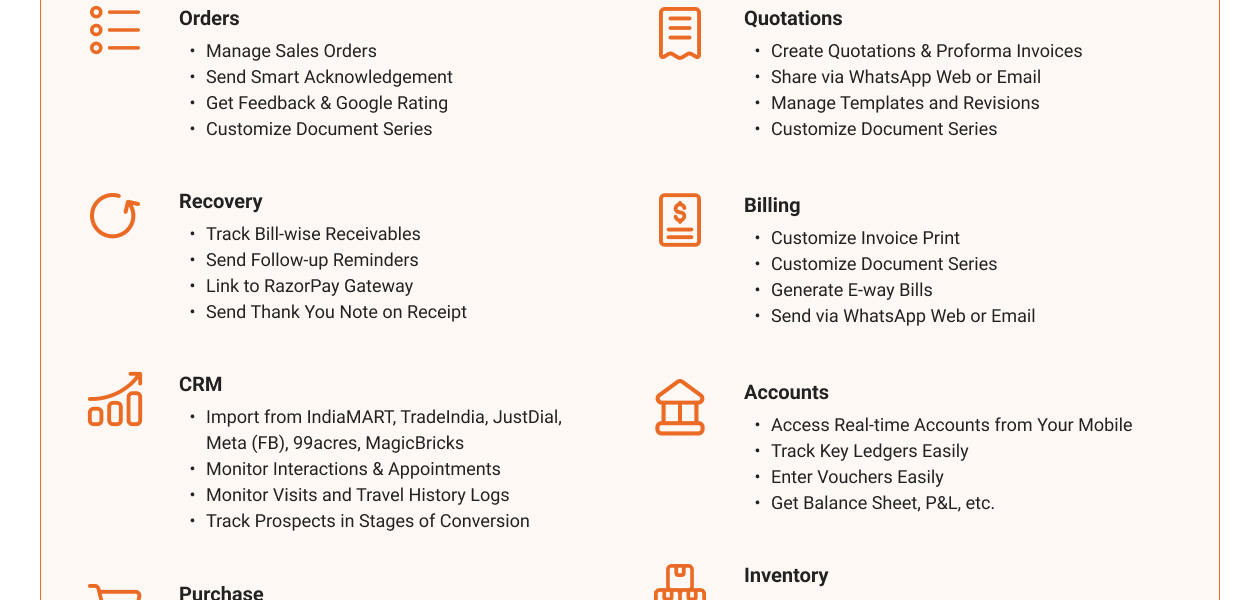
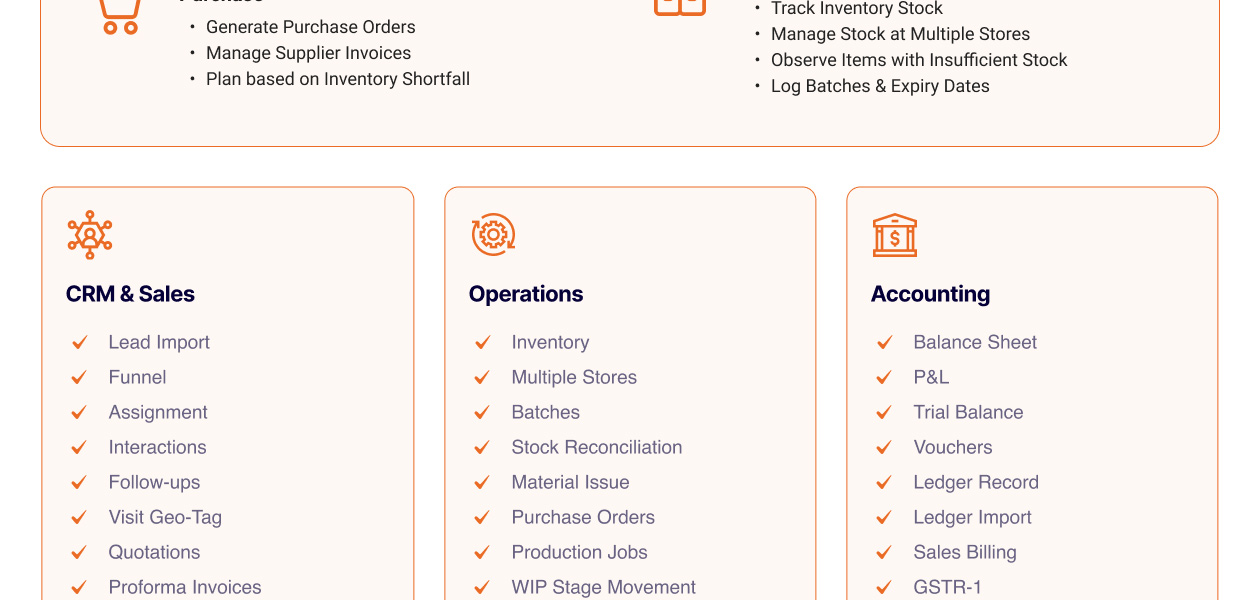
Biziverse ERP (Enterprise Resource Planning) system helps with order processing, creating quotations, billing and invoicing, etc. It's a complete solution for creating GST compliant invoices, managing all financial statements, tracking inventory, etc.
Biziverse ERP Tool regular updates are available free of cost. There are no hidden software update charges.
Biziverse ERP Tool used for Lead Management Order Processing, Billing, Accounts, Inventory, Manufacturing & more.
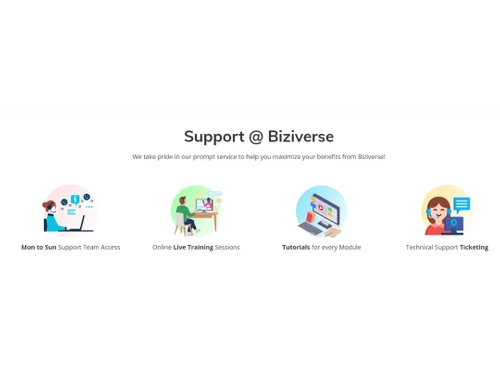
You can directly visit Biziverse ERP Tool portal and get in touch with Biziverse ERP Tool customer support for any software-related query.
Please contact our product experts to get Biziverse ERP Tool lifetime deal with exclusive offers.
Biziverse ERP (Enterprise Resource Planning) Software pricing starts at INR 10,000 at techjockey.com.
Using IndiaMart's 'Lead Manager Pull API,' leads can be imported into Biziverse every few minutes. This enables scheduled data retrieval at certain intervals, usually every five minutes for the best lead flow.
0 0
Biziverse uses its CRM and lead tracking features to alert you to pending follow-ups for raw leads. To make sure no lead is overlooked, it automatically reminds you and flags past-due follow-ups in your dashboard. For improved engagement, you can also efficiently arrange and rank raw leads using filters.
0 0
To import leads from Facebook (Meta) forms into Biziverse, follow the steps given below:
0 0
To apply filters to identify high-priority prospects in Biziverse, follow the steps given below:
0 0
Biziverse provides the ability to set up automated reminders and notify customers about outstanding invoices, enabling businesses to actively follow up on past-due payments using email, SMS alerts, and a centralized dashboard to monitor receivable balances. In the end, this decreases late payments and speeds up the collection process.
0 0
20,000+ Software Listed
Best Price Guranteed
Free Expert Consultation
2M+ Happy Customers
Terms and Condtions

Users with registered businesses can purchase goods from merchants on the platform to satisfy their business needs. Users are not permitted to utilize any products acquired through the platform for resale, advertising, business, or further distribution.
For each purchase made, users will receive a Tax Invoice (or 'GST invoice') that includes specific details such as:
the GSTIN of the user associated with their registered business, and
the specified Entity Name for their business.
It should be noted that not all products are eligible for GST Invoice. Only the products displayed by participating sellers with the 'GST-based Invoice Available' callout on the product description page would qualify.
Certain goods and services are not eligible to get a GST Invoice, including items with VAS, i.e., Value Added Services (e.g., Total Mobile Protection/Assured Buyback) and those involving an exchange offer at the time of purchase.
Users must ensure the accuracy of the GSTIN, and business entity name provided for the GST Invoice. Requests for corrections into GST Invoice would not be accommodated by Techjockey.com or any Seller, and any issues arising from user-provided information are the sole responsibility of users.
Techjockey.com is not liable for the GST Invoice or any associated input tax credit. To efficiently claim an input tax credit, users should select the registered place of business address as per the GST authority's data and follow the provisions of the GST Act and rules.
To claim an input tax credit, the delivery and billing addresses must match. Furthermore, input tax credits will not be granted if the delivery address and GSTIN on the invoice are from different states. In case of incorrect GST details provided during the order placement, the order will be canceled automatically.