 USA
USA UAE
UAESmall Business
Designed for startups and growing businesses


See More





Brand: Microsoft Corporation
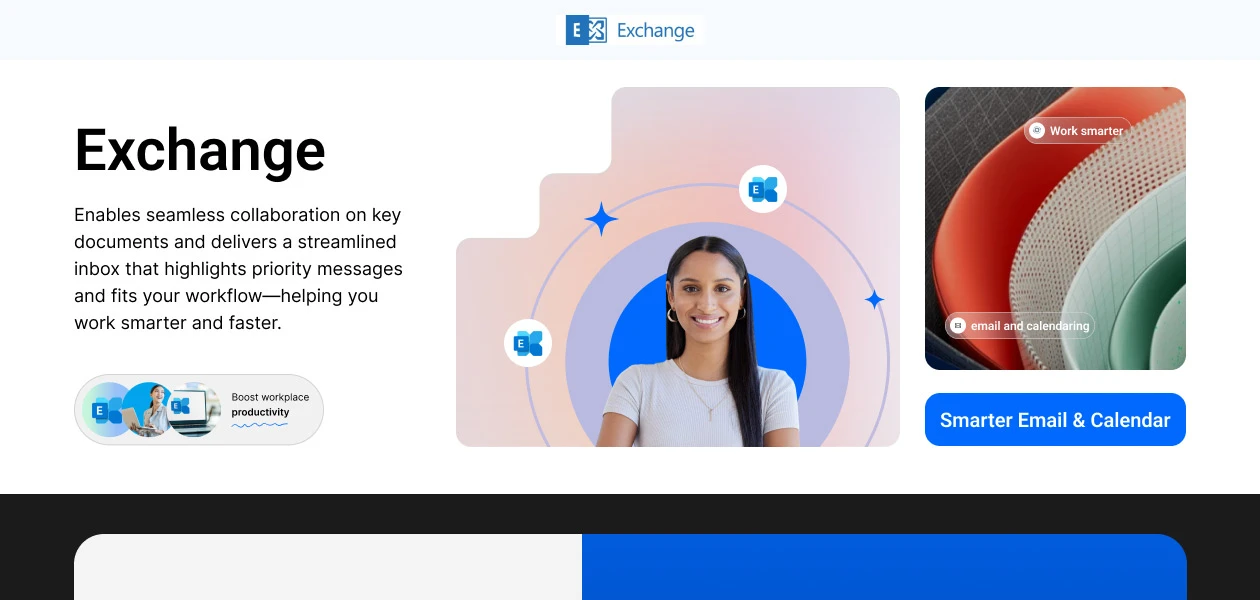
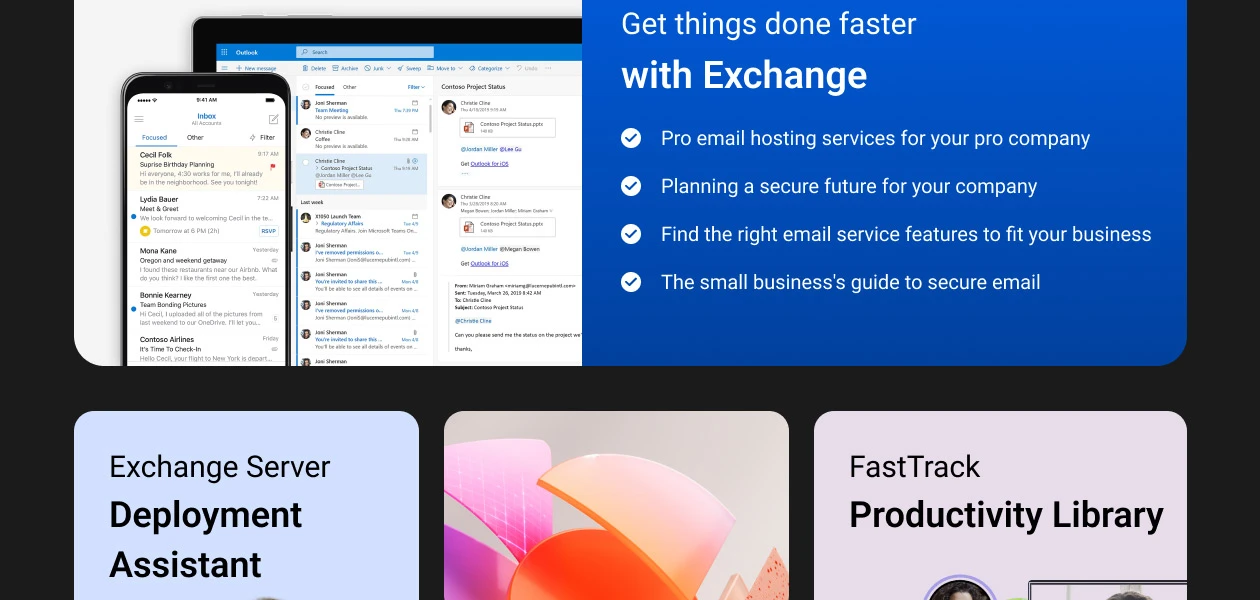
A smart and reliable email solution that helps businesses organize communication, collaborate on documents, and boost productivity with ease.
See MoreHave you used Microsoft Office Exchange Essentials before?
Share your insights for better experience
Brand: Microsoft Corporation
Founded Year: 1975
Microsoft Corporation is an American multinational technology company with headquarters in Redmond, Washington.
Looking for The Right Pricing?
Share your requirements and get a plan built around your business.
Price Available on Request
Get personalised Microsoft Office Exchange Essentials pricing that fits your needs. Our team will connect with you.
 Calendar Data Storage Anti Malware AntiSpam Web Protection Task Management Collaboration

Watch the demo video to explore key features, real workflows, and how the software fits your business needs.
 Ubuntu
  Windows
  Desktop
  Perpetual
Small Business
Designed for startups and growing businesses
Medium Business
Built for business growth and flexibility
Enterprises
Designed for complex and large-scale business needs
4.5
Out of 5

Overall Rating
Based on
15 Verified Reviews
Rating Breakdown
86% Recommend this Product
Add ReviewCustomers generally appreciate Microsoft Office Exchange Essentials for its seamless integration and collaboration capabilities, particularly with Teams and OneDrive, which enhance productivity for remote teams. Users also highlight the strong security features, such as multi-factor authentication and data loss prevention. However, some common concerns include the lack of advanced tools and automation, potential confusion with licensing, and limitations in the web version compared to desktop applications. Overall, it is viewed as a solid choice for small to medium-sized businesses, despite some noted complexities in setup and management.
Pros
"Desktop Outlook (standalone license) works with Business Basic mailbox"
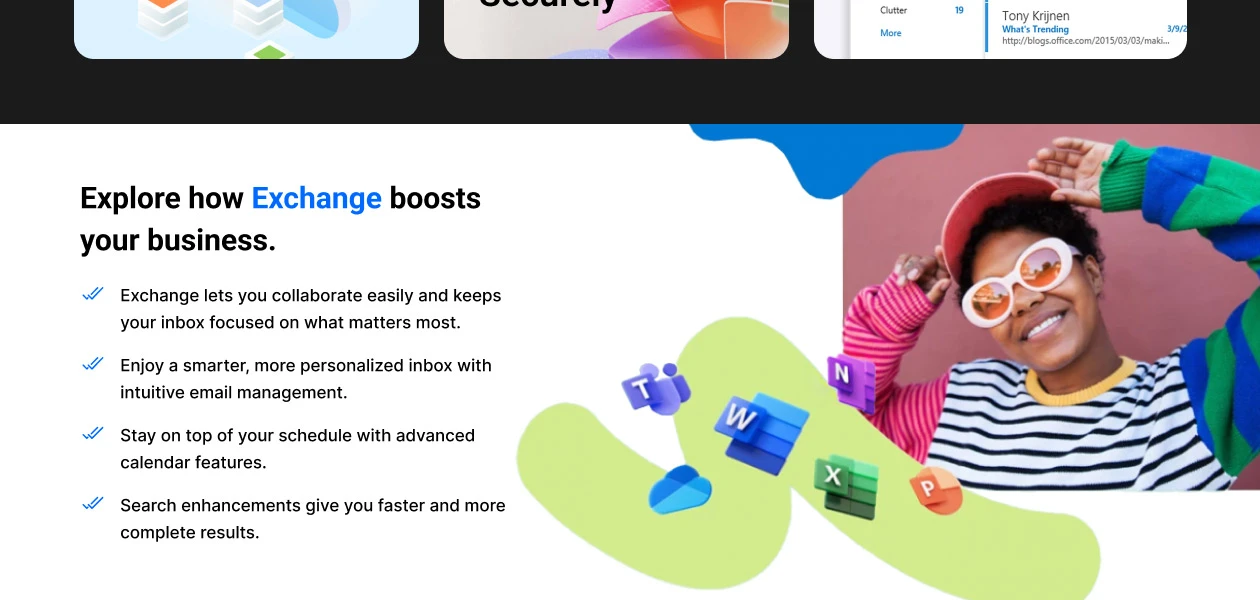
"Seamless integration between email, Teams, OneDrive, Excel web"
"Business plan provides professional email and SharePoint integration"
Cons
"No Defender or Intune included—need add-ons for advanced protection"
"Lacks automation (Power Automate), deployment tools (Intune/Defender)"
"There were occasional downtimes with Exchange Essentials that prompted me to have backup plans in place for uninterrupted work."

Apr 8, 2025
Techjockey Verified
“Great Collaboration Suite, But Basic for a Reason”
Our team lives in Teams and OneDrive, and everything syncs perfectly. If you're a small business, this is a fantastic starting point. That said, no automation or management bells—those only come in higher tiers.
Pros
Seamless integration between email, Teams, OneDrive, Excel web
Cons
Lacks automation (Power Automate), deployment tools (Intune/Defender)
Reason to switch
Outdated UI.
Apr 25, 2025
Techjockey Verified
“Outlook Desktop Still Works—Web is Priority”
I wondered if Outlook desktop would work—and it does, but only the classic version. The new Outlook app refuses to connect unless you upgrade.
Pros
Desktop Outlook (standalone license) works with Business Basic mailbox
Cons
New Outlook app isn’t supported
Reason to switch
Setting up and managing Outlook, especially when scaling across an entire organization, can be complex and require significant effort.
Feb 20, 2025
Techjockey Verified
“Business Features, Personal Account Confusion”
I added a Business Basic account alongside my personal Family subscription. Suddenly OneDrive and email began getting mixed across profiles—it’s a mess consolidating personal and business content.
Pros
Business plan provides professional email and SharePoint integration
Cons
Identity mix-ups if using personal and business accounts
Reason to switch
Too costly for personal use.

Microsoft Office Exchange Essentials
Price On Request
Desktop
Mobile
Web based
On Premises
Windows
Mac OS

Exchange Online Archiving
₹ 300
Desktop
Mobile
Web based
On Premises
Windows
Mac OS
SendGrid
Price On Request
Desktop
Mobile
Web based
On Premises
Windows
Mac OS
Salesforce Email Studio
Price On Request
Desktop
Mobile
Web based
On Premises
Windows
Mac OS

Privy
Price On Request
Desktop
Mobile
Web based
On Premises
Windows
Mac OS

Litmus
Price On Request
Desktop
Mobile
Web based
On Premises
Windows
Mac OS

PostyMan
₹ 2000
Desktop
Mobile
Web based
On Premises
Windows
Mac OS
Knak
Price On Request
Desktop
Mobile
Web based
On Premises
Windows
Mac OS

Mumara One
₹ 1390
Desktop
Mobile
Web based
On Premises
Windows
Mac OS

Zoho Campaigns
₹ 240
Desktop
Mobile
Web based
On Premises
Windows
Mac OS

Convertkit
Price On Request
Desktop
Mobile
Web based
On Premises
Windows
Mac OS
(2) Product(s) selected
Starting Price:
$20 /Month
Starting Price:
$30 /Month
Starting Price:
$500 /Month
Available
Price on Request
Starting Price:
$9

Starting Price:
$29

Starting Price:
$38 /Month

Starting Price:
$15 /Month

Starting Price:
$59 /month

Starting Price:
$5 /Month

Starting Price:
$29




Microsoft Office Exchange Essentials Email Marketing Tools is compatible with Ubuntu and Windows operating systems.
Microsoft Office Exchange Essentials Email Marketing Tools app is not available.
Microsoft Office Exchange Essentials Email Marketing Tools supports Perpetual.
Microsoft Office Exchange Essentials Email Marketing Tools pricing starts at Rs.91.67.
Microsoft Office Exchange Essentials Email Marketing Tools is typically used in All Industries.
Microsoft Office Exchange Essentials Email Marketing Tools demo is available for free at techjockey.
Microsoft Office Exchange Essentials Email Marketing Tools offers a free trial. However, the premium plan with advanced features available at Techjockey.
For Microsoft Office Exchange Essentials Email Marketing Tools installation, insert the given CD/USB flash storage in your system and open the Setup Wizard to get started.
Microsoft Office Exchange Essentials Email Marketing Tools helps with Calendar,Data Storage,Anti Malware and AntiSpam. It's a complete solution for Web Protection,Task Management and Collaboration.
20,000+ Software Listed
Best Price Guranteed
Free Expert Consultation
2M+ Happy Customers
Terms and Condtions

Users with registered businesses can purchase goods from merchants on the platform to satisfy their business needs. Users are not permitted to utilize any products acquired through the platform for resale, advertising, business, or further distribution.
For each purchase made, users will receive a Tax Invoice (or 'GST invoice') that includes specific details such as:
the GSTIN of the user associated with their registered business, and
the specified Entity Name for their business.
It should be noted that not all products are eligible for GST Invoice. Only the products displayed by participating sellers with the 'GST-based Invoice Available' callout on the product description page would qualify.
Certain goods and services are not eligible to get a GST Invoice, including items with VAS, i.e., Value Added Services (e.g., Total Mobile Protection/Assured Buyback) and those involving an exchange offer at the time of purchase.
Users must ensure the accuracy of the GSTIN, and business entity name provided for the GST Invoice. Requests for corrections into GST Invoice would not be accommodated by Techjockey.com or any Seller, and any issues arising from user-provided information are the sole responsibility of users.
Techjockey.com is not liable for the GST Invoice or any associated input tax credit. To efficiently claim an input tax credit, users should select the registered place of business address as per the GST authority's data and follow the provisions of the GST Act and rules.
To claim an input tax credit, the delivery and billing addresses must match. Furthermore, input tax credits will not be granted if the delivery address and GSTIN on the invoice are from different states. In case of incorrect GST details provided during the order placement, the order will be canceled automatically.



