USA
USA UAE
UAE
Microsoft Office 365 Business Basic
Whats great - Easy to use, Outlook email, Teams meetings and OneDrive cloud storage are very helpful. read more


![SoftMaker Office NX Universal - The best alternative to Microsoft Office [EN]](https://img.youtube.com/vi/HNLxGimynYM/default.jpg)


Brand: SoftMaker
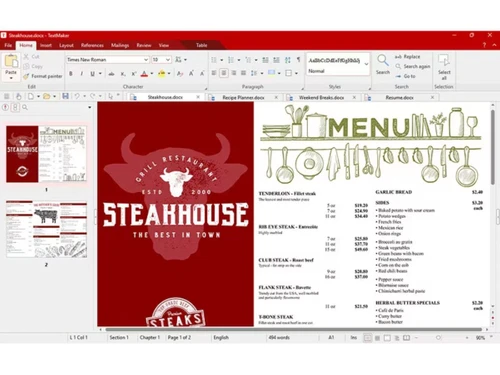
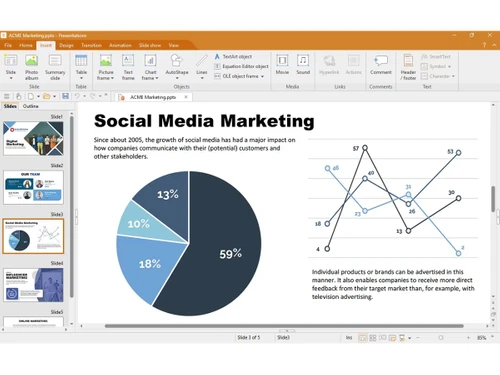
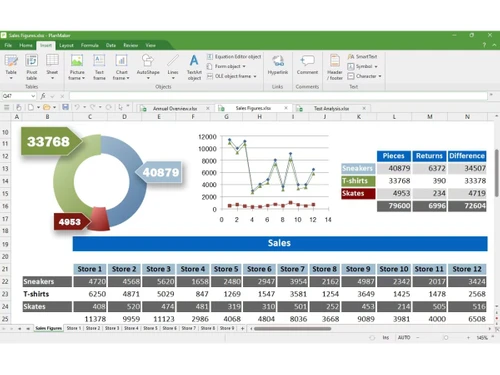
SoftMaker Office speaks the language of everyday productivity. Writing, calculating, and presenting all occur within a single, familiar environment.
See MoreHave you used SoftMaker Office before?
Share your insights for better experience
 Word Processing Spreadsheets Presentations Cross-Platform Support Native Office Formats Data Export Ribbon Customization Version History Translation Management Grammer & Spelling Checker Track Changes Formula Library Presenter View Font Embedding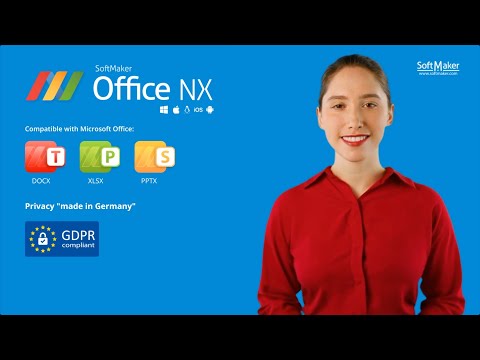

Watch the demo video to explore key features, real workflows, and how the software fits your business needs.
 Windows
  iOS
iOS  Android MacOS
  Linux
Linux  Desktop
  Mobile
  Tablet
  iPad
iPad  Perpetual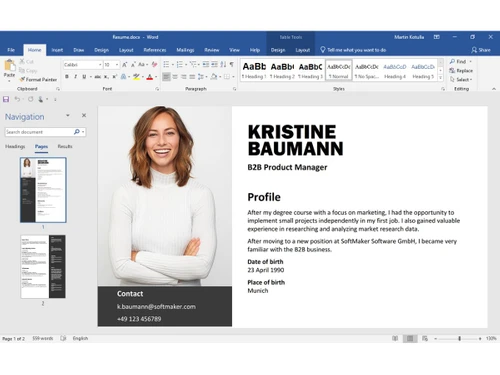
Techjockey Trusted Reviews from Verified Users
No reviews are currently available for SoftMaker Office. Discover similar Office Suites reviews
Microsoft Office 365 Business Basic
Whats great - Easy to use, Outlook email, Teams meetings and OneDrive cloud storage are very helpful. read more

WPS Office
Whats great - Compatibility: WPS Office offers excellent compatibility with Microsoft Office formats, ensuring seamless document exchange w... read more

Microsoft 365 For Education
Whats great - In my teaching journey with Microsoft 365's OneNote, I've witnessed an incredible transformation in how my students engage wi... read more
The pricing starts at USD 5.00 per month at techjockey.com. Final costs may vary based on features, deployment type, and the number of users.
Students, professionals, businesses, and office teams commonly use SoftMaker Office. It is essentially suitable for anyone creating documents, spreadsheets, and presentations.
Yes, SoftMaker Office offers fully functional mobile apps. They are available for both Android and iOS devices.
The platform is compatible with Windows, macOS, Linux, Android, and iOS. It works across both desktop and mobile platforms.
Yes, SoftMaker Office offers a free trial. Users can try it before purchasing.
SoftMaker Office lets users create documents, spreadsheets, and presentations. It also works with Microsoft Office file formats and exports files to PDF.
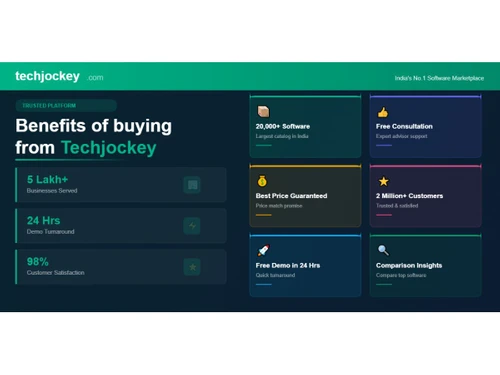
20,000+ Software Listed
Best Price Guranteed
Free Expert Consultation
2M+ Happy Customers
Terms and Condtions

Users with registered businesses can purchase goods from merchants on the platform to satisfy their business needs. Users are not permitted to utilize any products acquired through the platform for resale, advertising, business, or further distribution.
For each purchase made, users will receive a Tax Invoice (or 'GST invoice') that includes specific details such as:
the GSTIN of the user associated with their registered business, and
the specified Entity Name for their business.
It should be noted that not all products are eligible for GST Invoice. Only the products displayed by participating sellers with the 'GST-based Invoice Available' callout on the product description page would qualify.
Certain goods and services are not eligible to get a GST Invoice, including items with VAS, i.e., Value Added Services (e.g., Total Mobile Protection/Assured Buyback) and those involving an exchange offer at the time of purchase.
Users must ensure the accuracy of the GSTIN, and business entity name provided for the GST Invoice. Requests for corrections into GST Invoice would not be accommodated by Techjockey.com or any Seller, and any issues arising from user-provided information are the sole responsibility of users.
Techjockey.com is not liable for the GST Invoice or any associated input tax credit. To efficiently claim an input tax credit, users should select the registered place of business address as per the GST authority's data and follow the provisions of the GST Act and rules.
To claim an input tax credit, the delivery and billing addresses must match. Furthermore, input tax credits will not be granted if the delivery address and GSTIN on the invoice are from different states. In case of incorrect GST details provided during the order placement, the order will be canceled automatically.