 USA
USA UAE
UAE
Small Business
Designed for startups and growing businesses

See More





Brand: PeopleWorks
PeopleWorks Human Resource Management system maintains all the information of an employee's journey in an organization starting from recruitment, onboarding, transactional to exit. PeopleWorks HR management software helps in building a scalable process with automation to eliminate tedious and repetitive tasks. PeopleWorks facilitates leave and attendance management by automating the accrual of le...
See More
10+ people visited in last 30 minutes
Brand: PeopleWorks
Founded Year: 2000
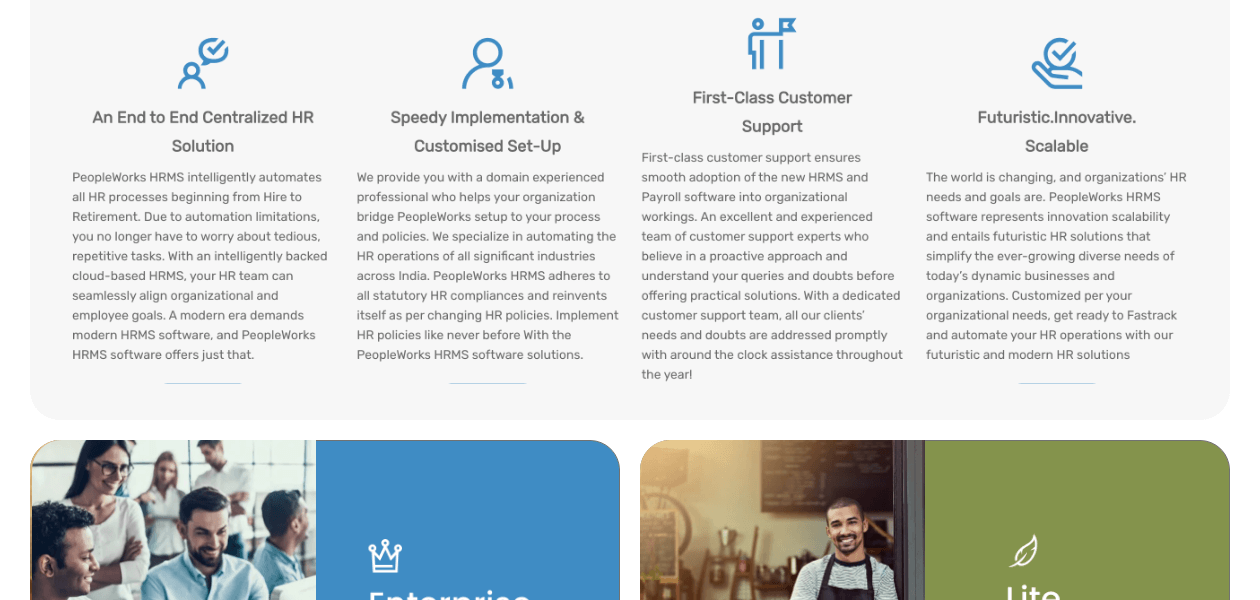
PeopleWorks is a complete cloud-based Human Resource Management Solution that streamlines HR process through automation.
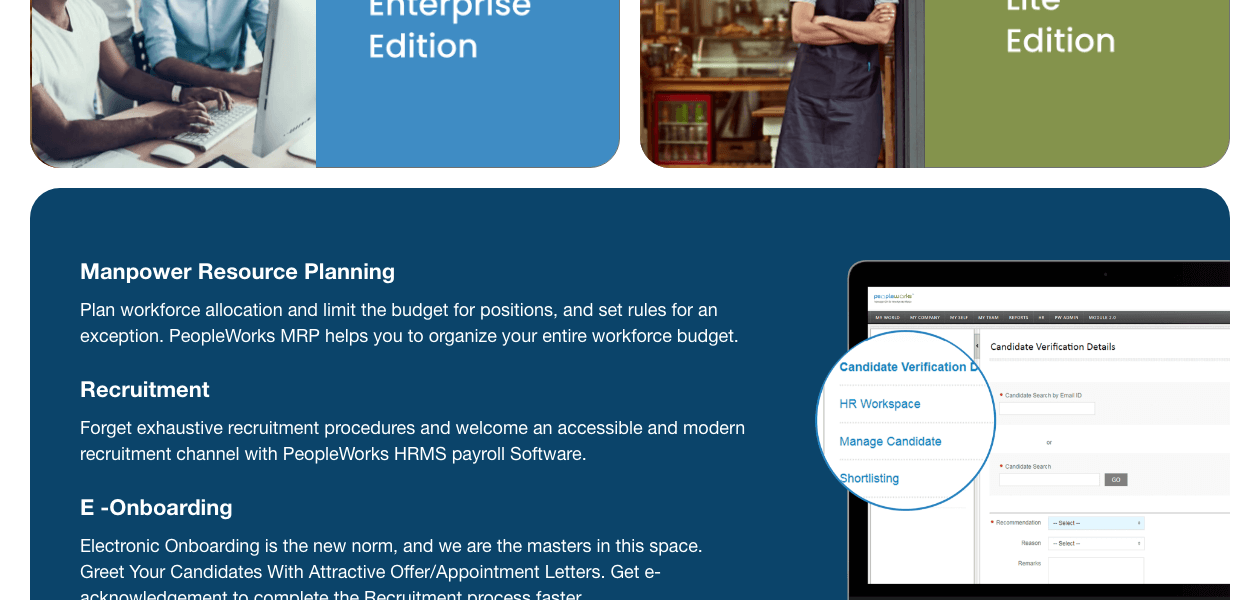
 Manpower Resource Planning Onboarding Geo Attendance Shift Roaster Timesheets Performance Management Training Management Probation to Confirmation Employee Database Management Employee Self Service Seperation Travel & Expenses Broadcast Survey Rewards & Recognition Reprimands Ex-Employee Portal Query management Asset Tracking Reports Dashboard & Analytics Recruitment Management Payroll Management Learning Management Attendance Management Leave Management

Watch the demo video to explore key features, real workflows, and how the software fits your business needs.
 Windows
  Desktop
  Cloud-Based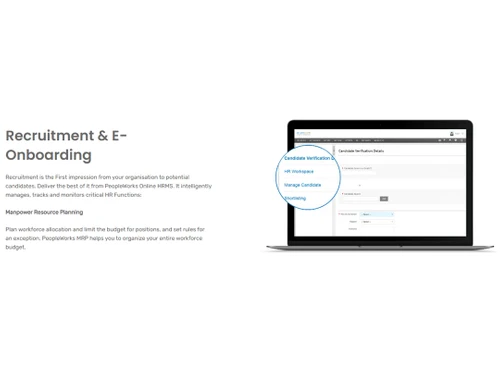

Small Business
Designed for startups and growing businesses
Medium Business
Built for business growth and flexibility
Enterprises
Designed for complex and large-scale business needs
4.8
Out of 5

Overall Rating
Based on
14 Verified Reviews
Rating Breakdown
94% Recommend this Product
Add ReviewCustomers generally express high satisfaction with PeopleWorks, highlighting its effectiveness in managing onboarding, payroll, and attendance tasks. Many appreciate the user-friendly interface and interactive dashboards, which enhance their workflow efficiency. However, users frequently mention a learning curve for new users and the absence of a mobile app and ATS feature as notable limitations. While the software is praised for its functionality, some users experience occasional lag and suggest improvements in customer service. Overall, it is regarded as a valuable tool for various business sizes.
Pros
"The software is useful for me in the onboarding process where I can collect and verify documents. I can also track the expenses and reimburse the required amount."
"Smoothly manages payroll attendance, multiple shifts and recruitment. It's an amazing software that fulfilled all my needs."
"PeopleWorks is an incredible software where I can easily integrate this software with other tools. You can easily exchange data and make reports."
Cons
"It took me some time to understand its features. There is a learning curve that people may find hard to understand."
"It should have an ATS feature which is a big requirement for the recruitment process and I also need it."
"The user interface needs to be more intuitive as I had problems working with it."

Feb 23, 2024
Techjockey Verified
“PeopleWorks is all-in-one software”
Pros
The software is useful for me in the onboarding process where I can collect and verify documents. I can also track the expenses and reimburse the required amount.
Cons
It should have a mobile app for easy access.
Reason to switch
We were not able to manage queries in this software.
Feb 23, 2024
Techjockey Verified
“Makes all the problems super easy”
Makes my work super easy, am using this quite a long time now.
Pros
Smoothly manages payroll attendance, multiple shifts and recruitment. It's an amazing software that fulfilled all my needs.
Cons
It took me some time to understand its features. There is a learning curve that people may find hard to understand.
Feb 23, 2024
Techjockey Verified
“PeopleWork’s integration features improved my work efficiency.”
Pros
PeopleWorks is an incredible software where I can easily integrate this software with other tools. You can easily exchange data and make reports.
Cons
The software can be difficult to use for new users.
Reason to switch
The software does not have security features.

PeopleWorks
₹ 5000.00 excl. GST
Desktop
Mobile
Web based
On Premises
Windows
Mac OS

ClusterHR
₹ 40
Desktop
Mobile
Web based
On Premises
Windows
Mac OS

Fix HR
₹ 600
Desktop
Mobile
Web based
On Premises
Windows
Mac OS

SignalHRM
₹ 648
Desktop
Mobile
Web based
On Premises
Windows
Mac OS

WeekMate
₹ 3999
Desktop
Mobile
Web based
On Premises
Windows
Mac OS

Spine HR
Price On Request
Desktop
Mobile
Web based
On Premises
Windows
Mac OS

TankhaPay
₹ 40
Desktop
Mobile
Web based
On Premises
Windows
Mac OS

WoCo
₹ 50
Desktop
Mobile
Web based
On Premises
Windows
Mac OS

Zfour HRMS
₹ 45
Desktop
Mobile
Web based
On Premises
Windows
Mac OS

Keka HR
Price On Request
Desktop
Mobile
Web based
On Premises
Windows
Mac OS

TruHR
₹ 2200
Desktop
Mobile
Web based
On Premises
Windows
Mac OS
(0) Product(s) selected
Starting Price:
₹40 /Month
Starting Price:
₹600 /Month ₹900
Starting Price:
₹3,999
Starting Price:
₹2,200 /Month

Starting Price:
₹49 /Month

Starting Price:
₹890 /Month
Starting Price:
₹5,000 /Month

Available
Price on Request

Starting Price:
₹1,499 /Month

Starting Price:
$49 /Month










Here is a step by step guideline to generate attendance report: 1. Open the software and go to ‘Myself.’ 2. Click on ‘My Attendance.’ 3. Go to ‘Attendance details.’ 4. Set the date range. 5. Click on ‘Create Report.’
These are the key features of PeopleWorks: Payroll processing, attendance management, leave management, compliance management, flexible benefits plan, income tax calculator and more.
es, you will get a free online demo of PeopleWorks at techjockey.com that will help in making the right decision.
Yes, PeopleWorks does provide data security options. It is meant to provide optimum data security to all its users.
PeopleWorks is scalable in all terms, whether it is database, the number of licensed users or features.
Yes, PeopleWorks allows you to generate leave reports of the entire organization in one go. a. Navigate through Reports > Leave > Leave Details. b. Go to the 'Leave Type' column and select the required leave types c. You can mention the specific date range by selecting the filter as 'Between'. d. Click on 'Create report'.
Go to My Self>> Others after PW login. Click Change Password. In the Old Password field, type the old password. In the New Password field, enter a new password of at least 8 characters. Re-enter new password in the Confirm password field. Click Save. To clear the fields anytime, click Cancel.
Check your connection. Make sure you enter accurate credentials. If there is a password issue, ask the administrator to reset it through Query Module. You will get an email notification. The administrator steps are: Go to PW Admin menu> Configuration> Reset password. In the reset password page, select All Employee from Filter Type drop down box and then Search. After choosing employee record, click Reset Password> OK.
For scheduling cost details for a training program, go to PW Admin menu> Training> Training admin. In training admin page, click Manage schedule. In the Costing column on the new page, click Costing. Choose the previously added schedule in the Previous schedule drop-down box to copy the costing details. Enter the planned and actual costs for all parameters in Costing Categories section. Click Save.
20,000+ Software Listed
Best Price Guranteed
Free Expert Consultation
2M+ Happy Customers
Terms and Condtions

Users with registered businesses can purchase goods from merchants on the platform to satisfy their business needs. Users are not permitted to utilize any products acquired through the platform for resale, advertising, business, or further distribution.
For each purchase made, users will receive a Tax Invoice (or 'GST invoice') that includes specific details such as:
the GSTIN of the user associated with their registered business, and
the specified Entity Name for their business.
It should be noted that not all products are eligible for GST Invoice. Only the products displayed by participating sellers with the 'GST-based Invoice Available' callout on the product description page would qualify.
Certain goods and services are not eligible to get a GST Invoice, including items with VAS, i.e., Value Added Services (e.g., Total Mobile Protection/Assured Buyback) and those involving an exchange offer at the time of purchase.
Users must ensure the accuracy of the GSTIN, and business entity name provided for the GST Invoice. Requests for corrections into GST Invoice would not be accommodated by Techjockey.com or any Seller, and any issues arising from user-provided information are the sole responsibility of users.
Techjockey.com is not liable for the GST Invoice or any associated input tax credit. To efficiently claim an input tax credit, users should select the registered place of business address as per the GST authority's data and follow the provisions of the GST Act and rules.
To claim an input tax credit, the delivery and billing addresses must match. Furthermore, input tax credits will not be granted if the delivery address and GSTIN on the invoice are from different states. In case of incorrect GST details provided during the order placement, the order will be canceled automatically.


