 USA
USA UAE
UAESmall Business
Designed for startups and growing businesses


See More





Brand: Sage Group plc
Stay on top of your finances with accounting software for small business. Automate invoices, track expenses, and manage cash flow easily!
See MoreHave you used Sage Accounting before?
Share your insights for better experience
Brand: Sage Group plc
Founded Year: 1981
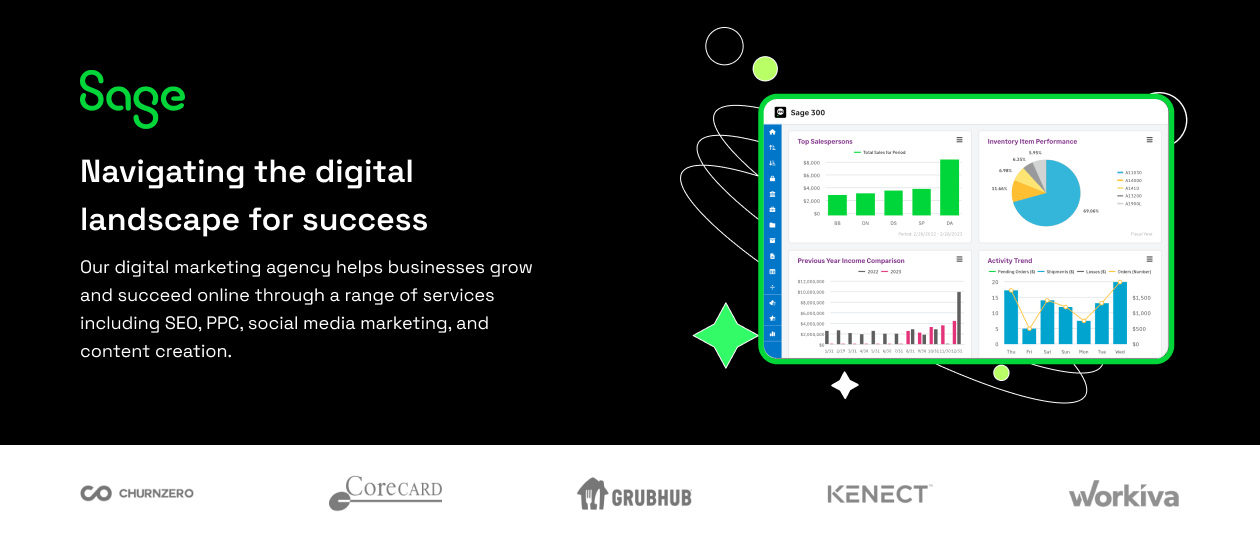
Sage provide businesses with software and services that are simple and easy to use, as we work with you to give you that feeling of confidence. Customers trust our Payroll, HR, and Finance software to make business flow with ease.
Looking for The Right Pricing?
Share your requirements and get a plan built around your business.
Price Available on Request
Get personalised Sage Accounting pricing that fits your needs. Our team will connect with you.
Core Functionalities
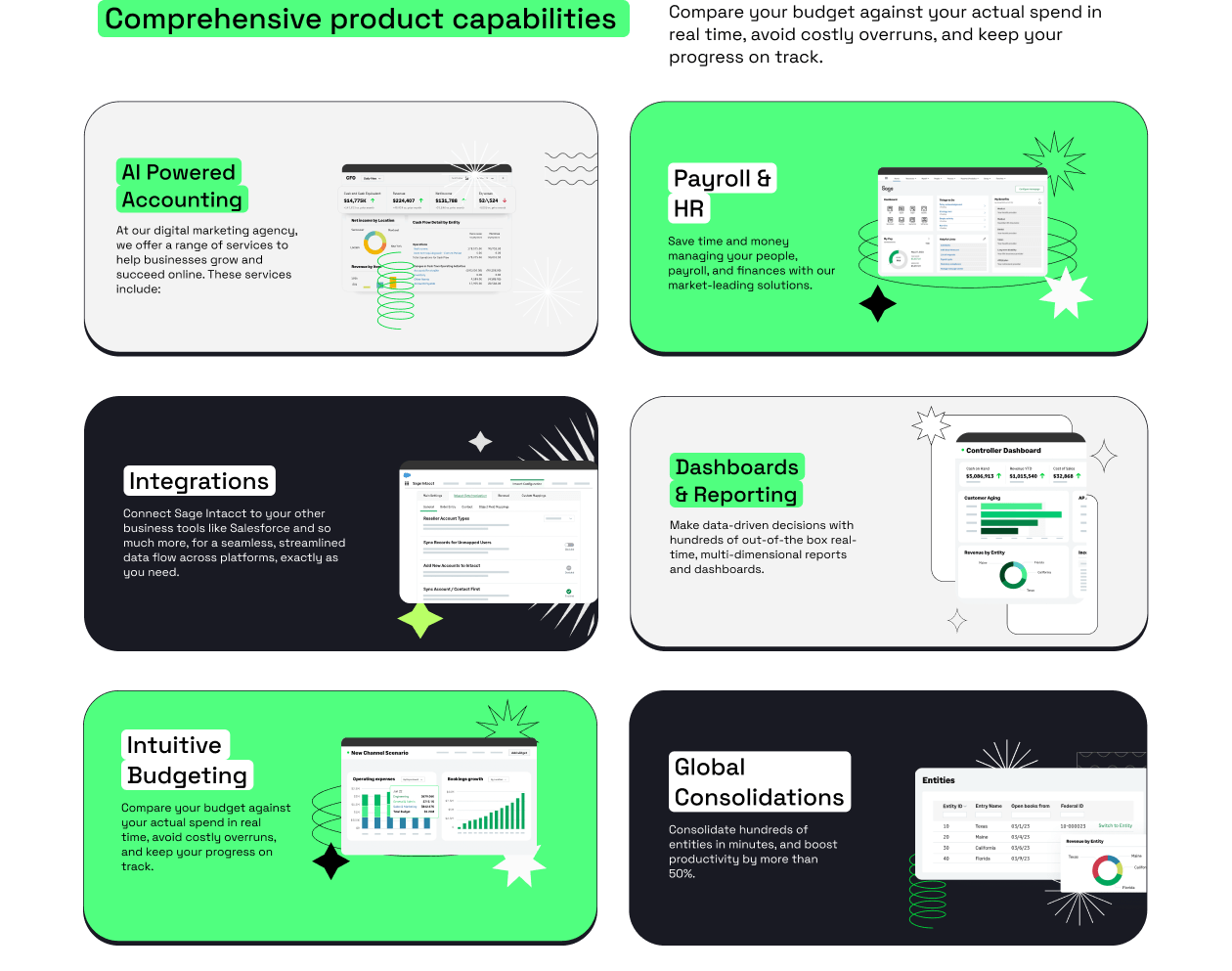
 Payroll Management Tax Management Asset Management Transaction Management Time & Expenses Management Accounts Payable Accounts Receivable General Ledger Quotation & Estimates Alerts & Notifications Bank Reconciliation Collection Management Credit / Debit Note Bookkeeping Capabilities Bank Settlement Fixed Asset Register (FAR) Management Gst Report Preparations Return Filings Tds Report Generations GST Input Reconciliations Variant Analysis Multi Currency Support Trial Balance Preparation Fund Accounting Cost Centres Batch Management Branch Management Broker Management Claims Management Document Management Sales Management Statutory Compliances Receipt Management
 Billing & Invoicing
Payment Processing Payment Tracking Invoice Processing Automatic Payment Reminders Bill Of Materials (BOM) E-Way Bill Generation Retail and Point of Sale
Retail Management Point of Sale (POS) Project and Workflow Management
Transaction Management Time & Expenses Management Workflow Management Project Accounting Facility Management Production Management Inventory and Supply Chain Management
Item Master Inventory Management Inventory Reconciliation Supply Chain Management Stock Management Barcode Scanning Vendor & Supplier Management Delivery Management Distribution Management Product Management Store Management Warehouse Management Sales and CRM
Quotation & Estimates CRM Capabilities Customer Management Order Management Loyalty Program Sales Management Financial Management
Cash and Bank Management Budgeting & Forecasting Revenue Management Cash Flow Management Net Worth Management Financial Planning & Analysis Fund Accounting Fund Planning Integrations Supported
Import / Export Management Analytics and Reporting
Profit Centers Profit & Loss Audit Management Gross Profit Ratio Analysis Net Profit Management Financial Accounting and Reporting Financial Statement Generation & Analysis Administrative Features
Self Service Portal Admin Controls Backup & Restore User Access Management Ledger Scrutiny Facility Management 

Watch the demo video to explore key features, real workflows, and how the software fits your business needs.
 Ubuntu
  Windows
  MacOS
MacOS  Linux
Linux  Desktop
  Mobile
  Tablet
  iPad
iPad  Cloud-Based
Small Business
Designed for startups and growing businesses
Medium Business
Built for business growth and flexibility
Enterprises
Designed for complex and large-scale business needs
4.2
Out of 5

Overall Rating
Based on
69 Verified Reviews
Rating Breakdown
86% Recommend this Product
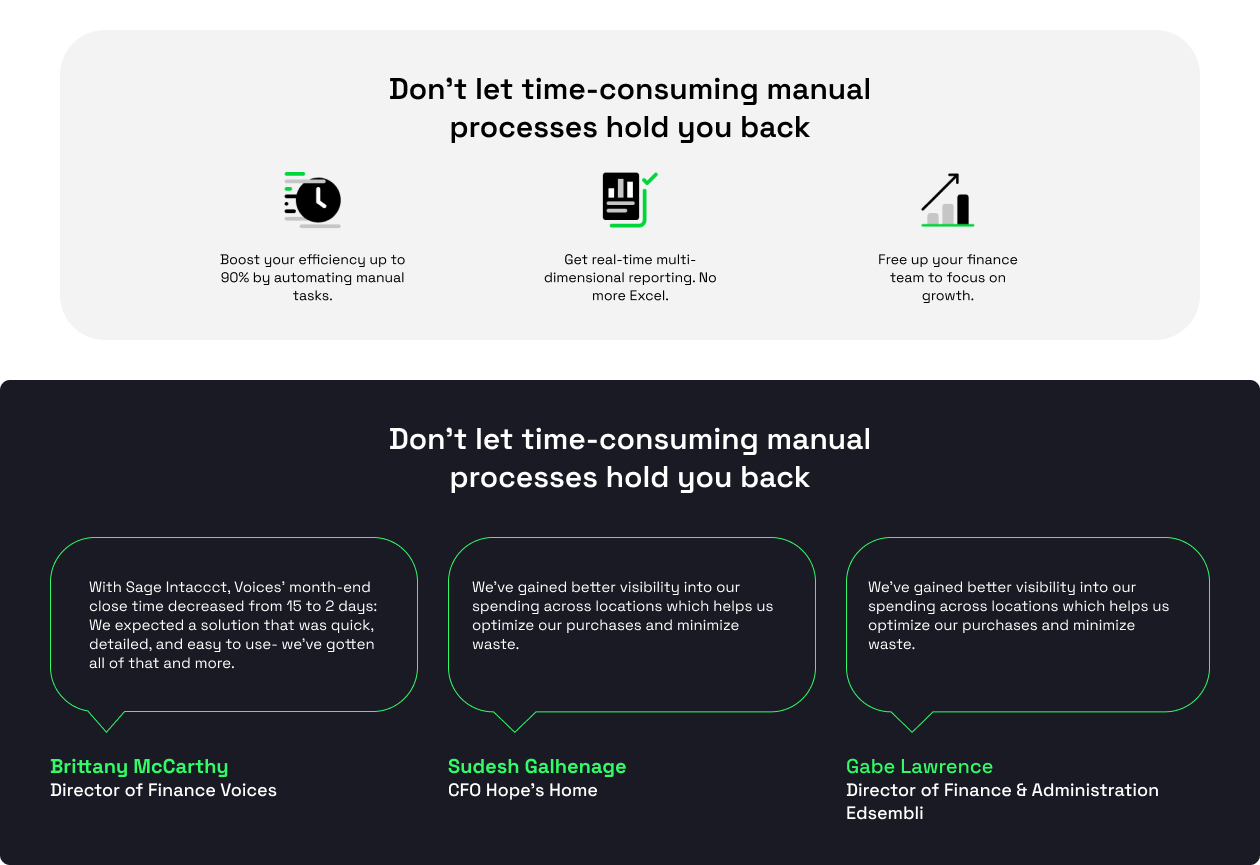
Add ReviewOverall, users appreciate Sage Accounting for its user-friendly interface, cloud accessibility, and robust reporting capabilities, making it particularly beneficial for small to medium-sized businesses. Many find it efficient for managing finances and invoicing, often highlighting its customization options. However, some users report challenges with implementation, occasional lag, and limitations in customer support. Additionally, the pricing is noted as a concern for smaller businesses, and certain features, like bank feed delays and attachment management, could use improvement.
Pros
"The customization options are fantastic, allowing us to tailor the software to our needs."
"The interface is much more user-friendly and feature-rich compared to Sage 50. It's easy to navigate and correct mistakes. Setting up new suppliers is straightforward."
"The impossibility of making modifications through a backdoor."
Cons
"Can Be Slow at Times: Some users report occasional lag, especially with large data sets."
"Implementation was challenging, and we had to hire a third-party company to set it up according to our industry needs."
"The attachments tab is clunky, and viewing attachments is not seamless. Downloading attachments directly from the vendor overview tab would be useful."


May 10, 2025
Techjockey Verified
“Easy to use and very helpful”
Pros
User-Friendly Interface: Clean and intuitive dashboard, easy for beginners and non-accountants. Sage Accounting has been a game-changer for my business. It’s simple to navigate, even for someone without an accounting background. From invoicing to expense tracking, everything is streamlined and efficient. It saves me time and gives me confidence that my finances are in order. Highly recommended for small businesses
Cons
Can Be Slow at Times: Some users report occasional lag, especially with large data sets.
Aug 1, 2024
Techjockey Verified
“Sage Accounting Transformed Our Business”
Sage Accounting excels in multi-entity management and integration, though the implementation process can be tough without expert help.
Pros
Managing multiple entities in one system is easy with Sage Accounting. It seamlessly integrates with corporate credit card and AP automation programs, speeding up the month-end close process.
Cons
Implementation was challenging, and we had to hire a third-party company to set it up according to our industry needs.
Reason to switch
Needed a solution that could handle multi-entity management more efficiently.
Aug 1, 2024
Techjockey Verified
“Review of Accounting 2024”
Sage Accounting offers a user-friendly search engine and robust reporting capabilities, though the attachments feature needs refinement.
Pros
The search engine is easy to use, helping find entries with just a few details. The variety of reports available is a major asset, especially for quickly locating specific items. Integration with tools like Captiva invoices in real-time is also a big plus.
Cons
The attachments tab is clunky, and viewing attachments is not seamless. Downloading attachments directly from the vendor overview tab would be useful.
Reason to switch
Needed better search functionality and robust reporting options.

Sage Accounting
Price On Request
Desktop
Mobile
Web based
On Premises
Windows
Mac OS

OneFinOps
₹ 14994
Desktop
Mobile
Web based
On Premises
Windows
Mac OS

Sage Intacct
Price On Request
Desktop
Mobile
Web based
On Premises
Windows
Mac OS
Busy Accounting Software
Price On Request
Desktop
Mobile
Web based
On Premises
Windows
Mac OS

TallyPrime
Price On Request
Desktop
Mobile
Web based
On Premises
Windows
Mac OS
LedgerX
Price On Request
Desktop
Mobile
Web based
On Premises
Windows
Mac OS

LedgerFlo
₹ 2999
Desktop
Mobile
Web based
On Premises
Windows
Mac OS
DualEntry
Price On Request
Desktop
Mobile
Web based
On Premises
Windows
Mac OS

Marg ERP 9+
Price On Request
Desktop
Mobile
Web based
On Premises
Windows
Mac OS
GBooks
Price On Request
Desktop
Mobile
Web based
On Premises
Windows
Mac OS

Stock And Account Book
₹ 7999
Desktop
Mobile
Web based
On Premises
Windows
Mac OS
(0) Product(s) selected
Starting Price:
₹14,994
Available
Price on Request
Starting Price:
₹750 /Month
Available
Price on Request
Starting Price:
₹2,999 /Year
Available
Price on Request
Available
Price on Request
Starting Price:
₹7,999 /Year

Starting Price:
₹699
Available
Price on Request

Available
Price on Request




Sage Accounting Software is compatible with Windows operating systems.
Sage Accounting Software app is not available.
Sage Accounting Software supports Web-Based.
Sage Accounting Software is typically used in All Industries.
Sage Accounting demo is available for free at Techjockey.
Sage Accounting Accounting Software offers a free trial. However, the premium plan with advanced features available at Techjockey.
For Sage Accounting installation, insert the given CD/USB flash storage in your system and open the Setup Wizard to get started. The web-based version can be accessed directly through Sage Accounting portal.
Sage Accounting Accounting Software helps with Invoicing,Payment Options,Track Expenses and Reporting. It's a complete solution for Bank Reconciliation,Billing,Account Payable and Stock Management.
Sage Accounting regular updates are available free of cost. There are no hidden software update charges.
Sage Accounting Accounting Software used for Invoicing,Payment Options,Track Expenses and Reporting.
You can directly visit Sage Accounting portal and get in touch with Sage Accounting customer support for any software-related query.
Please contact our product experts to get Sage Accounting lifetime deal with exclusive offers.
To update VAT in Sage, follow the steps given below:
0 0
In Sage, you can use one template for unlimited invoices, but you must select the template manually if you switch between different styles.
1 0
To create a custom invoice template in Sage, follow the steps given below:
1 0
Sage accounting software is an accounting solution that enables small businesses to easily manage their accounting, invoicing, expenses, cash flow, inventory, and financial reporting. In addition, it allows users to submit their tax returns online and be tax-compliant.
0 0
Sage 50, or Peachtree, is a comprehensive accounting platform for small to medium-sized businesses. It provides a range of important features to help businesses manage their finances, payroll, inventory, taxes, and various business operations.
0 0
20,000+ Software Listed
Best Price Guranteed
Free Expert Consultation
2M+ Happy Customers
Terms and Condtions

Users with registered businesses can purchase goods from merchants on the platform to satisfy their business needs. Users are not permitted to utilize any products acquired through the platform for resale, advertising, business, or further distribution.
For each purchase made, users will receive a Tax Invoice (or 'GST invoice') that includes specific details such as:
the GSTIN of the user associated with their registered business, and
the specified Entity Name for their business.
It should be noted that not all products are eligible for GST Invoice. Only the products displayed by participating sellers with the 'GST-based Invoice Available' callout on the product description page would qualify.
Certain goods and services are not eligible to get a GST Invoice, including items with VAS, i.e., Value Added Services (e.g., Total Mobile Protection/Assured Buyback) and those involving an exchange offer at the time of purchase.
Users must ensure the accuracy of the GSTIN, and business entity name provided for the GST Invoice. Requests for corrections into GST Invoice would not be accommodated by Techjockey.com or any Seller, and any issues arising from user-provided information are the sole responsibility of users.
Techjockey.com is not liable for the GST Invoice or any associated input tax credit. To efficiently claim an input tax credit, users should select the registered place of business address as per the GST authority's data and follow the provisions of the GST Act and rules.
To claim an input tax credit, the delivery and billing addresses must match. Furthermore, input tax credits will not be granted if the delivery address and GSTIN on the invoice are from different states. In case of incorrect GST details provided during the order placement, the order will be canceled automatically.



