USA
USA UAE
UAE
Small Business
Designed for startups and growing businesses


See More



Brand: SalaryBox
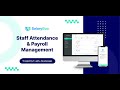
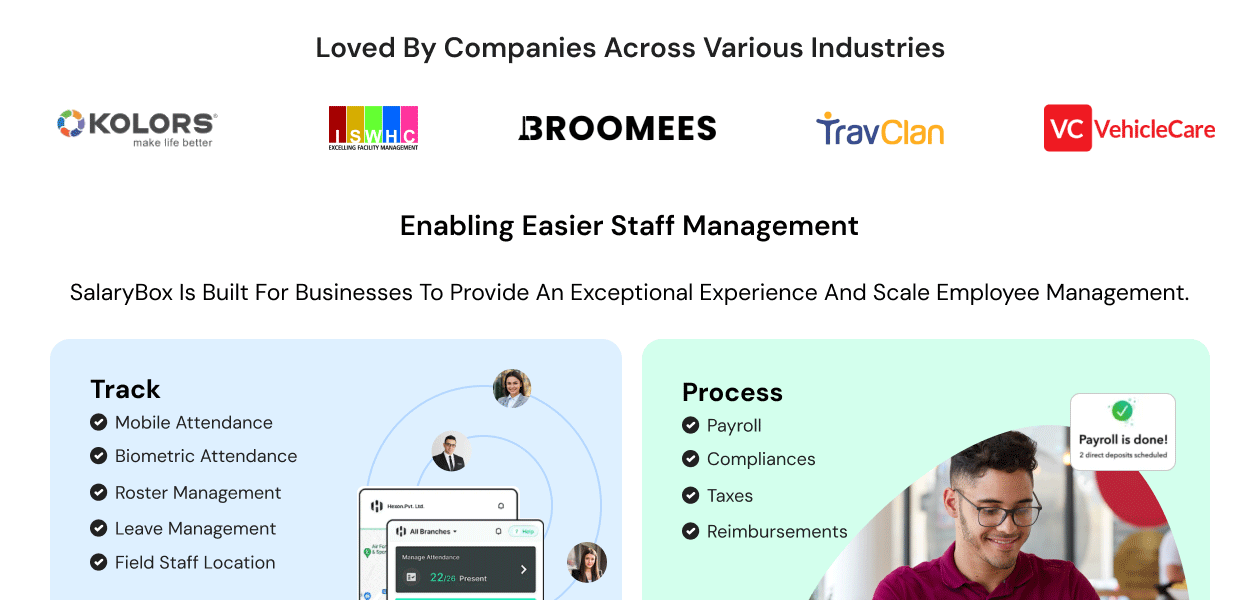
SalaryBox is an HR software that simplifies tasks like attendance tracking, payroll management, and compliance.
See MoreHave you used SalaryBox before?
Share your insights for better experience
Brand: SalaryBox
Founded Year: 2020
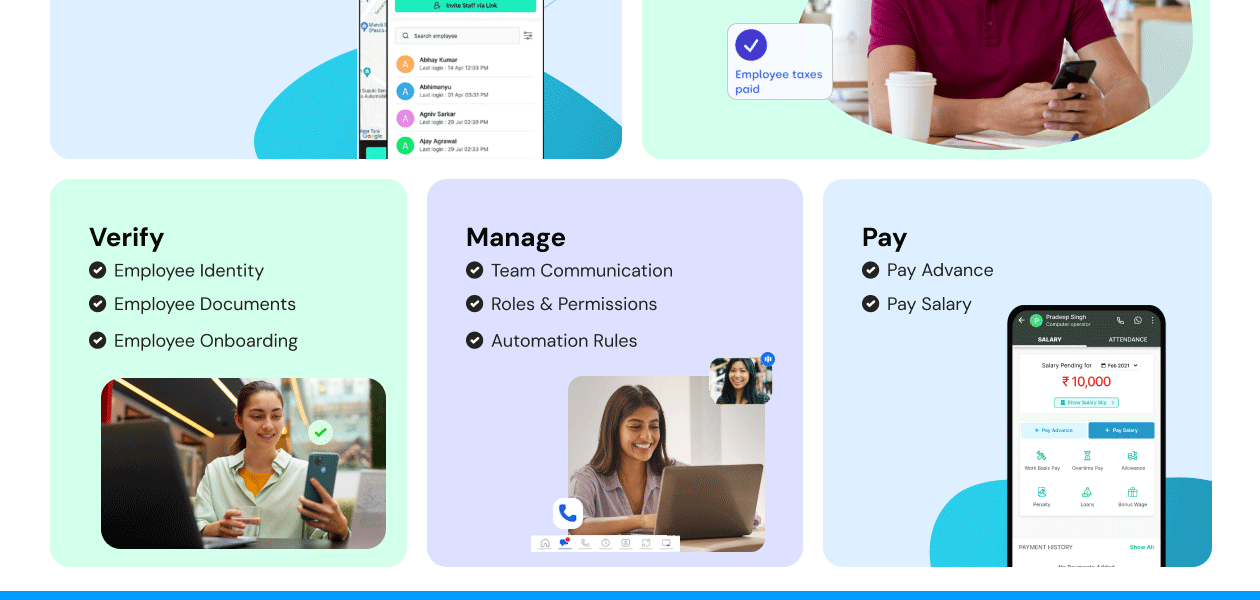
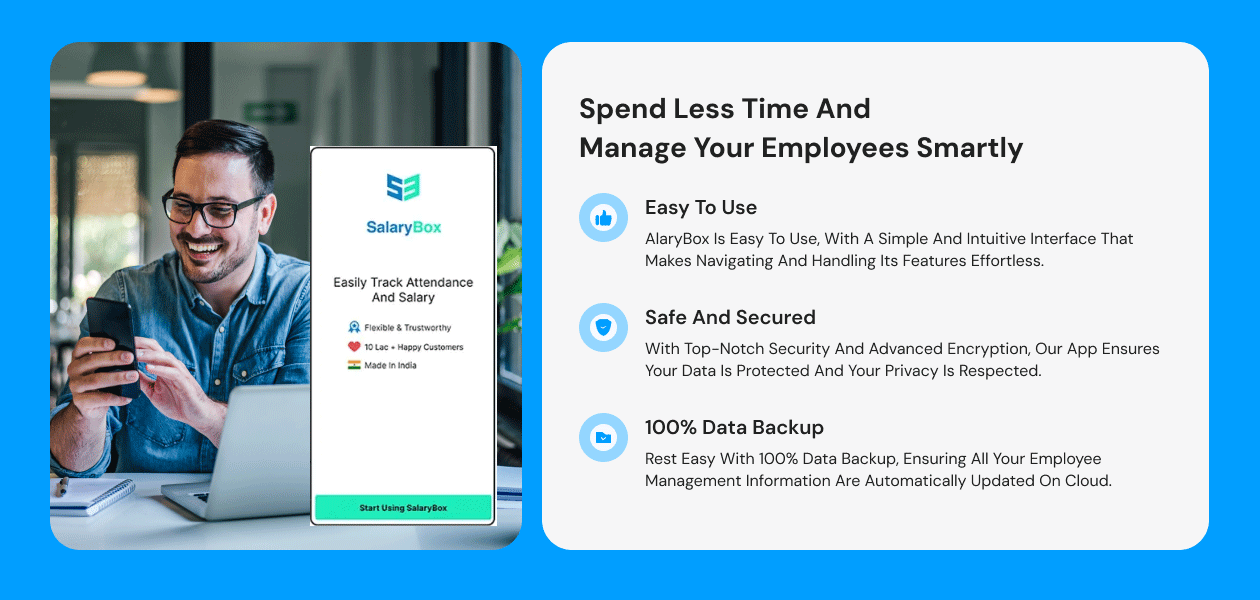
SalaryBox is an employee attendance and payroll management solution that helps businesses manage employee attendance, track leaves, and one-click payroll management. Managers can also handle shifts and the calculation of salaries via a unified platform.
 GPS Geofence Control Live Location Tracking Biometric Machine Sync Bulk Staff Onboarding Attendance Management Leave Management Payroll Management HR Management Salary Management Salary Slips & Reports Seamless Communication Dashboard Geofencing Shift Management Analytics & Reporting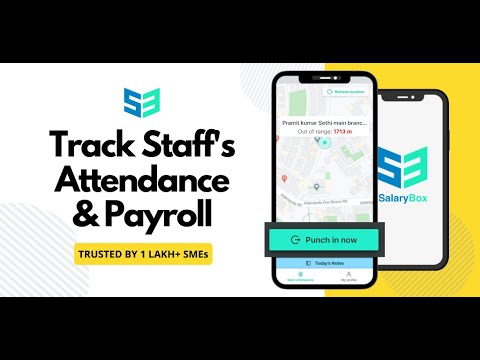

Watch the demo video to explore key features, real workflows, and how the software fits your business needs.
 Ubuntu
  Windows
  iOS
iOS  Android MacOS
  Linux
Linux  Desktop
  Mobile
  Tablet
  iPad
iPad  Cloud-Based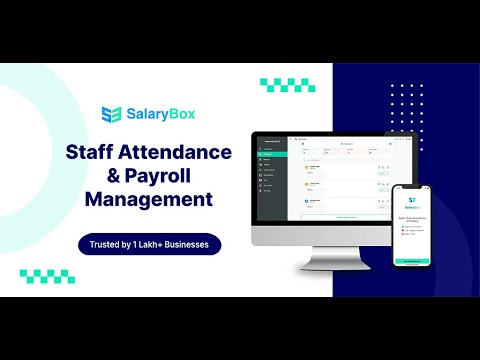
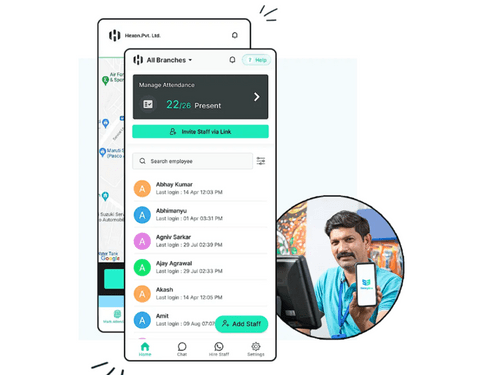
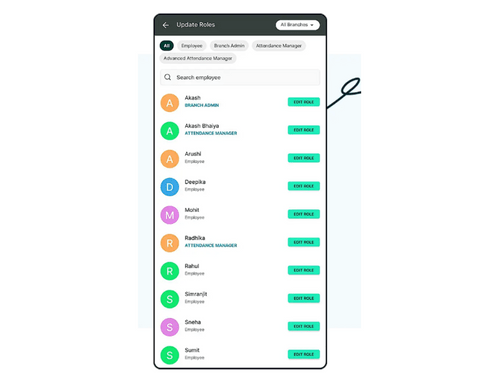
Small Business
Designed for startups and growing businesses
Medium Business
Built for business growth and flexibility
Enterprises
Designed for complex and large-scale business needs
4.2
Out of 5

Overall Rating
Based on
24 Verified Reviews
Rating Breakdown
81% Recommend this Product
Add ReviewOverall, customer sentiment towards SalaryBox is predominantly positive, highlighting its user-friendly interface, effective payroll automation, and exceptional customer support. Users appreciate the software's ability to streamline attendance tracking and payroll processes, making HR tasks more efficient. However, there are notable concerns regarding the reliability of customer support and certain advanced features, with some users reporting frustrations related to system malfunctions and slow responses. While many recommend SalaryBox for its affordability and ease of use, a few users express dissatisfaction with the service quality and functionality, suggesting potential buyers consider these mixed experiences.


Sep 15, 2025
Techjockey Verified
“Streamlined HR Management Made Simple”
SalaryBox provides a centralized employee database covering personal, professional, and payroll details. It streamlines attendance and leave tracking, automates payroll with tax and compliance, and supports recruitment through job postings, candidate management, and smooth onboarding. Performance goals, evaluations, and analytics are built in, along with customizable HR reports for better insights. Employees also benefit from a self-service portal to access payslips, request leaves, and update profiles with ease.
Pros
SalaryBox offers a user-friendly interface with smooth navigation and cloud-based access for remote HR tasks. It reduces paperwork and administrative load while remaining scalable and customizable to business needs. Strong support and training also make adoption easier.
Cons
Some advanced features take time to master, and initial setup or data migration can feel lengthy. In addition, certain integrations may involve extra costs or require technical know-how.
Reason to switch
SalaryBox simplifies HR by maintaining a unified employee database that stores personal, payroll, and professional details. It automates attendance and leave tracking, manages payroll with accurate tax handling and compliance, and supports hiring with job postings, candidate monitoring, and seamless onboarding. Performance reviews, goal-setting, and analytics are built in, while customizable reports provide clear workforce insights. Employees also get a self-service portal to download payslips, submit leave requests, and update their profiles independently.
Dec 2, 2025
Techjockey Verified
“A Simple, Powerful, and Affordable Attendance Solution”
SalaryBox has made attendance, payroll, and staff management incredibly easy for our team. The intuitive interface and automation features have significantly reduced our manual work.
Pros
SalaryBox truly stands out for its simplicity and practical features. The attendance tracking is very accurate, especially with GPS and selfie verification, making it ideal for on-field and distributed teams. The automated payroll feature saves hours of manual calculation and ensures salary accuracy every month. I also like its clean interface—employees quickly understood how to use it. The customer support team is highly responsive and resolves most issues instantly. Overall, it delivers excellent value for money, especially for small and medium-sized businesses.
Cons
While SalaryBox works smoothly, there are a few areas where it could improve. The app could benefit from more advanced analytics and customizable reports for deeper insights. Sometimes, real-time syncing can take a little longer in low-network areas, which affects attendance updates. A desktop version with full functionality would also make management easier for HR teams that prefer working on larger screens. Additionally, integrating more third-party apps—like accounting and HRMS tools—would make the platform even more powerful for growing businesses.
Reason to switch
SalaryBox has streamlined my daily HR and attendance-related tasks significantly. It automates employee attendance tracking, shift management, and payroll calculations, which saves a lot of manual effort and reduces the chances of errors. The real-time attendance insights help me monitor staff activity easily, even for field employees. Overall, it has simplified routine administrative work and allows me to focus more on important operational tasks instead of paperwork.
Dec 11, 2025
Techjockey Verified
“Great Value for Money and Helpful Support”
SalaryBox has been a practical and affordable solution for our business. The pricing is very reasonable compared to other HR tools, and it still offers all the important features we need. What I liked the most is the support team—they respond quickly and actually help you solve the problem instead of giving generic replies. The app is easy to understand, attendance marking works smoothly, and payroll gets calculated without errors. Overall, it’s been a useful tool for our team.
Pros
The biggest advantage of SalaryBox is its pricing. It fits perfectly within our budget while still giving us all the core features we need. The app is simple to use, even for team members who are not very tech-savvy. Attendance tracking is accurate, and payroll processing is fast. Their customer support team is another major plus, they are polite, quick to respond, and genuinely helpful whenever we reach out. Overall, it offers great value for the money we spend.
Cons
There are a few small areas where the experience could be even better. Some features could be more customizable, especially for businesses with specific HR policies. A bit more automation in certain processes would also save extra time. It would also help to have more in-app tutorials or guides for new users. These aren’t major problems, but improving them would make the app even more smooth and complete.
Reason to switch
The product helps me complete my daily HR tasks much faster. Attendance, payroll, and employee updates are all in one place, so I don’t have to switch between different tools. It saves time and reduces mistakes.

SalaryBox
Price On Request
Desktop
Mobile
Web based
On Premises
Windows
Mac OS
PagarBook
₹ 499
Desktop
Mobile
Web based
On Premises
Windows
Mac OS
PayWise
₹ 300
Desktop
Mobile
Web based
On Premises
Windows
Mac OS

Zoho Payroll
₹ 1250
Desktop
Mobile
Web based
On Premises
Windows
Mac OS
ADP Vista
Price On Request
Desktop
Mobile
Web based
On Premises
Windows
Mac OS

QuickBooks Payroll
Price On Request
Desktop
Mobile
Web based
On Premises
Windows
Mac OS

RazorpayX Payroll
₹ 29988
Desktop
Mobile
Web based
On Premises
Windows
Mac OS

Papaya Global
Price On Request
Desktop
Mobile
Web based
On Premises
Windows
Mac OS

UnboxPayroll
₹ 2000
Desktop
Mobile
Web based
On Premises
Windows
Mac OS

HivePayroll
₹ 1499
Desktop
Mobile
Web based
On Premises
Windows
Mac OS

SPIKYARC Payroll
Price On Request
Desktop
Mobile
Web based
On Premises
Windows
Mac OS
(0) Product(s) selected
Available
Price on Request
Starting Price:
$15
Available
Price on Request

Available
Price on Request
Starting Price:
₹10 /Month

Starting Price:
₹25 /Month

Starting Price:
$25 /Employee/Month

Available
Price on Request

Starting Price:
$39 /Month





Yes, the SalaryBox app prioritizes security measures to ensure the safety of user data and transactions.
SalaryBox supports Windows, iOS, Android, and Windows(Phone).
The SalaryBox price in India starts at INR 10,000 at techjockey.com.
SalaryBox offers flexible integration capabilities, allowing seamless integration with other tools and systems to create a cohesive ecosystem.
A free demo of SalaryBox is available at techjockey.com.
SalaryBox Software is not available for free. You can connect with our product experts to learn more about the pricing plans.
Yes, SalaryBox provides mobile attendance tracking and other features accessible via its mobile app, ensuring flexibility and convenience for both employers and employees.
SalaryBox software automates various HR processes, including attendance tracking, leave management, payroll processing, and communication, streamlining operations for efficient salary management.
20,000+ Software Listed
Best Price Guranteed
Free Expert Consultation
2M+ Happy Customers
Terms and Condtions

Users with registered businesses can purchase goods from merchants on the platform to satisfy their business needs. Users are not permitted to utilize any products acquired through the platform for resale, advertising, business, or further distribution.
For each purchase made, users will receive a Tax Invoice (or 'GST invoice') that includes specific details such as:
the GSTIN of the user associated with their registered business, and
the specified Entity Name for their business.
It should be noted that not all products are eligible for GST Invoice. Only the products displayed by participating sellers with the 'GST-based Invoice Available' callout on the product description page would qualify.
Certain goods and services are not eligible to get a GST Invoice, including items with VAS, i.e., Value Added Services (e.g., Total Mobile Protection/Assured Buyback) and those involving an exchange offer at the time of purchase.
Users must ensure the accuracy of the GSTIN, and business entity name provided for the GST Invoice. Requests for corrections into GST Invoice would not be accommodated by Techjockey.com or any Seller, and any issues arising from user-provided information are the sole responsibility of users.
Techjockey.com is not liable for the GST Invoice or any associated input tax credit. To efficiently claim an input tax credit, users should select the registered place of business address as per the GST authority's data and follow the provisions of the GST Act and rules.
To claim an input tax credit, the delivery and billing addresses must match. Furthermore, input tax credits will not be granted if the delivery address and GSTIN on the invoice are from different states. In case of incorrect GST details provided during the order placement, the order will be canceled automatically.