USA
USA UAE
UAESmall Business
Designed for startups and growing businesses


See More



Brand: Troop
It is a secure business communication and collaboration platform that is designed to streamline workplace communication and enhance team productivity.
See MoreHave you used Troop Messenger before?
Share your insights for better experience
Brand: Troop
Founded Year: 2019
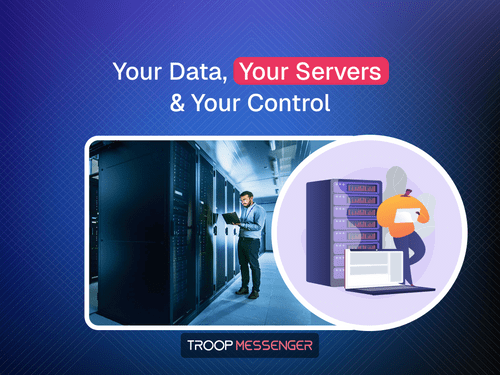
Troop Messenger is a secure enterprise team communication and collaboration platform that enables businesses to streamline workplace messaging, audio/video calls, file sharing, screen sharing, and productivity with advanced security and AI-powered feature
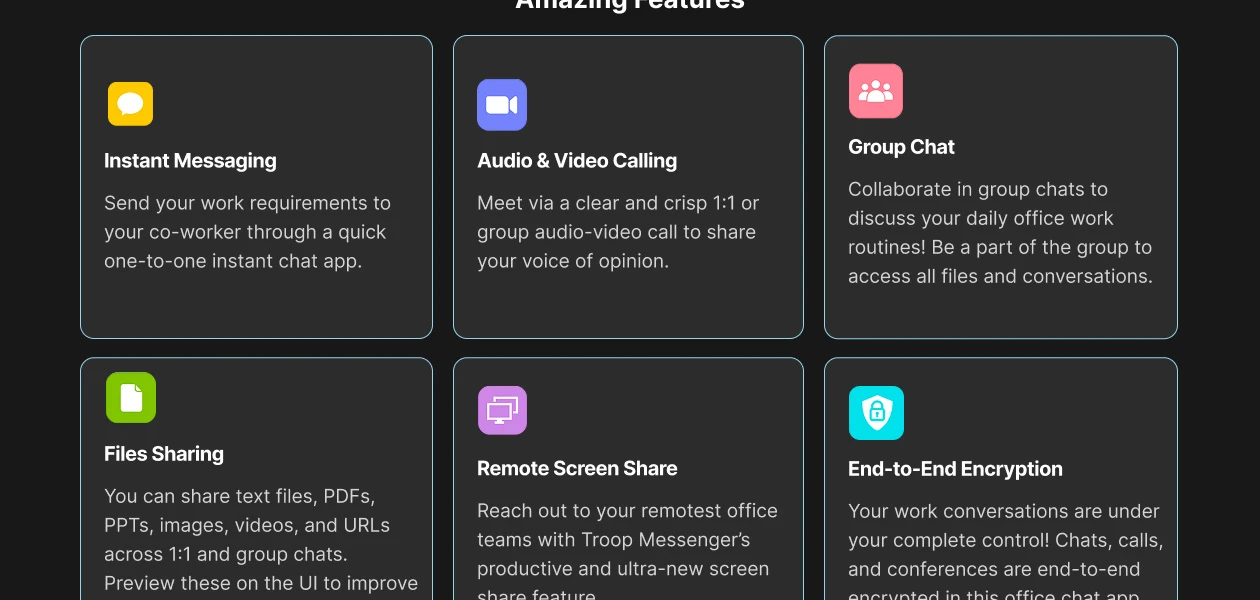
 Messages Reply/Forwarding Private & Group Chat File Sharing Advance Global Search Filters Splashboard Live Tracking Analytics Video and Audio calling Delete & Recall Image Editing Email/Live Chat Support Mute Conversations Screen Sharing Data Record Dedicated Account Manager Dropbox/ Google Drive Alerts & Notifications Burnout Risk Insights Instant messaging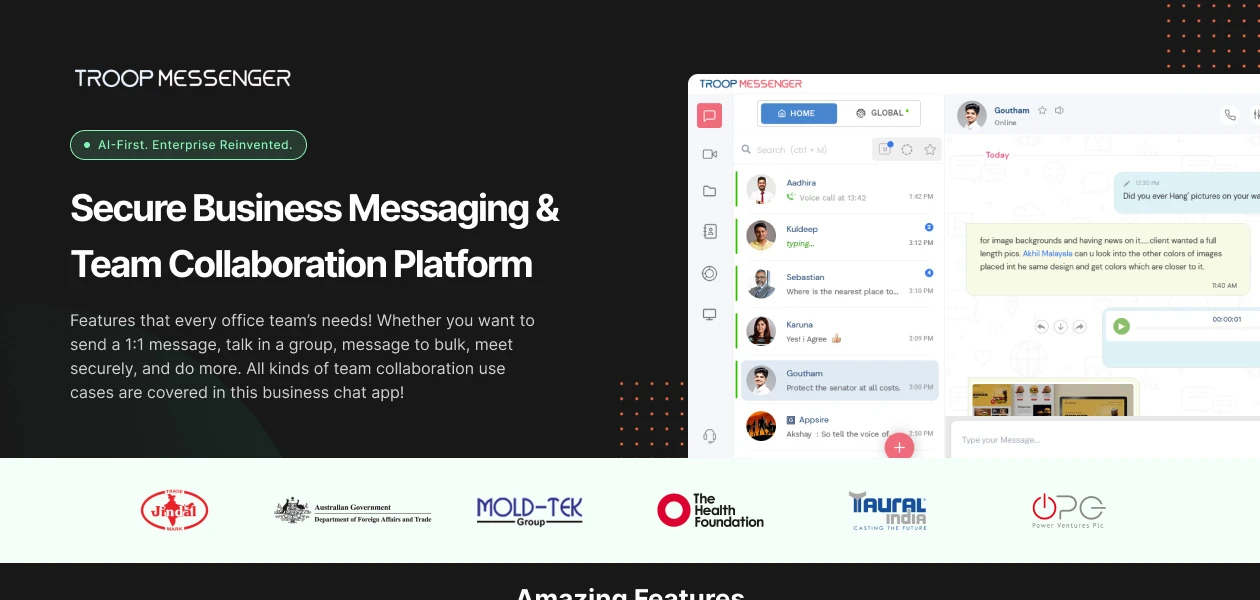

 Ubuntu
  Windows
  iOS
iOS  Android MacOS
  Linux
Linux  Desktop
  Mobile
  Cloud-Based
  Perpetual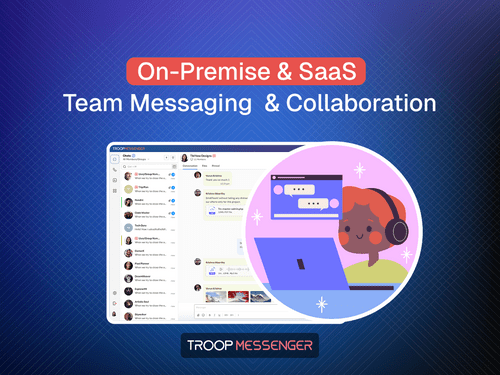
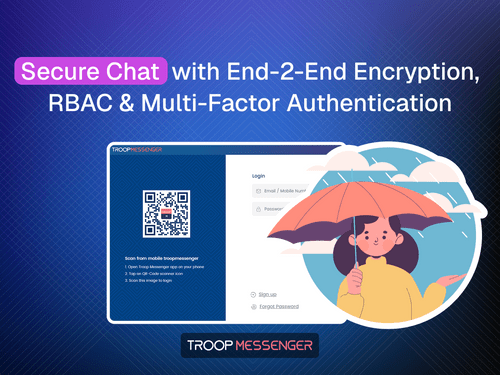
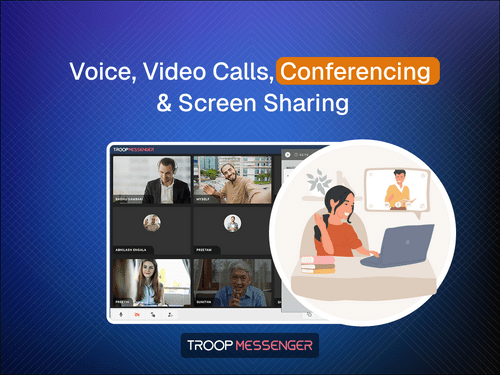
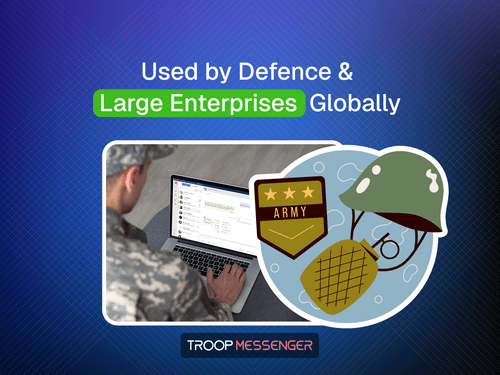
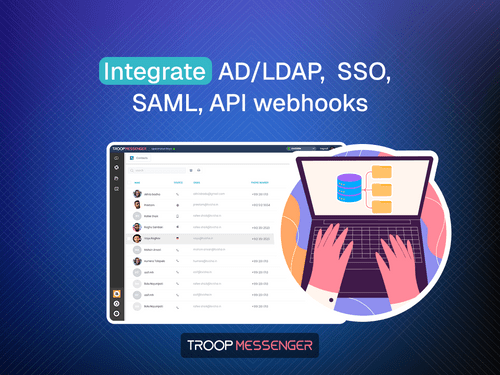
Small Business
Designed for startups and growing businesses
Medium Business
Built for business growth and flexibility
Enterprises
Designed for complex and large-scale business needs
4.9
Out of 5

Overall Rating
Based on
28 Verified Reviews
Rating Breakdown
96% Recommend this Product
Add ReviewTroop Messenger has garnered overwhelmingly positive feedback from users across various roles and company sizes, highlighting its strong security features, ease of use, and effective communication capabilities. Many appreciate the smooth messaging experience and the platform's ability to facilitate team collaboration through features like file sharing and group chats. However, some users have noted occasional delays in notifications and message delivery, as well as a desire for additional automation features and integrations. Overall, it is regarded as a reliable tool for enhancing team communication.
Pros
"Very easy to use even for non-technical team members Strong security features like encrypted chats and controlled access File sharing is fast and reliable"
"Highly secure architecture, Easy to use for beginners, Great support team, Affordable compared to other tools"
"Simple and easy to use interface, Fast messaging and smooth, Useful features like groups chats, Quick and supportive customer service"
Cons
"The interface could be more modern, while improved navigation and additional customisation options would make the overall user experience better."
"I didn't found any major issues so far, but there is a slight delay in message delivery in desktop compared to the mobile version"
"Could add more automation features, Dark mode feels slightly heavy on the eyes."

Vinay 
Product Manager
Sep 18, 2026
Techjockey Verified
“Great Communication Tool for Teams”
Troop Messenger makes team messaging, file sharing, and daily communication simple and efficient. Its user-friendly interface and collaboration features help keep conversations organised and teams connected. Overall, it has been a reliable solution for our communication needs
Pros
Troop Messenger offers an easy-to-use interface, smooth team communication, quick messaging, file sharing, and useful collaboration features. It helps keep team conversations organised and supports reliable day-to-day communication.
Cons
The interface could be more modern, while improved navigation and additional customisation options would make the overall user experience better.
Reason to switch
Troop Messenger helps me communicate with my team quickly, share files, discuss tasks, and stay updated on work-related conversations. It makes day-to-day collaboration easier and helps me complete tasks more efficiently.
Apr 6, 2026
Techjockey Verified
“Team chat app with full data security”
I've been using troop messenger application for my daily team communication in my office and I had a good experience with it. The interface feels simple and easy to navigate and I mainly use this app for discuss internally with my team and for file sharings
Pros
Easy to use interface with a smooth messaging with quick delivery and focus on security and data privacy. Also recently I'm using the AI for quick replies as it is very nice and helps alot.
Cons
I didn't found any major issues so far, but there is a slight delay in message delivery in desktop compared to the mobile version
Dec 29, 2025
Techjockey Verified
“Good alternative to slack for teams that care about data security”
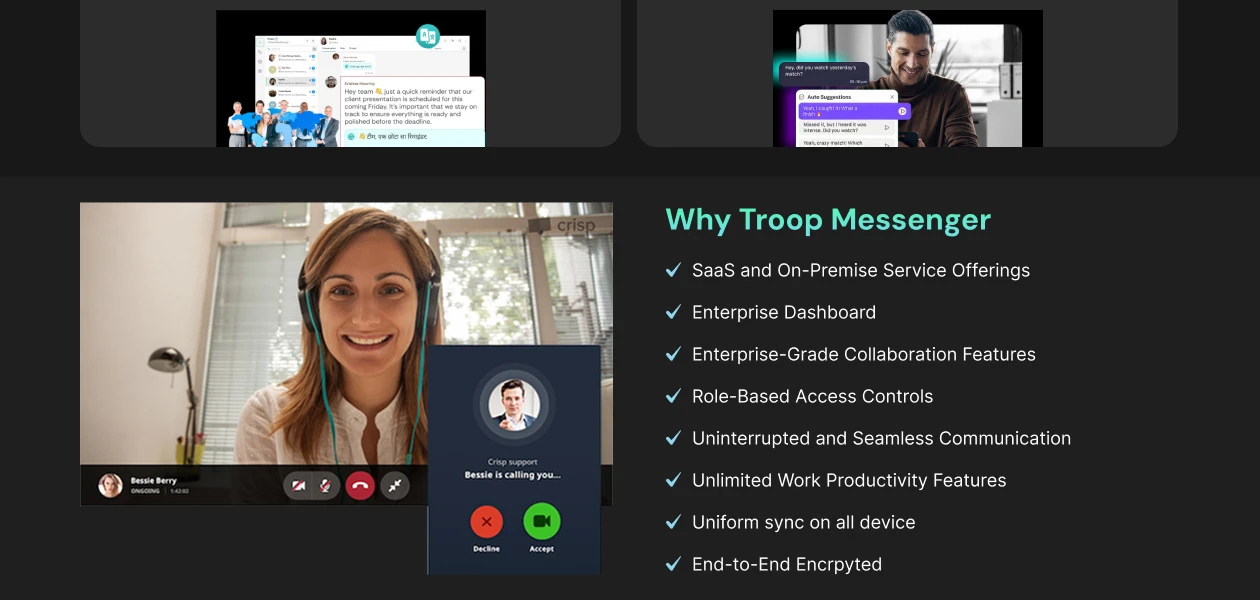
I started using troop messenger for our team communication and overall the experience has been very positive the platform feels stable and secure which is important for us because we regularly share internal and sensitive information finally the tool helped me very good to share my information secure.
Pros
Very easy to use even for non-technical team members Strong security features like encrypted chats and controlled access File sharing is fast and reliable
Cons
Notifications sometimes feel bit delay

Troop Messenger
₹ 199.00 excl. GST
Desktop
Mobile
Web based
On Premises
Windows
Mac OS
WrkTalk
₹ 250
Desktop
Mobile
Web based
On Premises
Windows
Mac OS

Microsoft Teams
₹ 138
Desktop
Mobile
Web based
On Premises
Windows
Mac OS

Zoom Meetings
₹ 1449
Desktop
Mobile
Web based
On Premises
Windows
Mac OS

Pyngyn
₹ 999
Desktop
Mobile
Web based
On Premises
Windows
Mac OS

Wokay
₹ 14999
Desktop
Mobile
Web based
On Premises
Windows
Mac OS

Volley
Price On Request
Desktop
Mobile
Web based
On Premises
Windows
Mac OS
Convo AI
Price On Request
Desktop
Mobile
Web based
On Premises
Windows
Mac OS

Google Meet
₹ 720
Desktop
Mobile
Web based
On Premises
Windows
Mac OS

Brity Works
Price On Request
Desktop
Mobile
Web based
On Premises
Windows
Mac OS

Rock
Price On Request
Desktop
Mobile
Web based
On Premises
Windows
Mac OS
(0) Product(s) selected
Starting Price:
₹250
Starting Price:
₹14,999 /Month
Starting Price:
$29 /Month $49
Available
Price on Request
Starting Price:
$89 /Month

Available
Price on Request

Starting Price:
$15 /Monthly

Starting Price:
$15 /Member/Month

Available
Price on Request

Starting Price:
$7 /User/Month






Troop Messenger price is available for INR 199 at techjockey.com.
Troop Messenger is a secure team messaging and collaboration platform designed for businesses and organizations. It offers 1:1 chat, group chat, audio and video calling, screen sharing, file sharing, and many more productivity-enhancing features, all within a centralized and secure workspace.
You can sign up for Troop Messenger using your official business email through the website sign-up page or directly via the desktop or mobile application.
Troop Messenger supports Desktop apps (including Windows, macOS, and Linux), Native mobile apps (Android and iOS - iPhone, iPad, iWatch), and web access across all well-known browsers, giving you cross-platform flexibility.
Yes, you can explore all the features of the Enterprise Edition with a 7-day free trial.
You can download Troop Messenger from the official Downloads page.
The person who signs up and registers the account becomes the admin by default.
Yes, in Troop Messenger, an admin can assign admin privileges to other users. To make a user an admin: Log in and go to Admin Dashboard, then navigate to the Users tab. Select the desired user, edit the user role, and assign Admin privileges. Save the changes.
Admins can add users through the Admin Dashboard by following these steps: Log in to Troop Messenger. Click on Admin Dashboard (top left corner). You will be redirected to Admin Dashboard – Home. Navigate to the Users tab and click on ‘Add User.’ Enter employee details and save to complete the process. Users can be added from anywhere across the globe.
You can contact our Techjockey Team or Troop Messenger support team by using the Quick Live Chat option available on the Troop Messenger website for real-time assistance.
This feature lets you invite external users (e.g., clients or partners) to your workspace with controlled permissions.
Yes, Troop Messenger offers a specific free limited-feature plan (often referred to as the Orange Member plan) designed for team collaboration, allowing for one-on-one messaging, audio calls, and group chats.
20,000+ Software Listed
Best Price Guranteed
Free Expert Consultation
2M+ Happy Customers
Terms and Condtions

Users with registered businesses can purchase goods from merchants on the platform to satisfy their business needs. Users are not permitted to utilize any products acquired through the platform for resale, advertising, business, or further distribution.
For each purchase made, users will receive a Tax Invoice (or 'GST invoice') that includes specific details such as:
the GSTIN of the user associated with their registered business, and
the specified Entity Name for their business.
It should be noted that not all products are eligible for GST Invoice. Only the products displayed by participating sellers with the 'GST-based Invoice Available' callout on the product description page would qualify.
Certain goods and services are not eligible to get a GST Invoice, including items with VAS, i.e., Value Added Services (e.g., Total Mobile Protection/Assured Buyback) and those involving an exchange offer at the time of purchase.
Users must ensure the accuracy of the GSTIN, and business entity name provided for the GST Invoice. Requests for corrections into GST Invoice would not be accommodated by Techjockey.com or any Seller, and any issues arising from user-provided information are the sole responsibility of users.
Techjockey.com is not liable for the GST Invoice or any associated input tax credit. To efficiently claim an input tax credit, users should select the registered place of business address as per the GST authority's data and follow the provisions of the GST Act and rules.
To claim an input tax credit, the delivery and billing addresses must match. Furthermore, input tax credits will not be granted if the delivery address and GSTIN on the invoice are from different states. In case of incorrect GST details provided during the order placement, the order will be canceled automatically.