USA
USA UAE
UAESmall Business
Designed for startups and growing businesses

See More



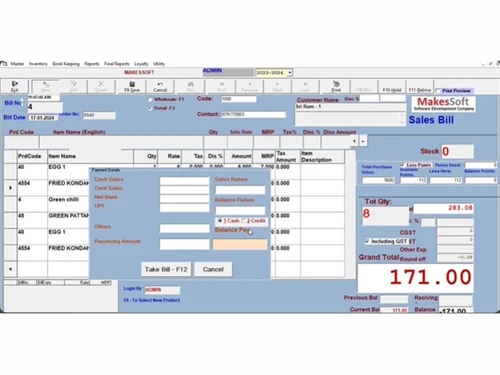
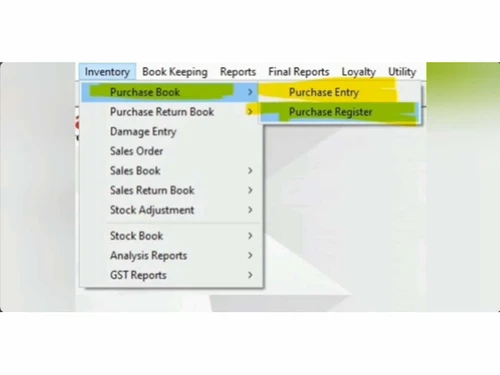
Brand: MakesSoft Software
Have you used MakesSoft before?
Share your insights for better experience
 Invoicing Payment Integration Expense Tracking Reports & Analytics Multi-Currency Support Invoice Creation User-Friendly Interface Data Security Financial Insights Client Management Custom Profile Cloud-Based Access Invoice Template Audit Logs Balance Sheet Report
  Windows
  Desktop
  Mobile
  Cloud-Based
  Perpetual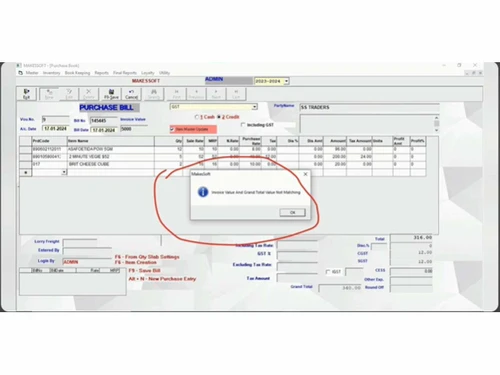
Small Business
Designed for startups and growing businesses
Medium Business
Built for business growth and flexibility
Enterprises
Designed for complex and large-scale business needs
4.1
Out of 5

Overall Rating
Based on
3 Verified Ratings
Rating Breakdown
80% Recommend this Product
Add ReviewTechjockey Trusted Reviews from Verified Users
No reviews are currently available for MakesSoft. Discover similar Billing And Invoicing Software reviews

Vyapar Billing Software
Whats great - You can do all your business transactions through Vyapar software. There is no need to carry account books everywhere or main... read more

Jhattse
Whats great - It is easy to use, low cost, in budget software, and provide very good features and multi-store setup. read more

myBillBook
Whats great - This app has made billing very easy and quick. It has mobile and desktop app both, with automatic data transfer. i will recom... read more

MakesSoft
Price On Request
Desktop
Mobile
Web based
On Premises
Windows
Mac OS
Vyapar Billing Software
Price On Request
Desktop
Mobile
Web based
On Premises
Windows
Mac OS
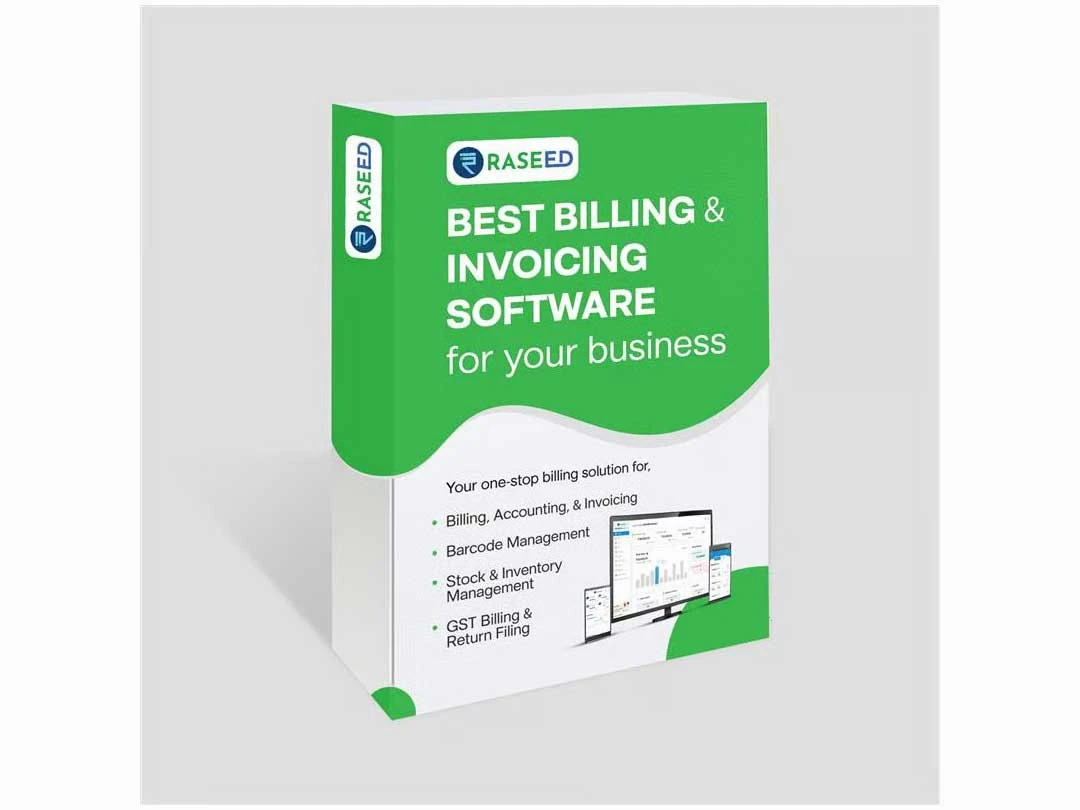
Raseed
Price On Request
Desktop
Mobile
Web based
On Premises
Windows
Mac OS

InvoiceZy
₹ 99
Desktop
Mobile
Web based
On Premises
Windows
Mac OS

KaroSauda
₹ 1999
Desktop
Mobile
Web based
On Premises
Windows
Mac OS

Billing Fast
₹ 3588
Desktop
Mobile
Web based
On Premises
Windows
Mac OS

Apna Billbook
₹ 6998
Desktop
Mobile
Web based
On Premises
Windows
Mac OS

Swipe - Billing Software
₹ 2542
Desktop
Mobile
Web based
On Premises
Windows
Mac OS

Petpooja Invoice
₹ 5000
Desktop
Mobile
Web based
On Premises
Windows
Mac OS

Billing Buddy
₹ 5000
Desktop
Mobile
Web based
On Premises
Windows
Mac OS

Asli Bill
₹ 7000
Desktop
Mobile
Web based
On Premises
Windows
Mac OS
(0) Product(s) selected



20,000+ Software Listed
Best Price Guranteed
Free Expert Consultation
2M+ Happy Customers
Terms and Condtions

Users with registered businesses can purchase goods from merchants on the platform to satisfy their business needs. Users are not permitted to utilize any products acquired through the platform for resale, advertising, business, or further distribution.
For each purchase made, users will receive a Tax Invoice (or 'GST invoice') that includes specific details such as:
the GSTIN of the user associated with their registered business, and
the specified Entity Name for their business.
It should be noted that not all products are eligible for GST Invoice. Only the products displayed by participating sellers with the 'GST-based Invoice Available' callout on the product description page would qualify.
Certain goods and services are not eligible to get a GST Invoice, including items with VAS, i.e., Value Added Services (e.g., Total Mobile Protection/Assured Buyback) and those involving an exchange offer at the time of purchase.
Users must ensure the accuracy of the GSTIN, and business entity name provided for the GST Invoice. Requests for corrections into GST Invoice would not be accommodated by Techjockey.com or any Seller, and any issues arising from user-provided information are the sole responsibility of users.
Techjockey.com is not liable for the GST Invoice or any associated input tax credit. To efficiently claim an input tax credit, users should select the registered place of business address as per the GST authority's data and follow the provisions of the GST Act and rules.
To claim an input tax credit, the delivery and billing addresses must match. Furthermore, input tax credits will not be granted if the delivery address and GSTIN on the invoice are from different states. In case of incorrect GST details provided during the order placement, the order will be canceled automatically.