USA
USA UAE
UAESmall Business
Designed for startups and growing businesses

See More





Brand: Nextspeed Technologies Pvt. Ltd.
An all-encompassing account and invoice management software for small businesses, freelancers, and startups.
See MoreHave you used Swipe - Billing Software before?
Share your insights for better experience
View plans
 Save upto 18%, Get GST Invoice on your business purchase T&C Buy Now & Pay Later, Check offer on payment page.
 Brand: Nextspeed Technologies Pvt. Ltd.
Founded Year: 2021
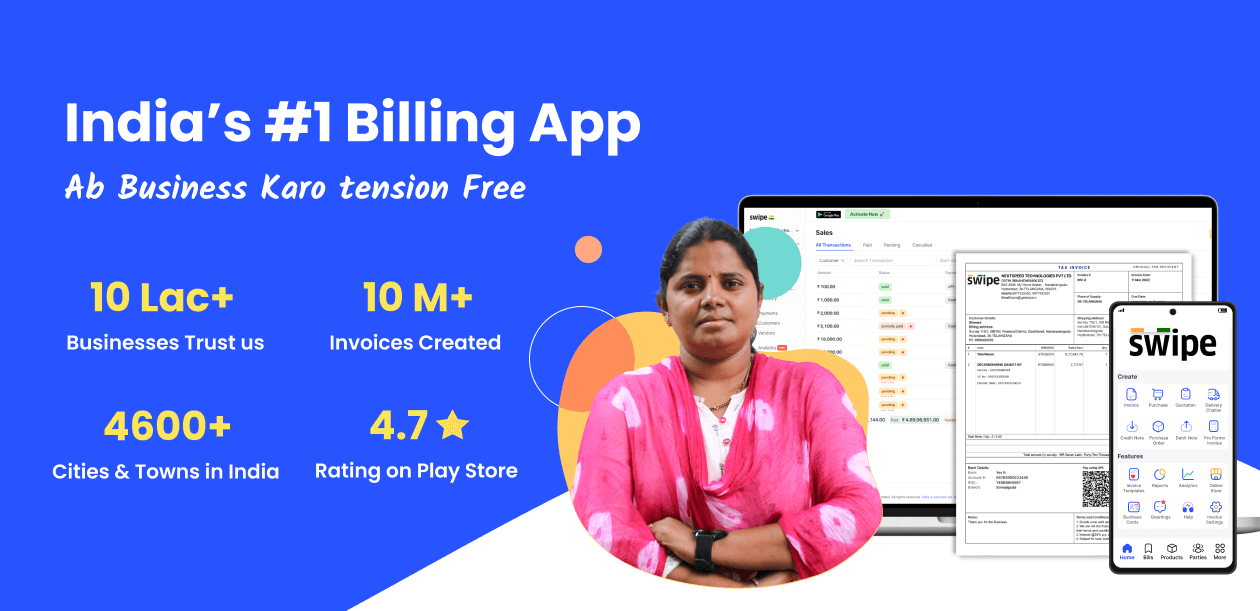
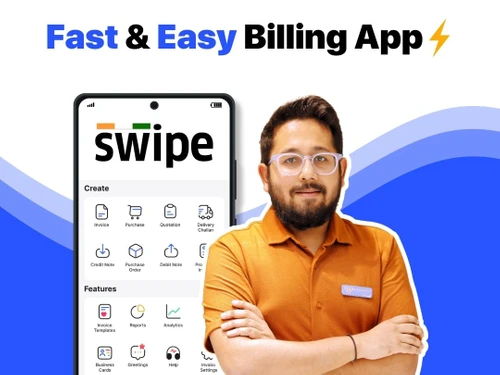
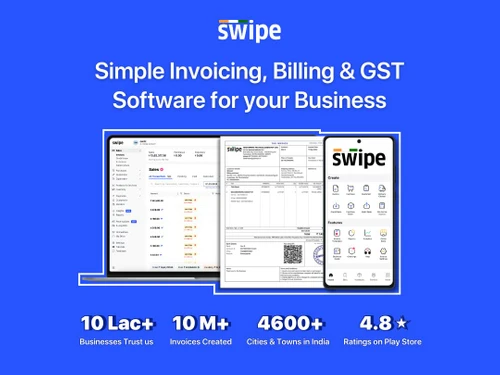
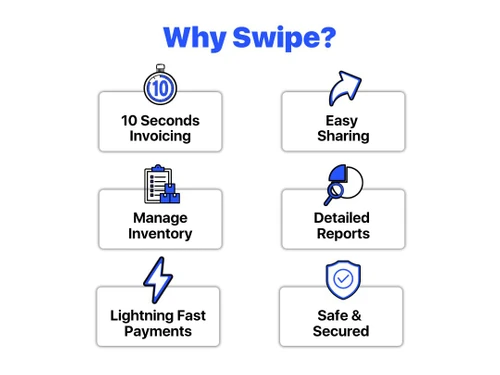
Swipe is a simple and easy-to-use billing app. Along with a user-friendly interface, it allows you to make unlimited invoices for FREE.
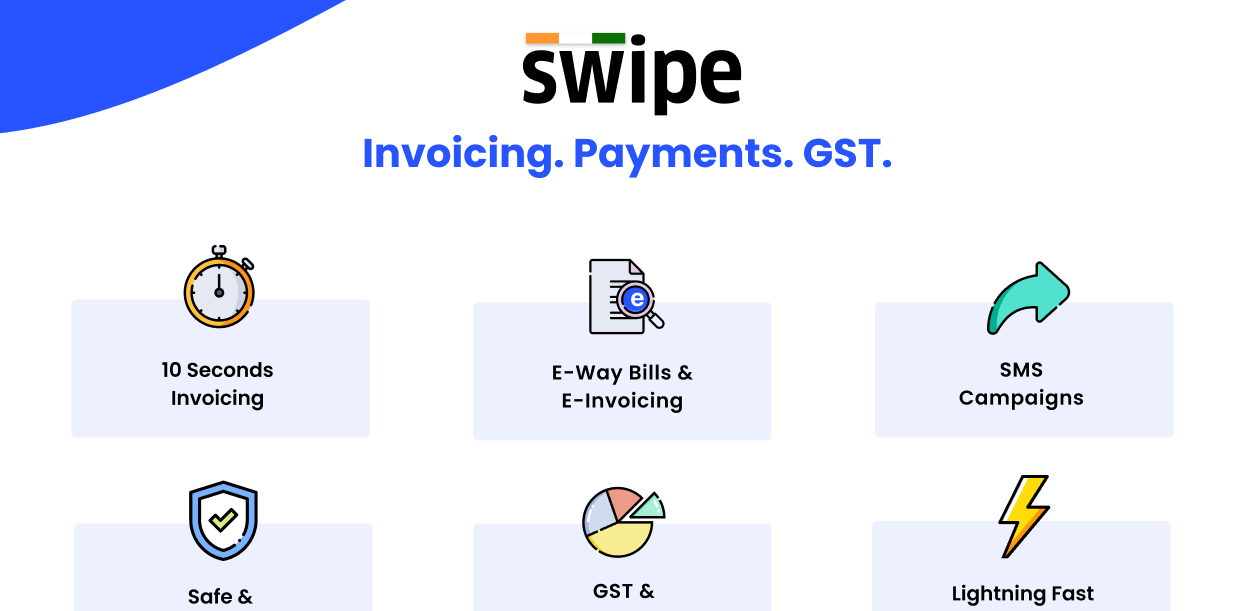
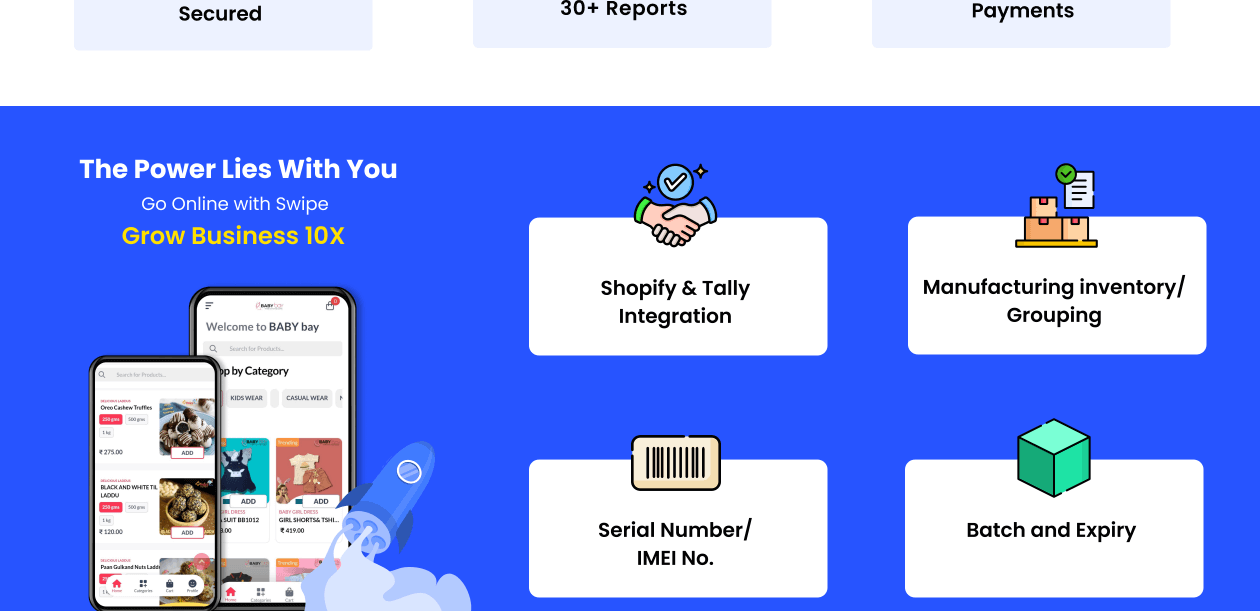
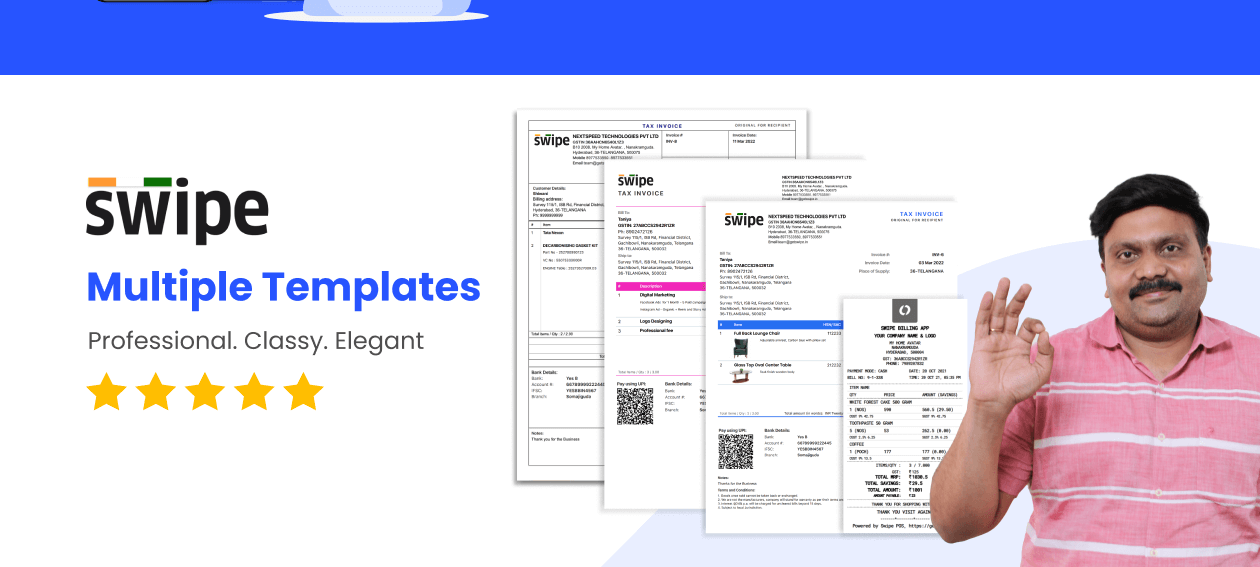
 Multiple Invoice Templates Send bills through WhatsApp, SMS and Email GSTR, Profit & Loss POS Billing & Barcodes Online Payments Subscriptions/Recurring Invoices A4/A5 & Thermal Print E-way Bills Estimations, Quotations & Proforma Invoices Stock/Inventory Management Unlimited Products, Customers &Vendors/Bulk Upload Multiple Businesses/GSTINs User Role Settings Multiple Price list (Wholesale/Retail etc) Bulk Invoicing Online Store Tally Integration One Click E-Invoicing Multiple Branch Management

Watch the demo video to explore key features, real workflows, and how the software fits your business needs.
 Ubuntu
  Windows
  Android
  MacOS
MacOS  Linux
Linux  Desktop
  Mobile
  Tablet
  Cloud-Based

Small Business
Designed for startups and growing businesses
Medium Business
Built for business growth and flexibility
Enterprises
Designed for complex and large-scale business needs
4.7
Out of 5

Overall Rating
Based on
55 Verified Reviews
Rating Breakdown
93% Recommend this Product
Add ReviewOverall, users express high satisfaction with Swipe Billing Software, highlighting its user-friendly interface, quick invoicing capabilities, and excellent customer support. Many appreciate the integration of AI features and the ability to generate e-invoices effortlessly. However, some users note limitations such as the lack of offline access, certain accounting features like balance sheets, and occasional UI glitches. Despite these minor drawbacks, the software is frequently recommended for its value and efficiency, making it a popular choice among small to medium-sized businesses.
Pros
"Ease of creating invoice, filling GST is so smooth, creating e-invoice and e-way bill is also very easy."
"Mobile usage, Downloading reports, Good graphics and transitions ( Creative ), Good Support people."
"Inventory timeline and user roles helped to scale my business."
Cons
"Getting updates so frequently that I miss that what they have added, may they should use a some updates notes."
"I really like Swipe! It saves me a lot of time! I don't have any dislikes at all!"
"it will be better if you can provide the app in all languages"


Jul 10, 2024
Techjockey Verified
“Comes with many AI features”
Really easy to use and great customer support. Also like the new AI integrated features.
Pros
Ai Features Clean Platform Quick Support
Cons
Nothing as such.
Reason to switch
Old software has Outdated Features. I want new important features
Sep 2, 2024
Techjockey Verified
“Great platform”
To be honest,i love this app Because, we are generating invoices with in seconds&it was easier for us .. I wanna mention one thing we are growing together
Pros
User friendly interface and support was great
Cons
nothing
Reason to switch
There is NO proper support for the vyapar billing software
Sep 11, 2024
Techjockey Verified
“Offers quick E-Invoicing”
The Swipe App is easy to use and understand, with a visually appealing interface. Their support team is always accessible and very helpful. Overall, it offers great value for money.
Pros
E-Invoicing can be done in seconds. Warehouses and Branches and other Inventory features User Interface
Cons
NO CONS
Reason to switch
Swipe Gives almost same as Zoho for lower prices and best support

Swipe - Billing Software
₹ 2542.00 excl. GST
Desktop
Mobile
Web based
On Premises
Windows
Mac OS

Vyapar Billing Software
Price On Request
Desktop
Mobile
Web based
On Premises
Windows
Mac OS
Raseed
Price On Request
Desktop
Mobile
Web based
On Premises
Windows
Mac OS

InvoiceZy
₹ 99
Desktop
Mobile
Web based
On Premises
Windows
Mac OS

KaroSauda
₹ 1999
Desktop
Mobile
Web based
On Premises
Windows
Mac OS

Billing Fast
₹ 3588
Desktop
Mobile
Web based
On Premises
Windows
Mac OS

Apna Billbook
₹ 6998
Desktop
Mobile
Web based
On Premises
Windows
Mac OS

Petpooja Invoice
₹ 5000
Desktop
Mobile
Web based
On Premises
Windows
Mac OS

Billing Buddy
₹ 5000
Desktop
Mobile
Web based
On Premises
Windows
Mac OS

Asli Bill
₹ 7000
Desktop
Mobile
Web based
On Premises
Windows
Mac OS

BillClap
₹ 3599
Desktop
Mobile
Web based
On Premises
Windows
Mac OS
(0) Product(s) selected




To start using Swipe Billing, sign up on the Swipe Billing website, log in with your credentials, and begin by setting up your business details. You can quickly create invoices by manually adding customer information or importing it from existing records.
Swipe Billing allows you to automate invoice generation, making it easy to send recurring invoices or reminders to your clients without manual effort.
Swipe Billing provides integrations with various accounting and payment platforms, allowing you to streamline your financial processes and improve efficiency.
Yes, Swipe Billing offers a mobile app for Android and iOS devices, enabling you to manage your billing operations on the go.
Swipe Billing offers a free trial, allowing you to explore its features and determine if it suits your business needs.
Yes, the Swipe Mobile app & Web version come totally free for lifetime use, thereby creating unlimited invoices, purchases, and quotations, managing customers/vendors, stock, payments, expenses, sharing bills via WhatsApp, Email or SMS, etc. Start using Swipe for Free!
Yes, Swipe software is designed with features that meet the needs of most small businesses, all at affordable prices.
Swipe offers pricing plans that are tailored to meet the requirements of different businesses.
Swipe Billing pricing starts from INR 2542/year at techjockey.com.
To add additional charges in Swipe, follow the steps given below:
0 0
To add a vendor in Swipe, follow the steps given below:
0 0
Swipe does not generate e-way bills directly, but you can export the invoice and use the government’s e-way bill portal to create one manually.
0 0
To create a purchase order in Swipe, follow the steps given below:
1 0
To add a bank account in Swipe, follow the steps given below:
0 0
20,000+ Software Listed
Best Price Guranteed
Free Expert Consultation
2M+ Happy Customers
Terms and Condtions

Users with registered businesses can purchase goods from merchants on the platform to satisfy their business needs. Users are not permitted to utilize any products acquired through the platform for resale, advertising, business, or further distribution.
For each purchase made, users will receive a Tax Invoice (or 'GST invoice') that includes specific details such as:
the GSTIN of the user associated with their registered business, and
the specified Entity Name for their business.
It should be noted that not all products are eligible for GST Invoice. Only the products displayed by participating sellers with the 'GST-based Invoice Available' callout on the product description page would qualify.
Certain goods and services are not eligible to get a GST Invoice, including items with VAS, i.e., Value Added Services (e.g., Total Mobile Protection/Assured Buyback) and those involving an exchange offer at the time of purchase.
Users must ensure the accuracy of the GSTIN, and business entity name provided for the GST Invoice. Requests for corrections into GST Invoice would not be accommodated by Techjockey.com or any Seller, and any issues arising from user-provided information are the sole responsibility of users.
Techjockey.com is not liable for the GST Invoice or any associated input tax credit. To efficiently claim an input tax credit, users should select the registered place of business address as per the GST authority's data and follow the provisions of the GST Act and rules.
To claim an input tax credit, the delivery and billing addresses must match. Furthermore, input tax credits will not be granted if the delivery address and GSTIN on the invoice are from different states. In case of incorrect GST details provided during the order placement, the order will be canceled automatically.