 USA
USA UAE
UAESmall Business
Designed for startups and growing businesses

See More





Brand: CHL (Communities Heritage Limited)
India’s Only Platform that combines HRMS + CRM + Real-Time Field Data + WhatsApp Automation + AI Features in a single app.
See MoreHave you used MyCo before?
Share your insights for better experience
Summary
MyCo is a cloud-based HR software that streamlines talent management, payroll, and employee tracking for businesses of all sizes.
Key Capabilities
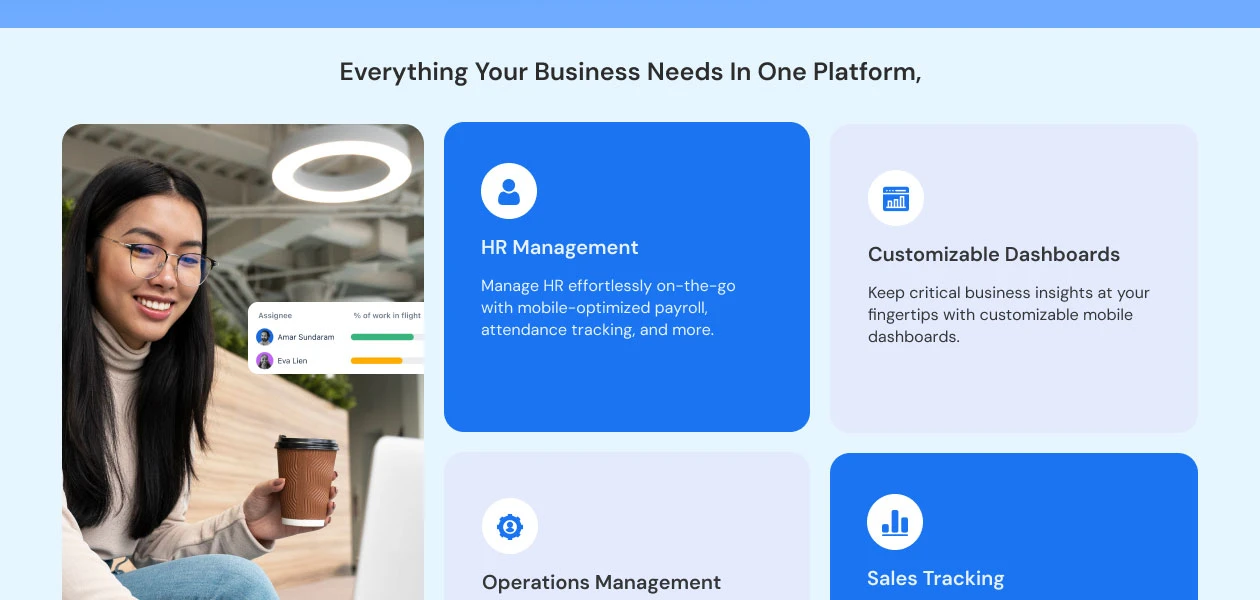
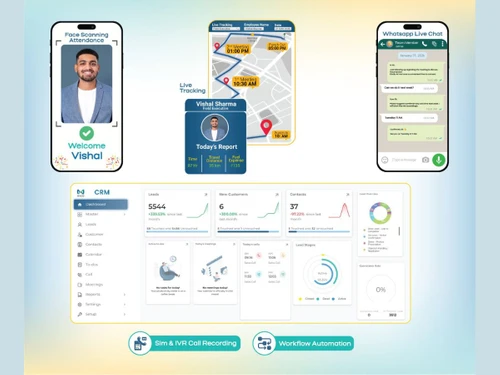
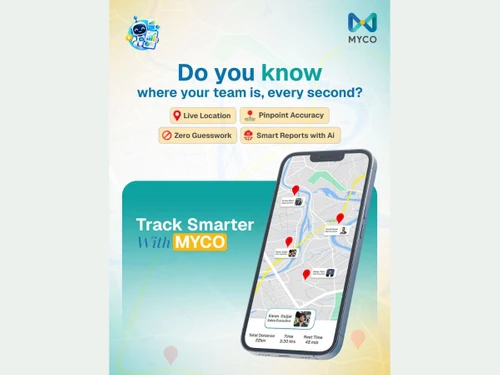
Members Management, Leave Management, Performance Management, Task Management, Location Tracking, Payroll Management, Visitor Management.
Best Suited For
Ideal for small to medium businesses across all industries seeking efficient HR management solutions.
Deployment & Access
Web-based deployment accessible on Windows, iOS, Android, and MacOS devices including desktops, mobiles, and tablets.
4.5
Out of 5

88% Users Recommend this Product
Brand: CHL (Communities Heritage Limited)
Founded Year: 2010
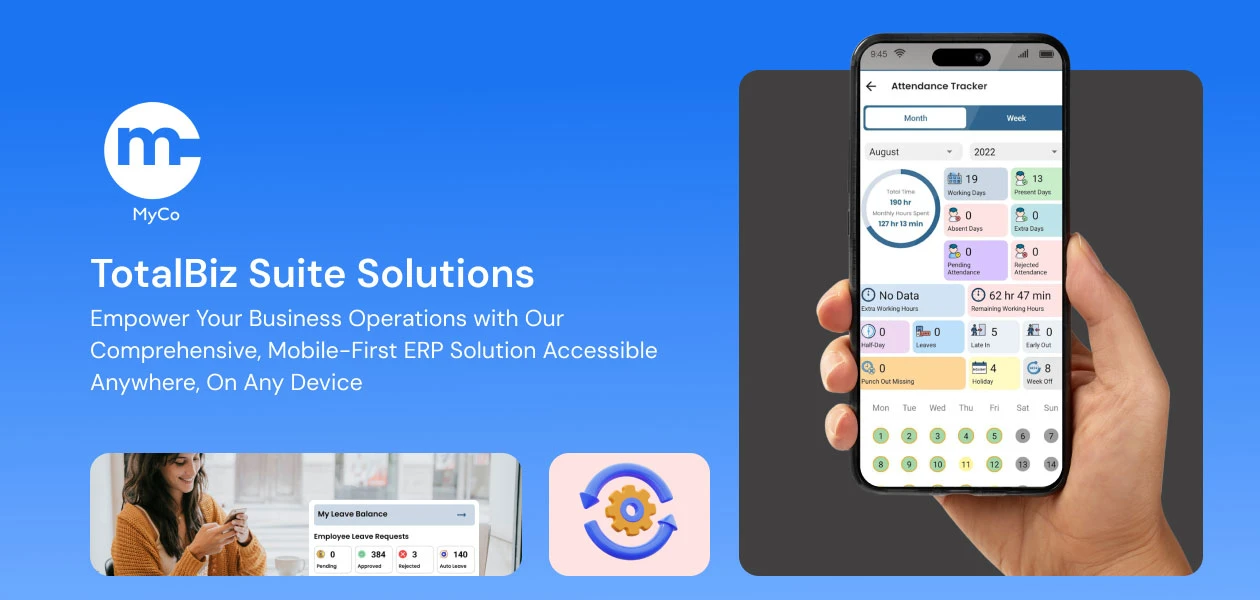
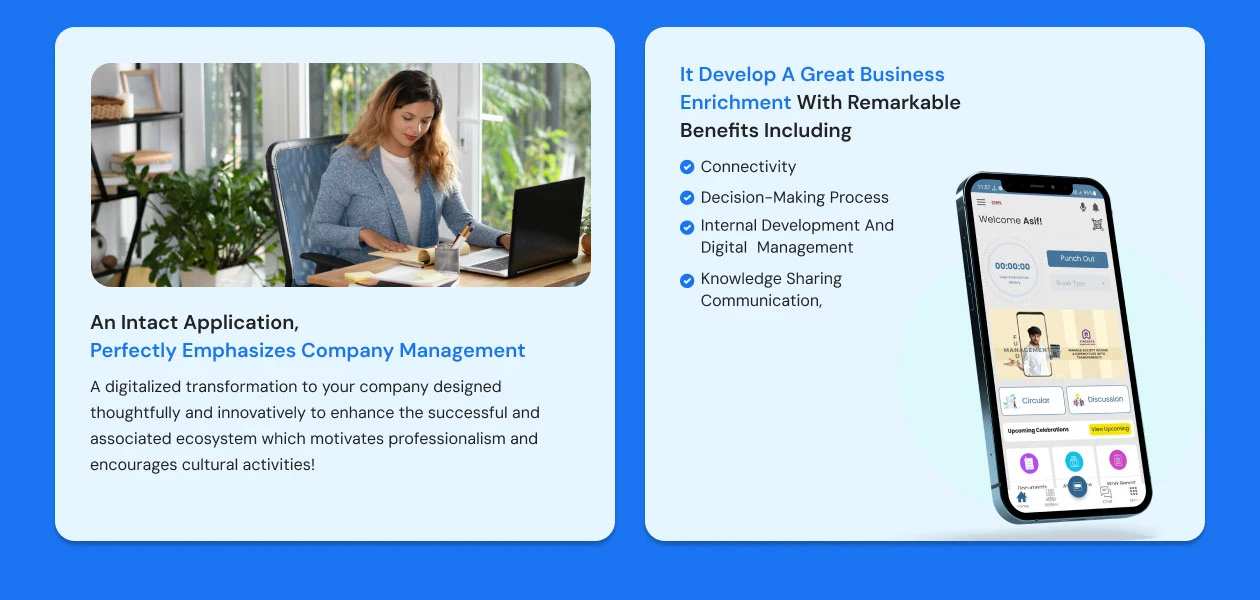
Bringing an innovative way for company management where a business owner, team leaders and HR Managers can perform their day-to-day operations of the company effortlessly and effectively.
 Reminders & Circulars Leave Management Attendance Management Payroll Management Performance Management Task Management GEO - Fencing Asset Management Streamline your Ordering Process

Watch the demo video to explore key features, real workflows, and how the software fits your business needs.
 Windows
  iOS
iOS  Android MacOS
  Desktop
  Mobile
  Tablet
  iPad
iPad  Cloud-Based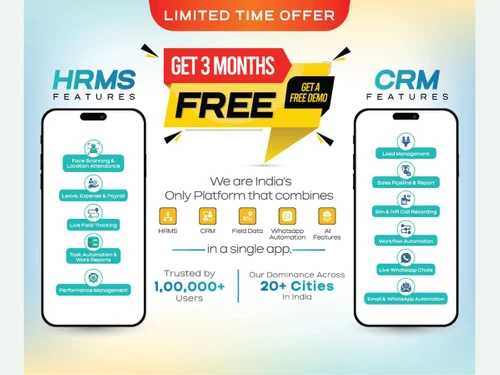
Small Business
Designed for startups and growing businesses
Medium Business
Built for business growth and flexibility
Enterprises
Designed for complex and large-scale business needs
4.5
Out of 5
Overall Rating
Based on
24 Verified Reviews
Rating Breakdown
88% Recommend this Product
Add ReviewMyCo receives overwhelmingly positive feedback from users, highlighting its efficiency in streamlining HR and customer management tasks. Customers appreciate the comprehensive features that simplify payroll, attendance, and reporting, often noting the excellent support team as a significant advantage. However, some users mention a learning curve for new employees and the need for a stable internet connection. A few reviews express concerns about incomplete features and bugs, indicating that while many find MyCo beneficial, there are areas requiring improvement.
Pros
"MyCo HRMS has become essential to our daily operations, ensuring everything from employee attendance to manager leave approvals and finance payroll closure flows seamlessly."
"Seamless Integration, support Team, User-Friendly Interface, Comprehensive Functionality, Enhanced Productivity, Accessibility, Data Security."
"A Comprehensive HR Solution to Manage Attendance, Leaves, Payroll, Visits, Location Tracking, Work Reports Performance Management Task Management."
Cons
"Some features may take time for new users to learn, and the platform requires a stable internet connection for consistent access."
"Internet connection is required all the time for live tracking, but that’s expected for real-time accuracy."
"Frequent updates mean employees notice small changes in design or steps, but that only shows the software is continuously improving."

Sep 22, 2025
Techjockey Verified
“About Myco software”
A great balance between detail and convenience
Pros
As a business owner, I now have complete peace of mind because everything, from attendance to payroll, is visible on a single dashboard. The detailed and accurate reports have also made my decision-making much faster.
Cons
While the sheer amount of data can be overwhelming, the filter options make it manageable once you learn how to use them effectively.
Sep 22, 2025
Techjockey Verified
“My Co HRMS”
A great balance between detail and convenience.
Pros
As a business owner, I now have complete peace of mind because everything, from attendance to payroll, is visible on a single dashboard. The detailed and accurate reports have also made my decision-making much faster.
Cons
Sometimes the amount of data feels overwhelming, but filtering options make it easy once you know how to use them.
Reason to switch
My Co has powerful, detailed features that make it easy to get accurate data about our team.
Sep 22, 2025
Techjockey Verified
“About MyCo HRMS”
A complete solution for companies who want to save time and stay organized.
Pros
We were struggling with our disorganized HR processes, including payroll and attendance, but MyCo HRMS consolidated everything. The mobile-first design is especially useful for our younger employees, and the reports are extremely accurate.
Cons
At first, the number of features seemed overwhelming, but after receiving proper training from their support team, the system became very easy to use.

MyCo
Price On Request
Desktop
Mobile
Web based
On Premises
Windows
Mac OS

ClusterHR
₹ 40
Desktop
Mobile
Web based
On Premises
Windows
Mac OS

Fix HR
₹ 600
Desktop
Mobile
Web based
On Premises
Windows
Mac OS

SignalHRM
₹ 648
Desktop
Mobile
Web based
On Premises
Windows
Mac OS

WeekMate
₹ 3999
Desktop
Mobile
Web based
On Premises
Windows
Mac OS

Spine HR
Price On Request
Desktop
Mobile
Web based
On Premises
Windows
Mac OS

TankhaPay
₹ 40
Desktop
Mobile
Web based
On Premises
Windows
Mac OS

WoCo
₹ 50
Desktop
Mobile
Web based
On Premises
Windows
Mac OS

Zfour HRMS
₹ 45
Desktop
Mobile
Web based
On Premises
Windows
Mac OS

Keka HR
Price On Request
Desktop
Mobile
Web based
On Premises
Windows
Mac OS

TruHR
₹ 2200
Desktop
Mobile
Web based
On Premises
Windows
Mac OS
(0) Product(s) selected
Starting Price:
₹40 /Month
Starting Price:
₹600 /Month ₹900
Starting Price:
₹3,999
Starting Price:
₹2,200 /Month

Starting Price:
₹49 /Month

Starting Price:
₹890 /Month

Available
Price on Request

Starting Price:
₹1,499 /Month
Starting Price:
₹5,000 /Month

Starting Price:
$49 /Month










MyCo software is compatible with Windows and macOS operating systems.
MyCo app is available for Android and iOS app users.
MyCo platform supports cloud-based deployment.
The pricing starts from as low as Rs 100 per employee per month.
MyCo software is primarily used by entrepreneurs, HR professionals, HR managers, and business owners looking for an efficient solution to streamline their HR processes, manage employee data, handle payroll, and facilitate seamless workforce communication.
MyCo HR platform does not offer a free trial. However, the premium plan with advanced features and exciting deals is available at techjockey.com.
MyCo software installation is not required, as it is cloud-based. Just open the Setup Wizard to get started.
The HR and talent management platform helps businesses automate HR processes like payroll, recruitment, and performance management.
20,000+ Software Listed
Best Price Guranteed
Free Expert Consultation
2M+ Happy Customers
Terms and Condtions

Users with registered businesses can purchase goods from merchants on the platform to satisfy their business needs. Users are not permitted to utilize any products acquired through the platform for resale, advertising, business, or further distribution.
For each purchase made, users will receive a Tax Invoice (or 'GST invoice') that includes specific details such as:
the GSTIN of the user associated with their registered business, and
the specified Entity Name for their business.
It should be noted that not all products are eligible for GST Invoice. Only the products displayed by participating sellers with the 'GST-based Invoice Available' callout on the product description page would qualify.
Certain goods and services are not eligible to get a GST Invoice, including items with VAS, i.e., Value Added Services (e.g., Total Mobile Protection/Assured Buyback) and those involving an exchange offer at the time of purchase.
Users must ensure the accuracy of the GSTIN, and business entity name provided for the GST Invoice. Requests for corrections into GST Invoice would not be accommodated by Techjockey.com or any Seller, and any issues arising from user-provided information are the sole responsibility of users.
Techjockey.com is not liable for the GST Invoice or any associated input tax credit. To efficiently claim an input tax credit, users should select the registered place of business address as per the GST authority's data and follow the provisions of the GST Act and rules.
To claim an input tax credit, the delivery and billing addresses must match. Furthermore, input tax credits will not be granted if the delivery address and GSTIN on the invoice are from different states. In case of incorrect GST details provided during the order placement, the order will be canceled automatically.




