USA
USA UAE
UAESmall Business
Designed for startups and growing businesses


See More




Brand: Sejda
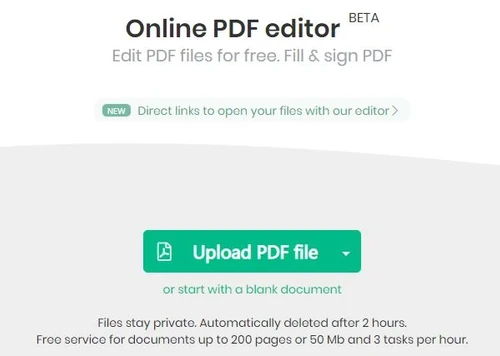
Sejda is an online PDF editor with which you can perform any operations on a PDF document as per your needs. With this easy-to-use and productive software, one can simply edit his or her PDF document or choose from over 30 PDF tools to perform any other functionality. Sejda software helps with editing, deletion, merging and splitting of PDF file(s). The application also enables users to protect, ...
See MoreHave you used Sejda PDF before?
Share your insights for better experience
Brand: Sejda
Founded Year: 2012
Sejda is a quick and simple online tool used for editing PDF files.
 Convert PDF to JPG image Compress PDF Size PDF Tools Online PDF Creator & Converter Document Assembly Merge PDF Files Online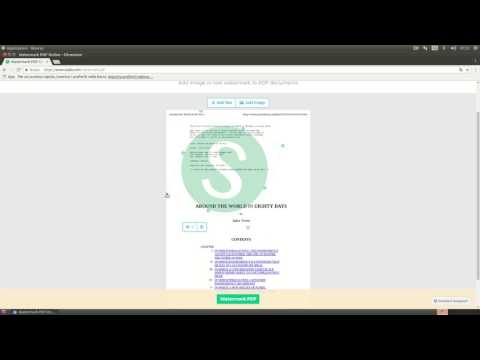

Watch the demo video to explore key features, real workflows, and how the software fits your business needs.
 Windows
  MacOS
MacOS  Linux
Linux  Desktop
  Mobile
  Cloud-Based
  Perpetual
Small Business
Designed for startups and growing businesses
Medium Business
Built for business growth and flexibility
Enterprises
Designed for complex and large-scale business needs
4.8
Out of 5

Overall Rating
Based on
12 Verified Reviews
Rating Breakdown
96% Recommend this Product
Add ReviewUsers generally appreciate Sejda PDF for its user-friendly interface and effective PDF editing and encryption capabilities, making it a valuable tool for both individual and business use. Many highlight its efficiency in converting and editing documents while maintaining original formatting. However, some users express concerns about limitations such as restrictions on free usage and occasional instability in the online text editor. Overall, Sejda PDF is well-recommended for its functionality, though some improvements could enhance the user experience.
Pros
"Sejda is a powerful, easy-to-use PDF conversion tool. The interface is simple and intuitive. I converted a few PDF pages to PNG or JPG in a few seconds."
"The Sejda PDF is a super user-friendly software that makes PDF editing easier than ever before. I edited, deleted, merged, and split PDF files in just a few minutes."
Cons
"If we're a free user, we can edit only 3 PDFs per hour, and I think that's too few. "
"The online text editor isn't very stable sometimes, otherwise its goods"
"It cannot be able to handle whatever you throw at them, i.e, large PDFs with many pages "


Jan 18, 2021
Techjockey Verified
“Sejda Pdf Editor Is a Perfect Tool for All Your Pdf Editing Needs”
Pros
This platform is so user-friendly. The best part is that it keeps the original formatting and allows you to edit in a way that does not change the formatting. I can edit my documents so that I can still have them easily readable by the people who received them.
Cons
The online text editor isn't very stable sometimes, otherwise its goods
Reason to switch
The best thing is that the original PDF content is preserved even after editing it, which is exactly what I wanted.
Apr 12, 2021
Techjockey Verified
“Edit and Annotate Pdf Files Easily and Quickly With the Sejda Pdf Editor”
Pros
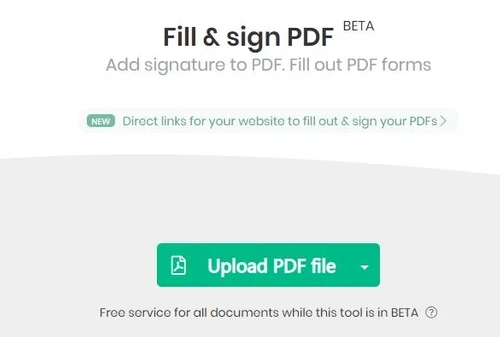
Sejda PDF is a great tool that makes it easy to fill out forms, sign documents, and comment on pdfs. I used to print out forms and fill them out by hand. With Sejda PDF, I can now fill out forms, add my signature, draw, type, upload an image of my signature, and annotate pdfs. I can easily edit existing hyperlinks in the PDF document.
Cons
If we're a free user, we can edit only 3 PDFs per hour, and I think that's too few.
Reason to switch
I can edit the PDF and add new links. I use this to link to my client's websites from contracts.
Jul 17, 2020
Techjockey Verified
“Sejda Is One Of The Best Online Pdf Converters That I Have Reviewed”
Pros
It allows you to choose the pages you want to convert and generates nice, clean thumbnails of the pages you can use for your content marketing campaigns. This will help me speed up my document creation process when I don't have time to create a document from scratch.
Cons
It cannot be able to handle whatever you throw at them, i.e, large PDFs with many pages
Reason to switch
This tool has saved me so much time, and I highly recommend it to anyone with many PDFs to convert.

Sejda PDF
Price On Request
Desktop
Mobile
Web based
On Premises
Windows
Mac OS

Foxit PDF Editor
₹ 12000
Desktop
Mobile
Web based
On Premises
Windows
Mac OS

Gravity PDF
Price On Request
Desktop
Mobile
Web based
On Premises
Windows
Mac OS

Zoho PDF Editor
Price On Request
Desktop
Mobile
Web based
On Premises
Windows
Mac OS

PDF Expert
₹ 7200
Desktop
Mobile
Web based
On Premises
Windows
Mac OS

Adobe Acrobat Pro DC for teams
₹ 23864
Desktop
Mobile
Web based
On Premises
Windows
Mac OS
JOPDF
Price On Request
Desktop
Mobile
Web based
On Premises
Windows
Mac OS

Hybiscus
Price On Request
Desktop
Mobile
Web based
On Premises
Windows
Mac OS

Soda PDF
₹ 1111
Desktop
Mobile
Web based
On Premises
Windows
Mac OS

BentoPDF
Price On Request
Desktop
Mobile
Web based
On Premises
Windows
Mac OS

Systweak PDF Editor
₹ 2499
Desktop
Mobile
Web based
On Premises
Windows
Mac OS
(0) Product(s) selected
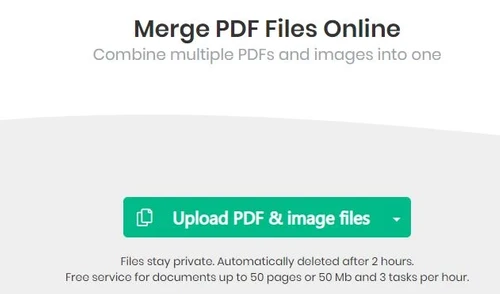
With Sejda, you can merge PDF documents, perform double-sided printing, flatten form fields, and carry out other such tasks.
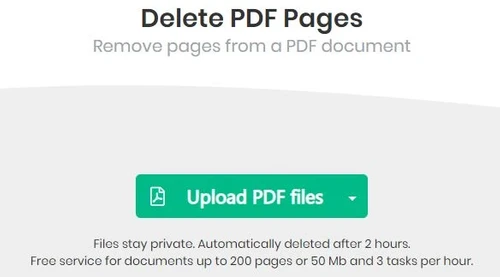
PDF tools of Sejda help in performing operations such as merging, splitting, or deleting any PDF document.
The online PDF Creator and Converter helps in converting any type of file to its corresponding PDF version and vice-versa. You can also create and add a signature wherever it's necessary in the document.
After uploading a document from the computer or Drive, you need to type the page size in inches or use the up or down arrows to change it accordingly. The page preview will update and show the margin added to the pages.
Select the file to be uploaded > Add text watermark at the top of the page > Change text size, rotation and location of it on the page > Change text colour, transparency and font.
Sejda PDF pricing comes with 3 different plans: Web week pass: $5 for 7days, Web weekly: $7.5 per monthly & Desktop+web annual: $63 per year.
20,000+ Software Listed
Best Price Guranteed
Free Expert Consultation
2M+ Happy Customers
Terms and Condtions

Users with registered businesses can purchase goods from merchants on the platform to satisfy their business needs. Users are not permitted to utilize any products acquired through the platform for resale, advertising, business, or further distribution.
For each purchase made, users will receive a Tax Invoice (or 'GST invoice') that includes specific details such as:
the GSTIN of the user associated with their registered business, and
the specified Entity Name for their business.
It should be noted that not all products are eligible for GST Invoice. Only the products displayed by participating sellers with the 'GST-based Invoice Available' callout on the product description page would qualify.
Certain goods and services are not eligible to get a GST Invoice, including items with VAS, i.e., Value Added Services (e.g., Total Mobile Protection/Assured Buyback) and those involving an exchange offer at the time of purchase.
Users must ensure the accuracy of the GSTIN, and business entity name provided for the GST Invoice. Requests for corrections into GST Invoice would not be accommodated by Techjockey.com or any Seller, and any issues arising from user-provided information are the sole responsibility of users.
Techjockey.com is not liable for the GST Invoice or any associated input tax credit. To efficiently claim an input tax credit, users should select the registered place of business address as per the GST authority's data and follow the provisions of the GST Act and rules.
To claim an input tax credit, the delivery and billing addresses must match. Furthermore, input tax credits will not be granted if the delivery address and GSTIN on the invoice are from different states. In case of incorrect GST details provided during the order placement, the order will be canceled automatically.