USA
USA UAE
UAESmall Business
Designed for startups and growing businesses


See More





Brand: EaseUS
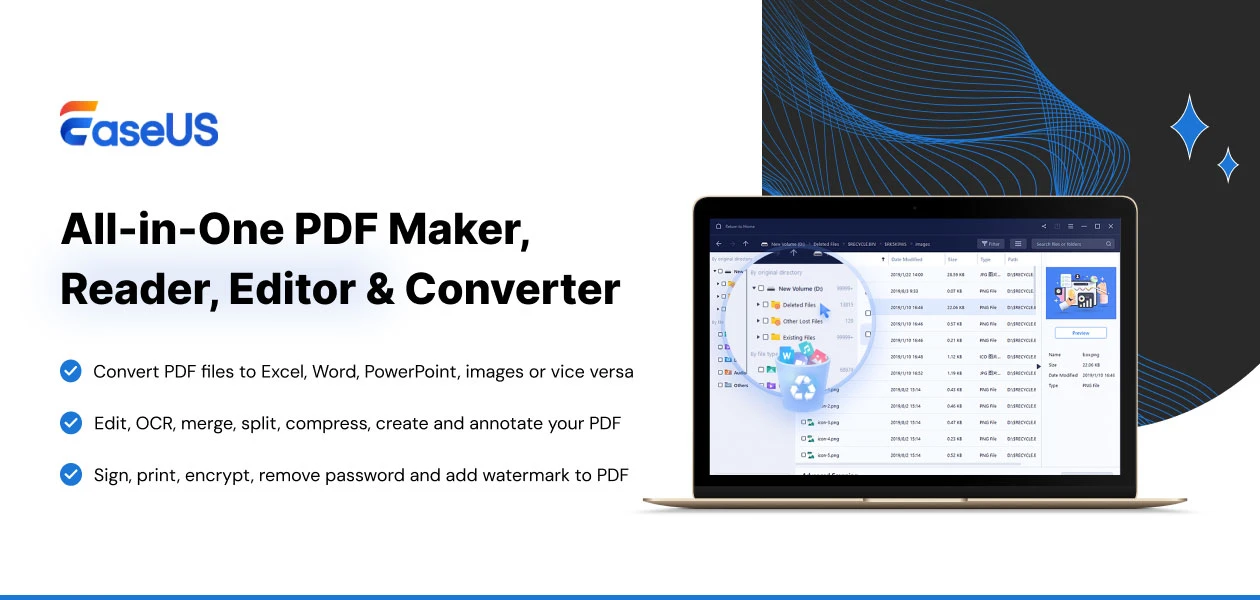
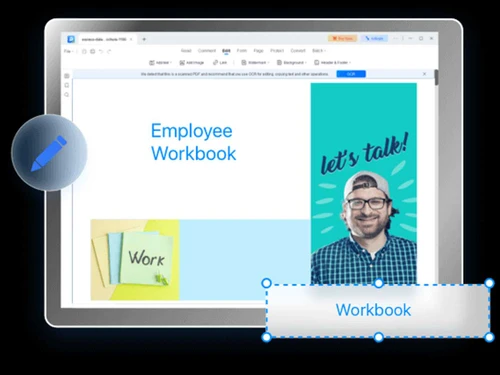
EaseUS PDF Editor is a software tool that offers functionalities for editing, annotating, converting, and securing PDF documents with ease.
See MoreHave you used EaseUS PDF Editor before?
Share your insights for better experience
View plans
 Save upto 18%, Get GST Invoice on your business purchase T&C Buy Now & Pay Later, Check offer on payment page.
 Brand: EaseUS
Founded Year: 2004
EASEUS is a data recovery software that recover emails, music, data and video quickly.
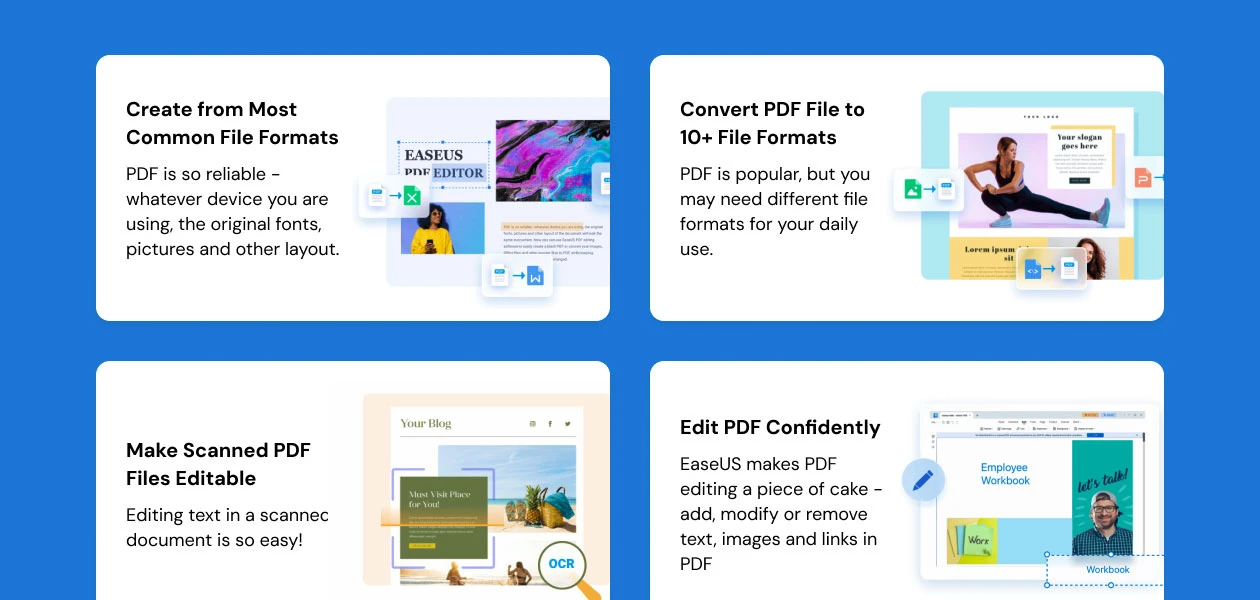
 Merge and Split PDFs Digital Signatures PDF conversion Editing OCR Annotation Form Management PDF Management Security

Watch the demo video to explore key features, real workflows, and how the software fits your business needs.
 Windows
  iOS
iOS  Android MacOS
  Desktop
  Mobile
  Cloud-Based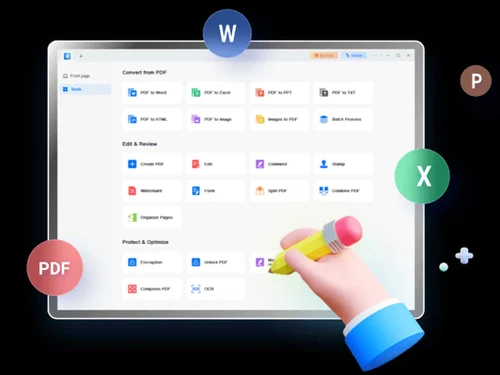

Small Business
Designed for startups and growing businesses
Medium Business
Built for business growth and flexibility
Enterprises
Designed for complex and large-scale business needs
4.4
Out of 5

Overall Rating
Based on
11 Verified Reviews
Rating Breakdown
88% Recommend this Product
Add ReviewCustomers generally appreciate EaseUS PDF Editor for its affordability, user-friendly interface, and comprehensive features that cater to various PDF editing needs. Users find it particularly effective for collaborative work, managing scanned documents, and handling everyday tasks, often highlighting its robust OCR capabilities. However, common limitations include the absence of advanced formatting options, a mobile app, and cloud integration, alongside occasional performance lags with larger files. Overall, it remains a reliable choice for both individual and business users.


Apr 10, 2025
Techjockey Verified
“Affordable and Reliable PDF Editing”
EaseUS PDF Editor offers a reliable solution for PDF editing without the hefty price tag. It covers all the essential features needed for managing PDFs. While it lacks some advanced formatting options, it's a solid choice for most users.
Pros
Comprehensive features, affordable pricing, user-friendly interface.
Cons
Limited advanced formatting options.
Reason to switch
EaseUS provided a more cost-effective solution with the necessary features.
Mar 8, 2025
Techjockey Verified
“Great for Collaborative Work”
Collaborating on documents is more manageable with EaseUS PDF Editor. The annotation tools allow for clear communication, and sharing documents is straightforward. While it lacks real-time collaboration, it's effective for asynchronous work.
Pros
Annotation tools, easy sharing, secure document handling.
Cons
No real-time collaboration features.
Reason to switch
Adobe's real-time collaboration was more than I needed, and EaseUS offered a simpler solution.
Jan 28, 2025
Techjockey Verified
“Efficient for Handling Scanned Documents”
Dealing with scanned documents has become easier with EaseUS PDF Editor's OCR feature. Converting scanned files into editable formats is straightforward. There's an initial learning curve, but once familiar, it's a powerful tool.
Pros
Effective OCR feature, easy conversion to editable formats, secure document handling.
Cons
Requires initial learning curve.
Reason to switch
I needed a more robust OCR feature, and EaseUS provided that.

EaseUS PDF Editor
₹ 1799.40 excl. GST
Desktop
Mobile
Web based
On Premises
Windows
Mac OS

Foxit PDF Editor
₹ 12000
Desktop
Mobile
Web based
On Premises
Windows
Mac OS

Gravity PDF
Price On Request
Desktop
Mobile
Web based
On Premises
Windows
Mac OS

Zoho PDF Editor
Price On Request
Desktop
Mobile
Web based
On Premises
Windows
Mac OS

PDF Expert
₹ 7200
Desktop
Mobile
Web based
On Premises
Windows
Mac OS

Adobe Acrobat Pro DC for teams
₹ 23864
Desktop
Mobile
Web based
On Premises
Windows
Mac OS
JOPDF
Price On Request
Desktop
Mobile
Web based
On Premises
Windows
Mac OS

Hybiscus
Price On Request
Desktop
Mobile
Web based
On Premises
Windows
Mac OS

Soda PDF
₹ 1111
Desktop
Mobile
Web based
On Premises
Windows
Mac OS

BentoPDF
Price On Request
Desktop
Mobile
Web based
On Premises
Windows
Mac OS

Systweak PDF Editor
₹ 2499
Desktop
Mobile
Web based
On Premises
Windows
Mac OS
(0) Product(s) selected
EaseUS PDF Editor Software is compatible with Windows and macOS.
EaseUS PDF Editor is not available for Android and iOS app users.
EaseUS PDF Editor Software supports web-based deployment.
EaseUS PDF Editor price in India starts at INR 1799 at techjockey.com.
EaseUS PDF Editor Software is typically used by all industries for editing, annotating, converting, and securing PDF documents with ease.
The free EaseUS PDF Editor Software demo is available at techjockey.com.
EaseUS PDF Editor Software offers a free trial. However, the premium plan with advanced features and exciting deals is available at techjockey.com.
EaseUS PDF Editor Software requires installation.
EaseUS PDF Editor simplifies PDF viewing, editing, and conversion. It provides tools to modify text, images, and pages, annotate files, add watermarks, and encrypt documents. The user-friendly interface caters to beginners and advanced users alike.
20,000+ Software Listed
Best Price Guranteed
Free Expert Consultation
2M+ Happy Customers
Terms and Condtions

Users with registered businesses can purchase goods from merchants on the platform to satisfy their business needs. Users are not permitted to utilize any products acquired through the platform for resale, advertising, business, or further distribution.
For each purchase made, users will receive a Tax Invoice (or 'GST invoice') that includes specific details such as:
the GSTIN of the user associated with their registered business, and
the specified Entity Name for their business.
It should be noted that not all products are eligible for GST Invoice. Only the products displayed by participating sellers with the 'GST-based Invoice Available' callout on the product description page would qualify.
Certain goods and services are not eligible to get a GST Invoice, including items with VAS, i.e., Value Added Services (e.g., Total Mobile Protection/Assured Buyback) and those involving an exchange offer at the time of purchase.
Users must ensure the accuracy of the GSTIN, and business entity name provided for the GST Invoice. Requests for corrections into GST Invoice would not be accommodated by Techjockey.com or any Seller, and any issues arising from user-provided information are the sole responsibility of users.
Techjockey.com is not liable for the GST Invoice or any associated input tax credit. To efficiently claim an input tax credit, users should select the registered place of business address as per the GST authority's data and follow the provisions of the GST Act and rules.
To claim an input tax credit, the delivery and billing addresses must match. Furthermore, input tax credits will not be granted if the delivery address and GSTIN on the invoice are from different states. In case of incorrect GST details provided during the order placement, the order will be canceled automatically.