Description
Pricing
Features
Specification
Review
Compare
FAQs
Alternatives
 Get Free Advice
Get Quote



Brand : LIFESIZE


4.1 
3 Ratings & 3 Reviews
Have Questions?
Starting at
₹ 1120
Save Extra with 2 Offers
 Save upto 18%, Get GST Invoice on your business purchase |
Users with registered businesses can purchase goods from merchants on the platform to satisfy their business needs. Users are not permitted to utilize any products acquired through the platform for resale, advertising, business, or further distribution.
For each purchase made, users will receive a Tax Invoice (or 'GST invoice') that includes specific details such as:
the GSTIN of the user associated with their registered business, and
the specified Entity Name for their business.
It should be noted that not all products are eligible for GST Invoice. Only the products displayed by participating sellers with the 'GST-based Invoice Available' callout on the product description page would qualify.
Certain goods and services are not eligible to get a GST Invoice, including items with VAS, i.e., Value Added Services (e.g., Total Mobile Protection/Assured Buyback) and those involving an exchange offer at the time of purchase.
Users must ensure the accuracy of the GSTIN, and business entity name provided for the GST Invoice. Requests for corrections into GST Invoice would not be accommodated by Techjockey.com or any Seller, and any issues arising from user-provided information are the sole responsibility of users.
Techjockey.com is not liable for the GST Invoice or any associated input tax credit. To efficiently claim an input tax credit, users should select the registered place of business address as per the GST authority's data and follow the provisions of the GST Act and rules.
To claim an input tax credit, the delivery and billing addresses must match. Furthermore, input tax credits will not be granted if the delivery address and GSTIN on the invoice are from different states. In case of incorrect GST details provided during the order placement, the order will be canceled automatically.
Buy Now & Pay Later, Check offer on payment page. Lifesize is an best video conferencing software for everyday meetings and corporate video conferences. The software features a wide variety of tools and services, enabling its users to showcase their business ideas to the clients in the best possible way. Further, all the video conferences hosted v...Read more
 Get Instant Expert
  Safe & Secure
  Assured Best Price
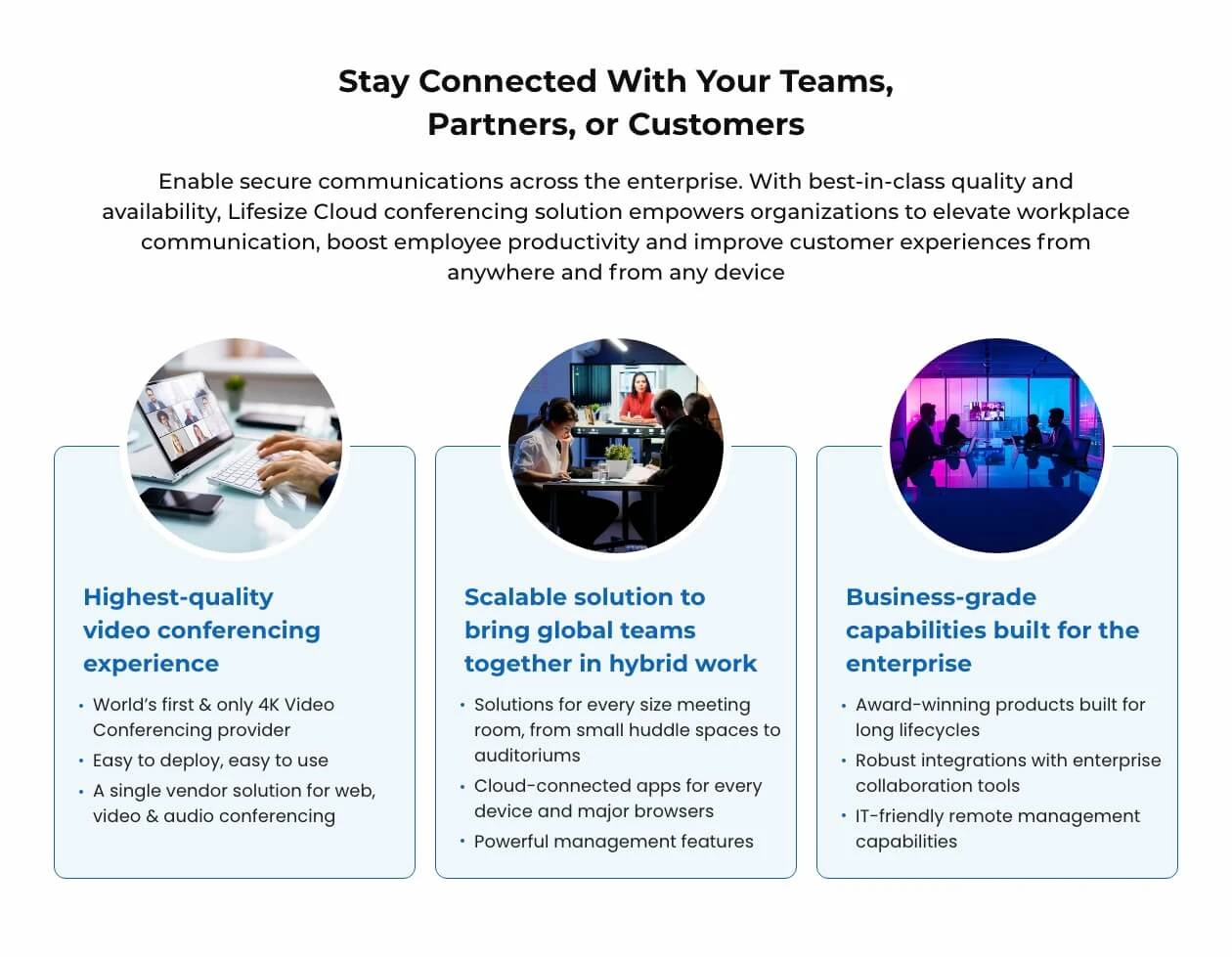
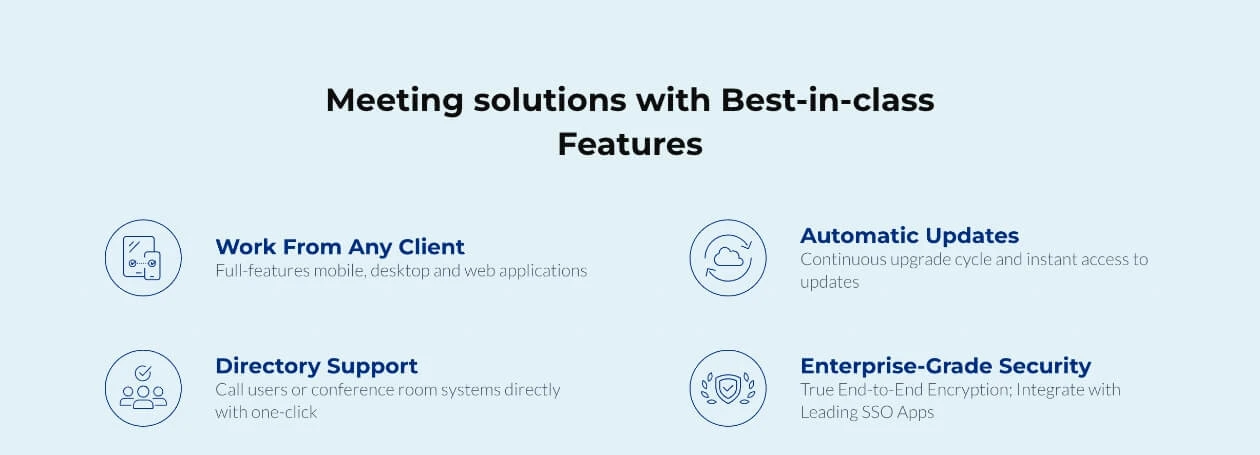
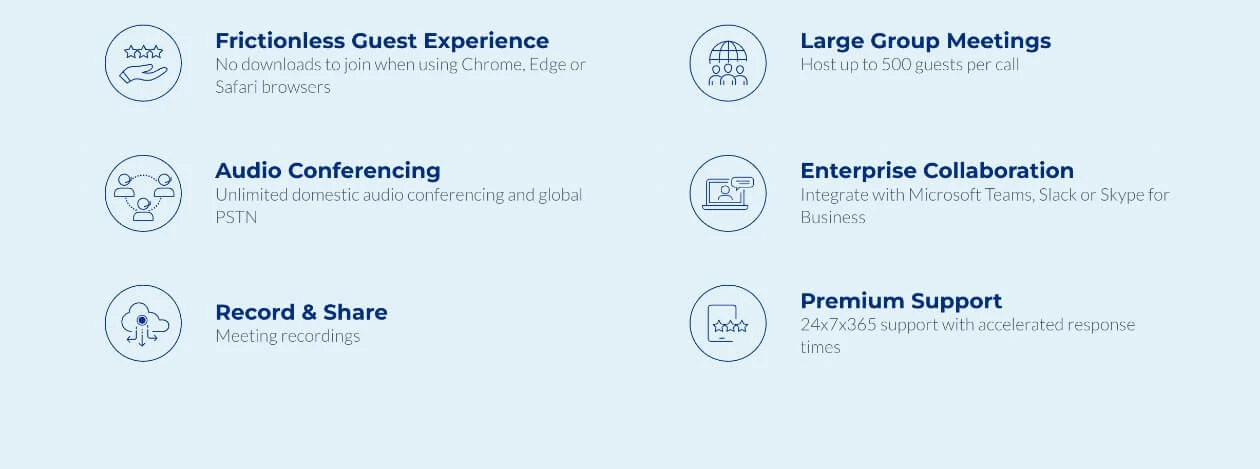
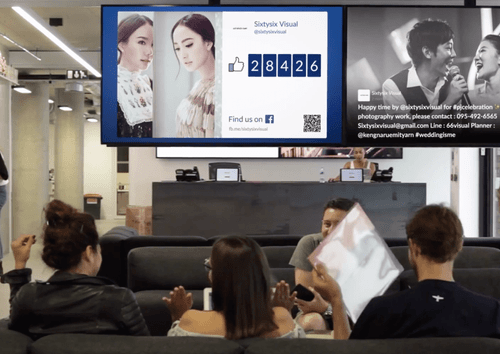
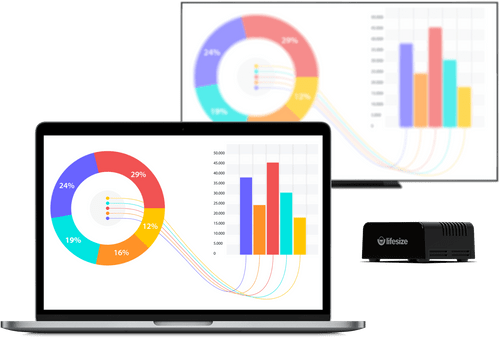
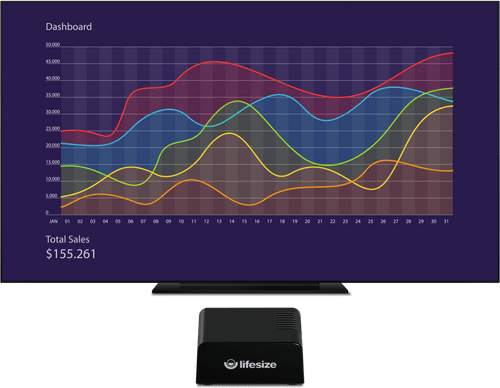
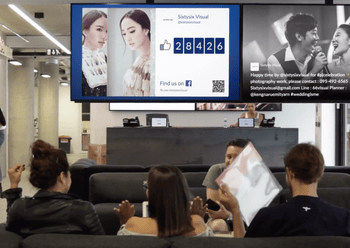
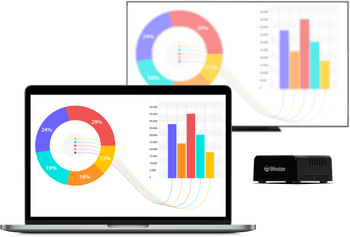
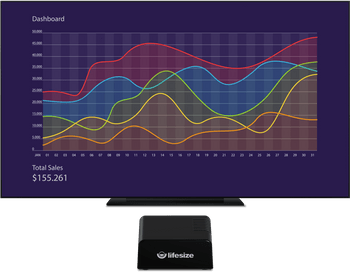
 4K Video Quality Experience industry-leading visual clarity with full 4K video support that makes every virtual meeting feel like a face-to-face. Guest Invitations Allow external partners to join your secure video calls instantly via a web browser without needing to download software. Calendar Integration Seamlessly sync your meeting rooms with Microsoft Outlook or Google Calendar for simple one-touch join functionality. Directory-Based Dialing Quickly find and call colleagues through a centralized company directory rather than searching for complex meeting IDs. Interoperability Connect with other standards-based video systems and platforms like Microsoft Teams or Zoom for total flexible calling. Hybrid Cloud Architecture Benefit from a secure and scalable network that combines local hardware reliability with the flexibility of cloud tools. Wireless Screen Sharing Effortlessly present your screen from any device without the need for cables or dongles during your professional meetings. Digital Signage Transform your idle meeting room displays into powerful communication tools for company news and important announcements. Whiteboard Sharing Capture and share physical whiteboard content in real-time with remote participants to enhance your collaborative sessions. Real Time Visibility Monitor your entire global video network from a single dashboard to ensure every meeting room is performing at its peak. Personal Meetings & Review Conduct private one-on-one sessions and review recorded video content to improve your team's internal communication. Meeting Recording Capture and archive every video conference with high-quality recording tools for easy playback and knowledge sharing later. Real Time Analytics Access deep data insights regarding meeting participation and system usage to optimize your corporate video infrastructure. Branding Customize your meeting interface and room displays with your own corporate logo and colors for a professional brand experience. Encryption Secure your private conversations with end-to-end encryption standards that protect your sensitive data from any intruders.
Have recommended this product
Overall Score
Review this product
Your valuable feedback helps others like you make a better decision.
| Brand Name | LIFESIZE |
| Information | Lifesize, Inc., recently acquired by Enghouse Systems is now part of the Enghouse Interactive Management Group. |
| Founded Year | 2003 |
| Director/Founders | Craig Malloy and Michael Kenoyer |
| Company Size | 101-500 Employees |


Top Selling Products
 20,000+ Software Listed
 Best Price Guaranteed
 Free Expert Consultation
 2M+ Happy Customers
 USA
USA UAE
UAE









 4.5
4.5