
Description
Pricing
Features
Specification
Review
Compare
FAQs
Questions
Alternatives



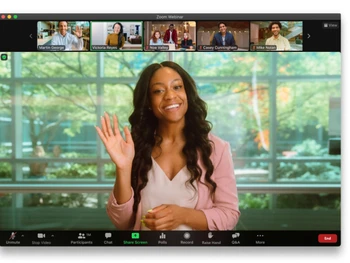
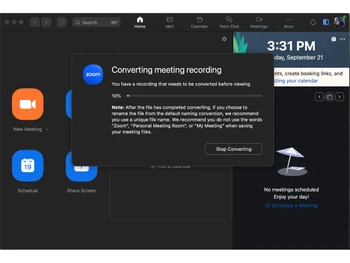
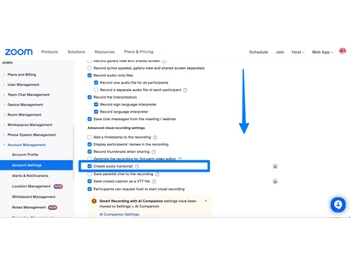
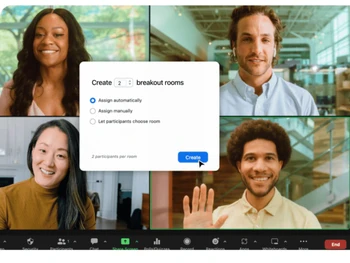



See
More


4.5 
26 Ratings & 26 Reviews
Have Questions?
₹ 1,449 excl. GST
₹ 1,710 incl. GST
View plans
Save Extra with 2 Offers
 Save upto 18%, Get GST Invoice on your business purchase |
Users with registered businesses can purchase goods from merchants on the platform to satisfy their business needs. Users are not permitted to utilize any products acquired through the platform for resale, advertising, business, or further distribution.
For each purchase made, users will receive a Tax Invoice (or 'GST invoice') that includes specific details such as:
the GSTIN of the user associated with their registered business, and
the specified Entity Name for their business.
It should be noted that not all products are eligible for GST Invoice. Only the products displayed by participating sellers with the 'GST-based Invoice Available' callout on the product description page would qualify.
Certain goods and services are not eligible to get a GST Invoice, including items with VAS, i.e., Value Added Services (e.g., Total Mobile Protection/Assured Buyback) and those involving an exchange offer at the time of purchase.
Users must ensure the accuracy of the GSTIN, and business entity name provided for the GST Invoice. Requests for corrections into GST Invoice would not be accommodated by Techjockey.com or any Seller, and any issues arising from user-provided information are the sole responsibility of users.
Techjockey.com is not liable for the GST Invoice or any associated input tax credit. To efficiently claim an input tax credit, users should select the registered place of business address as per the GST authority's data and follow the provisions of the GST Act and rules.
To claim an input tax credit, the delivery and billing addresses must match. Furthermore, input tax credits will not be granted if the delivery address and GSTIN on the invoice are from different states. In case of incorrect GST details provided during the order placement, the order will be canceled automatically.
Buy Now & Pay Later, Check offer on payment page. Zoom Meetings is a top of the line video conference software that has an in-built real-time messaging function. Users can also share files during live conferencing. Zoom Meetings is one of the most well-recommended live conferencing software in the industry as it enables participants to join the c...Read more
 Get Instant Expert
  Safe & Secure
  Assured Best Price
 Calculated Price (Exclusive of all taxes)
₹ 1449Calculated Price (Exclusive of all taxes)
₹ 1999 
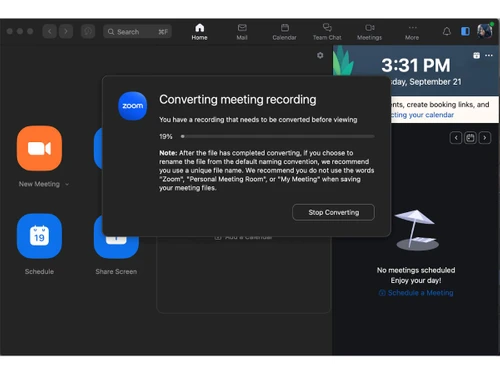
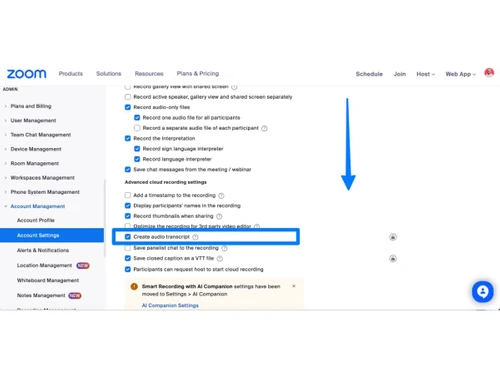
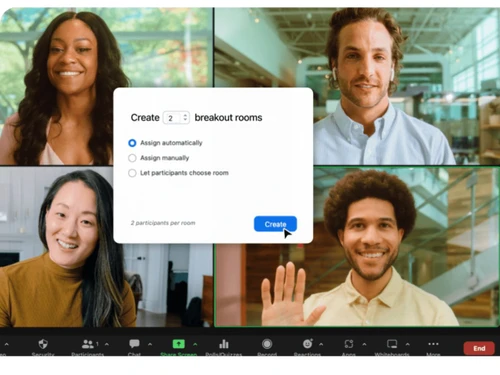
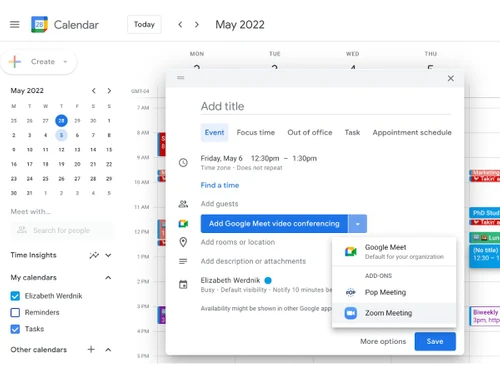
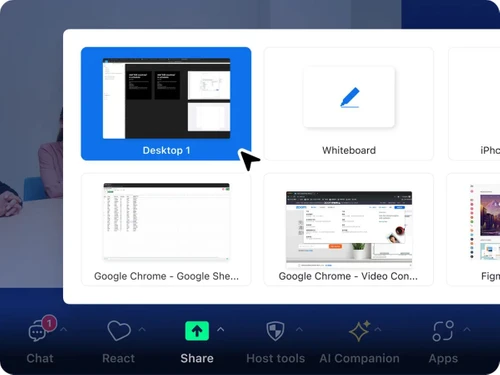
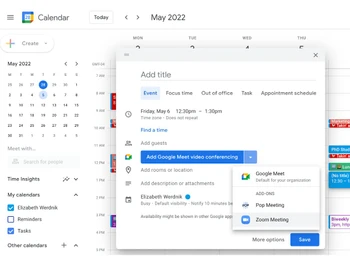
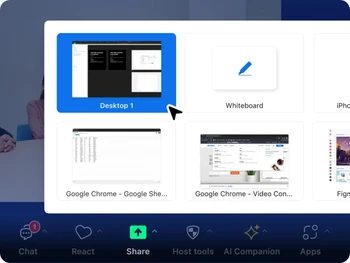
 Host Controls Provides host-level controls for muting participants, managing video, and controlling meeting flow to maintain order and focus. Participant Management Enables viewing and managing participants, including roles, permissions, and engagement controls during live meetings. Audio Conferencing Provides VoIP and dial-in audio options, enabling participants to join meetings with clear sound using internet or phone access. Screen Sharing Allows users to share full screens or specific applications during meetings, supporting presentations, demos, and collaborative Meeting Recording Enables local and cloud recording of meetings, allowing users to store, review, and share sessions for documentation or reference. Breakout Room Enables hosts to divide participants into smaller groups for focused discussions and collaborative tasks within a meeting session. Meeting Scheduling Provides tools to schedule meetings with calendar integration, ensuring organized planning and timely participation of attendees. Chat Messaging Includes in-meeting chat for exchanging messages, links, and files, supporting real-time communication alongside video sessions. Waiting Room Control Allows hosts to manage participant entry through a waiting room, ensuring controlled access and improved meeting security. Meeting Polling Allows hosts to create and launch polls during meetings, collecting structured feedback and responses from participants. File Sharing Supports sharing of files within meeting chat, enabling quick exchange of documents and resources among participants. Multi-Device Connectivity Supports joining meetings from desktops, mobile devices, and tablets, ensuring flexibility across different user environments. Calendar Integration Integrates with external calendars for scheduling and reminders, helping users manage meetings alongside existing workflows.
Have recommended this product
Overall Score
Review this product
Your valuable feedback helps others like you make a better decision.
Pros
 “During the pandemic, Zoom became a go-to for online classes, seminars, and more. It provided a practical solution for staying connected.” Anjan - Jun 13, 2024
“Zoom is just awesome. It's easy to set up, user-friendly, and comes with API.” Ramesh Kumar - Jun 6, 2024
“Seamless video meetings with amazing quality. Keep track of schedules and connect with candidates effortlessly.” Siddharth - Mar 20, 2024
Cons
 “Zoom requires a strong and stable internet connection for the best experience. If the connection is weak, video and audio quality can drop.” Anita Singh - Feb 2, 2025
“Zoom has a drawback in its basic plan – calls are limited to a maximum duration of 45 minutes.” Vikas - Jun 26, 2024
“I honestly can't think of anything to dislike. Zoom has consistently provided a great experience, and I've never felt the need for improvement.” Nandu - Jun 14, 2024
Verified reviewer:
Administrator, IT
2-100 Employees
Software user since: 6-12 months
Reviewed on: Apr 4, 2022
Verified reviewer:
Manager, IT
101-500 Employees
Software user since: 1-2 years
Reviewed on: Apr 2, 2022
Verified reviewer:
User, E-Learning
2-100 Employees
Software user since: 6-12 months
Reviewed on: Mar 21, 2024
| Brand Name | Zoom Communications |
| Information | Zoom is a software company that offers a communications platform that connects people through video, voice, chat, and content sharing. |
| Founded Year | 2011 |
| Director/Founders | Eric Yuan |
| Company Size | 1000+ Employees |
| Other Products | Zoom Rooms, Workvivo, Zoom Workplace, Zoom Phone, Zoom Events & Webinars |

If you're having trouble logging into Zoom, here are some steps to resolve common issues:

Top Selling Products
 20,000+ Software Listed
 Best Price Guaranteed
 Free Expert Consultation
 2M+ Happy Customers
 USA
USA UAE
UAE



![Best Zoom Alternatives for Video Calling [Free & Paid]](https://cdn.techjockey.com/blog/wp-content/uploads/2020/04/Best-Zoom-Alternatives_banner.png?d=265x163 "Blog - Best Zoom Alternatives for Video Calling [Free & Paid]")









 4.5
4.5 