USA
USA UAE
UAESmall Business
Designed for startups and growing businesses

See More


Brand: Navkar Techlab LLP
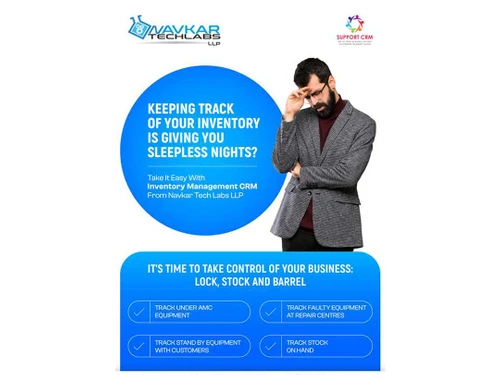
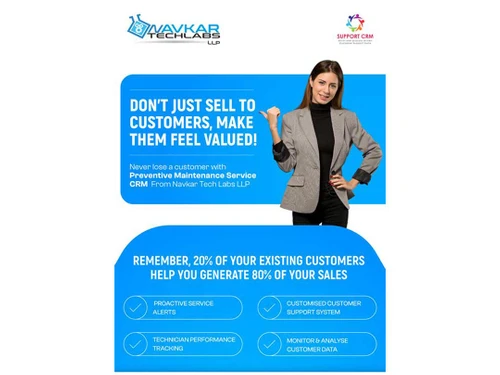
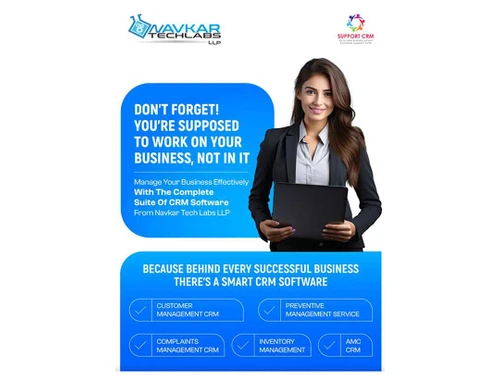
Support CRM is a customer service management tool that helps businesses handle complaints, support tickets, AMC, and finances efficiently.
See MoreHave you used Support CRM before?
Share your insights for better experience
View plans
 Save upto 18%, Get GST Invoice on your business purchase T&C Buy Now & Pay Later, Check offer on payment page.
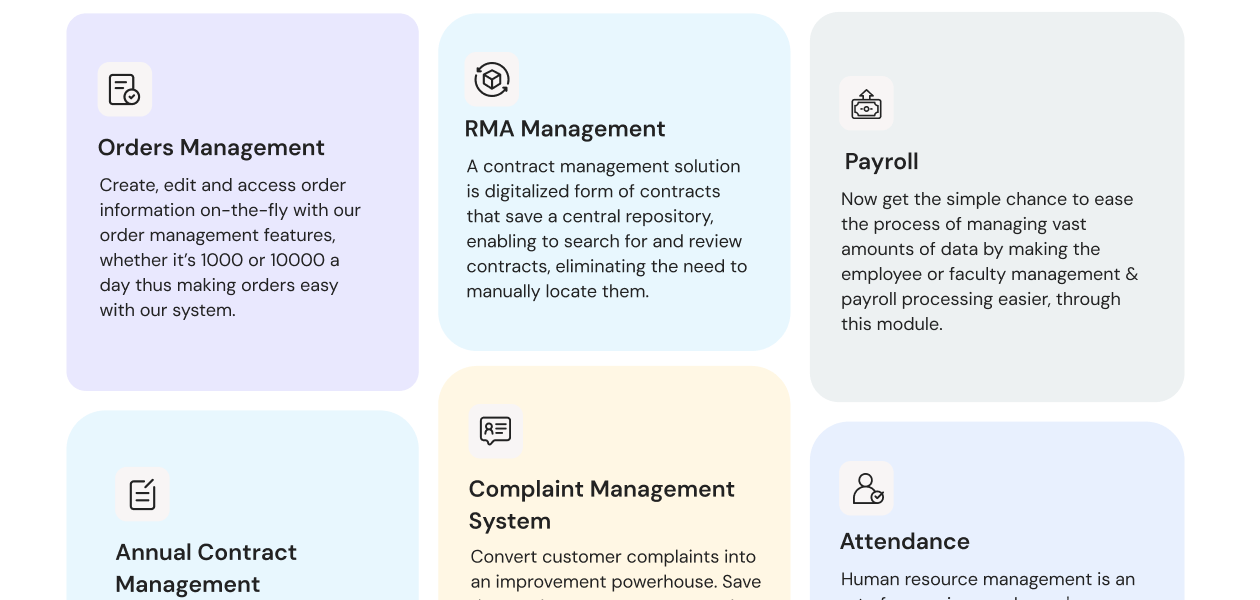
  Payroll Management Mobile Application Attendance Management Billing & Invoicing Quotation Management Contract Management Receivable Management Complaint Management Inventory Management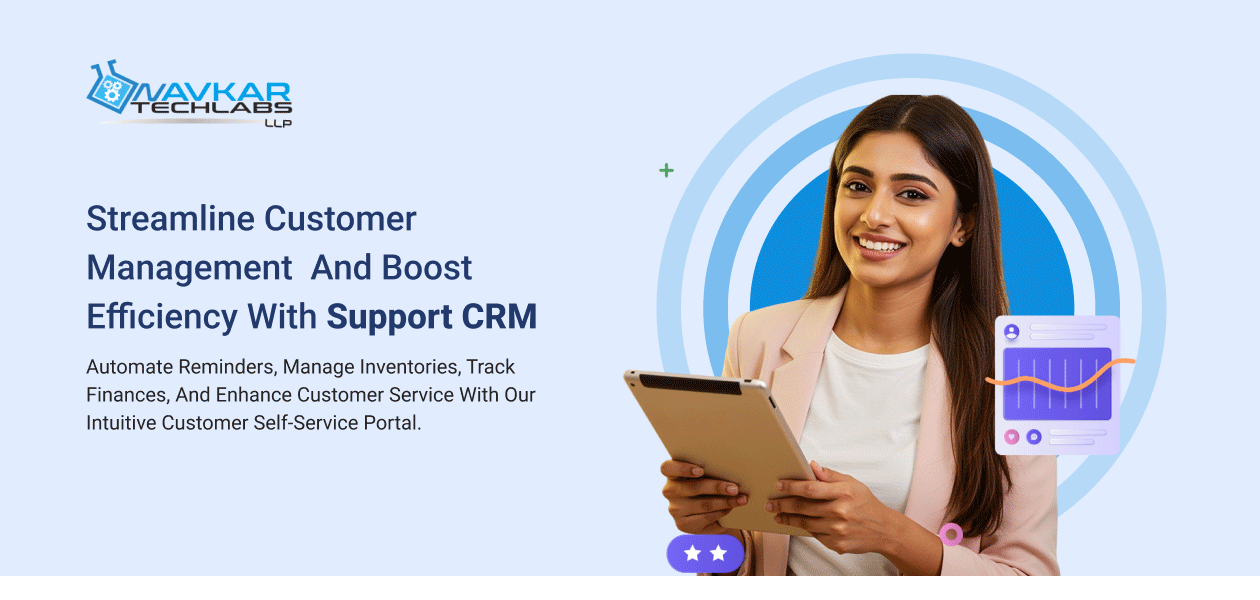
 Ubuntu
  Windows
  MacOS
MacOS  Linux
Linux  Desktop
  Cloud-Based
Small Business
Designed for startups and growing businesses
Medium Business
Built for business growth and flexibility
Enterprises
Designed for complex and large-scale business needs
4.8
Out of 5

Overall Rating
Based on
11 Verified Reviews
Rating Breakdown
98% Recommend this Product
Add ReviewCustomers generally express high satisfaction with Support CRM, highlighting its user-friendly interface, effective customer support, and comprehensive management capabilities for sales, ticketing, and inventory. Many users appreciate the software's ability to streamline operations and reduce manual tasks, leading to improved efficiency and customer experience. However, some reviews mention limitations regarding mobile accessibility and integration with third-party applications, suggesting areas for potential enhancement. Overall, the product is well-recommended for small to medium-sized enterprises seeking reliable CRM solutions.
Pros
"Features, Ease of use, Simplicity and Comprehensive customer service management tools"
"Very easy to use and our team is completely dependent on this application, for creating quotations, complaint tickets and preparing inventory."
"Simple Screens, Not Required any Expert to use the application"
Cons
"Integration with third-party apps requires technical expertise."
"Minor improvements can be made in mobile accessibility and integrations,"

Feb 21, 2025
Techjockey Verified
“Excellent product”
We have been using support Plus CRM software since many years. Support Plus manages our entire sales process, Customer service delivery, and asset management. Extremely happy with the product. They have constantly delivered updates and enhancements as needed. Customer Support has been very quick and responsive.
Pros
Features, Ease of use, Simplicity and Comprehensive customer service management tools
Cons
Non-Borwser based
Reason to switch
Outdated
Feb 18, 2025
Techjockey Verified
“user friendly , pocket friendly ,”
We are using Support CRM from last 3 years, and we are managing our complaint tickets, AMC, inventory in this application, even our customers create their ticket using the portal, we also maintain attendance of our technician using this application.
Pros
Very easy to use and our team is completely dependent on this application, for creating quotations, complaint tickets and preparing inventory.
Cons
Not Found any cons, we are satisfied with the product
Reason to switch
Cost
Feb 13, 2025
Techjockey Verified
“Support CRM”
We are using Excel Sheet to Maintain our Complaint , Amc Renewals, Invetory, but after implementing the Support CRM we had stop using the Excel Sheet, and we get instant Report and Amc Renewwal Instately, Even their Auto Escalation feature help us lot to control our Operations, Our Technician now close the complaint using the Mobile App , it really good and well designed yet simple software
Pros
Simple Screens, Not Required any Expert to use the application
Cons
Nothing
Reason to switch
Quick and Analytical Reports,

Support CRM
₹ 3750.00 excl. GST
Desktop
Mobile
Web based
On Premises
Windows
Mac OS

Freshdesk
₹ 1799
Desktop
Mobile
Web based
On Premises
Windows
Mac OS
Nuevadesk
Price On Request
Desktop
Mobile
Web based
On Premises
Windows
Mac OS

Spinso ServiceDesk
Price On Request
Desktop
Mobile
Web based
On Premises
Windows
Mac OS

Zoho Desk
₹ 540
Desktop
Mobile
Web based
On Premises
Windows
Mac OS

Zendesk
Price On Request
Desktop
Mobile
Web based
On Premises
Windows
Mac OS

TxHelpDesk
₹ 1250
Desktop
Mobile
Web based
On Premises
Windows
Mac OS

Stingo Helpdesk
₹ 599
Desktop
Mobile
Web based
On Premises
Windows
Mac OS

Vision Helpdesk
Price On Request
Desktop
Mobile
Web based
On Premises
Windows
Mac OS

Desku
Price On Request
Desktop
Mobile
Web based
On Premises
Windows
Mac OS

SeQure Employee Helpdesk
₹ 1799
Desktop
Mobile
Web based
On Premises
Windows
Mac OS
(0) Product(s) selected
Starting Price:
$25 /Agent/Month
Starting Price:
$19 /Month
Starting Price:
₹1,799 /Month

Starting Price:
$29 /Month

Starting Price:
$49 /Month

Available
Price on Request

Starting Price:
₹15,600 /Lifetime

Starting Price:
$1,129 /License

Starting Price:
$89 /Month

Starting Price:
$699 /year

Starting Price:
$12 /Month
Support CRM is ideal for service-based businesses such as IT & computer service providers, HVAC dealers, pest control companies, weighing machine suppliers, and EPABX system providers. It is designed to help businesses streamline service management and customer support operations.
Yes, Support CRM comes with a dedicated mobile app for technicians and customers, enabling real-time service updates, job tracking, and GPS location capture for technicians.
Absolutely! Support CRM is highly customizable to meet specific business needs, including custom workflows, reports, and user roles.
Yes, the mobile app includes GPS tracking, allowing businesses to monitor technicians’ locations and improve field service efficiency.
Yes, data security and confidentiality are top priorities. Support CRM follows industry-standard security measures to protect user data.
Yes, Support CRM is a cloud-based, browser-accessible platform that can be accessed from anywhere using a desktop, tablet, or smartphone.
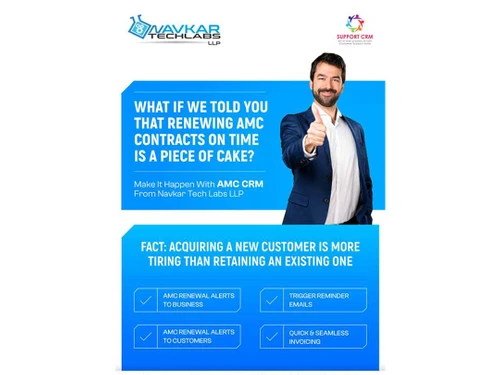
Support CRM automates Annual Maintenance Contract (AMC) tracking, renewal reminders, service history logging, and customer communication for seamless contract management.
Yes, we provide training, onboarding support, and ongoing assistance to help you get the most out of Support CRM.
20,000+ Software Listed
Best Price Guranteed
Free Expert Consultation
2M+ Happy Customers
Terms and Condtions

Users with registered businesses can purchase goods from merchants on the platform to satisfy their business needs. Users are not permitted to utilize any products acquired through the platform for resale, advertising, business, or further distribution.
For each purchase made, users will receive a Tax Invoice (or 'GST invoice') that includes specific details such as:
the GSTIN of the user associated with their registered business, and
the specified Entity Name for their business.
It should be noted that not all products are eligible for GST Invoice. Only the products displayed by participating sellers with the 'GST-based Invoice Available' callout on the product description page would qualify.
Certain goods and services are not eligible to get a GST Invoice, including items with VAS, i.e., Value Added Services (e.g., Total Mobile Protection/Assured Buyback) and those involving an exchange offer at the time of purchase.
Users must ensure the accuracy of the GSTIN, and business entity name provided for the GST Invoice. Requests for corrections into GST Invoice would not be accommodated by Techjockey.com or any Seller, and any issues arising from user-provided information are the sole responsibility of users.
Techjockey.com is not liable for the GST Invoice or any associated input tax credit. To efficiently claim an input tax credit, users should select the registered place of business address as per the GST authority's data and follow the provisions of the GST Act and rules.
To claim an input tax credit, the delivery and billing addresses must match. Furthermore, input tax credits will not be granted if the delivery address and GSTIN on the invoice are from different states. In case of incorrect GST details provided during the order placement, the order will be canceled automatically.