

If you happen to run a small business, one can only imagine the number of responsibilities you need to deal with every day. One of the most significant tasks amongst them is managing invoices. For only when you generate bills quickly, can you get paid on time and maintain a healthy cash flow.
This is, however, not to say that every business has the budget to invest in expensive accounting tools. Well, the good news is that you don’t have to any longer. For there are several free invoicing software for small businesses to get started with professional invoicing right away.
These free billing software solutions make invoice generation and payment collection easier, one bill at a time. Let’s deduce how…
What is Invoicing Software?
Invoicing software, as the name suggests, is a billing and invoicing tool that businesses use to generate and send bills, proforma invoices, and quotations to their clients.It helps enterprises quickly calculate the net receivable amount from customers based on preset rates for product or services, along with applicable taxes and discounts.
Also commonly referred to as billing software solutions, these allow businesses to track payments, manage expenses, and create reports. Some of their key functionalities include invoicing templates, automatic payment reminders, and integrations with accounting software.
All in all, invoicing software, by automating billing processes, makes it easy for businesses to keep track of their finances and get paid on time. One can now only imagine what a free invoice generator can do for small businesses if that’s the case.
Benefits of a Free Invoicing Software for Small Businesses
Below listed are some of the major advantages of using a free billing software for small businesses…
- Time saving: Automating the invoicing process can save businesses a significant amount of time that they would have otherwise spent on manual billing tasks.
- Accurate records: It helps businesses keep accurate track of their sales, returns, receipts, ad outstanding payments, keeping errors at bay.
- Increased efficiency: The software simplifies the billing process, improving the overall efficiency of a business.
- Reporting: Invoicing software can generate reports that help businesses keep track of their sales performance, debtor turnover, returns etc., for better decision making.
- Improved cash flow: It ensures faster payment by generating invoices at the click of a button and sending automatic payment reminders to customers from time to time.
- Professional presentation: All the customizable invoice templates that a free invoice generator comes equipped with help businesses create professional invoices that enhance their credibility with clients.
- Tax compliance: The software simplifies tax calculations and ensures compliance with applicable tax regulations by automatically applying the correct rates.
- Payment integration: Many invoicing software solutions integrate with multiple payment gateways, making it easier for customers to make payments quickly and securely.
7 Best Free Billing Software for Small Businesses in 2026
Some of the most popular free online bill generators currently available in the market are…
| Free Invoicing Software | Key Features | Best For |
|---|---|---|
| Wave | Free invoicing, payment tracking, recurring billing, basic accounting, limited mobile app | Small businesses and freelancers needing free accounting and invoicing |
| Zoho Invoice | Free plan, invoicing, expense tracking, time tracking, multi-currency support, strong mobile apps | Small to growing businesses needing a feature-rich, scalable free invoicing system |
| Square Invoices | Invoices, estimates, ACH payments, recurring billing, automatic payment reminders, mobile-friendly | Businesses focused on fast payments and seamless integrations |
| Invoice Ninja | Invoicing, quotes, time tracking, project management, recurring billing, third-party integrations | Freelancers and SMBs needing advanced and customizable invoicing features |
| Invoicely | Simple invoicing, expense tracking, recurring billing, basic reports, web-based platform | Freelancers looking for an easy-to-use invoicing solution with minimal learning curve |
| Paymo | Project management and invoicing, time tracking, expense tracking, team collaboration, reporting | Teams managing projects that require integrated billing and time tracking |
| Bookipi | Mobile-first invoicing, quick invoice creation, simple interface, payment tracking, reporting | Freelancers and mobile-first users who create invoices on the go |
Let us now take an in-depth look at how these free invoicing software solutions make financial management simpler for small businesses, one key aspect at a time…
1. Wave: Best Free Billing Software for Small Businesses with Accounting Needs
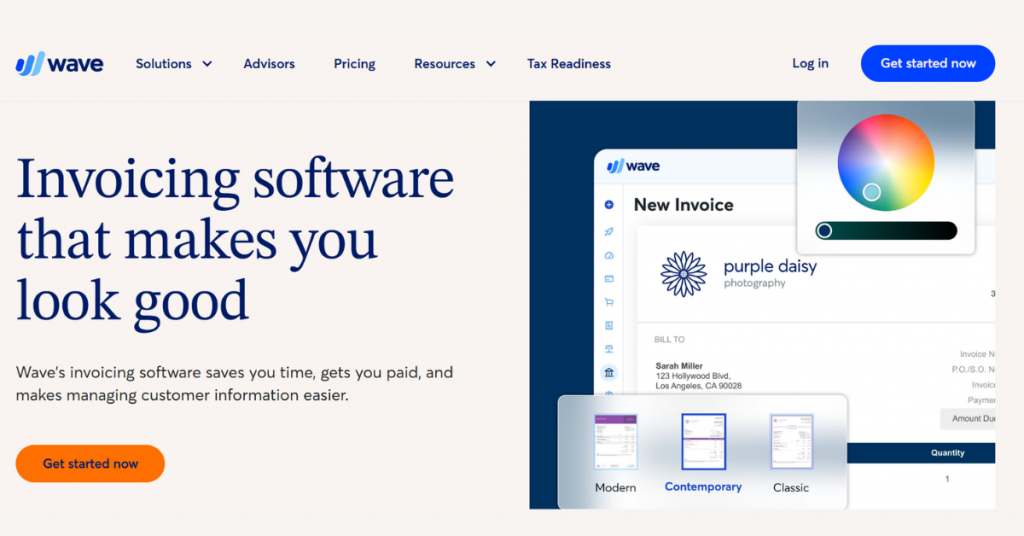
Wave is one of the best free billing software solutions for small businesses and entrepreneurs. It provides automated payroll and payment management functionalities besides letting you create and share professional invoices with ease.
This free invoice software also offers a powerful reporting system for profit and loss, overdue bills, and cash flows, helping businesses manage their finances in a timely and efficient manner.
Key Features of Wave:
- Creates unlimited invoices, estimates, and bills with no limits
- Brings together invoicing, accounting, and payments in one dashboard
- Accepts payments via cards, bank transfers, and digital methods
- Tracks income, expenses, and cash flow automatically
- Provides financial reports like profit & loss and cash flow
- Sends automatic reminders for unpaid invoices
- Supports recurring billing for repeat clients
- Works on mobile for invoicing and payment tracking
- Scans receipts and converts them into records
- Manages customers and transactions in one place
- Offers payroll and bookkeeping as optional add-ons
- Runs completely online; no installation needed

Wave Accounting
Starting Price
$ 16.00
Pro and cons of Wave:
Pros
- Offers core features (invoicing and accounting) for free
- Offers unlimited usage with no invoice limits
- Is easy to use for beginners
- Acts as an all-in-one system for small business finances
- Is accessible anywhere via cloud
Cons
- Charges fees for payments processing
- Offers limited advanced automation
- Its add-ons cost extra (payroll, receipts, advisors etc.)
- Is not ideal for large businesses
- Offers fewer advanced features than premium tools
Wave Pricing & Plans:
| Plan | Pricing |
|---|---|
| Starter Plan | USD 0 |
| Pro Plan | USD 19/month |
2. Zoho Invoice: Best Free Invoicing Software for Small Businesses Needing Advanced Features
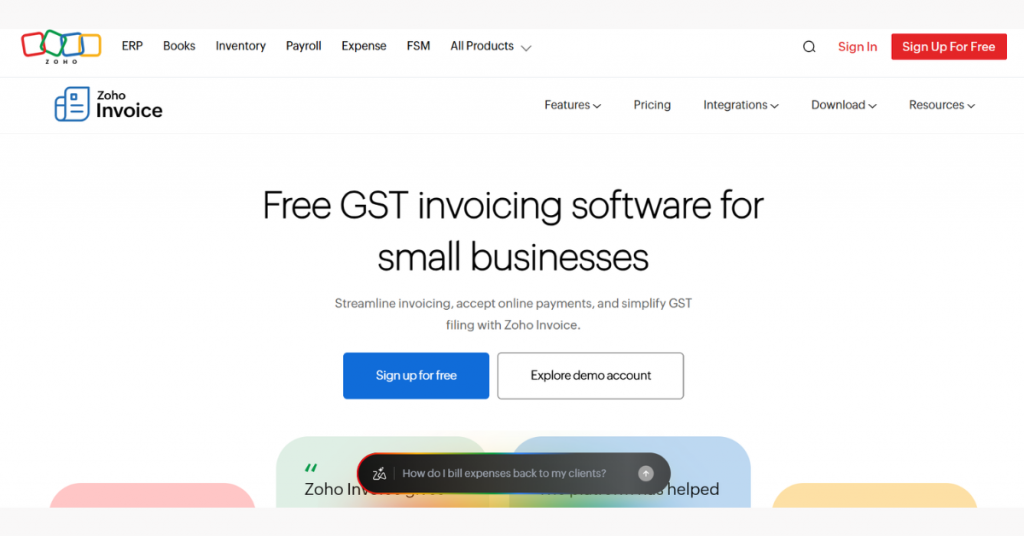
Zoho Invoice is free GST invoicing software for PC and smartphones that helps small businesses create professional invoices, along with proforma invoices, timesheets, recurring invoices, and credit notes.
The Zoho invoice generator lets you create, edit, download, and send invoices to clients and customers across the board. These invoices can be created in multiple languages and currencies. The tool also helps businesses keep track of employees’ work hours, simplifying expense management through and through.
Key Features of Zoho Invoice:
- Creates GST-compliant invoices, quotes, and delivery challans in a few clicks
- Customizes invoices with logos, colors, and templates for branding
- Sends invoices via email, WhatsApp, SMS, or as PDFs
- Accepts payments through UPI, cards, net banking, and multiple gateways
- Automates payment reminders and recurring invoices
- Tracks expenses and converts billable costs into invoices
- Logs time and converts hours into invoices for accurate billing
- Provides a client portal for viewing, paying, and managing invoices
- Generates detailed reports on sales, taxes, receivables, and performance
- Simplifies GST filing with export and API-based integration
- Runs on web, mobile, and desktop across devices
- Integrates with Zoho apps like CRM, Books, and Analytics

Zoho Invoice
Starting Price
Price on Request
Pro and cons of Zoho Invoice:
Pros
- Is 100% free for Indian businesses (no subscription cost)
- Covers full invoicing workflow, not just billing
- Is easy to use, even without accounting knowledge
- Offers strong GST support for compliance in India
- Offers an integrated ecosystem with other Zoho tools
- Is a secure and ad-free platform
Cons
- Has some usage limits (e.g., invoice count, projects, users etc.)
- Its advanced features require moving to other Zoho products
- Is less suitable for large enterprises
- Has some branding in free version
Zoho Invoice Pricing & Plans: Zoho Invoice is a 100% free invoicing platform.
3. Square Invoices: Best Invoice App for Small Businesses Needing Fast Payment Processing
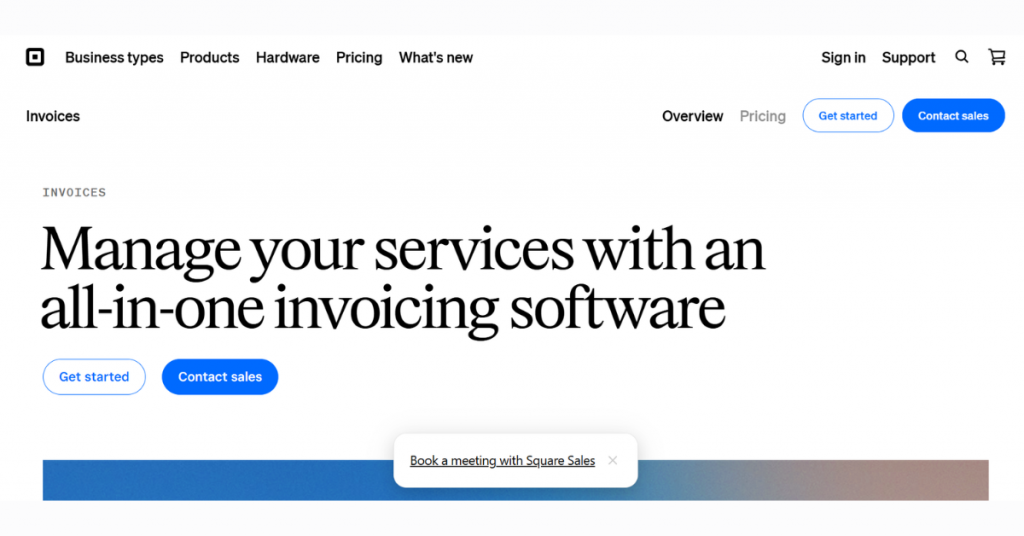
Square Invoices is a free invoice generator that lets end users send invoices and digital estimates from any location. The invoicing app tracks the status of invoices in seconds, accepts payments, and sends automated payment reminders with ease.
Square Invoices also offers a single-click interface for processing ACH bank transfers and setting up auto-billing. Using it, you can create customized invoice templates, generate estimates for multiple packages, and manage milestone-based payment scheduling.
Key Features of Square Invoices:
- Creates and sends invoices instantly via email, SMS, or shareable links
- Accepts payments through cards, Apple Pay, Google Pay, ACH, Cash App Pay, and Afterpay
- Stores customer card details securely for faster repeat payments
- Tracks invoice status in real time (paid, pending, or overdue)
- Supports recurring billing and automatic payment reminders
- Creates estimates and converts them into invoices automatically
- Allows partial payments, deposits, and milestone-based billing
- Includes contracts, e-signatures, and approval workflows
- Customizes invoices with branding, layouts, and custom fields
- Tracks projects, jobs, and customer interactions in one dashboard
- Provides business insights across invoices, payments, and performance
- Enables batch invoicing to send multiple invoices at once
- Handles both online and in-person payments with POS integration

Square Invoices
Starting Price
$ 20.00
Pro and cons of Square Invoices:
Pros
- Offers a free plan with core invoicing features
- Its wide range of payment options improves collection speed
- Offers strong automation
- Offers built-in contracts and e-signatures which is rare in invoicing tools
- Provides an end-to-end ecosystem (payments, POS, banking, and marketing)
- Is ideal for service-based businesses and freelancers
Cons
- Applies transaction fees on payments
- Its advanced features require paid plans
- Can feel heavy for simple invoicing needs
- Its pricing increases with plan upgrades
Square Invoices Pricing & Plans:
| Plan | Pricing |
|---|---|
| Square Free | USD 0 |
| Square Plus | USD 49/month |
| Square Premium | USD 149/month |
| Square Pro | Price on request |
4. Invoice Ninja: Best Invoicing Software for Small Businesses Needing Customization
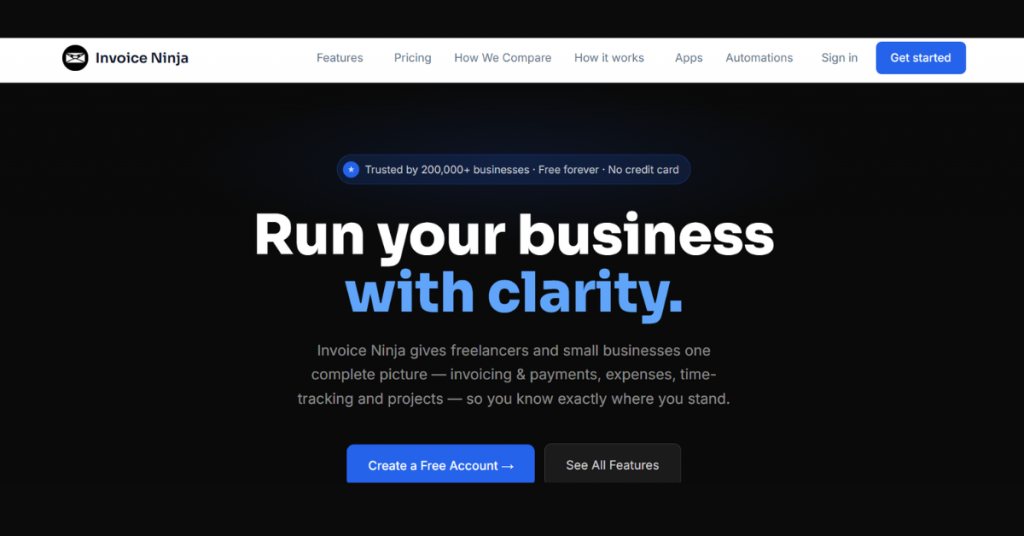
Invoice Ninja offers a free invoice app for small businesses to create and send invoices easily. It boasts features like time tracking, expense management, recurring billing, and payment tracking.
Using it, users can also generate quotes and convert them into invoices. The software supports multiple payment gateways and currencies, simplifying overall billing and financial processes.
Key Features of Invoice Ninja:
- Creates professional invoices with customizable templates and branding
- Supports online payments via Stripe, PayPal, Square, GoCardless, and many more gateways
- Automates recurring invoices and subscription billing cycles
- Tracks projects, tasks, and billable hours in one place
- Manages expenses, vendors, and purchase orders efficiently
- Offers a client portal for payments, documents, and communication
- Creates quotes and proposals with e-signature approval workflow
- Converts quotes into invoices instantly after approval
- Integrates with apps via Zapier, APIs, and automation tools
- Provides reporting on invoices, expenses, and profit/loss
- Supports partial payments, deposits, and multi-currency invoicing
- Runs on web, desktop, and mobile apps across platforms
- Ensures strong security with encryption, MFA, and compliance standards
Pro and cons of Invoice Ninja:
Pros
- Its free plan offers solid core features
- Covers full workflow (invoicing + projects + expenses)
- Offers highly customizable templates and workflows
- Supports many payment gateways, offering flexibility
- Offers advanced automation features for recurring billing
- Open ecosystem with APIs and integrations
- Works across devices
Cons
- Its free plan offers fewer templates
- Its advanced features are locked behind paid plans
- Requires setup time to fully configure workflows
- Is less beginner-friendly
Invoice Ninja Pricing & Plans:
| Plan | Pricing |
|---|---|
| Free | USD 0 |
| Ninja Pro | USD 14/month |
| Enterprise | USD 18/month |
| Premium Business | Price on request |
5. Invoicely: Best Easy-to-Use Billing Software for Small Businesses
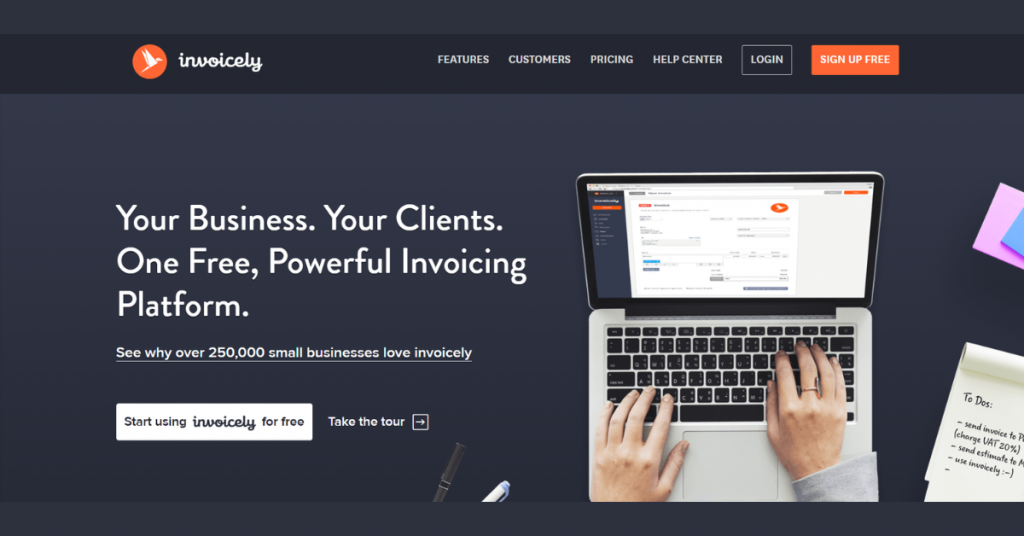
Invoicely is an online invoicing software that helps businesses and freelancers manage invoices, track payments, monitor expenses, and generate basic financial reports. The platform also supports recurring billing and multiple currencies, making it suitable for small businesses working with global clients.
Key Features of Invoicely:
- Creates invoices, bills, and estimates quickly from one dashboard
- Accepts online payments via PayPal and other gateways
- Tracks time, expenses, and mileage and converts them into invoices
- Generates financial reports and summaries for business insights
- Automates recurring invoices and payment reminders
- Applies taxes, discounts, and shipping automatically during billing
- Supports multi-currency invoicing for global clients
- Manages multiple businesses from a single account
- Customizes invoices with branding, logos, and styles
- Runs on web and mobile (iOS & Android compatibility)
- Centralizes invoices, clients, files, and transactions in one place

Invoicely
Starting Price
$ 9.99
Pro and cons of Invoicely:
Pros
- Has a free plan for small users
- Is easy to get started
- Covers essential features like invoices, expenses, and tracking
- Offers multi-currency support for international work
- Supports multiple businesses in one account
- Is cloud-based, accessible from anywhere
Cons
- Its free plan offers few invoices
- Its advanced features need paid plans
- Offers fewer integrations than larger platforms
- Offers limited
- Is not ideal for complex accounting needs
Invoicely Pricing & Plans:
| Plan | Pricing |
|---|---|
| Free Plan | USD 0 |
| Basic Plan | USD 9.99/month |
| Professional Plan | USD 19.99/month |
| Enterprise Plan | USD 29.99/month |
6. Paymo: Best Billing Software with Project & Time Tracking
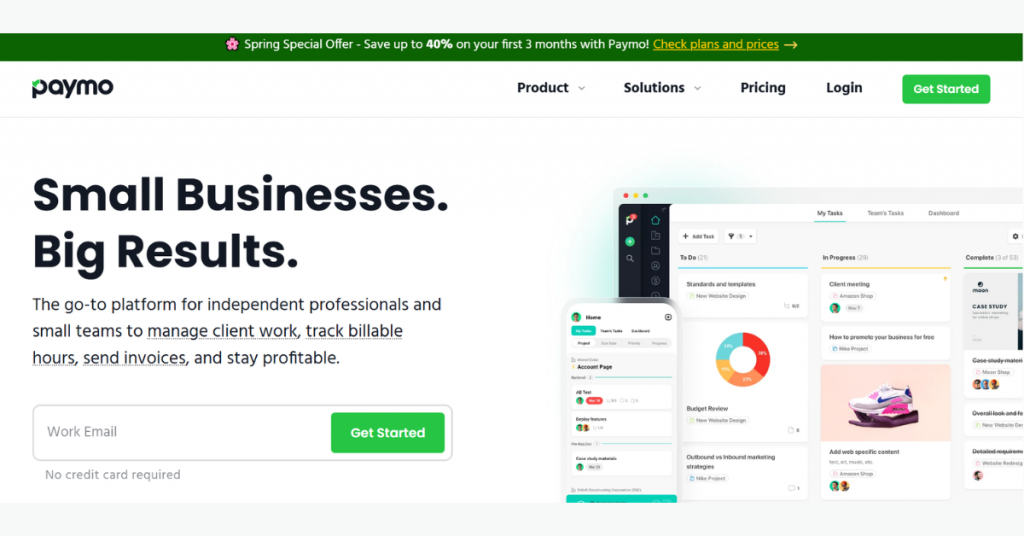
Paymo is a work and project management tool with built-in invoicing capabilities designed for freelancers and small teams. It allows users to track time spent on tasks, manage projects, and convert logged hours into accurate invoices.
The billing software also supports expense tracking, team collaboration, and detailed reporting. With its mobile app, users can monitor work progress, log time, and handle billing tasks easily from anywhere.
Key Features of Paymo:
- Combines invoicing, time tracking, and project management in one system
- Tracks billable hours using timers, timesheets, and automatic tracking tools
- Converts tracked time directly into invoices for accurate billing
- Creates invoices, estimates, and recurring billing workflows
- Manages tasks with Kanban boards, lists, calendars, and spreadsheets
- Plans projects using Gantt charts, milestones, and workflows
- Schedules team workload and tracks availability in real time
- Supports collaboration with comments, file sharing, and client access
- Tracks expenses and attaches receipts for better cost control
- Offers reporting on time, profitability, and project performance
- Runs on web, desktop, and mobile apps across devices
- Integrates with APIs and external tools in higher plans
Pro and cons of Paymo:
Pros
- Is an all-in-one platform, managing projects, time, and invoicing
- Offers strong time tracking tools for service businesses
- Offers good project visibility with scheduling and Gantt charts
- Provides accurate billing using time-to-invoice conversion
- Offers flexible workflow views
- Scales well for freelancers and small teams
Cons
- Its free plan has limits
- Has a learning curve due to many modules
- Is more complex than simple invoicing tools
- Is best suited for service-based work, not basic invoicing
Paymo Pricing & Plans:
| Plan | Pricing |
|---|---|
| Free | USD 0 |
| Solo | USD 5.9/month (USD 9.9/month after 3 months) |
| Plus | USD 10.9/user/month (USD 15.9/user/month after 3 months) |
| Pro | USD 16.9/user/month (USD 23.9/user/month after 3 months) |
7. Bookipi: Best Free Invoice App for Mobile-first Billing
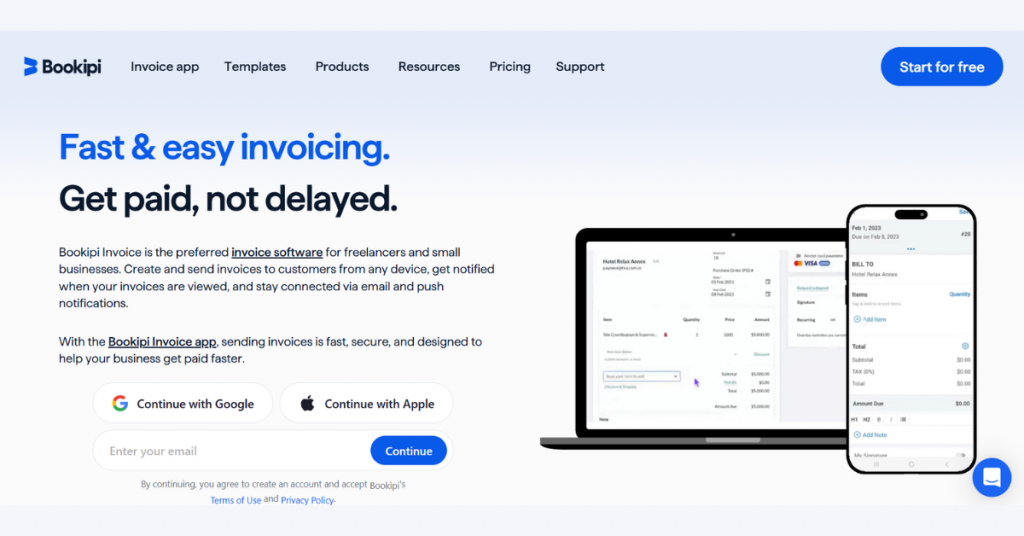
Bookipi is a mobile-first invoicing software designed for small businesses and freelancers to generate invoices quickly. It offers features such as expense tracking, payment reminders, and basic financial reporting.
The billing app allows users to generate invoices on the go, making it especially useful for those who prefer managing billing tasks directly from their smartphones in a quick and convenient way.
Key Features of Bookipi:
- Creates invoices, contracts, proposals, and presentations in one platform
- Uses AI to generate documents, automate tasks, and assist with workflows
- Manages customers with built-in CRM tools
- Tracks cash flow with a clear view of income and expenses
- Schedules meetings and appointments through an integrated booking system
- Accepts payments via cards, tap-to-pay, and online methods
- Supports recurring invoices, deposits, and automated reminders
- Generates contracts with e-signature support
- Builds websites using a no-code AI website builder
- Includes AI tools like receptionist, meeting assistant, and chat assistant
- Runs on web and mobile with real-time syncing across devices
- Provides timesheets and roster management for staff scheduling

Bookipi Invoice
Starting Price
$ 9.99
Pro and cons of Bookipi:
Pros
- Its AI-powered workflows reduce manual work
- Is beginner-friendly
- Offers mobile-first experience for invoicing on the go
- Covers full business cycle, from lead to invoicing to payment
- Its free plan offers several essential features
Cons
- Its free plan limits invoices and documents
- Can feel feature-heavy for simple invoicing needs
- Some of its advanced
- Is less focused on accounting depth compared to dedicated tools
Bookipi Pricing & Plans:
| Plan | Pricing |
|---|---|
| Free | USD 0 |
| Starter | USD 7.60/month |
| Professional | USD 39.00/month |
Conclusion
Finding a good online invoicing solution for your business is a task, but one that, if accomplished properly, can offer sundry benefits, with simplified billing being one of them.
An ideal tool is also easy to use. It also supports your workflow and helps manage payments without any hassle. So, whether you are looking for a free invoicing software for small businesses or a more advanced platform, the aforementioned list is your best bet!


Written by
Yashika Aneja

Yashika Aneja is a Senior Content Writer at Techjockey, with over 5 years of experience in content creation and management. From writing about normal everyday affairs to profound fact-based stories on wide-ranging themes, including environment, technology, education, politics, social media, travel, lifestyle so on and so forth, she... Read more
 Previous